Step 1: Choose a template
Start from one of eight ATS-friendly templates, or from a blank page. You can switch template later without losing anything you have already written.
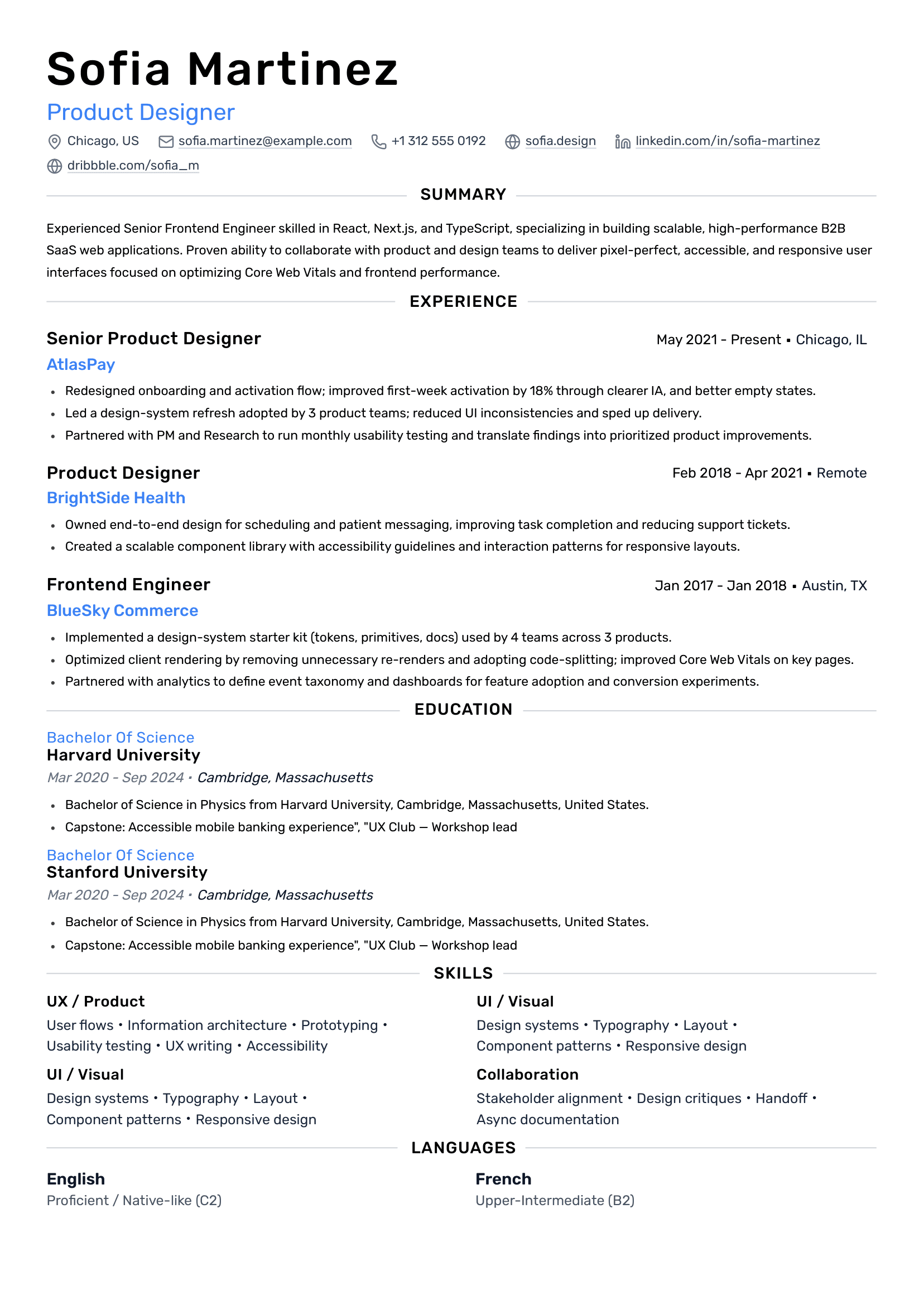
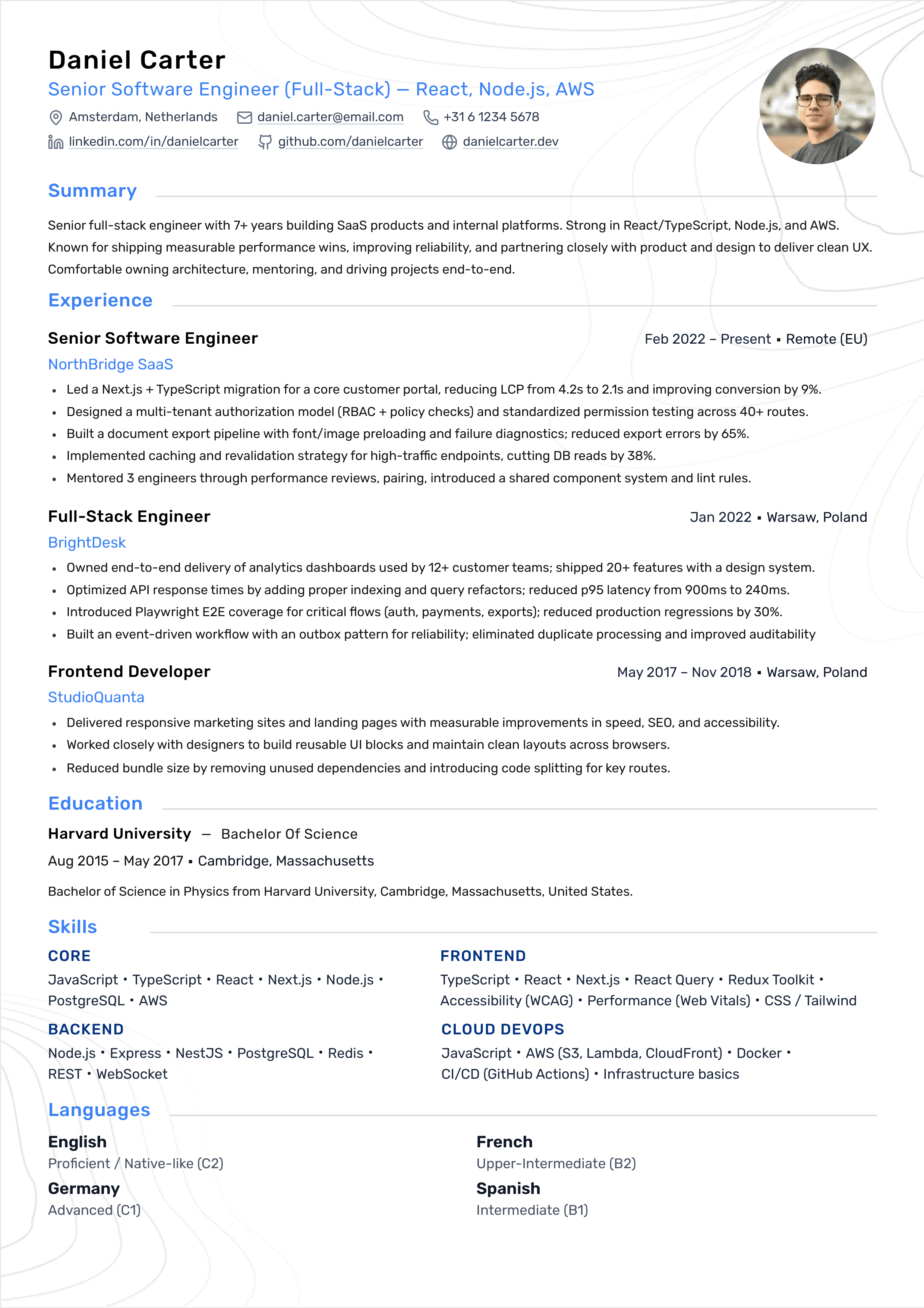
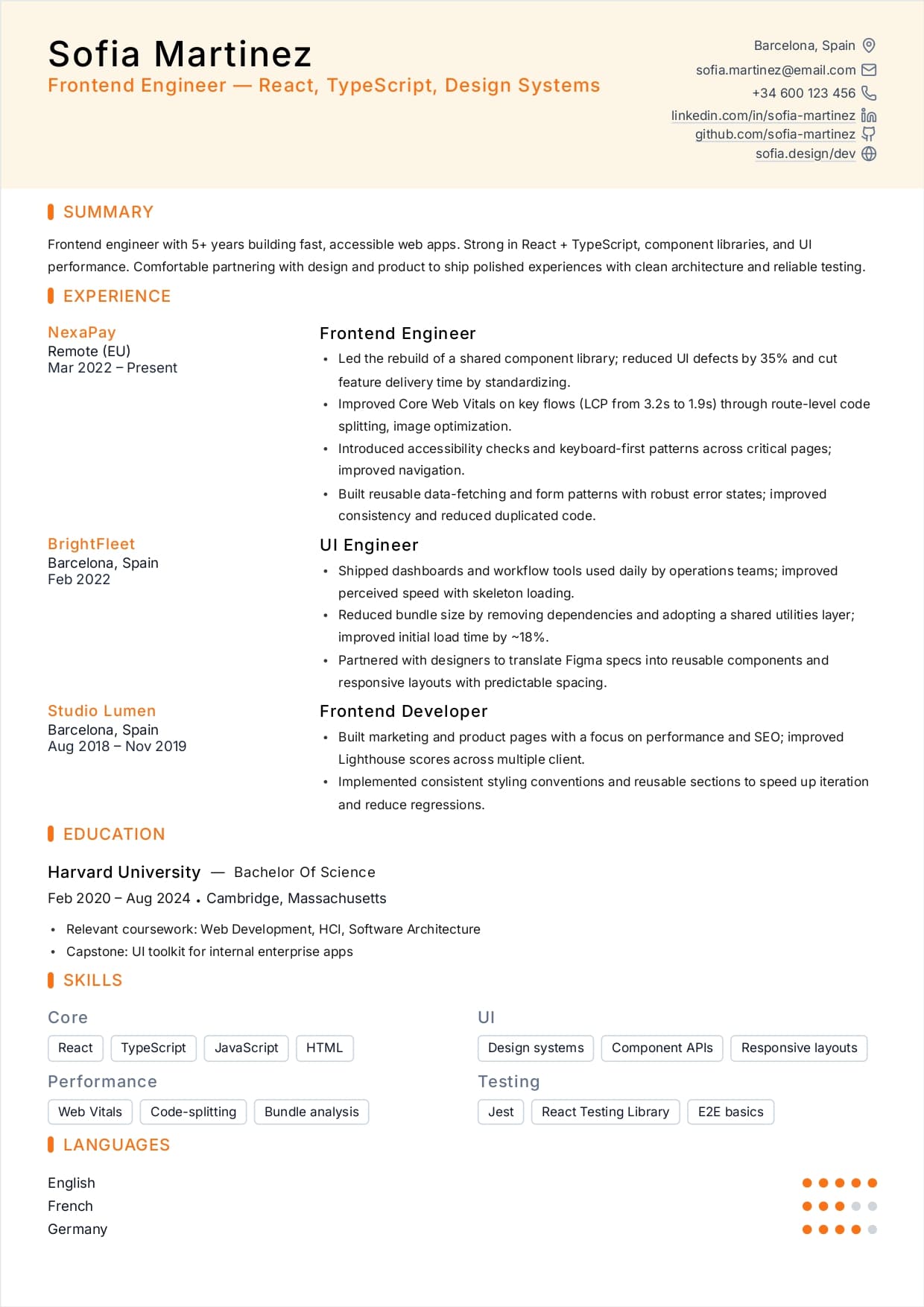
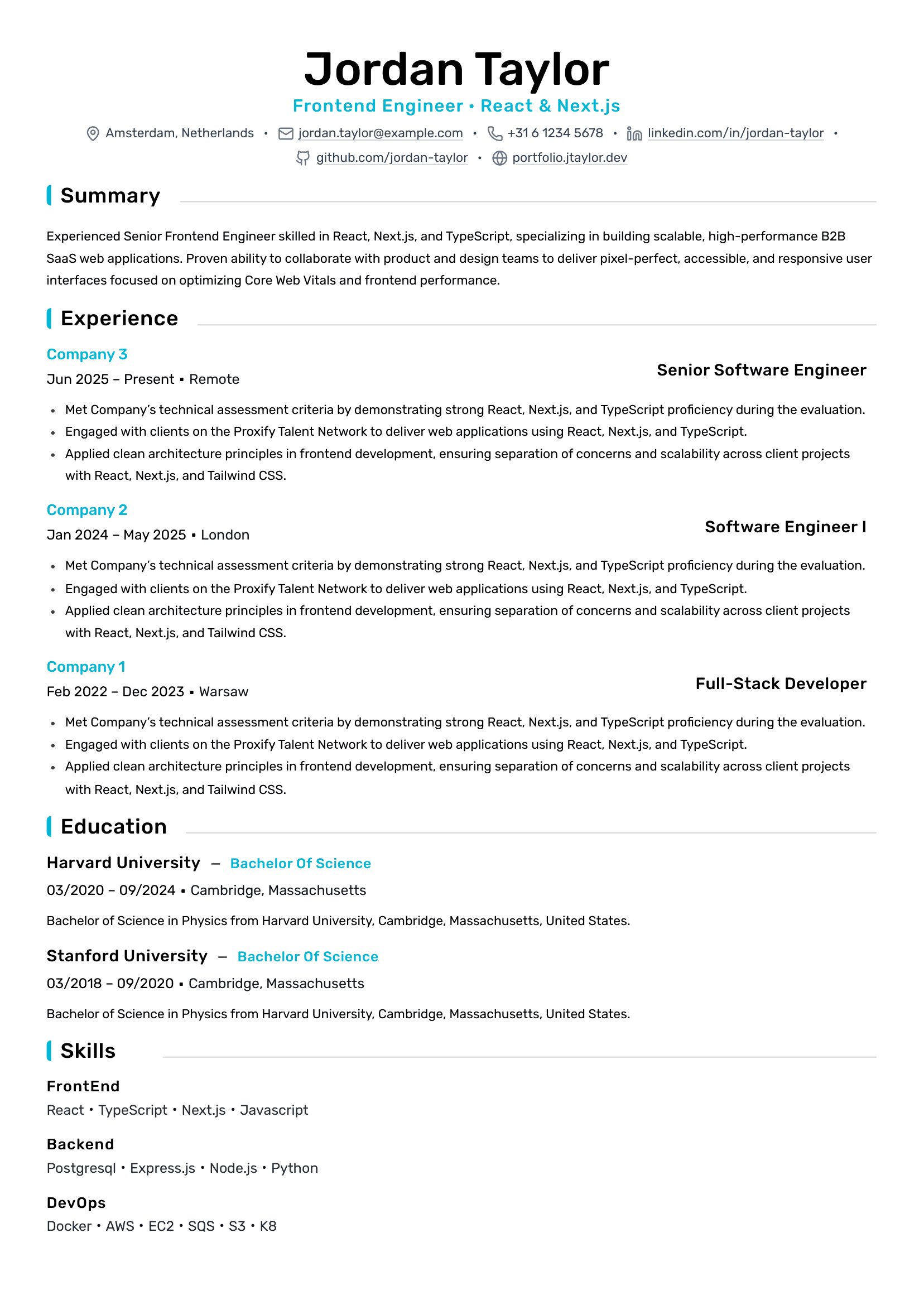
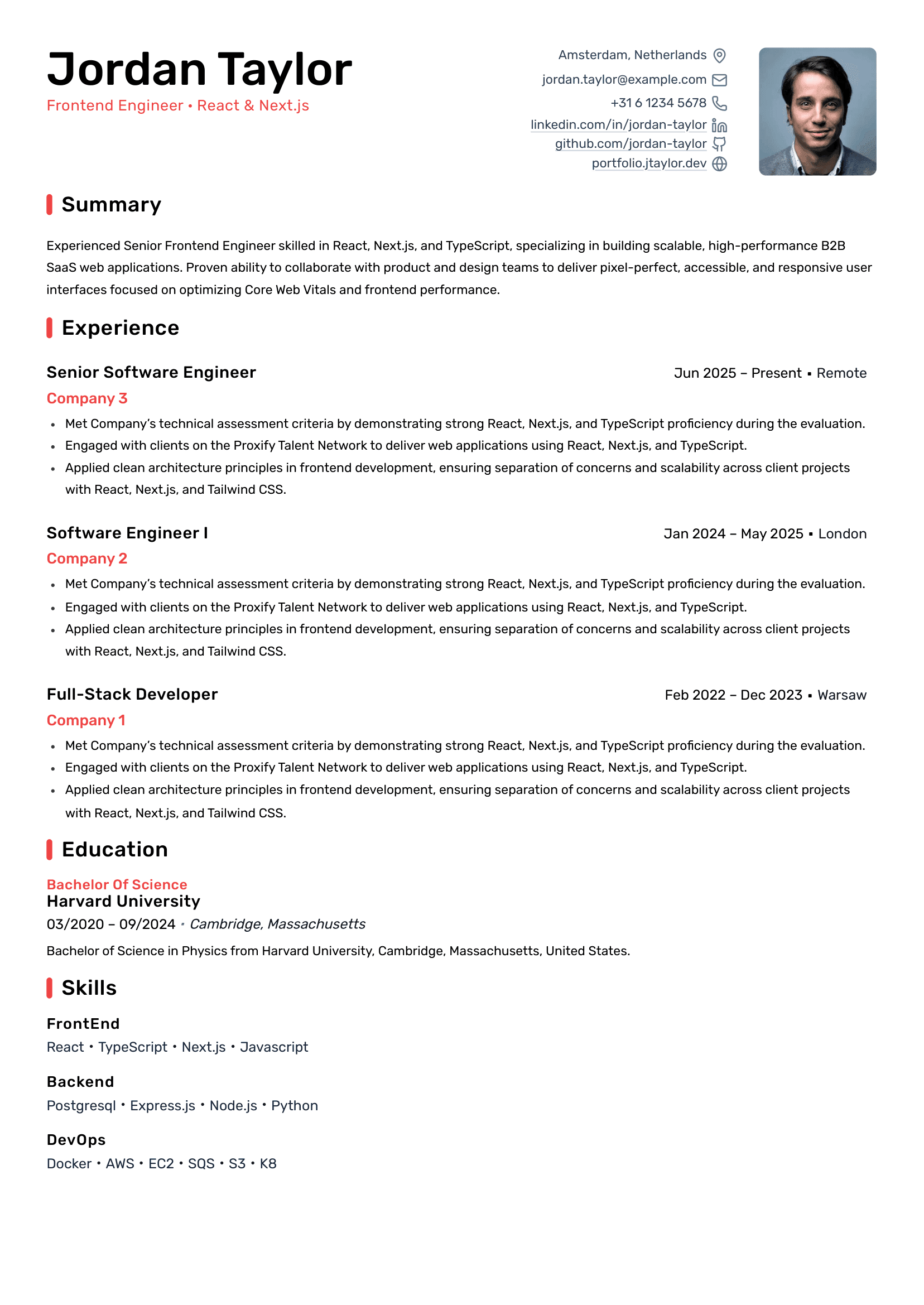
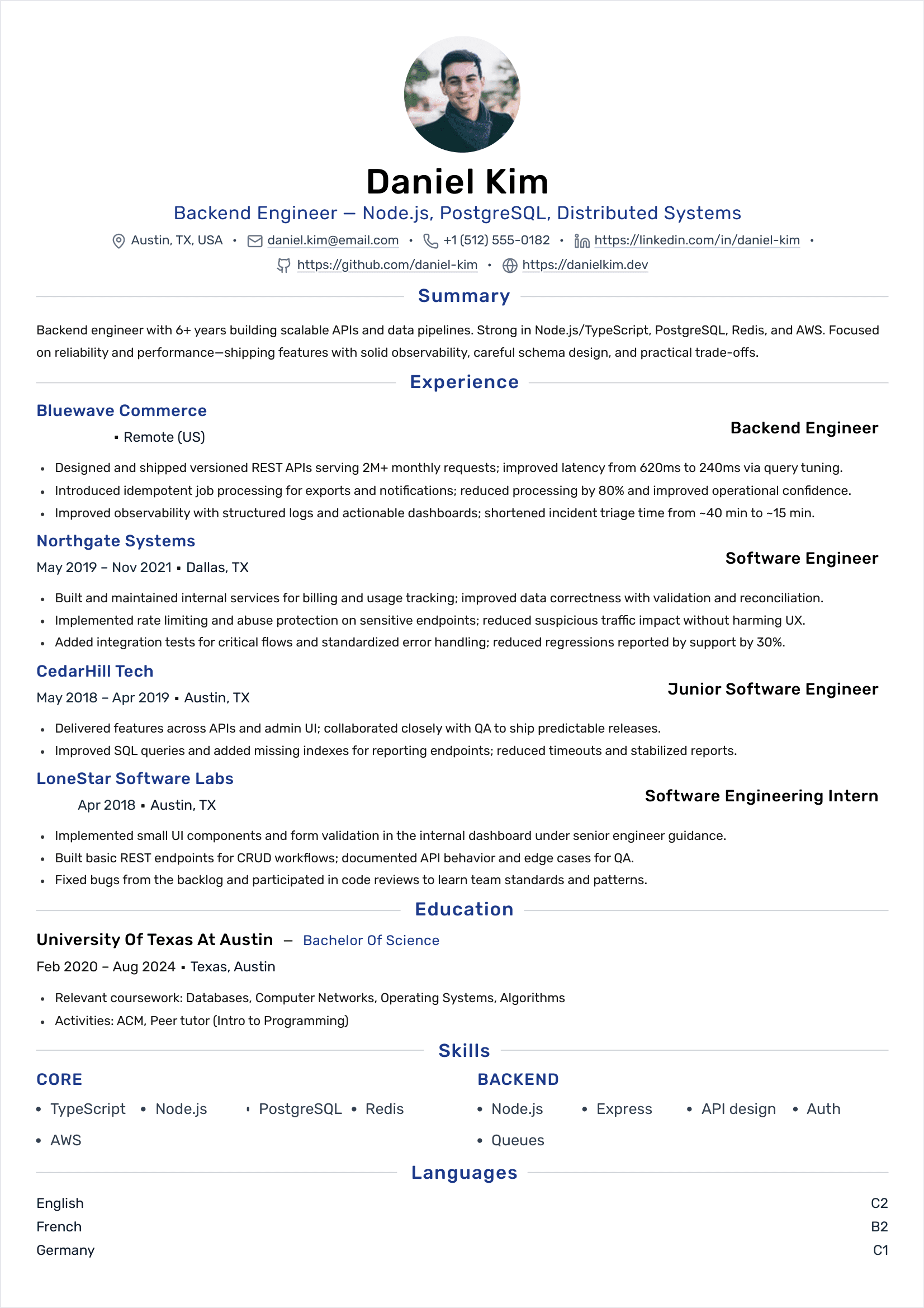
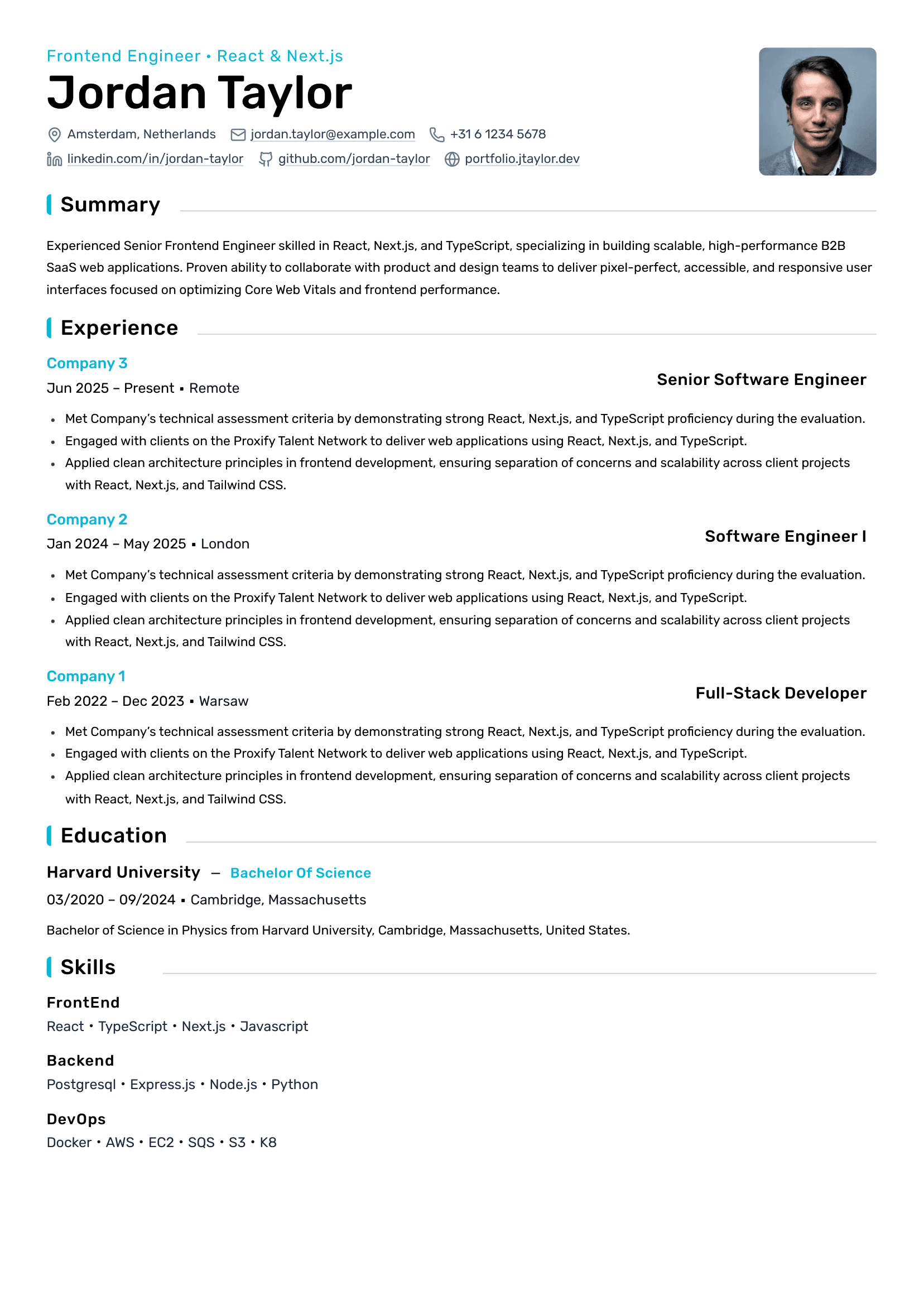
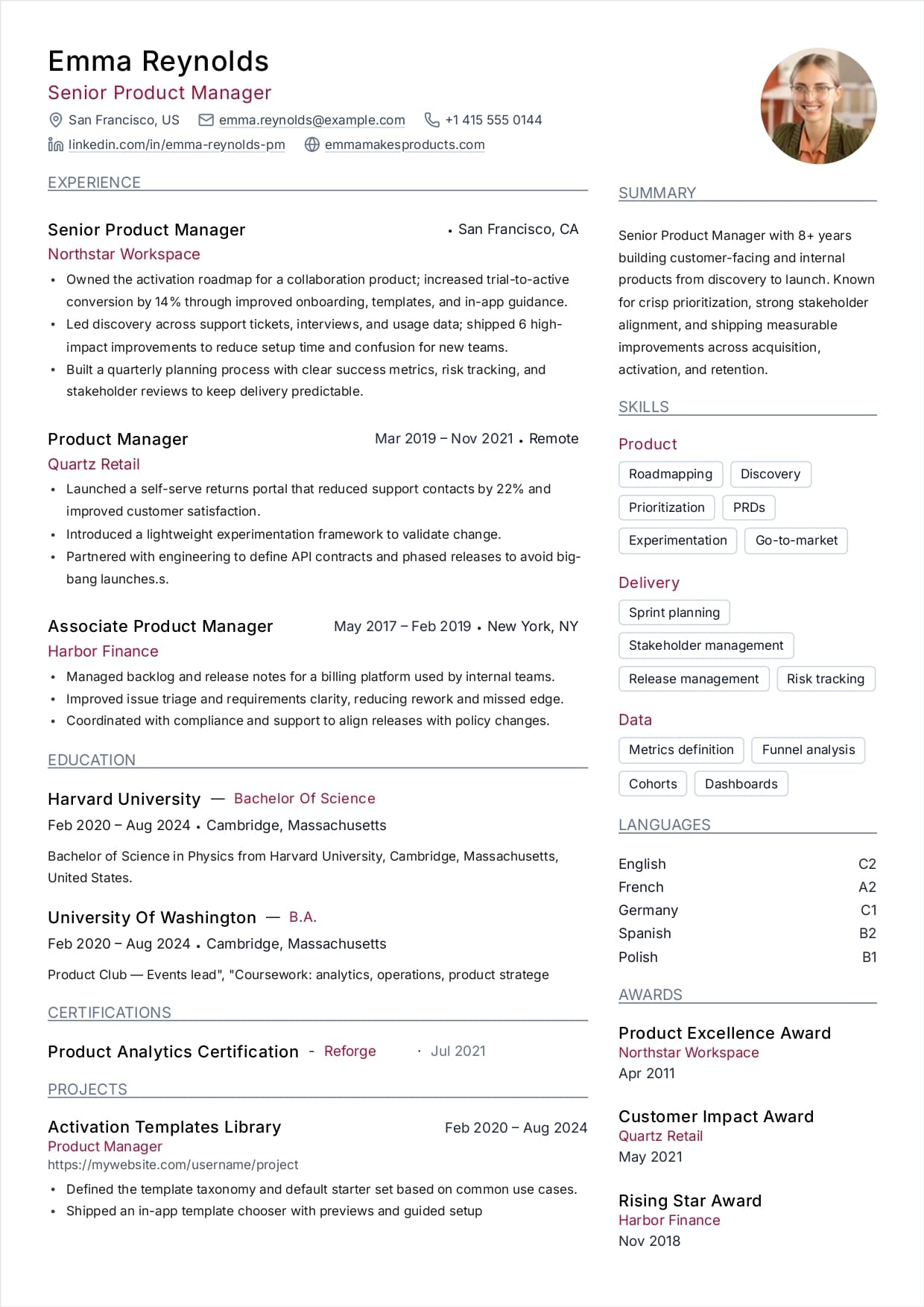
Every line is checked as you write. Fix it yourself or hand it to Remi, our AI assistant, and watch your score climb. Your first resume is free forever.

Roleframe users interview at
On a free account you build from scratch, use every template, edit as long as you like and download your PDF as often as you need. No card needed, and your free account never expires.
Every template, every section, unlimited edits. No template or design control is held back for paying users.
A real PDF with selectable text, not a plain-text file and not a preview image.
Change a line and download the PDF again, as many times as you need.
Your draft stays private to you. Export it or delete it whenever you want.
Roleframe makes it easy to create and edit your resume. Here is what the four steps actually look like.
Start from one of eight ATS-friendly templates, or from a blank page. You can switch template later without losing anything you have already written.
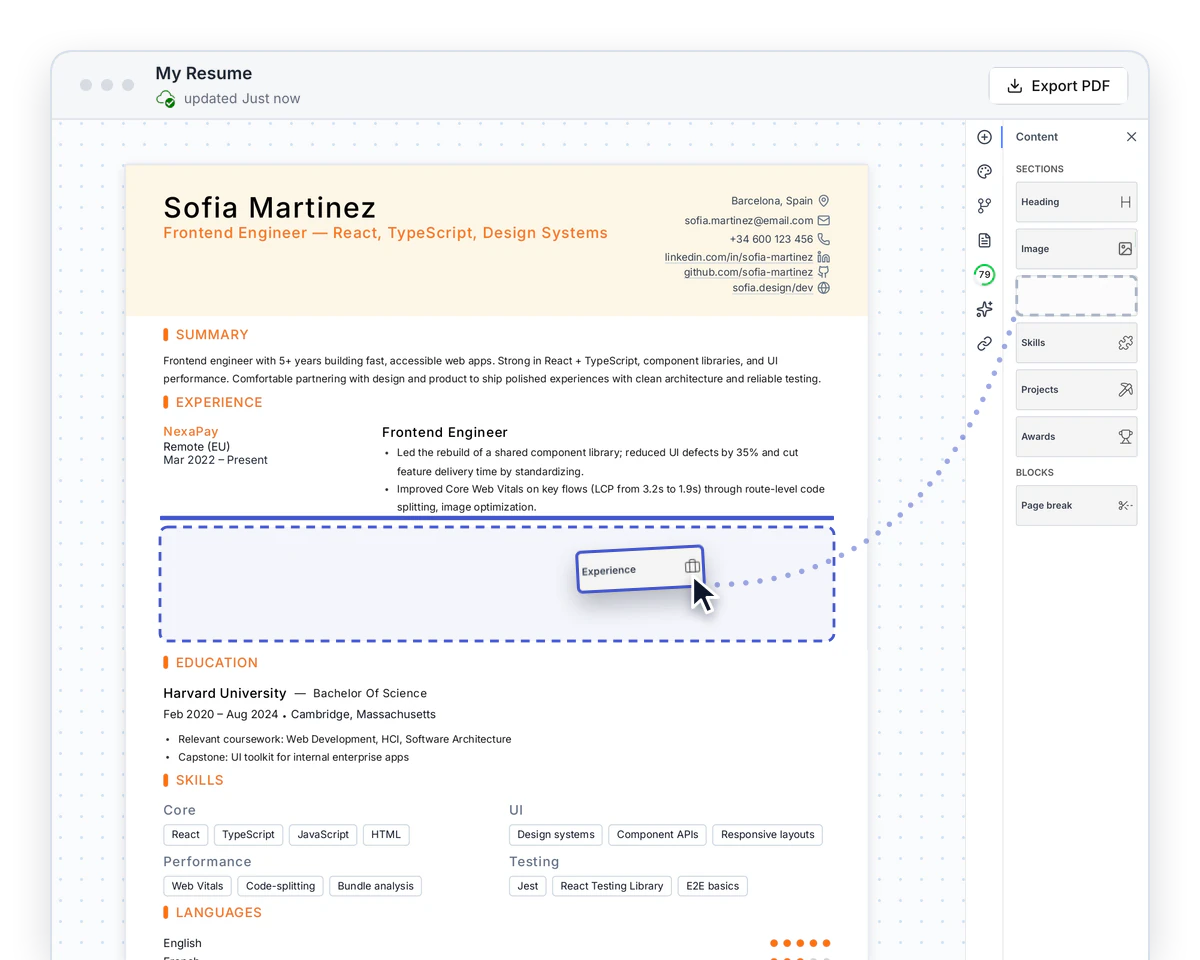
Fill in the sections one at a time. Every block is a real rich text editor, so you write on the page rather than into a form, and you can pull in a ready-made section layout when you want a head start.
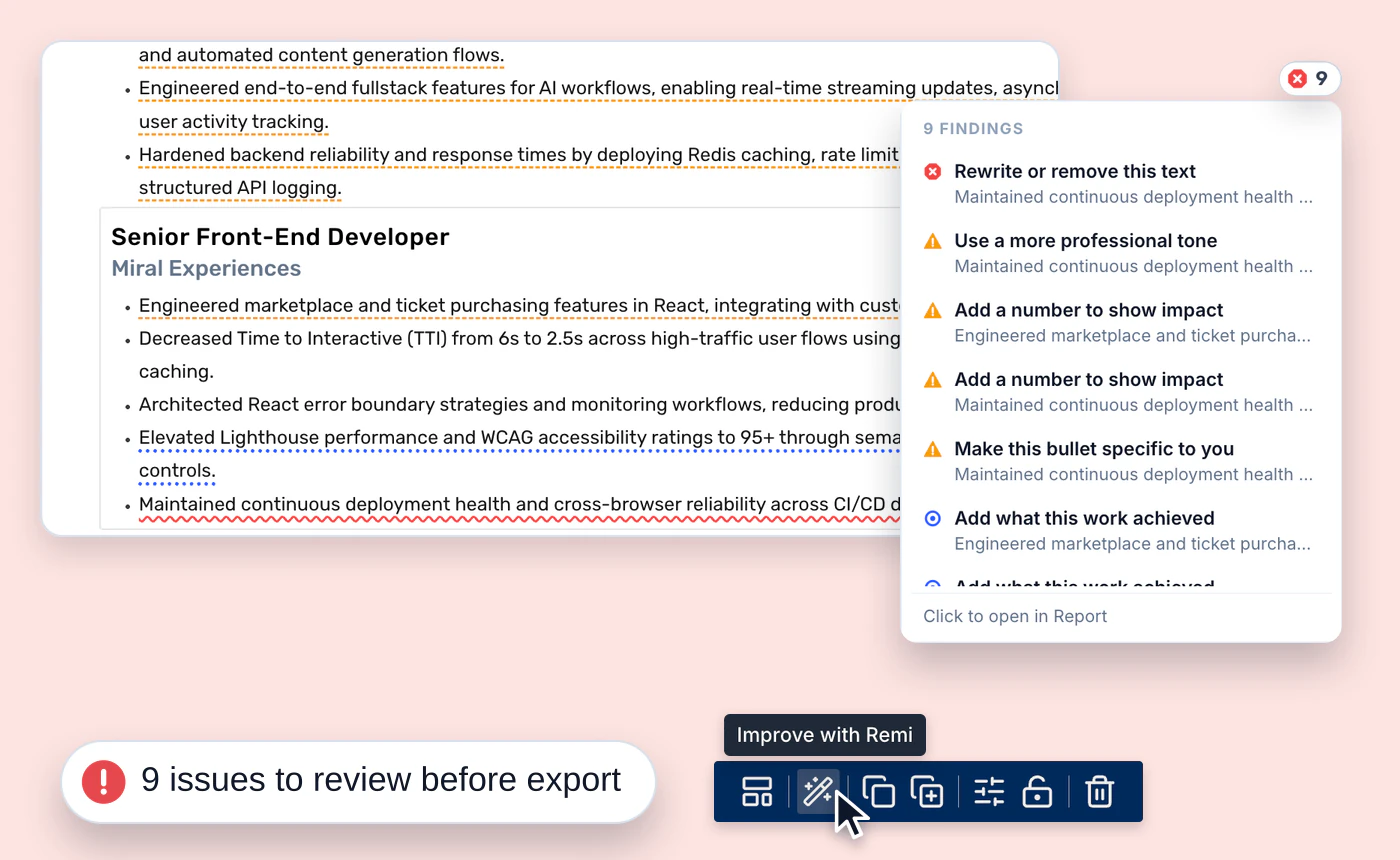
With a free account, each block is checked the moment you finish editing it and your resume score updates in real time. You catch problems on the page, not after you hit send.
Underlined where it happens. Template text, uneven bullets, weak phrasing and spelling are underlined right in the block, with a badge counting what is left to fix.
No exporting by mistake. Before your PDF downloads, we flag anything still open, so an issue never slips into the resume you send.
Fixed by Remi. Hand any issue to Remi, our AI assistant, with Fix with AI and approve the rewrite in a click.
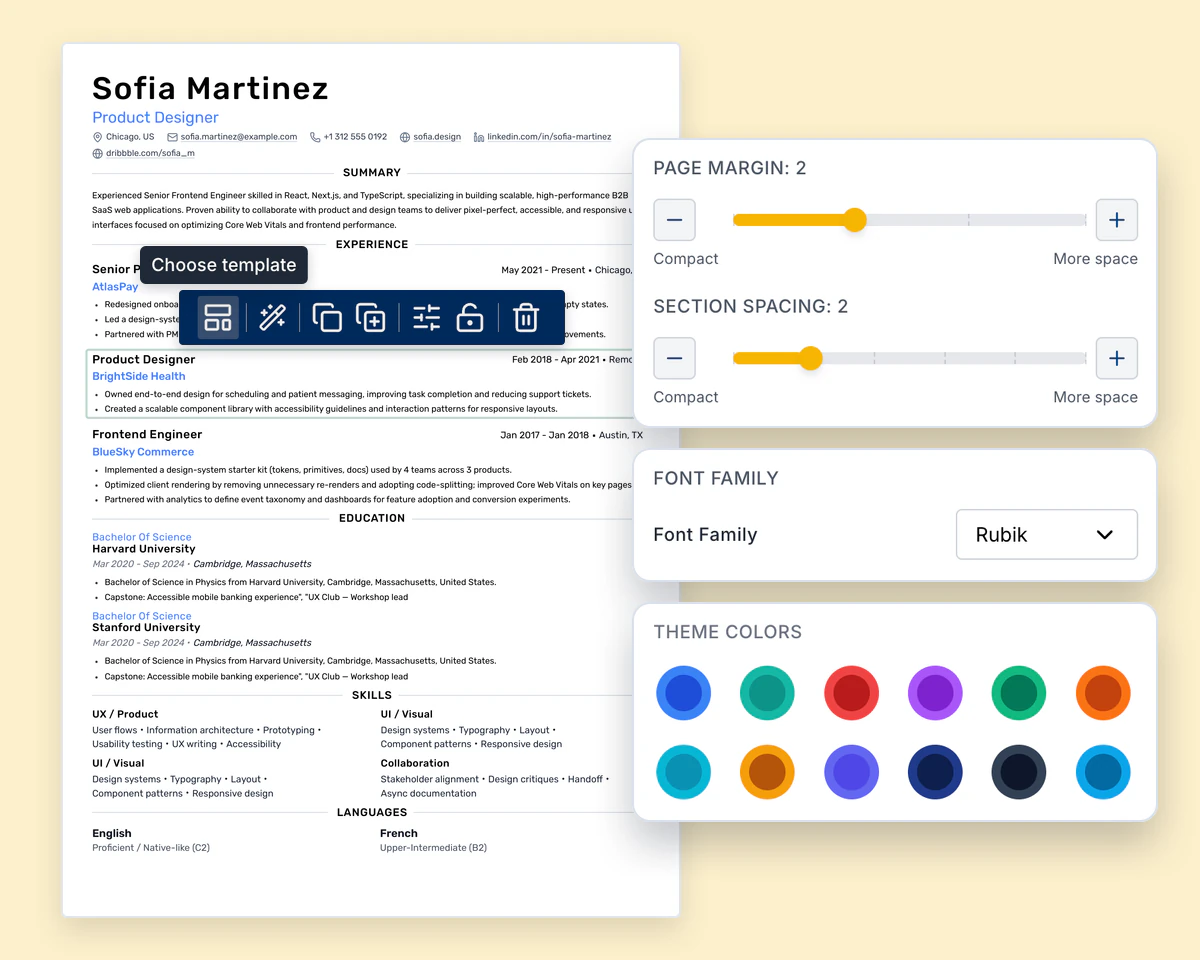
Theme colour, fonts, spacing, margins and per-section layout. You get full control over how the page looks without starting the document again.
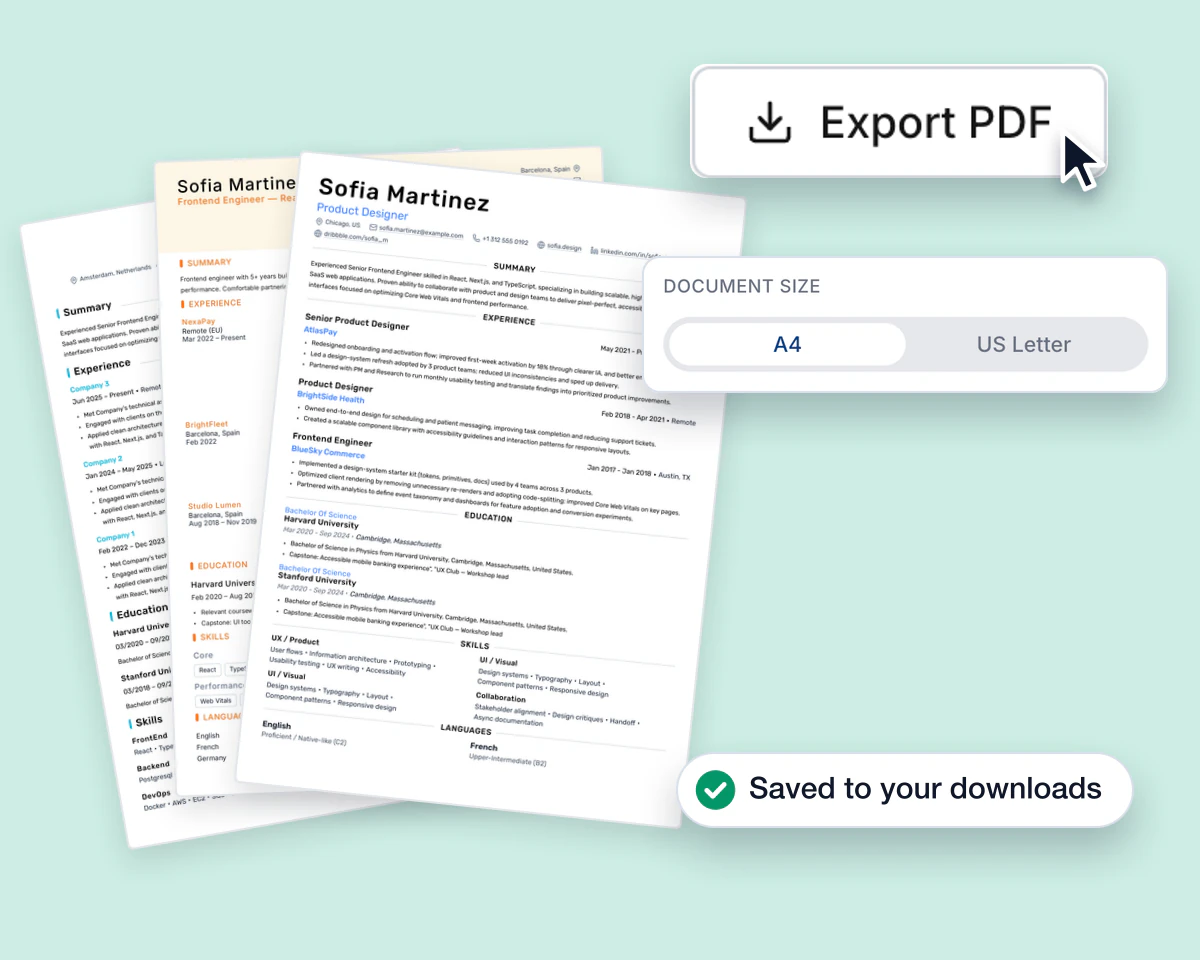
A real PDF with selectable text, as many times as you need. Your resume autosaves to your account as you write, so it is there on any computer.
One free account covers all four steps. No credit card.
Each example is a complete resume written for one job title, with the keywords that role's postings screen for and a guide to making it your own.
Most free resume makers are a questionnaire that prints a layout you cannot touch. This is a document editor, with every template included. The page you build is the page that exports.
Every section and block can be moved, duplicated or deleted. Pull one from the Content panel and drop it where it belongs.
Split any row into columns, then drag the divider between them to set each width yourself.
Pages break automatically as the resume grows, and you can add a manual page break wherever you want one.
Every change is kept as you type. Close the tab, come back later, and your resume is still there, on any computer.
With a free account, every block is checked as you edit, so you can see exactly which part of the resume needs work before you send it.
Remi reads the open resume, the linked job and its live checks, then proposes edits one section at a time as a word-level diff. Nothing changes until you apply it.
The free resume builder exports a PDF in A4 or US Letter with real, selectable text, not an image.
Turn any resume or cover letter into a public link anyone can open, or send email invites to recruiters and colleagues right from the editor.
If you are outside the US, this is a free CV builder: set the page to A4, add the sections a CV needs, run to two pages, and download it free. The editor does not care what the document is called, and neither does the download button.
How to write each section, which skills and verbs to use, and how to tailor one resume to every posting. Straight from the Roleframe blog.
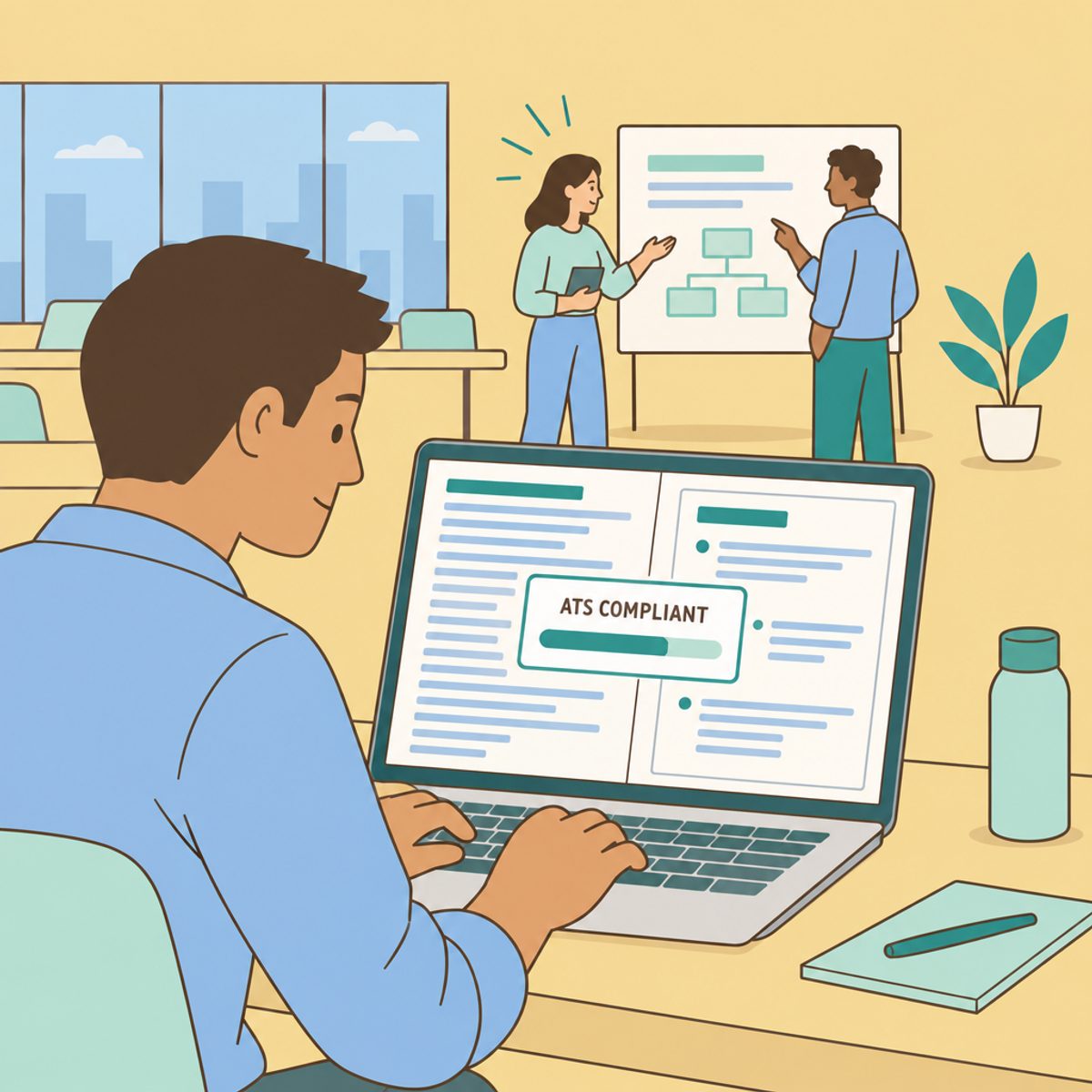
Build a reliable resume source record, tailor relevant evidence, check AI edits and inspect the final file. Includes scoped ATS guidance and truthful bullet examples.
 Larbi Sahli · 10 min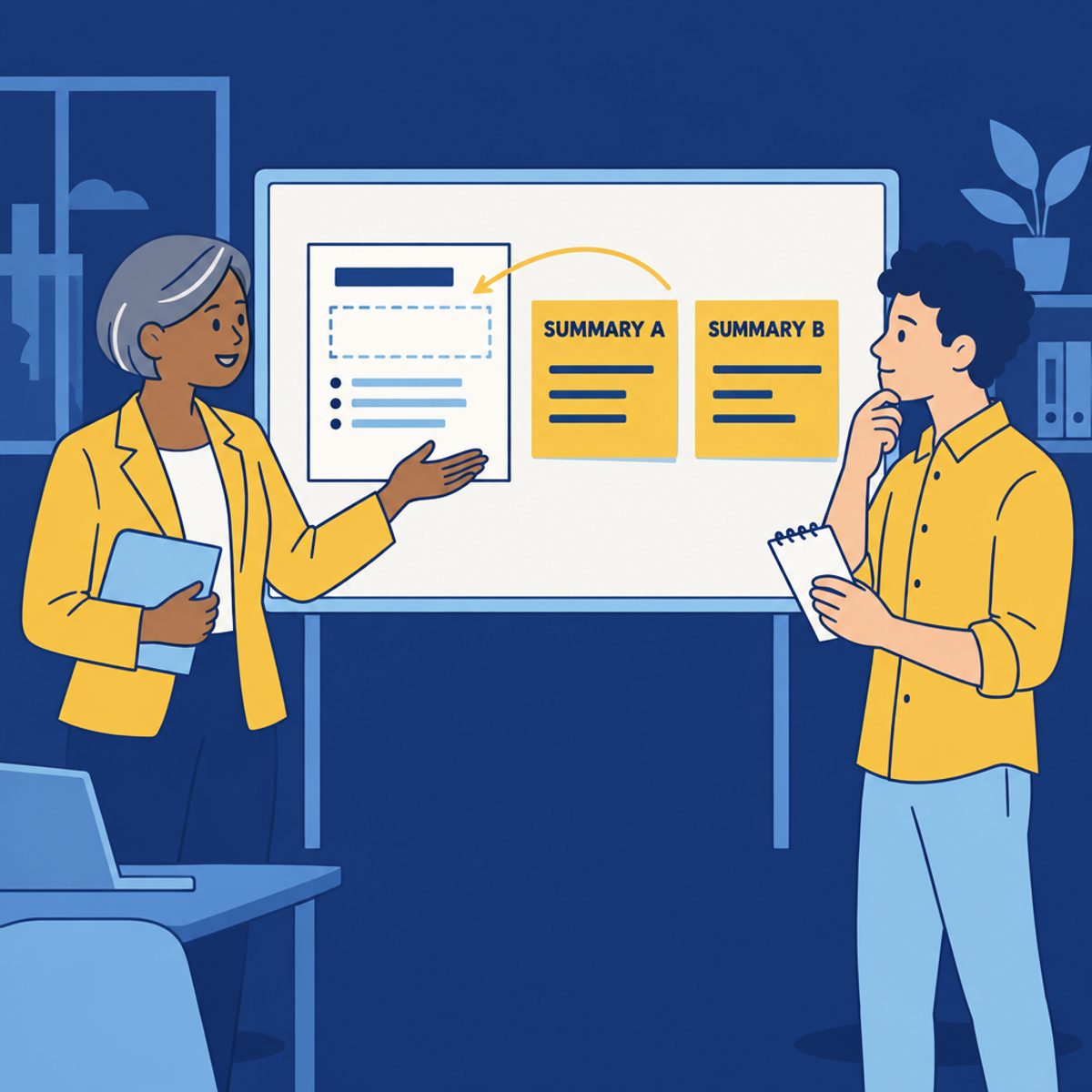
Write a concise professional summary with a practical formula, 16 fictional examples by career stage, and a method for adapting emphasis without changing facts.
Larbi Sahli · 11 min
Explore 120 skill and qualification ideas across 10 job families, with suggested resume placement and guidance on selecting relevant, accurate examples.
Larbi Sahli · 12 min
150 action verbs for a resume, grouped by the claim each one makes. Plus the filler verbs to cut and six before-and-after bullet rewrites.
Larbi Sahli · 10 min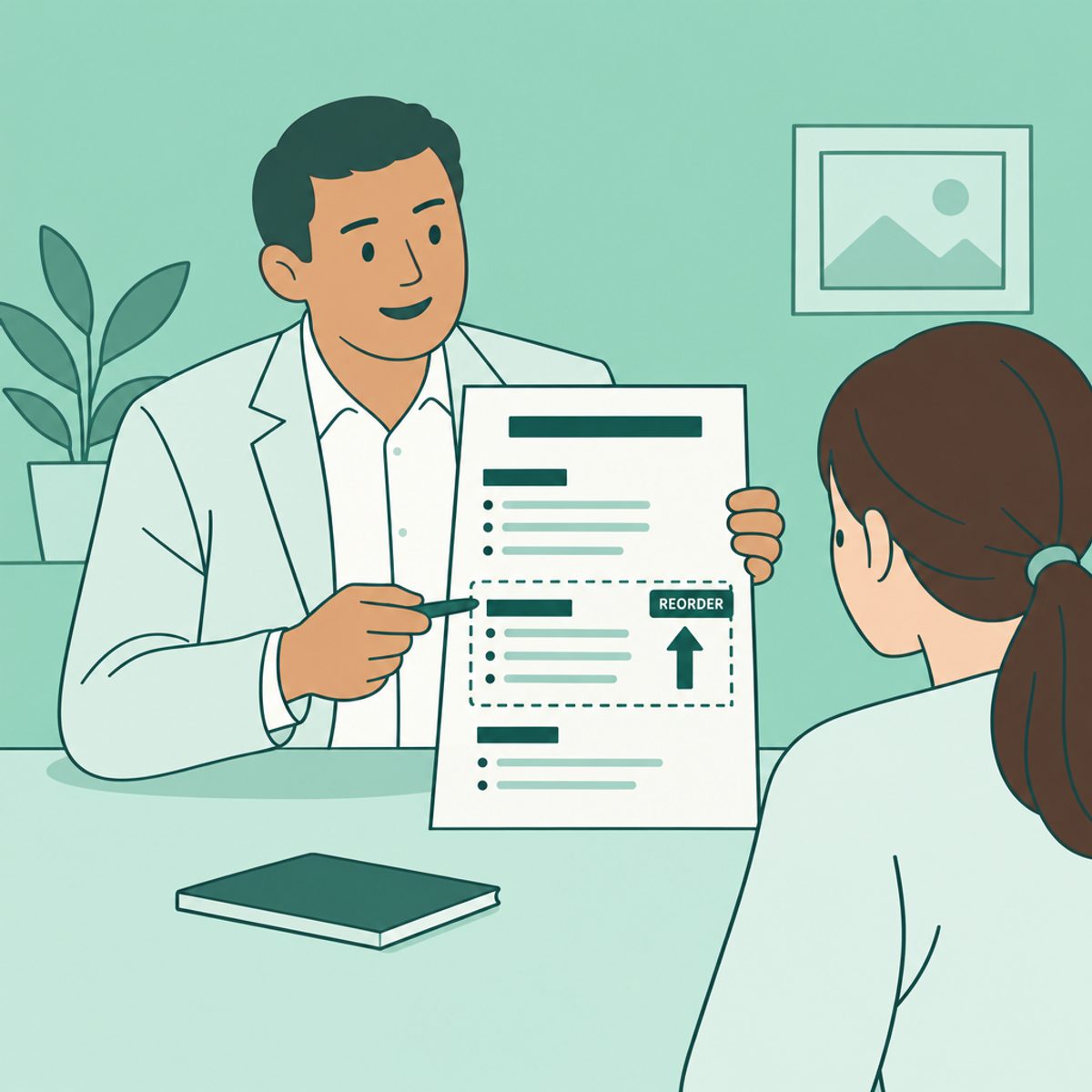
Choose a resume section order for your experience and target role. Compare experience-first, education-first and skills-forward examples, then check the export.
Larbi Sahli · 9 min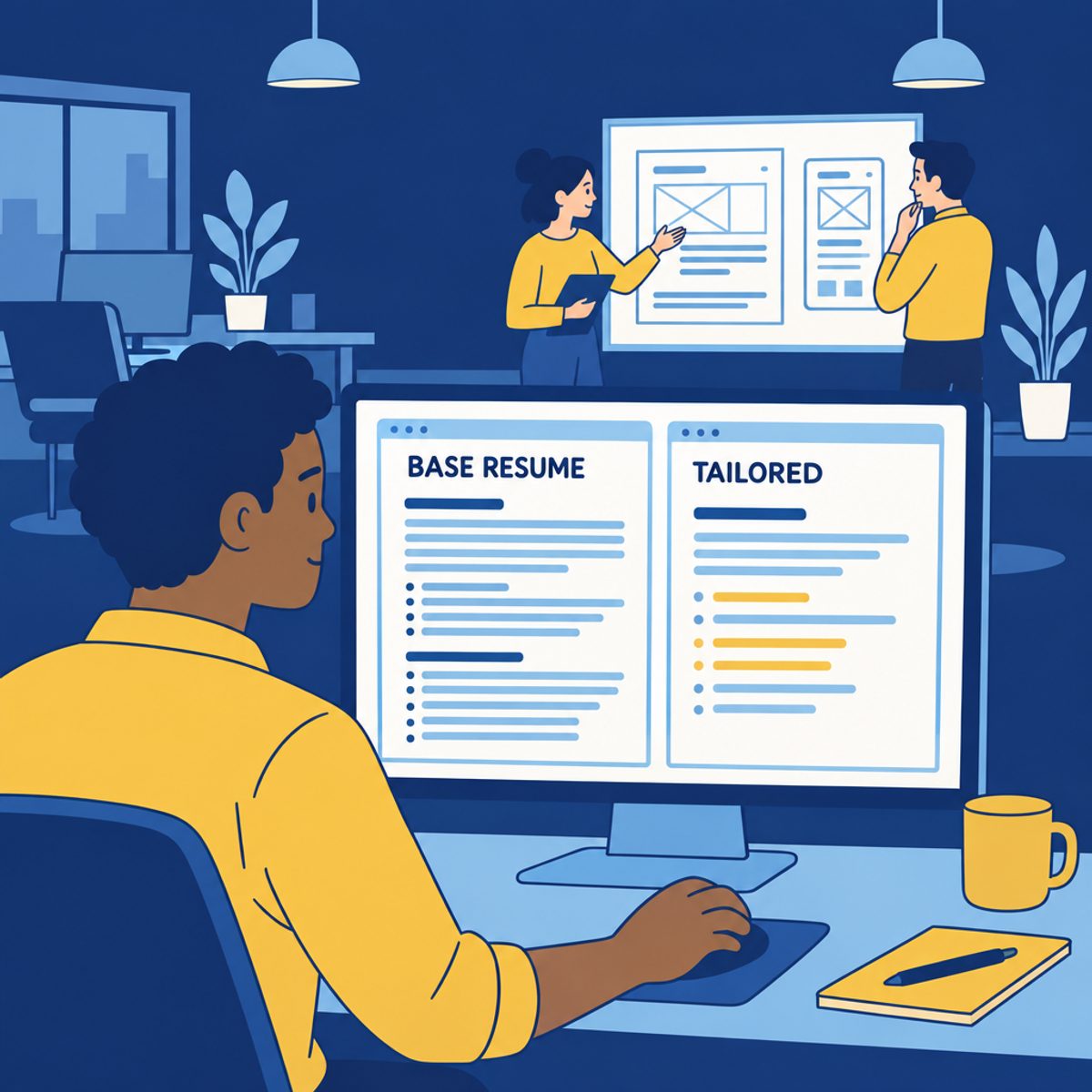
Keep accurate source notes, create a useful base resume and tailor a copy for each application. A practical workflow for selecting evidence and saving versions.
Larbi Sahli · 8 min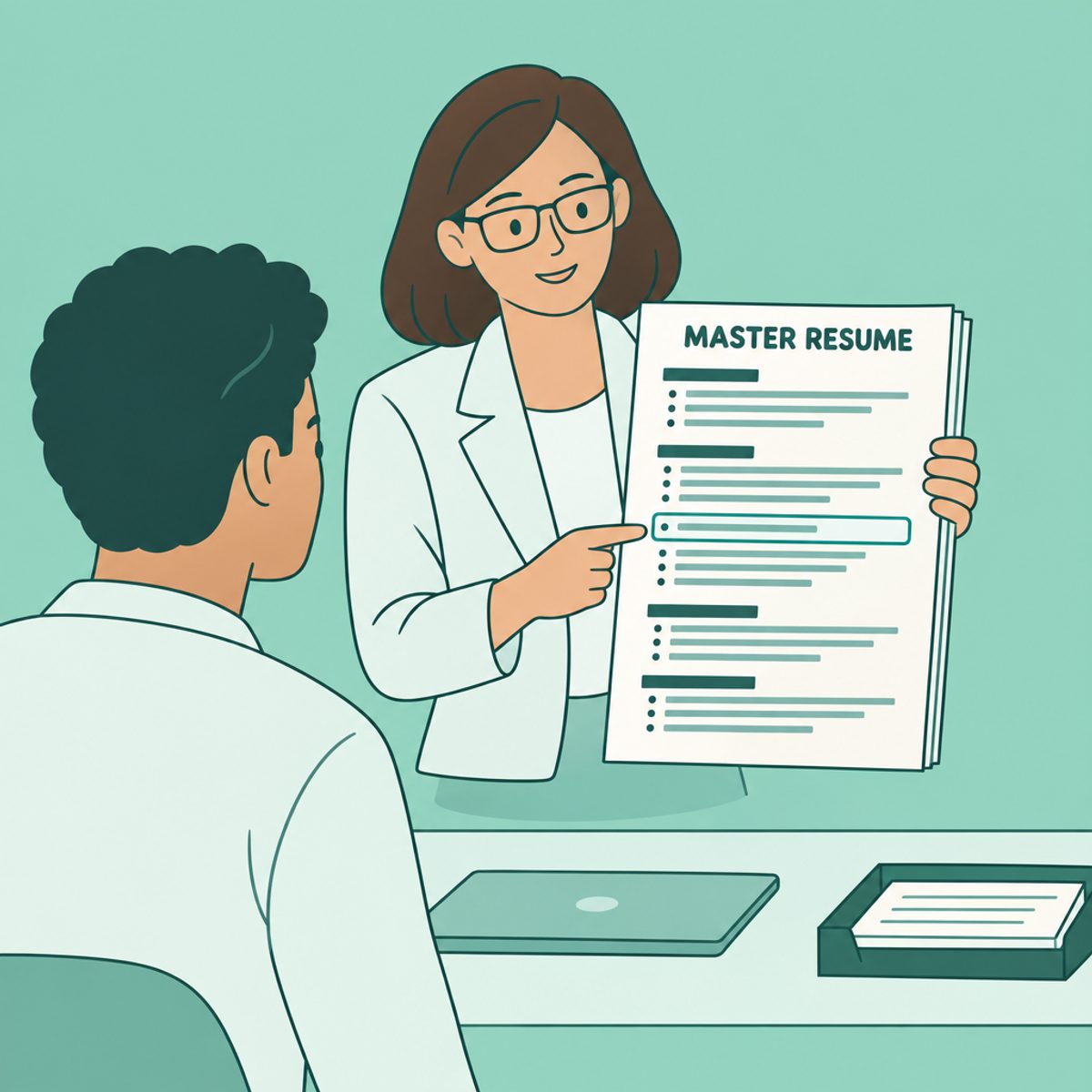
Build a master resume with verified achievements, skill tags and source notes, then select the right evidence for each job application.
Larbi Sahli · 9 min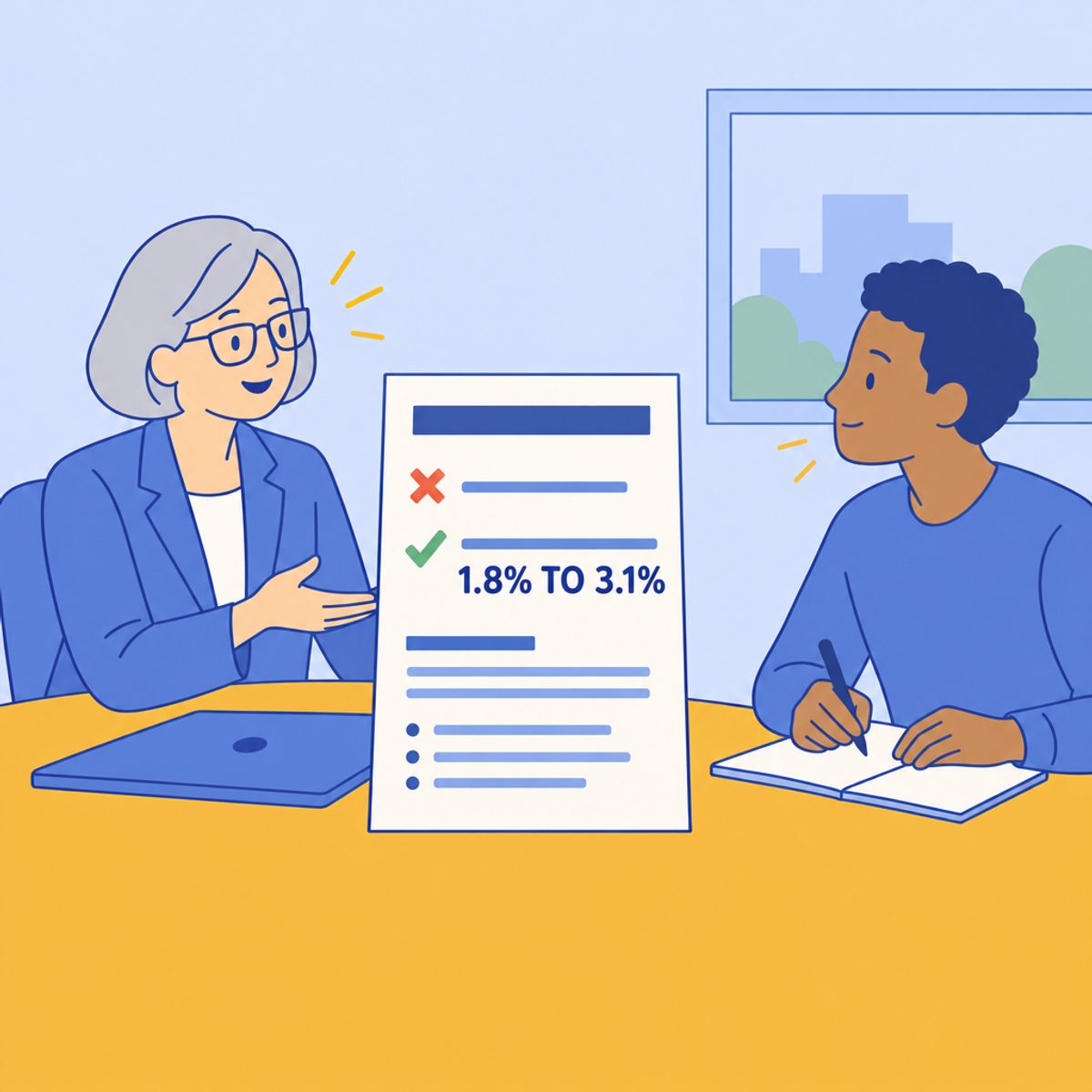
Check your resume for unclear targeting, vague bullets, missing evidence, missed application instructions and formatting problems, with practical examples.
Larbi Sahli · 9 minQuestions
Choose a template or a blank page and write in a real editor that shows the page as it will download. Export the PDF as often as you like.
ATS-friendly resume templates, every one editable in the same editor, and nothing is reserved for paying users. Change your mind later and your content moves across with you.
Looking for a specific layout? Browse the eleven template categories, from ATS and minimal to student and product manager.


