Information Technology Resume Example for Support and Help Desk Roles
by Larbi SahliPublished
A fictional IT support resume with specific help desk, endpoint, identity, certification, and home-lab examples, plus ways to substantiate your results.

Users have landed jobs at
- 1Password
- OpenAI
- Notion
- justworks
On this page
An IT support resume should explain the environment you supported: users, sites, operating systems, identity platform, and ticketing tools. “Provided technical support” becomes more informative when you add the actual scope and the kinds of problems you handled.
The example below follows a generalist moving from a managed service provider to in-house IT. The guide covers skills, credentials, measures for different specialties, and how to use projects or volunteer work when you are applying for a first IT job.
A full information technology resume example
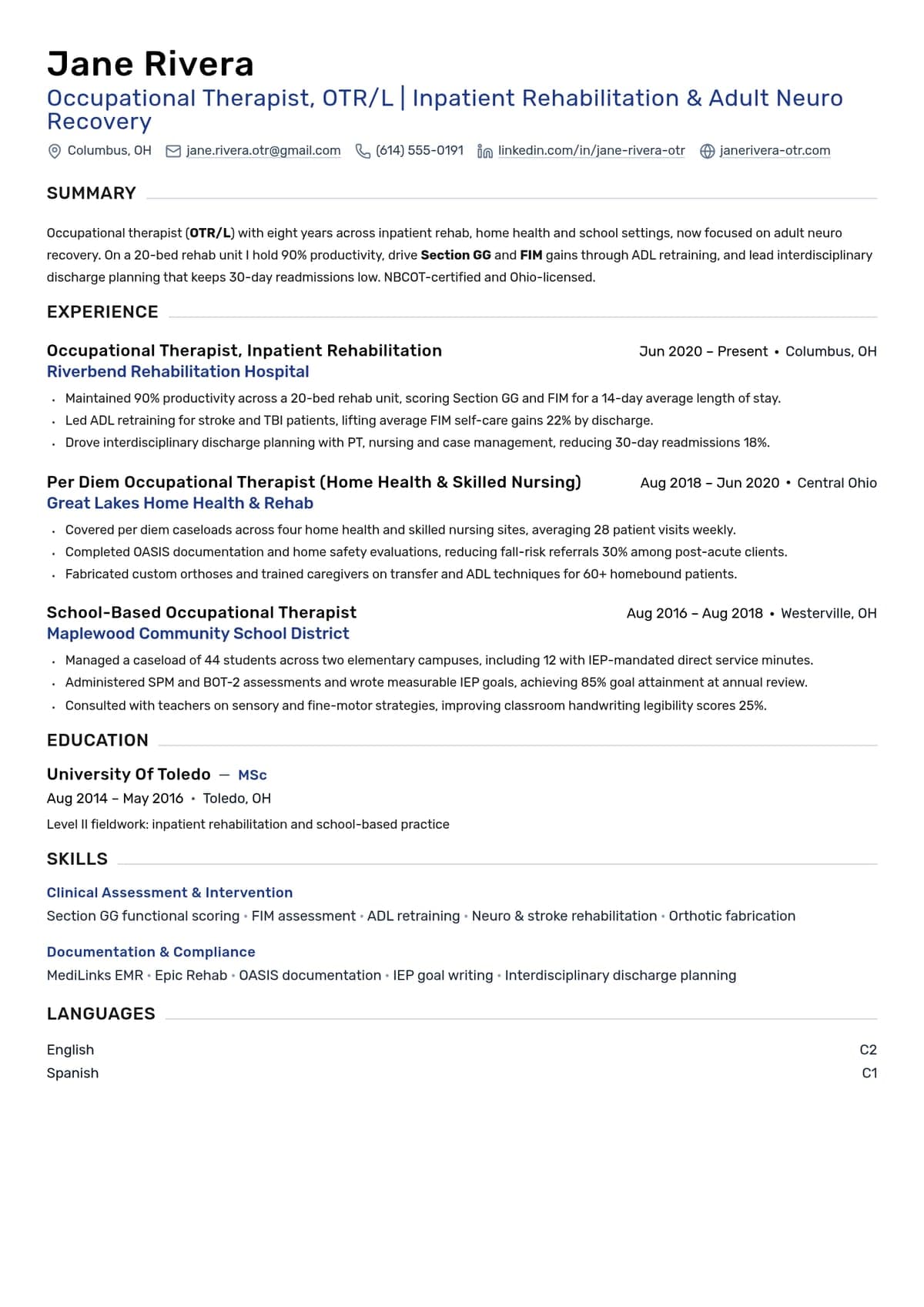
This fictional September 2024 example follows an IT specialist with about two years at a managed service provider and three years as the sole in-house IT contact for a 140-user architecture firm. Trent, the employers, credentials, and results are illustrative. Use the structure and replace the details with your own supported experience.
Illustrative example. The candidate, the employers and every number in the resume above are fictional. Use the structure and the shape of the bullets, and replace the facts with your own.
What that resume does, section by section
The summary names the environment, not your personality
A short summary can cover relevant experience, the environment, and your strongest responsibilities. Two to four sentences is a useful starting point, not a fixed rule.
Illustrative example: “IT specialist with five years supporting Windows and Microsoft 365 environments, currently the in-house IT contact for 140 users across three offices. Develops onboarding scripts and coordinates endpoint and identity-policy rollout.” Add a result only when you can substantiate it.
The experience bullets prove a change, not a duty
Describe what you did and how you checked it. A result can be a completed migration, a tested restore, a documented process, or a measured improvement.
Illustrative before: “Responsible for onboarding.” More specific: “Built PowerShell account-creation steps with license checks, approval review, and exception logging.” If comparable records show hands-on setup fell from 90 to 20 minutes, that is 70 minutes saved per hire; distinguish that from elapsed onboarding time and avoid claiming the script completes device enrollment without prerequisites.
Scope is useful when an outcome measure is unavailable: sites supported, devices deployed, or the parts of a Wi-Fi refresh you coordinated. Do not invent a percentage to complete a bullet formula.
Certifications sit where a scanner and a human both find them
Make credentials requested by the posting easy to find, often near the summary or skills. Include the credential’s full name, issuer, earned date, and accurate current or historical status. Placement helps readability but does not guarantee a recruiter will select the application.
Choose evidence for IT support or software roles
Support postings may emphasize systems, users, troubleshooting, and service outcomes. Software postings may emphasize code, architecture, and delivery. Some roles combine them. Tailor the evidence to the responsibilities while keeping actual titles and experience intact.
Separate versions can help when you pursue substantially different roles, but a hybrid role can benefit from both kinds of evidence.
What to write under technical skills: a fill-in block
Use a clear heading such as Technical Skills, then group relevant technologies. The list below offers categories to adapt. Delete unfamiliar items and explain limited project exposure honestly:
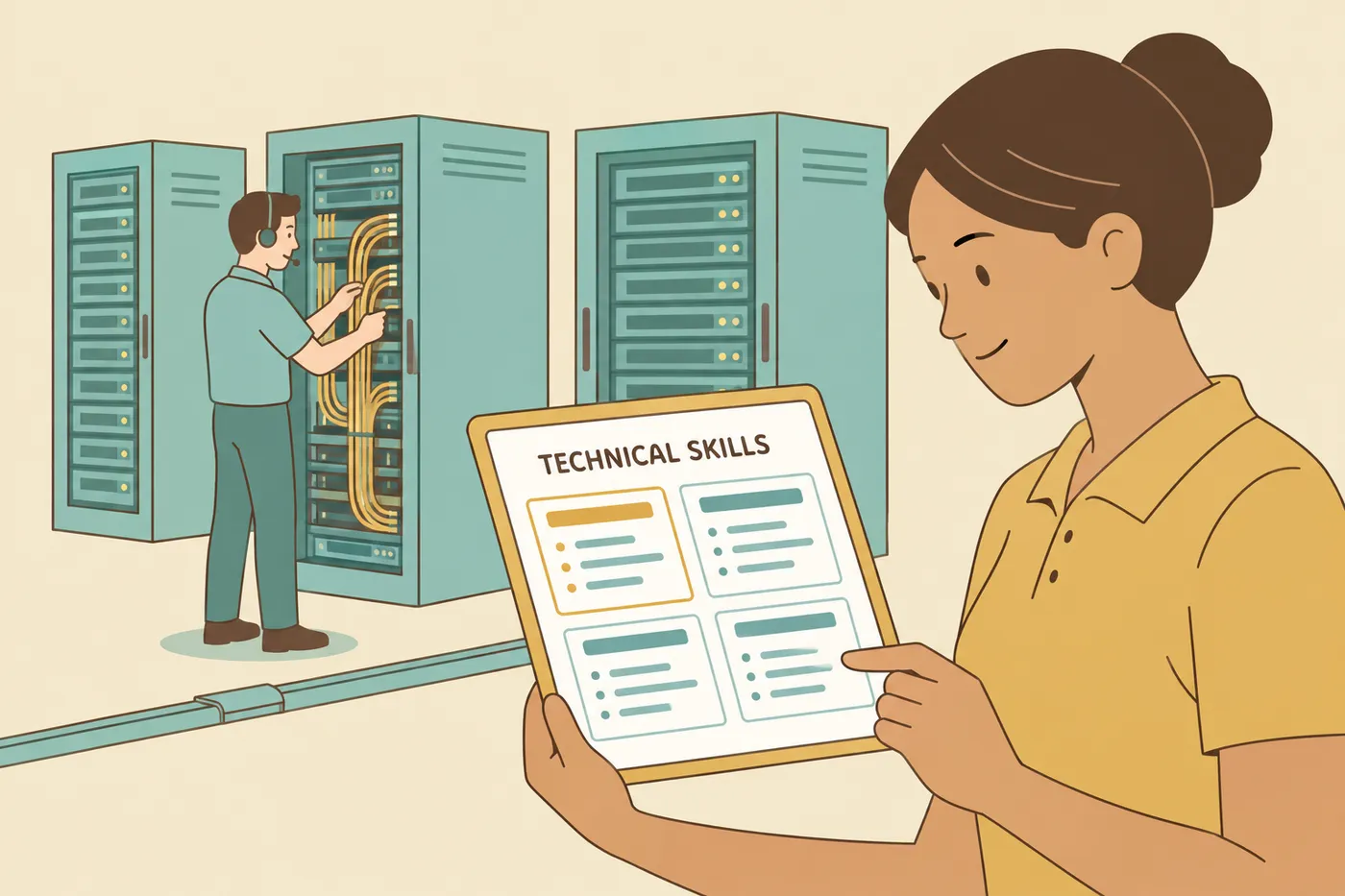
- Operating systems: Windows 11, Windows Server, macOS, Linux (name the distribution you actually used)
- Identity and directory services: Active Directory, cloud identity and single sign-on, group policy, multi-factor authentication
- Endpoint management: your MDM or endpoint management platform, imaging and deployment, patching
- Productivity and collaboration: Microsoft 365 or Google Workspace, Exchange, Teams or Slack
- Networking: TCP/IP, DNS, DHCP, VPN, VLANs, Wi-Fi, firewalls, switch configuration
- Scripting and automation: PowerShell, Bash, Python
- Ticketing and service management: ServiceNow, Jira Service Management, Freshservice, incident and change processes
- Cloud: Azure, AWS, the admin centers you work in
- Security: endpoint protection, email filtering, backup and recovery, vulnerability or patch management
- Hardware: laptops and desktops, printers, conference room and AV equipment, network hardware
Choose relevant tools you can discuss accurately. Use the posting’s terminology where it fits your experience, and include versions when they clarify the work. Plain text is easier to inspect than an unexplained rating bar.
Support important skills with experience or project examples. “PowerShell” plus a specific onboarding or reporting workflow gives more context than the tool name alone.
In the Roleframe account app, job-match feedback can help identify wording to review in a tailored version. The score is Roleframe’s assessment, not an employer’s ATS score or a hiring prediction. Add a suggested skill only if it describes your work.
Useful evidence for different IT specialties
Use the posting to decide which responsibilities matter. The table offers possible measures; choose those you can define and substantiate rather than treating them as mandatory targets.
| Specialty | Possible emphasis | Measures to define before including |
|---|---|---|
| Help desk and desktop support | Volume handled and how fast users got moving again | Tickets per week, first contact resolution rate, average resolution time, satisfaction score, devices imaged and deployed |
| IT generalist / sole IT | Breadth of scope and projects finished without a team behind you | Users, sites and devices supported, projects delivered end to end, vendors managed, systems owned |
| Networking | Stability and successful cutovers | Uptime, sites and circuits connected, switches and access points deployed, migrations completed, outage response time |
| Security operations | Investigation and implementation work | Alerts triaged, policies deployed, or in-scope users covered; distinguish registration, enforcement, and actual risk outcomes |
| Cloud and Microsoft 365 administration | Migrations, licensing hygiene and access control | Mailboxes or users migrated, licenses reclaimed, access reviews completed, policies deployed across the tenant |
| IT asset management | Accuracy of the record and control of the lifecycle | Inventory accuracy, assets tracked, refresh cycles completed, recovery rate on offboarding |
Certifications, degrees, bootcamps and clearances
List earned credentials separately from preparation. “Network+ preparation; exam scheduled [month/year]” describes a booked exam, not a credential or guaranteed pass. Do not use a planned date if you have not scheduled it.
Use the posting and issuer’s current requirements to decide which credentials are relevant. Examples of credential families include:
- Help desk and support: earned CompTIA A+ or another credential requested by the employer; confirm the current title and availability before planning an exam.
- Networking: CompTIA Network+, Cisco CCNA, vendor certifications for the switch and firewall platforms the job names
- Security: CompTIA Security+, and the SOC-oriented certifications a security operations posting lists by name
- Cloud and systems administration: Microsoft Azure and Microsoft 365 administrator certifications, AWS associate-level certifications, Linux certifications where the environment is Linux
Check the issuer’s record for name and renewal status. A historical credential can remain relevant if labeled accurately; do not relabel it as a newer credential you have not earned. Microsoft’s Endpoint Administrator Associate is renewable, so an old earned date alone does not establish current status.
Keep degree, course-completion, and professional-certification entries distinct. Put the most relevant evidence where it is easy to find. If a security clearance is relevant, confirm the current status and appropriate wording with your security office rather than copying a posting’s eligibility language.
No paid IT job yet? Build the proof instead
If you are applying for a first help desk role, use accurate evidence from projects, study, volunteering, and prior work. A concise objective can explain the transition.
Place your strongest relevant material first: perhaps certifications and a home lab, or a prior job with substantial troubleshooting and user support. Label volunteer and lab work clearly and retain your actual paid-job titles.

A good simple objective, in one line
An objective earns its space only when you are changing direction and the reader needs to be told what you are aiming at. One line, naming the target role and the strongest piece of evidence. Three samples to adapt, all fictional:
- Retail to help desk: "A+ certified support technician moving from five years in retail, with a home lab running a Windows Server domain, seeking a help desk technician role on a Microsoft 365 service desk."
- New IT graduate: "Information technology graduate with Network+ and two semesters of campus IT lab support, looking for a desktop support role where I can grow toward network administration."
- Veteran moving into civilian IT: "Signals technician transitioning to civilian IT after six years maintaining radio and network equipment for a 200-person unit, targeting a help desk or field support role while finishing Security+."
More patterns, including when to use a summary instead, are in the resume objective examples.
Write the home lab like a work entry
A lab entry fails when it reads as a shopping list of software. It works when it states the problem, what you built, and what the build proves you can do. Give it a title, a date range and two or three bullets, exactly like a job.
Sample bullets to adapt: "Built a Windows Server domain on a home hypervisor with 15 test users, organizational units and group policy, to practice the account and permission tasks a service desk handles daily." And: "Segmented the lab behind a virtual firewall with separate VLANs for servers and clients, then broke and restored DNS and DHCP to practice outage diagnosis."
What not to claim: production experience you do not have. A lab is a lab, and calling it an environment you administered for a company is the kind of thing that collapses in the first technical question. Say "home lab" and let the detail impress them.
Turn retail and call center work into support proof
Earlier roles can provide relevant evidence without being renamed as IT employment. Select tasks you actually performed:
- Troubleshot point-of-sale or office equipment and knew when to escalate to the vendor.
- Trained coworkers on a system or wrote a quick reference.
- Explained an outage and next steps to a frustrated user.
- Tracked vendor tickets and follow-up through resolution.
For volunteer IT, name the organization, dates, volunteer status, and specific contribution. Do not disclose other people’s accounts, data, or confidential infrastructure details.
Check claims, metrics, and formatting before submitting
Skills: qualify course or lab exposure rather than implying production administration. Metrics: define what the measure counts. First-contact resolution needs a consistent eligible-ticket denominator; a change from 61% to 78% is 17 percentage points, not 17% relative improvement.
Security and recovery: a registered MFA method does not by itself prove enforcement. Microsoft describes MFA policy configuration separately from method registration. State the users and policy scope you checked. A successful restore of selected files likewise does not prove every disaster scenario is covered.
Format: follow the requested file type and inspect text extraction, contact details, page breaks, and populated application fields. Greenhouse’s parsing guidance identifies possible formatting problems; it does not mean a PDF or a single column always parses correctly.
Where to go next if your role is further along
These examples cover support and generalist IT. If you manage the function rather than the tickets, the resume has to be built around budget, strategy and teams instead: see the chief information officer resume example or the IT manager resume examples. For deeper specialist tracks, there is a systems administrator resume example and a network engineer resume example. When the application asks for a letter, start from the IT support specialist cover letter examples.
Frequently asked questions
- What are the IT skills in a resume?
Use relevant technical abilities and named tools you have used: troubleshooting, operating systems, identity, networking, endpoint management, scripting, or ticketing. Group them clearly and support important claims with experience or projects.
- How do I write a resume for an IT job?
Choose evidence for the target responsibilities. Include a concise summary, grouped skills, relevant experience, education, and accurate credentials. Describe actual work and supported results, keeping projects and volunteer work clearly labeled.
- What is a good summary for an IT resume?
Name your actual environment, scope, and relevant strengths in a few sentences. Users, sites, platforms, and an output such as a completed migration can add context. Include years and figures only where your history supports them.
- How do you say technology skills on your resume?
Use Technical Skills, IT Skills, or a similarly clear heading. Group tools by operating systems, networking, identity, cloud, or service management. Include only relevant items and explain limited exposure where necessary.
- How do I write an information technology resume with no experience?
Use clearly labeled labs, coursework, volunteering, and transferable support work. Explain what you built, troubleshot, or documented and how you checked it. An exam scheduled for the future is not an earned certification.
- Should an IT resume be one page or two?
Use the length needed for relevant evidence, commonly one or two pages. There is no five-year threshold. Keep the strongest scope and experience easy to find without crowding the text.
- What file format should I send an IT resume in?
Follow the posting or portal instructions. A text-based PDF often preserves layout; DOCX may be requested. Inspect the exported file and application fields because neither format guarantees accurate extraction everywhere.

Build yours on the same template.
Every example here is built on a template you can open in the editor. Start from the same layout and write your own experience into it, then download the PDF free, with no watermark.


