What Makes a Resume ATS Friendly?
by Larbi SahliLast Updated
An ATS friendly resume does two separate jobs: it parses cleanly and it matches the posting's keywords. Here's how to get both, plus a two-minute test.

On this page
An ATS friendly resume does two separate jobs. First, it parses: a text-based PDF, a simple layout, and standard section names an applicant tracking system (ATS) can read into fields. Second, it matches: it contains the specific keywords from the job posting that recruiters filter on. Parseability is fixed once. Matching has to be redone for every application.
The short answer: parseable and matchable
Almost every guide on this topic mashes those two jobs into one checklist, which is why so many people fix their formatting and still hear nothing back. A resume can parse perfectly and fail every keyword search a recruiter runs. It can also be stuffed with the right keywords and arrive as scrambled text because the layout broke the parser. You need both, and they fail for different reasons.
Here is what actually happens in the pipeline. When you apply, the ATS extracts your resume into structured fields: name, job titles, employers, dates, skills. That step is where parseability matters. Then a recruiter searches or filters the candidate pool, often by skill terms or titles from the posting. That step is where matching matters. Two gates, two different fixes.
The useful consequence: you fix parseability once, on your master resume, and never think about it again. Keyword matching is per-job work, because every posting uses different terms. Treating them as one task means you either redo formatting checks fifty times or tailor keywords zero times.
Parseable: the file, the layout, the section names
Parseability is about whether software can turn your document back into structured data. Three things decide it.
The file
Submit a text-based PDF. If you can select and copy the text in a PDF viewer, it is text-based and an ATS can read it. What breaks parsing is a scanned image saved as PDF, a resume exported from a design tool as a flat graphic, or a Canva template where the text lives inside image layers. The old advice to submit Word files instead of PDFs is outdated; modern systems handle text PDFs fine, and PDF is the only format that guarantees your layout arrives the way you built it. If a specific employer explicitly asks for a Word file, follow the instruction, but PDF should be your default everywhere else.
The layout
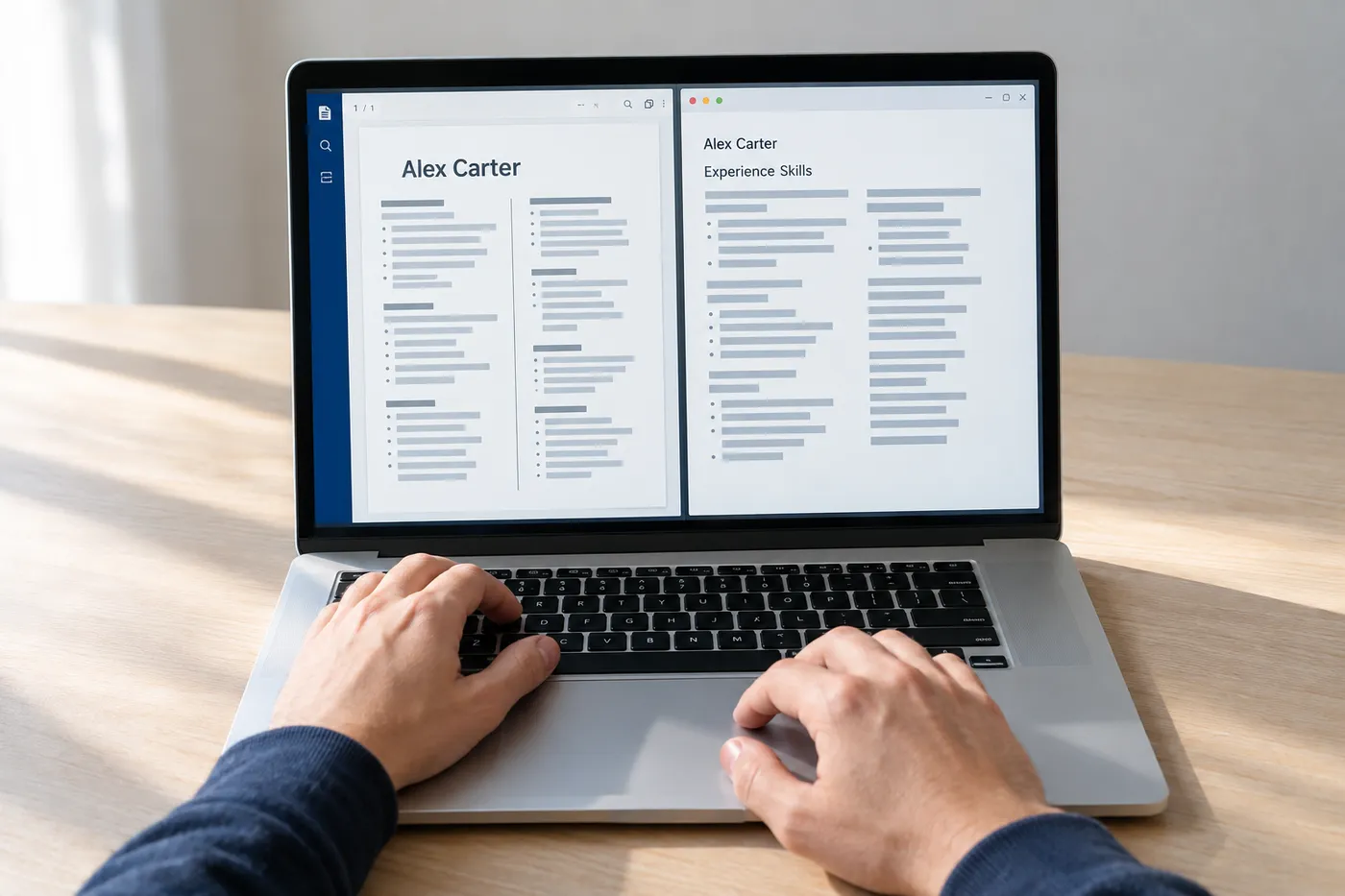
A single-column layout with clear headings is the safe baseline. The elements that genuinely cause trouble are tables used for layout, text boxes, and contact details placed in the document's header or footer, which some parsers skip entirely. Keep your name, email, and phone number in the body of the page. Skill-rating bars and icons don't break parsing, but they carry zero information for the software, so anything expressed only as a graphic effectively doesn't exist to the ATS. If your phone number is an icon plus digits inside a sidebar text box, write it in plain text too.
The section names
Parsers map your content into fields by recognizing headings. "Work Experience," "Education," "Skills," and "Certifications" map cleanly. "My Journey," "Where I've Made an Impact," or "Toolbox" may not, and content under an unrecognized heading can land in the wrong field or get dropped. The same goes for dates: use a consistent, conventional format like "Jan 2022 – Present" so tenure calculates correctly. Creative labels cost you data with no upside; a recruiter doesn't reward them either.
This is the part you solve once. Use a clean template, or check your current one against the points above. Roleframe's templates are built to parse, and the editor exports exactly what you see as the PDF, so the parseability question stays answered while you work on the part that changes per job. For a deeper walkthrough of formatting specifics, see how to make your resume ATS-friendly without ugly design.
Matchable: the keywords from the posting
Here is the part most "ATS friendly" advice skips, and it is the part that actually decides whether a recruiter finds you. Once your resume is parsed into the system, recruiters search and filter the pool using terms from the job description. If the posting says "stakeholder management" and your resume says "worked closely with leadership," you do not surface for that search. The human meaning is identical; the string match is not.
ATS keywords for a resume come from one place: the specific posting you are applying to. Not a generic list for your industry, and not what you'd call the skill yourself. Read the posting and pull out the hard skills, tools, certifications, and job titles it names, especially anything that appears in both the requirements and the responsibilities. Those repeated terms are what a recruiter is most likely to filter on.
- Mirror the posting's exact phrasing for hard skills and tools. If they write "Google Analytics 4," don't abbreviate to "GA4" alone; if they write "CRM," name the CRM you used as well.
- Include both the acronym and the spelled-out form on first use: "search engine optimization (SEO)," "certified public accountant (CPA)." Recruiters search both, and you can't know which.
- Put keywords where they carry proof. A skills section gets you found; a work-experience bullet showing you used the skill gets you interviewed. Strong resumes do both.
- Match the job title where honest. If your official title was "Marketing Specialist II" and the market calls it "Digital Marketing Specialist," write "Marketing Specialist II (Digital Marketing)."
- Never paste keywords in white text or stuff a keyword block at the bottom. Parsed text is visible text to the recruiter reviewing the record, and it reads exactly like what it is.
The judgment call is which keywords matter most for a given posting. A useful test: would a recruiter type this term into a search box? "Kubernetes," "payroll," and "PMP" pass that test. "Team player" does not. Spend your effort on the searchable hard skills first; there's a full breakdown of terms by job title in our ATS resume keywords guide, and a method for doing the comparison per posting in how to check your resume against a job description.
The myths: columns, PDFs, graphics, and auto-rejection
A lot of ATS advice circulating on LinkedIn and Reddit describes software from a decade ago. Here is where the common claims actually stand.
| The claim | The reality |
|---|---|
| ATS can't read PDFs | Text-based PDFs parse fine in modern systems. What fails is a scanned or image-based PDF. PDF is the format to submit. |
| Two columns always break the ATS | Major modern parsers handle simple two-column layouts. Older or cheaper systems can misread them, so single column is the zero-risk choice when you can't know which system an employer runs. |
| Any graphic ruins your resume | Graphics don't crash the parser; they're invisible to it. A photo, icon, or skill bar is simply ignored. The risk is information that exists only as a graphic. |
| The ATS auto-rejects most resumes | In the overwhelming majority of pipelines, the ATS ranks and filters; humans decide. Knockout questions on the application form (work authorization, required license) reject people. A missing keyword doesn't trigger a rejection email; it makes you invisible to search. |
| One 'ATS score' tells you if you'll pass | There is no universal score. Every checker tool computes its own number with its own rules, and no employer's system uses that number. Treat scores as a gap-finding aid, not a verdict. |
The auto-rejection myth deserves one more sentence, because it drives the worst behavior. People who believe a robot is rejecting them start gaming the robot: keyword stuffing, invisible text, gimmick formats. The actual failure mode is quieter. Your resume sits in the database, parseable and complete, and never comes up in the searches the recruiter runs. The fix is relevance, and relevance is per-posting work.
Test yours in two minutes
You can check both halves quickly.
- Parseability, 60 seconds: open your PDF, select all, copy, and paste into a plain-text editor. If the text comes out in reading order with your contact details, headings, titles, and dates intact, a parser will handle it. Garbled order, missing sections, or a wall of merged text means the layout is fighting the parser.
- Matching, 60 seconds: open the job posting next to your resume and scan for the five to eight hard skills, tools, and title terms it repeats. Check each one against your resume, exact phrasing included. Every miss is a search you won't appear in.
The second check is the one worth doing properly, because eyeballing it undercounts the gaps. In Roleframe, you duplicate your base resume for a job, paste the posting, and get a fit report: an ATS score against that specific job, the exact keywords the posting asks for that your resume is missing, and a prioritized plan for what to change. You make the edits yourself, with Remi, your career copilot, suggesting rewrites bullet by bullet and you approving each one. For a manual version of the same check, see how to check if your resume is ATS friendly.
Frequently asked questions
- What is an ATS-friendly resume?
It's a resume that an applicant tracking system can parse into structured fields (name, titles, employers, dates, skills) and that contains the terms recruiters search for when filtering candidates for a specific job. The formatting half is universal and fixed once; the keyword half depends on the posting and changes with every application.
- Is 72 a good ATS score?
There's no way to say, because there is no standard ATS score. Every checker tool computes its own number using its own rules, and no employer's system uses any of them. A 72 in one tool might be an 85 in another for the same resume. Use the score to find specific gaps, like missing keywords or a heading the parser skipped, and fix those. Chasing a number for its own sake leads to keyword stuffing, which recruiters spot instantly.
- Can an ATS detect a ChatGPT resume?
No. An ATS parses and stores text; it doesn't run AI detection. The real risk is the recruiter. Machine-written resumes tend toward the same inflated, generic phrasing, and someone reading hundreds of resumes recognizes the pattern fast. Worse, an AI that writes your resume for you can invent claims you can't defend in an interview. Use AI to sharpen bullets you approve line by line, and keep the facts yours; we cover the pattern in why AI resumes sound generic.
- How do I convert my resume to ATS friendly?
Fix the format first: move contact details out of the header or footer into the body, remove layout tables and text boxes, rename creative headings to standard ones like "Work Experience" and "Skills," and export as a text-based PDF. Then run the copy-paste test to confirm it parses. After that, the per-job step: compare your resume against each posting and add the exact hard-skill terms it uses, in your skills section and in bullets that show the skill in action.
- Do ATS systems automatically reject resumes?
Rarely in the way people imagine. Automatic rejections almost always come from knockout questions on the application form, such as work authorization or a required license, not from the resume text. What the ATS does with your resume is rank it and make it searchable. A resume without the right keywords isn't rejected; it just never surfaces when the recruiter filters the pool, which feels identical from the outside.
- Should I submit my resume as a PDF or a Word document?
PDF, unless the employer explicitly asks otherwise. A text-based PDF parses reliably in modern systems and is the only format that locks your layout, so the recruiter sees exactly what you built. Word files can shift fonts, spacing, and page breaks depending on the version that opens them. The one exception is a posting that specifically requests a Word file; follow instructions in that case.
- Do ATS-friendly resume templates have to be ugly?
No. Parsers need a readable structure, not an absence of design. Clean typography, sensible spacing, even a restrained accent color all parse fine. What to avoid is structural decoration: text boxes, layout tables, skill graphics, and content trapped in headers or images. A well-designed single-column resume is both the safest parse and, in most recruiters' hands, the easiest read; see ATS-friendly formatting without ugly design.

Ready when you are
Send the tailored resume, not the generic one.
Paste a job posting and Roleframe scores your resume against it, then helps you close the gaps one approved edit at a time, so you apply while the role is still fresh.