How Does an ATS Work?
by Larbi SahliLast Updated
How does an ATS work? It parses your resume into fields, stores it in a database, and lets recruiters search it. What that means for your resume, explained.
On this page
An applicant tracking system (ATS) does three separate jobs: it parses your resume into structured fields like job titles, dates, and skills; it stores that data in a searchable database; and it lets recruiters search and filter candidates, sometimes with a ranking layer on top. Most "the ATS rejected me" stories are really a recruiter's keyword search that your resume didn't match.
An ATS is workflow software, not a gatekeeper robot
Strip away the mythology and an ATS is a database with a hiring workflow bolted on. Systems like Workday, Greenhouse, Lever, iCIMS, and Taleo exist so a recruiter juggling dozens of open roles can post jobs, collect applications in one place, move candidates through stages, leave notes, and schedule interviews. Screening you is a side effect of that job, not the point of the software.
This matters because the popular picture, an algorithm reading your resume and deciding your fate, gets the mechanics backwards. In most pipelines a human still decides who advances. The ATS shapes which resumes that human sees, and it does that through three distinct mechanisms: parsing, search, and ranking. Advice that makes sense for one is often useless or harmful for another, which is why so much ATS advice online contradicts itself.
One disambiguation before we go further: if you searched this while wiring a generator, you want the automatic transfer switch, a different ATS entirely. Everything below is about hiring software.
Parsing: from file to fields
The moment you hit submit, the ATS runs a parser over your file. It extracts the raw text, identifies sections (experience, education, skills), and maps what it finds into database fields: name, email, employers, titles, start and end dates, degrees, skills. That structured record, not your carefully designed PDF, is what the system works with from then on.
Parsing is where formatting can genuinely hurt you. If the parser can't read a piece of information, that information does not exist inside the system, no matter how prominent it looks on the page. A recruiter searching the database for "project management" will never find the candidate whose skills live inside an image.
What breaks parsing
- Text embedded in images, icons, charts, or skill-rating graphics. Parsers read text, not pictures.
- Contact details in the header or footer of the file, which some parsers skip entirely.
- Complex tables and unusual multi-column layouts that scramble reading order in older parsers.
- Creative section names. "Where I've Made an Impact" may confuse a parser that expects "Work Experience."
- Scanned or image-based PDFs with no selectable text layer. If you can't highlight the text, neither can the parser.
The quick test: open your PDF, select all, and paste into a plain text file. If your bullets come out readable and in order, a parser will handle them. A text-based PDF with a clean single-column layout and standard section headings parses reliably in every modern system, so submit PDF unless a specific employer explicitly asks for something else. If you want a fuller checklist, see how to make your resume ATS-friendly without ugly design, and here's how to check if your resume is ATS friendly in a few minutes.
Worth saying plainly: modern parsers are better than the horror stories suggest. Greenhouse and Lever handle reasonable formatting fine. The failure cases above are avoidable, and avoiding them costs you nothing in design quality.
Storage and search: what a recruiter actually types
Once parsed, your record sits in the database alongside every other applicant, for this role and often for past ones too. Here is the step most advice glosses over: for many roles, nobody reads every application top to bottom. A recruiter with hundreds of applicants opens the ATS and searches or filters, the same way you'd search your inbox.
A real query looks something like: "account executive" AND Salesforce AND SaaS. Or the recruiter filters by a required credential, years of experience, or location. Your resume competes at query time. If the recruiter searches "CPA" and your resume only says "certified public accountant," or the reverse, you can lose the match on a technicality.
Two practical consequences follow directly from how search works.
- Use the exact vocabulary of the posting. If the job says "stakeholder management" and your resume says "partner alignment," a literal keyword search misses you even though you mean the same thing.
- Write both the acronym and the full term on first use: "search engine optimization (SEO)," "registered nurse (RN)." You don't know which version the recruiter will type.
The other search-time mechanism is the knockout question, those application-form questions about work authorization, required licenses, or willingness to relocate. These are the one place where genuine auto-rejection is common: answer "no" to a hard requirement and the system can screen you out before any human looks. That's employer configuration, not the software being hostile, and no resume formatting trick gets around it.
If you're not sure which terms matter for your role, we keep a reference of 800+ ATS resume keywords by job title pulled from real postings.
Ranking: where scores come from (and where they don't)
Some systems add a ranking layer: a match score or sort order based on keyword overlap with the job description, and increasingly on AI-based matching of skills and experience. Recruiters can use it to decide whom to read first. That is its real effect, ordering the queue rather than deleting candidates from it.
Three things people get wrong about ranking:
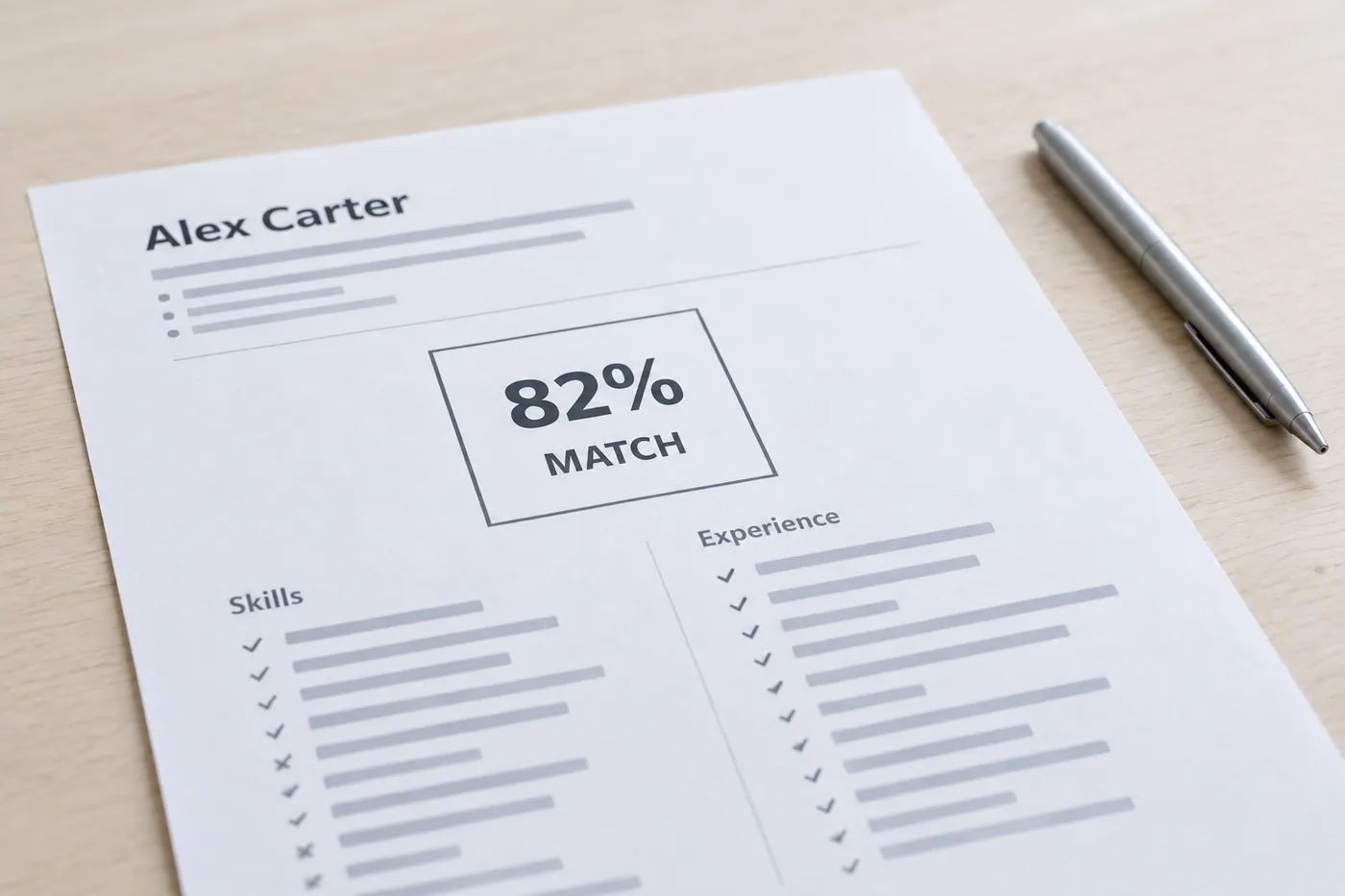
- There is no universal "ATS score." Each system that ranks does it differently, many recruiters simply sort by application date, and plenty ignore match scores entirely.
- A score from a third-party resume scanner is an estimate of keyword overlap, not the number any real ATS assigned you. Useful as a gap-finder, meaningless as a pass/fail grade.
- Ranking rarely auto-rejects. A low rank means you're read later or not at all when the pipeline is crowded, which is bad enough, but it's a visibility problem, not a verdict.
This is why "beat the ATS" is the wrong frame. You can't outsmart software whose main job is storage and retrieval. What you can do is make sure you parse cleanly, match the searches a recruiter will actually run, and rank high enough to be read early. Those are three different fixes, and now you know which mechanism each one targets.
What this means for your resume
Everything above collapses into a short, mechanism-by-mechanism checklist.
- For parsing: use a single-column layout, standard section headings ("Work Experience," "Skills," "Education"), no text in images, contact details in the body of the page, and export a text-based PDF.
- For search: mirror the posting's exact terms in your bullets and skills section, include both acronyms and full phrases, and cover the hard requirements the posting names explicitly.
- For search: keep keywords in context. "Built dashboards in Tableau for a 40-person sales org" survives both a keyword query and a human read; a comma-separated keyword dump survives only the first.
- For knockouts: answer application questions completely and honestly. A skipped question can end an application as surely as a wrong one.
- For ranking: tailor per job instead of blasting one generic resume. Keyword overlap with the specific posting is what most ranking layers measure.
That last step is the one people skip because it's slow, and it's the one with the most direct payoff. The honest way to speed it up is to see the gaps before you edit. In Roleframe, you duplicate your base resume for a job, paste the posting, and get a fit report: an ATS score against that posting, the exact keywords the job asks for that your resume is missing, and a prioritized plan. Then you make the edits yourself, with Remi, its career copilot, suggesting rewrites you approve line by line. Here's the full walkthrough of checking your resume against a job description and fixing the gaps.
Frequently asked questions
- How do I get my resume past an ATS?
Two things, in order. First, make sure it parses: single-column layout, standard headings, no text in images, and a text-based PDF. Second, match the searches recruiters run: use the posting's exact terms, include both acronyms and full phrases, and cover the stated requirements in your bullets. There is no trick beyond that, because the ATS isn't judging you; it's retrieving records that match a query.
- Can an ATS hurt my chances of getting hired?
Yes, in two specific ways. If your resume parses badly, your information is missing or scrambled in the database, so searches never surface you. And if your wording doesn't match the recruiter's search terms, you're invisible even with a clean parse. Neither is the software rejecting you. Both are fixable with formatting and vocabulary, which is what makes this worth understanding.
- Is 80% a good ATS score?
Treat any percentage skeptically. Real applicant tracking systems don't share a universal scoring scale, and many don't score resumes at all; percentages usually come from third-party scanners estimating keyword overlap. A high overlap with the posting is a good sign, so use the score to find missing keywords, not as a threshold that guarantees or blocks anything. A recruiter can interview a "60%" resume and skip a "95%" one.
- Can an ATS detect a ChatGPT-written resume?
No mainstream ATS runs AI-detection on resumes. The real risk is downstream: machine-written resumes converge on the same generic phrasing, which experienced recruiters recognize instantly, and they can contain claims you can't defend in an interview. If you use AI, use it to sharpen your own material rather than generate from scratch. More on that in why AI resumes sound generic and how to fix it.
- Does an ATS automatically reject resumes?
Rarely on resume content, commonly on knockout questions. If an employer configures a hard requirement, say work authorization or a mandatory license, a disqualifying answer can auto-reject before any human review. Automatic rejection based purely on resume keywords is uncommon; a weak keyword match usually means you're read late or not at all, which is a visibility problem rather than a formal rejection.
- Should I submit my resume as a PDF or a Word file?
PDF, as long as it's text-based with selectable text. Every modern ATS parses text-based PDFs reliably, and PDF locks your formatting so the recruiter sees exactly what you designed. The only exception is an employer that explicitly requests another format in the posting; follow their instruction in that case, and default to PDF everywhere else.
- Is this the same ATS as in generators and electrical systems?
No. In electrical work, ATS stands for automatic transfer switch, a device that switches a building's load between utility power and a backup generator. Same acronym, unrelated field. In hiring, ATS always means applicant tracking system, the recruitment software this page covers.


Ready when you are
Send the tailored resume, not the generic one.
Paste a job posting and Roleframe scores your resume against it, then helps you close the gaps one approved edit at a time, so you apply while the role is still fresh.