How to Check Your Resume Against a Job Description (And Fix the Gaps)
Compare your resume with a job description, map requirements to evidence, review fit feedback, and make accurate edits without chasing a perfect score.


On this page
Checking your resume against a job description helps you make relevant experience easier to find. The task is to compare what the employer asks for with what you can actually demonstrate, then improve unclear or missing explanations.
This guide follows a five-step workflow: import your resume, attach a posting, review feedback, revise specific bullets and check the section order. You can also use the same method with two documents side by side. Roleframe is our product, and its features are used here to illustrate the workflow.
Why the connection to the role should be easy to see
A reader should not have to infer how an internal job title or an unfamiliar project relates to the opening. If your official title is “Delivery Excellence Lead” and the work was program management, you can add an accurate explanation of that function while retaining the official title.
Recruiting software can extract information from a resume, and employers may use search or screening tools as part of their process. Their configurations differ. There is no universal ATS score, keyword threshold or sequence that every application must pass.
Use the posting’s terminology where it accurately describes your work, then show the context: what you did, with which tools, and to what result. Do not add every phrase mechanically or assume exact wording guarantees that the application will be shortlisted.
What checking a resume against a job posting actually means
A real check is a comparison against a defined checklist, not a vibe read. Whether you do it with two browser windows and a highlighter or a resume gap analysis tool, you are answering the same questions about overlap.
- Hard skills and tools: which stated requirements can you support, and where does the resume show them?
- Job title: can a reader understand your function without changing the truth of your official title?
- Seniority: does your described responsibility and scope match the level of work being requested?
- The top third: does it introduce the most relevant experience for this particular role?
- Evidence: do the key bullets describe what you did and why it mattered, rather than naming skills without context?
Open the posting beside your resume and label each requirement “evidence present,” “experience present but unclear,” or “experience missing.” That third category matters: a wording change cannot supply a qualification you do not have. See our guide to choosing relevant ATS keywords for ways to use terminology accurately.
The remaining steps show how to organize the same review in Roleframe. A tool can suggest gaps, but you decide whether its reading of your experience is correct.
Step 1: Import your current resume as a PDF
In Roleframe, you can import an existing PDF into editable resume content. Check the imported result before using it for analysis: names, dates, job titles, bullets and section boundaries can be extracted incorrectly.
Use the editor’s checks as a starting point for reviewing the document, not as proof that it is complete or ready to submit. Read the flagged text and also inspect sections with no findings. A high score does not establish factual accuracy or employer compatibility.
A text-based PDF is the most practical starting point for this workflow. If a scan does not yield usable text, export from the original document or transcribe and verify the content. The free account has document and AI limits; see the current plan details before creating additional versions.
Step 2: Paste the target job description
Keep a master resume as your reusable source, and work on a tailored copy for the job. Give the copy a recognizable name so you can find the version you eventually submit.
Include the complete posting where possible: responsibilities, required qualifications, preferred qualifications and team context. Keep a copy for yourself because listings may change or disappear. Check that the job title and employer attached to your version are correct before reviewing its match feedback.
Step 3: Review the prioritized fit report
Review the findings against the actual posting. A useful report helps you decide which parts of the resume need attention; its score is Roleframe’s assessment rather than the score used by an employer.
- Resume checks: potential wording, consistency or structure issues to inspect in context.
- Job-match feedback: apparent overlap between the resume and posting, plus possible gaps to verify.
- Relevant terminology: ways to name tools or responsibilities you genuinely used.
- Editing priorities: suggestions to assess against the importance of the requirement and the strength of your evidence.
Start with important requirements that you meet but have not explained clearly. A missing qualification is different from a missing word: if you used SQL but never named it, add the accurate detail; if you have never used it, do not claim it.
Treat required certifications or legal eligibility conditions separately from preferences. Repetition in a posting may indicate emphasis, but counting occurrences is not a substitute for reading the requirement. If the report misreads your resume, correct the text or disregard the finding rather than optimizing for the number.
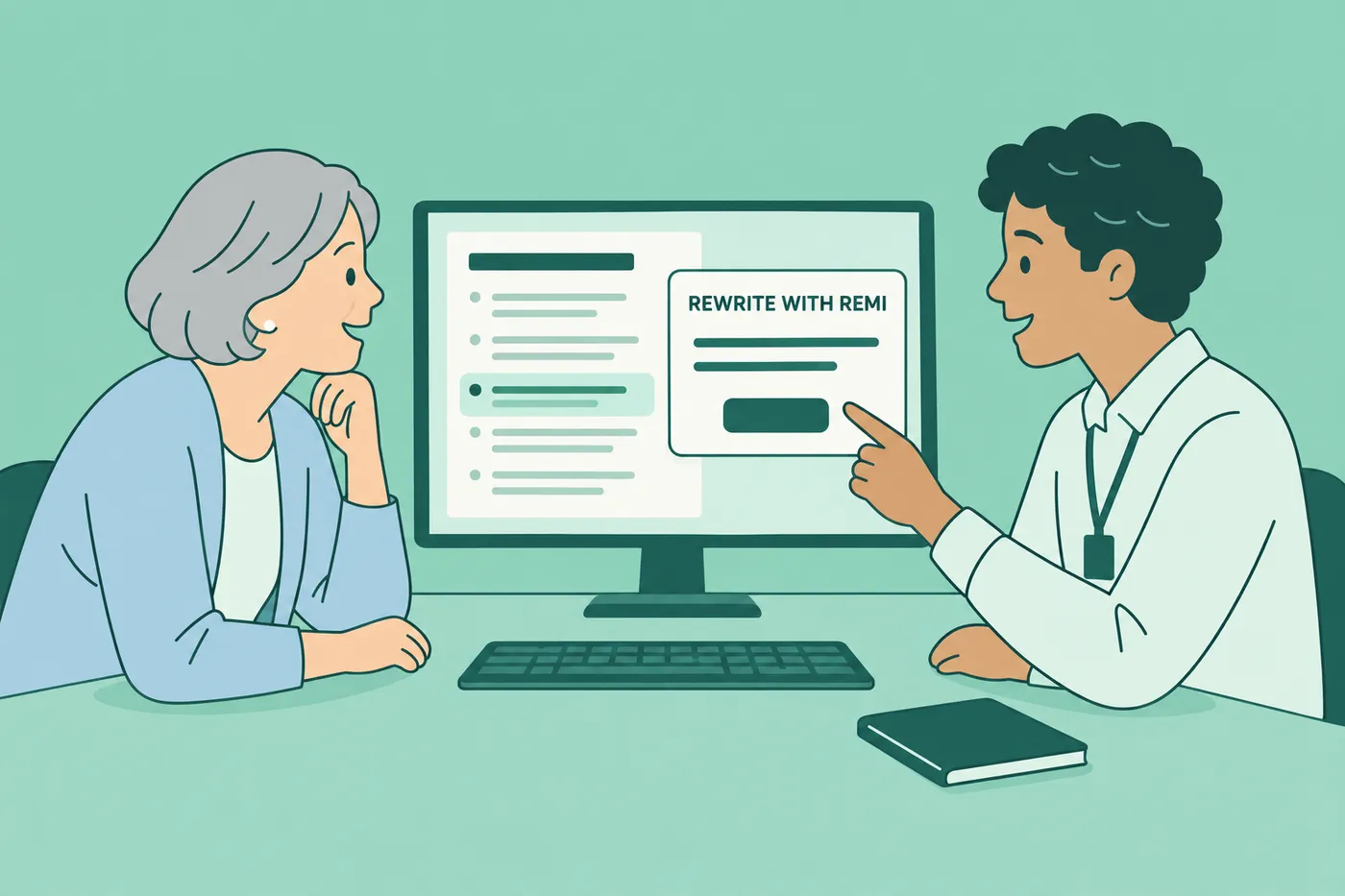
Step 4: Rewrite weak bullets with Remi, your AI copilot
Use Remi, Roleframe’s AI assistant, to work on a specific passage. Give it the facts you want preserved and the requirement you want the bullet to clarify. Review each suggested change before accepting it, especially changes to your ownership, skills or results.
For example, suppose the posting asks for “cross-functional campaign reporting” and your bullet says “Responsible for marketing reports.” If it accurately describes your work, a clearer version could be: “Built the monthly campaign report that sales and product teams used to set quarterly budgets.” This is an illustrative rewrite; do not add those teams or that purpose unless they are true for you.
A useful instruction is: “Rewrite this bullet to explain its relevance to the reporting requirement. Preserve my actual responsibility and do not add numbers, tools or outcomes. Ask if a fact is missing.” An instruction reduces ambiguity but cannot guarantee that an AI suggestion is correct. If a gap cannot be closed honestly, leave it as a gap.
Step 5: Put the most relevant sections where readers can find them
Choose section order based on your evidence. Relevant recent experience may deserve the most space for an experienced applicant; a career changer may need a concise skills or projects section to explain the connection to the new role.
Roleframe’s editor lets you rearrange sections. After a move, inspect headings, spacing and page breaks, and confirm the final exported file still reads in the intended order. Our guide to resume section order explores options for different experience levels.
Review AI edits at a manageable scale
A whole-document rewrite can change many claims at once, making it harder to notice a small but important error. Working on one section or bullet at a time makes it easier to compare a suggestion with the source.
The same factual checks apply whichever workflow you choose. AI text may overstate an achievement, add an unsupported skill or erase a useful detail. Compare every changed passage with your experience and keep a copy of the original.
| Check | Whole-document rewrite | Passage-by-passage review |
|---|---|---|
| Review scope | Compare every revised section with the original. | Compare a small passage before moving to the next. |
| Missing requirements | Do not accept added qualifications without evidence. | Clarify genuine experience; leave actual gaps visible. |
| Invented claims | Verify responsibilities, tools and numbers throughout. | Verify the same facts in each individual suggestion. |
| Interview readiness | Be able to explain all claims in the finished resume. | Apply the same standard to every accepted change. |
| Voice | Revise wording that does not sound like you. | Keep useful phrasing while preserving your meaning. |
Context matters to human readers whether or not an employer uses keyword search or semantic tools. A skill in a list is less informative than a clear example of how you used it. If a draft has become vague or repetitive, see why AI resumes sound generic for ways to make the evidence more specific.
Start tailoring your resume now
Try the process on one live role: compare the requirements, identify the evidence you have, make a few relevant edits and inspect the exported document. Record which version you submitted so you can refer to it if you are invited to interview.
Do not delay an application indefinitely to chase a perfect score. Once the resume is accurate, readable and aligned with the role, use the employer’s deadline and instructions to decide when to submit.
Frequently asked questions
- Can ChatGPT analyze my resume against a job description?
You can ask a chatbot to compare the two texts, identify requirements and point to supporting evidence. Check its interpretation and every suggested edit yourself. Text feedback does not verify how the submitted PDF will parse in an employer’s system. Our guide to using ChatGPT to tailor your resume gives a more detailed workflow.
- How do I match my resume to a job description?
List the requirements, identify evidence you can support, and revise unclear descriptions. Use the posting’s terminology when it accurately describes your work. Retain truthful titles, dates and qualifications, and emphasize the most relevant experience without inventing missing requirements.
- Is there a free way to check my resume against a job description?
Yes. Put the posting beside your resume and label each requirement as supported, unclear or missing. Roleframe also offers a free editor and limited AI use on a free account; consult the current allowances to see which workflows are included.
- What is a red flag on a resume?
Inconsistent dates, unexplained contradictions and claims that exceed the experience described can raise questions. Check them before submitting. An employment gap is not itself proof of a problem, and you should not invent work or disclose private details merely to fill one.
- What match score should I aim for before applying?
There is no universal target score. A tool’s assessment can help prioritize a review, but it does not reveal the employer’s screening rules or predict an interview. Stop when the resume accurately presents relevant evidence and remaining gaps are qualifications you do not have.
- Do I need a different resume for every job I apply to?
Review the resume for each posting. Similar roles may need only small changes, while a different focus may require a separate version. Keep a base resume and preserve the copy you submit. See how to organize a base resume and tailored versions.



Ready to start your new resume?
Writing a resume takes time, and even a polished one can miss what a hiring manager is looking for. Roleframe helps you build a clear, ATS-safe resume in minutes and tailor it to the job you want.


