What Is a Master Resume? (And Why You Need One)
by Larbi SahliPublished
A master resume is one private document holding your entire career history. Learn what goes in it, how to keep it organized, and how to tailor from it fast.
On this page
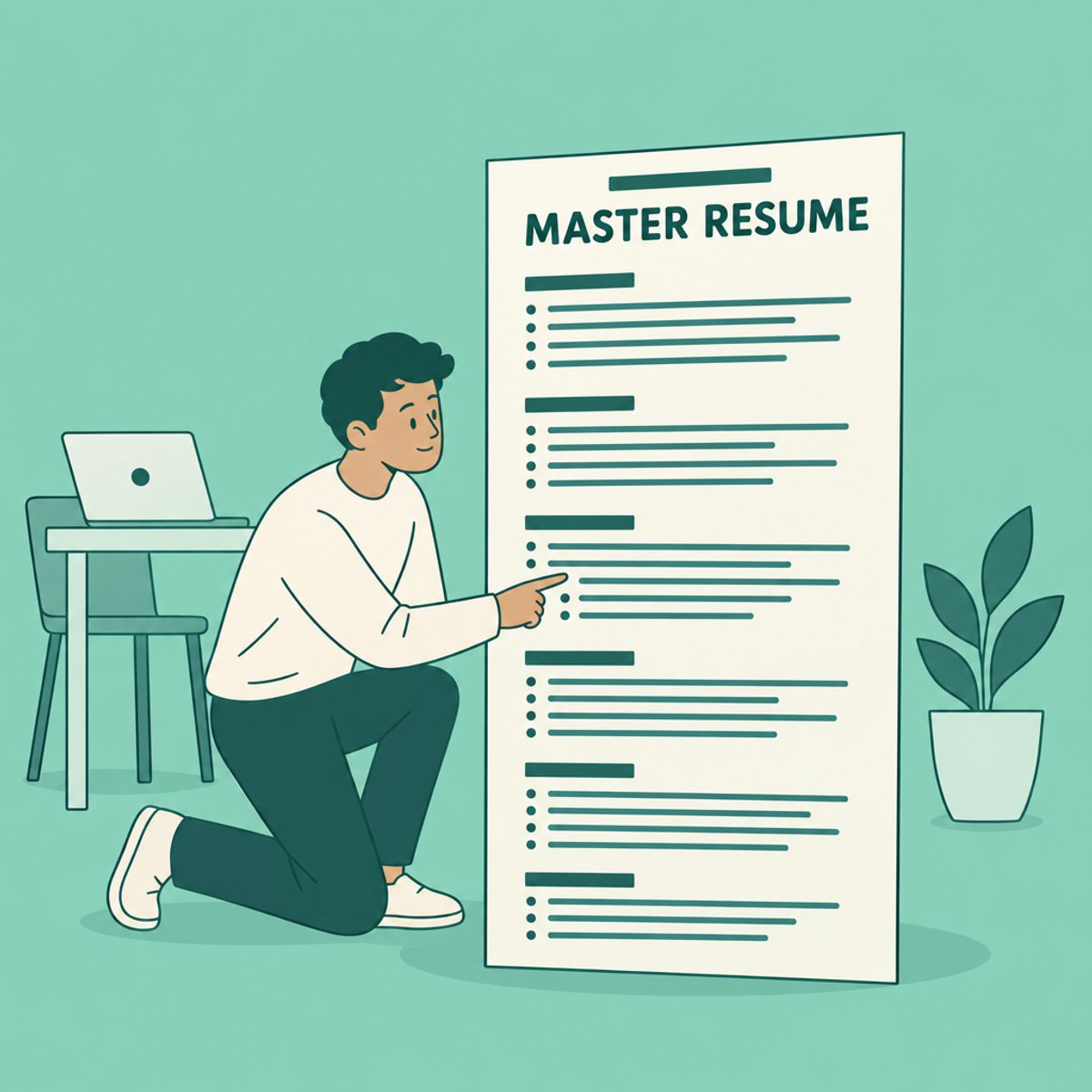
A master resume is a private working record of your career: jobs, projects, skills, qualifications and useful evidence of your contribution. It can be longer than the resume you submit. You select relevant material from it to create an application version, while keeping the fuller record for future use.
Master resume vs. targeted resume: opposite jobs
Your master emphasizes completeness and organization. A targeted resume emphasizes the evidence needed for a particular application and follows that employer’s length and file-format instructions.
- Master resume: a working source you update as you gain experience, with no imposed submission page limit.
- Targeted resume: a selected and edited version for an application. Keep the submitted copy so you can refer to it in an interview.
For example, a project with both technical and training responsibilities could supply different bullets for two roles. Keep the facts consistent while choosing the part that matters to each employer. Our base-resume and tailored-version guide explains how to organize those copies.
Why a master resume can make tailoring easier
Without a maintained record, preparing an application may involve searching old resumes and reconstructing project details from memory. Collecting accurate facts in one place makes that work easier to reuse.
Suppose a posting emphasizes stakeholder management. In your master, you might find notes about coordinating a launch, resolving conflicting requirements and training a client team. Select the strongest relevant example rather than trying to recall every project while drafting the application.
The benefit is a more organized process. You still need to verify the facts and edit the application version; a master resume does not remove that judgment.
What to include in your master resume
Record experience that could help future applications, along with enough context to use it accurately. Keep confidential or sensitive material out of a general job-search document. Useful categories include:
- Jobs and responsibilities, including smaller contributions that may be relevant to a future role
- Results with their measurement basis; label defensible estimates and leave out unsupported figures
- Side projects, freelance work, consulting engagements, and internships
- Volunteer roles and community involvement
- Certifications and licenses, with issuing bodies and dates
- Tools, languages and platforms you have used, with context and an honest description of your proficiency
- Education, including coursework and academic projects that map to your target roles
- Awards, publications, talks, and internal recognition
- Two or three versions of your professional summary, each written for a different angle on your experience
You can store more detail here than you would include in a submitted version. Our guide to choosing resume bullets can help with the later selection step.
How to organize dozens of bullets without chaos
Organize the material so that you can find examples by role, project or skill:
- Keep the reverse-chronological backbone. Jobs stay in date order, and everything else hangs off them.
- Group bullets by theme within each job. Cluster them (delivery, leadership, cost savings, tooling) so you can grab a matched set when a posting emphasizes one theme.
- Keep alternate phrasings instead of overwriting. The metric-heavy version of a bullet suits one posting; the collaboration-heavy version suits another. Store both.
- Archive useful older experience separately instead of letting it overwhelm current material. Bring it into an application when it is relevant.
- Record wins while they're fresh. A quarterly reminder to add new results beats trying to reconstruct them during a job search two years later.
Age alone does not decide whether an example is useful. Our guide to how far back a resume should go discusses selection for the submitted document; your private source can retain additional history.
Option 1: a document or spreadsheet
A word-processing document works well if you prefer writing full bullets. A spreadsheet can make it easier to tag projects by skill, date or result. Choose a format you will maintain, and keep a backup.
Use a clear naming convention for tailored copies, such as ProjectManager_Company_2026-10. If you improve a factual description in one version, update the source deliberately rather than assuming the copies are linked. Keep the version already submitted unchanged for your records.
Option 2: a Base Resume in Roleframe
Roleframe, our product, supports a Base Resume and tailored versions within your account. Use the base as the starting point, then review a copy for the job you want. Document and AI allowances depend on the plan; check the current limits before organizing multiple target roles.
For different career directions, keep the emphasis of each application clear. Do not assume that an edit to one version updates every existing copy. Our guide to managing multiple resumes covers ways to keep track of them.
How to create a tailored version from the source
Use the master as evidence, then make deliberate choices for the application:
- Read the posting and identify the essential qualifications and main responsibilities.
- Create a copy of your source resume and select relevant experience. If using Roleframe job-match feedback, check each finding against the posting.
- Edit wording and section order yourself, reviewing any AI suggestions for accurate responsibility, tools and results.
- Inspect the exported file, submit in the requested format and save the exact version you send.
The step-by-step master resume guide walks through building the source section by section. Add new experience while details are fresh, then verify it before using it in an application.
Frequently asked questions
- Should I ever send my master resume to an employer?
Normally you send a selected application version. If an employer or adviser asks for a comprehensive history, clarify what they need and prepare that document deliberately. Do not send private notes, confidential details or unverified draft claims.
- What's the difference between a master resume and a CV?
A master resume is your working source. In US academic hiring, a CV is a submitted record of academic experience and accomplishments; Harvard’s CV guide explains that purpose. “CV” can mean different things internationally, so follow the application instructions.
- What are the four types of resumes?
Common labels include chronological, functional, combination and targeted. They describe ways to organize or focus a submitted document. A master resume is the source material you can use to prepare those versions; it does not prescribe one layout.
- How long should a master resume be?
Long enough to preserve useful, accurate material in a form you can navigate. There is no application page limit on your private notes. Group or archive less relevant detail so the document remains usable.
- What's the best master resume format?
Use a document, spreadsheet or resume tool you will keep updated. Organize entries by date, role and project, and keep evidence for important results. Spend final layout effort on the application version rather than every private note.
- What does a resume for a master's program look like?
That means a resume for graduate admission, which is different from a master resume. Follow the program’s requested length and content. Relevant education, research, projects and work experience may all matter; do not assume every program requires one page.



Ready to start your new resume?
Writing a resume takes time, and even a polished one can miss what a hiring manager is looking for. Roleframe helps you build a clear, ATS-safe resume in minutes and tailor it to the job you want.


