USAJOBS Resume Builder or Your Own PDF: Which Should You Use?
by Larbi SahliPublished
Both work where the announcement allows them. Compare the USAJOBS resume builder with an uploaded PDF under the two-page rule and pick your route.
On this page
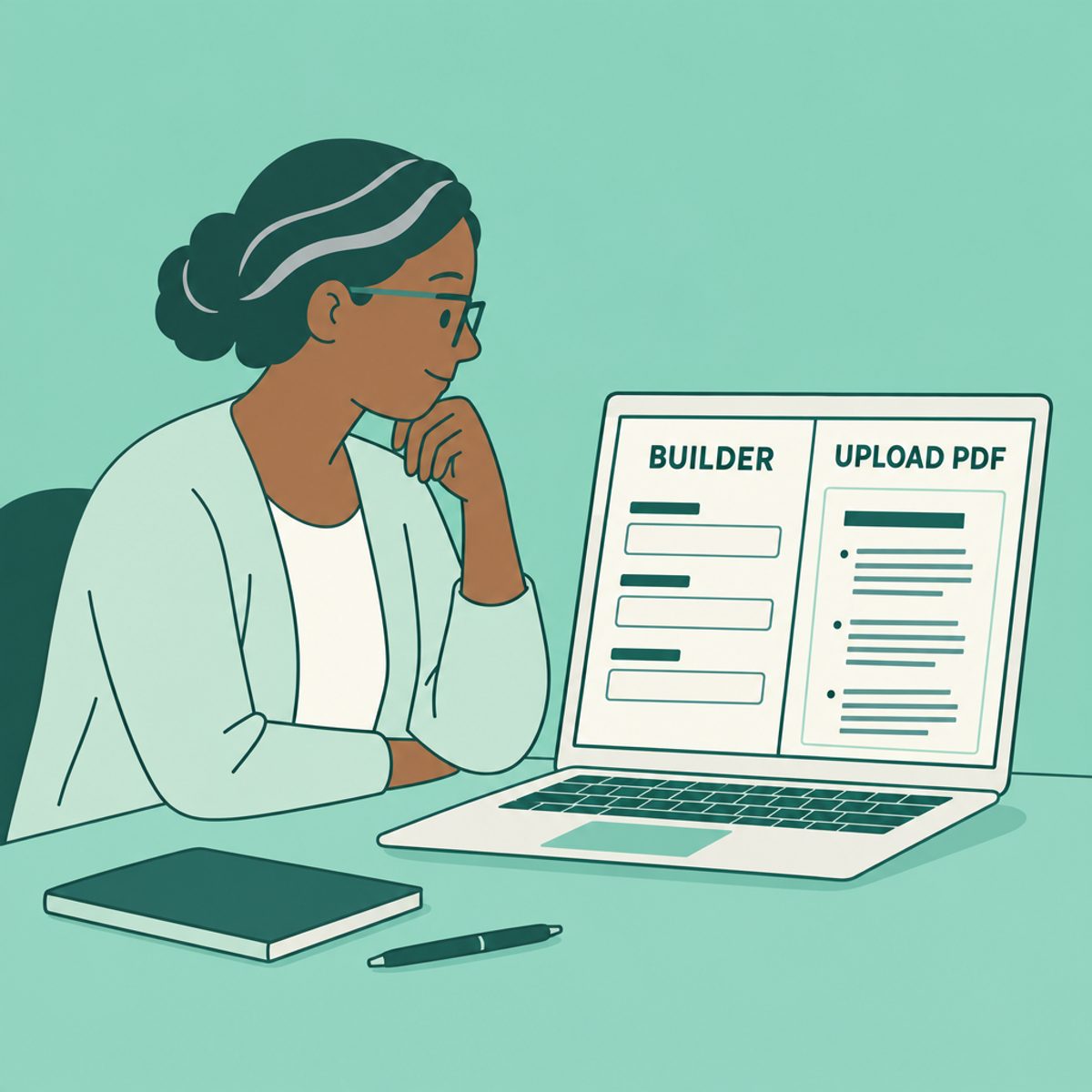
Either route can work when the announcement accepts it. The USAJOBS builder guides you through entering information; uploading your own resume gives you control of the document’s layout. Choose the route that helps you provide complete, accurate evidence of the qualifications.
For the standard USAJOBS resume, the current limit is two pages. Read the announcement for any separate CV, clinical, research or other required document. Neither a builder nor a PDF substitutes for the evidence the hiring agency requests.
Both routes are official; the announcement sets the rules
The USAJOBS instructions for adding a resume explain both routes: sign in, open Documents, then choose Upload a resume or Build a resume. The builder can start from profile information; an uploaded resume must be edited outside the site and uploaded again when changed.
The federal resume guidance requires a standard resume of two pages or less. Review the announcement’s qualifications and required documents before editing. Where a position requests a separate long-form CV or other document, follow its specific submission instructions; the required-documents guide explains these distinctions.
Builder vs. your own PDF, side by side
Here is how the two routes compare on the decisions that actually affect your application.
| USAJOBS builder | Your own PDF | |
|---|---|---|
| Information entry | Guided fields populated from your profile where available | You check that the document includes each required detail |
| Layout | USAJOBS formatting | Your document layout, within application requirements |
| Page-count check | Preview before completing the resume | Check the exported file and uploaded preview |
| Tailoring | Duplicate and edit a builder resume | Duplicate and edit your local file, then upload it |
| Best fit | You want guided entry | You already maintain a suitable document |
Pick the workflow you can check reliably. Guided fields can help you notice omissions, but you still need to read the announcement. A local document can be convenient to tailor, but it requires your own completeness check. Either way, retain an accurate master record of dates, hours and qualifications.
If you use the builder, preview before you submit
Complete the relevant fields and preview the result. Check dates, hours and job-specific qualifications against your records. Preserve the details that establish qualifying experience when shortening the document; age alone does not make an earlier role irrelevant.
Do not assume a saved profile is the submitted application. Confirm which resume is attached to this vacancy and review the agency application before final submission.
If you upload your own PDF, cover what the builder would have asked
Use a checklist before uploading. For each relevant position, confirm these details against the announcement and your records:
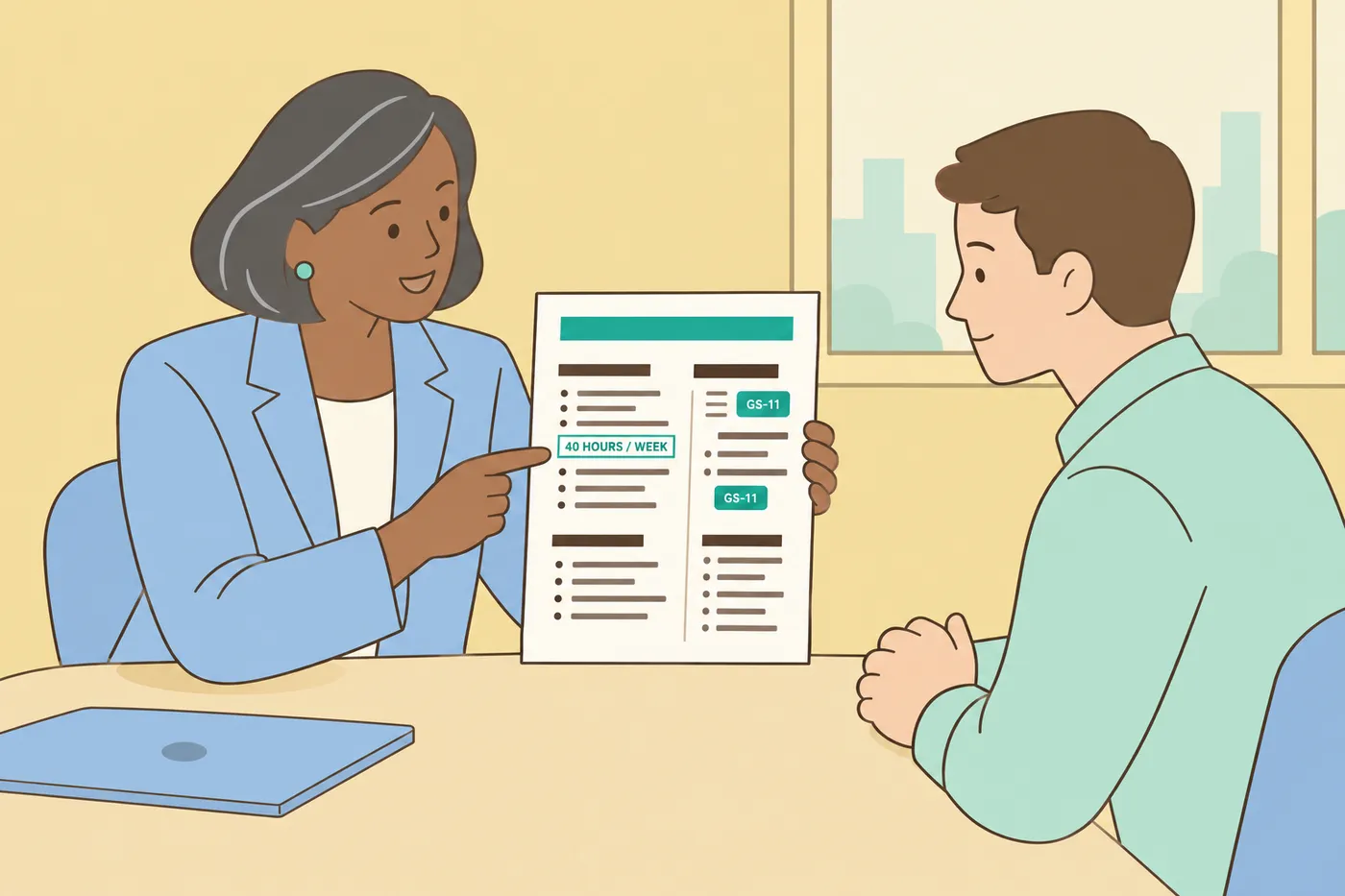
- Employer and job title, with month/year start and end dates
- Hours worked per week
- Series and grade for federal positions
- Relevant duties and accomplishments that establish the required experience
- Education, licenses, certifications and supporting documents required by the announcement
USAJOBS recommends PDF to preserve formatting and page count, accepts other listed formats, and limits the resume file to 5 MB. Check the current upload instructions and preview the file after uploading. Use a descriptive name such as Lastname_2210_AnnouncementNumber.pdf.
For a worked document, see the federal resume example.
Keep one base resume per series, then one copy per announcement
Keep a master record of your experience, then make a clearly named version for each announcement. Choose the most relevant evidence without changing the underlying facts. The guide to tailoring a resume shows how to connect accurate experience to stated requirements.
A USAJOBS profile can hold up to five resumes. Save your own copies of submitted applications and retire profile versions only when you no longer need them. If you use Roleframe’s resume builder to organize versions, check the exported file against the federal instructions yourself; its suggestions do not establish eligibility.
Frequently asked questions
- How do I upload a resume to USAJOBS?
Sign in, open Documents and choose Upload a resume. Select the file, name it and complete the upload. Follow the current USAJOBS upload instructions, then check the preview and which document is attached to the application.
- Can ChatGPT create a federal resume?
An AI tool can help organize accurate notes, but it must not invent experience, dates or qualifications. Read the announcement’s instructions for each part of the application, including any rules about AI assistance or certifications that an answer is your own work. Restrictions on an essay or assessment should not be assumed to describe every document; follow the wording of the actual requirement.
- How many resumes can you keep in a USAJOBS profile?
A profile can hold up to five resumes. Keep copies of your master records and submitted versions outside the profile, then use the available slots for the versions you need.
- Is it worth paying for a resume builder for federal jobs?
The USAJOBS builder is available without a separate builder fee. A paid tool may offer editing or version-management features, but it cannot make you qualified or replace the required details. Choose according to the workflow you need and inspect the final document yourself.
- What are the federal resume guidelines going into 2027?
Use the current USAJOBS instructions and the specific announcement when you apply. This article was checked in October 2026 and does not predict later rules. Verify the page limit, required experience details and separate supporting documents again for each application.


Ready to start your new resume?
Writing a resume takes time, and even a polished one can miss what a hiring manager is looking for. Roleframe helps you build a clear, ATS-safe resume in minutes and tailor it to the job you want.


