Is There a Resume Builder That Is 100% Free?
Yes: compare free resume-file workflows, account requirements, and optional AI access. Check the download first and build a useful resume without a paid plan.

On this page
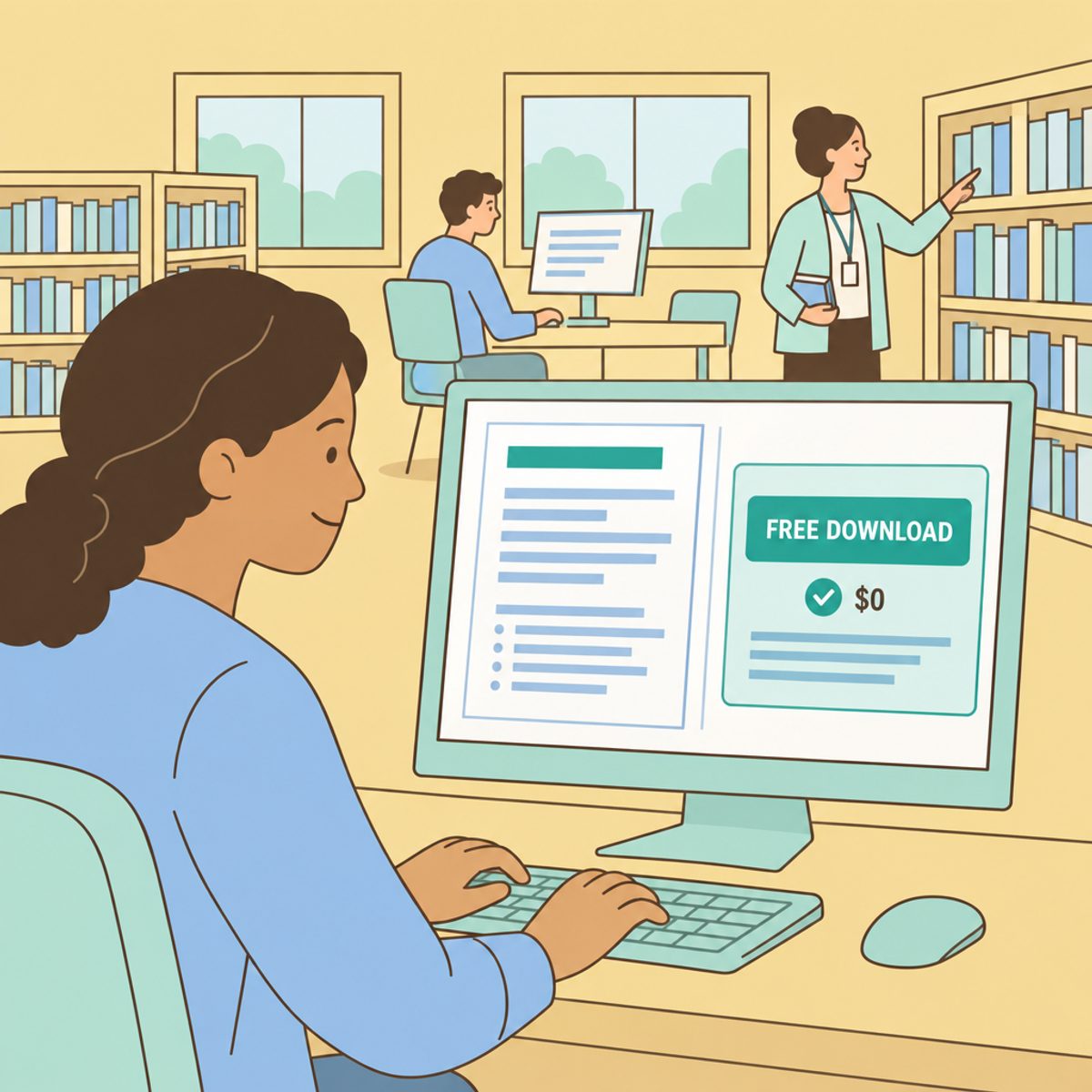
Yes. You can create a complete resume file without paying for a builder subscription. Roleframe’s public builder, for example, provides a free PDF without an account, card, or watermark. Open-source tools and word processors offer other routes.
The useful question is what you need to be free: the document, a particular format, saved versions, or AI assistance. This article is published by Roleframe, one of the options discussed. It compares those tasks, explains how to check access before writing the whole resume, and gives a manual workflow you can use without buying AI.
Define the free workflow you actually need
“Free” may describe editing, a particular download format, a set of templates, or a limited amount of assistance. An account can be free, while a trial can provide temporary access to paid features. Those conditions should be compared separately.
Write down the requirements that matter for your application:
- File format: can you obtain the PDF, Word document, or text the employer requests?
- Branding: does the exported document include a watermark or another mark you do not want?
- Access: do you need an account, a card, or a paid trial to finish the chosen route?
- Ongoing work: can you maintain the versions you need, and where will you keep your own source and backups?
Test the selected template with a short fictional entry, then download and open the file. If payment appears, check which feature or format requires it. A free TXT export can be useful source material even when the builder’s formatted PDF costs money; it simply answers a different need.
Check AI allowances separately from document access
A free document workflow does not necessarily include every AI action, and an AI allowance does not guarantee a free formatted download. Check the feature you want to use and the plan that includes it.
Before relying on assistance, look for usage limits, reset periods, fair-use conditions, and the terms of any trial. Check the privacy policy for how your content is processed. A zero price alone does not establish that a company sells data, and an “unlimited” label should be read alongside its usage conditions.
You can also prepare and tailor a resume manually. Start with a working document and a factual record of your experience; pay for additional help only if it solves a task you cannot comfortably handle with your existing tools.
Compare the available document routes
These options have different strengths and access conditions. The table describes documented routes checked in October 2026, not a ranking from a timed product test.
| Option | Document route | What to check |
|---|---|---|
| Word processors, such as Google Docs or LibreOffice Writer | Create and format a document, then export a file | Account or installation needs, required format, and page layout |
| Indeed profile resume | Official help documents a profile-to-PDF download | One profile layout and how uploaded files differ from profile content |
| OpenResume | Free open-source builder with no sign up | Available sections, local-browser storage, and backups |
| FlowCV | Free account with one resume and watermark-free PDF downloads | Additional versions, AI, and other Pro features |
| Roleframe public builder | Free resume editing and PDF without an account or watermark | Public editor versus optional account and AI features |
Roleframe is our product. Choose a route by its fit with your task and inspect the file yourself; this comparison does not claim that free or paid status predicts hiring results.
Google Docs allows document creation with a Google Account; its help page explains downloading a chosen file type. LibreOffice is a free office suite, and Writer supports document formatting and PDF export. Keep a simple layout and inspect the result instead of assuming a general-purpose editor is unreliable.
OpenResume describes no-sign-up creation and browser-local storage. FlowCV’s free account includes one resume with watermark-free PDF downloads; extra versions and AI are listed with Pro. These are concrete alternatives to the claim that every freemium builder charges for all downloads.
If you already use Indeed, its current help page describes downloading a profile resume as PDF. It also says the profile has one layout and a new uploaded file replaces the previous upload. Check the route available in your account and keep your separate versions locally.
Roleframe’s free public route: editing and PDF export
The public resume builder is available without an account. It is separate from Roleframe’s signed-in account app and its additional workflows. For the basic document task, you can:
- Choose a resume template and enter your content.
- Adjust section order, typography, and spacing in the editor.
- Review the preview, then inspect the downloaded file.
- Download a PDF without an account, card, trial, or watermark.
Keep a copy of your source text and exported files. Visitor access depends on the browser session; it is not a promise of permanent storage or a claim that the document is processed only on your device.
The account app offers saved document and job-search features with plan allowances. Optional AI access also has its own conditions. Check the current plans if you want those capabilities, and confirm that any document you move into an account is available there.
Tailor a resume to one job using your own evidence
You can do the following review manually or with assistance. Start from a source resume and work on a clearly named copy so you retain the complete record:
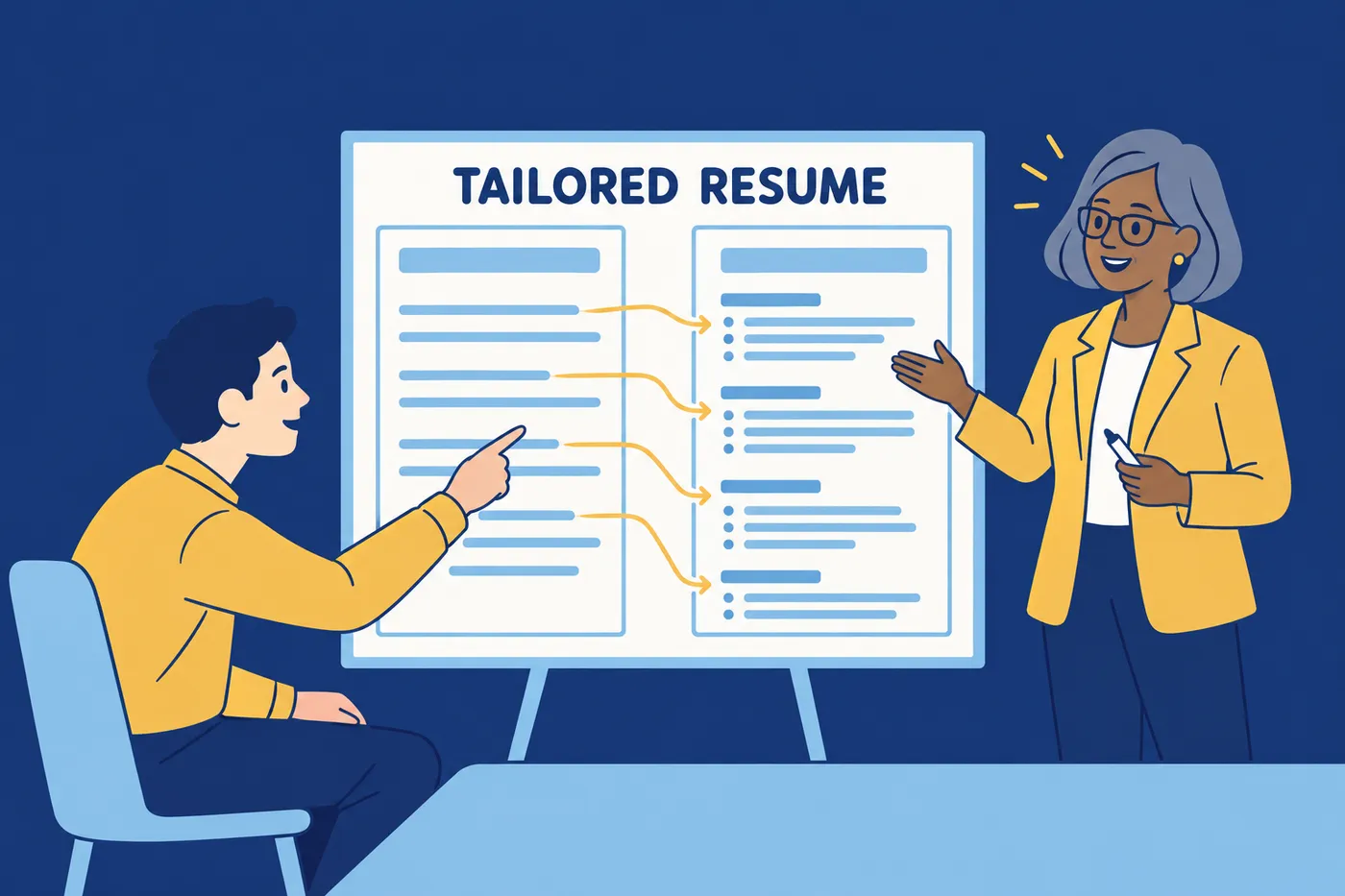
- Read the posting and distinguish required qualifications from preferences. Note the duties most relevant to the role.
- For each important requirement, identify evidence you have: a project, task, tool, credential, or measured result. Leave genuine gaps visible to yourself.
- Select and order the strongest relevant examples. Remove unrelated detail when space is needed.
- Clarify terminology where it accurately describes your work. Do not add a skill merely to match a phrase in the posting.
- Check the meaning of each revised claim, including your ownership, technical scope, dates, and any numbers.
- Review the exported file and record which version you submit. Use the same factual examples when preparing to discuss the role.
A tool can help organize this review, but it cannot supply evidence you do not have. A score is an assessment by that product, not knowledge of the employer’s exact filters or interview questions.
For a career change, distinguish transferable experience from new skills. For example, planning shift coverage may demonstrate coordination, but it should not be renamed software project management unless that is work you actually performed.
Make AI suggestions specific and truthful
The risk in an AI draft is an unsupported statement, not simply the number of lines it writes. Provide enough facts, request alternatives where useful, and compare the output with your records. You can accept helpful wording without claiming the model has independently verified your career history.
Consider this fictional source note: “Checked invoices against purchase orders and flagged mismatches to the accounts-payable lead.” A clearer sentence can identify the task and recipient. Adding a 40% error reduction, a team-lead title, or a financial-control redesign would require additional evidence.
Replace empty labels such as “results-driven professional” with a relevant contribution when you have one. If you lack a measurement, describe the scope, method, or audience accurately. The specific AI-writing guide develops that approach.
Build a useful resume with no paid assistance
Use this sequence to organize the work. It does not require a match-score subscription or a promise of automatic optimization:
- Choose an editor that provides the required format at no cost. Test a short sample before entering the full document.
- Create a master record of your work, education, projects, skills, and achievements. Keep it somewhere you control.
- Compare the posting with your real qualifications and select the evidence that answers the employer’s needs.
- Write clear entries that explain what you did, in what context, and with what supported result or purpose. Review section order for the target role.
- Export in the format the employer requests. Check the saved file and any application fields populated from it, then keep the submitted version.
The guides to a master resume and job-description terminology explain the source-record and matching steps. The export checklist helps you inspect the resulting document. A clear layout can reduce avoidable problems, but no free or paid builder guarantees how every receiving system will read a file.
Decide whether paid help is worth it for your workflow
Consider paying only after identifying a task that repeatedly slows you down. Examples include reorganizing several role-specific versions, comparing a long posting with your experience, or finding clearer wording for a complicated contribution.
Use one real task to assess the value. Record how much review the output needs, whether it preserves your facts, and whether you can use it in the required document format. A faster first draft is less useful if correcting its claims takes longer than writing the entry yourself.
For a career change, writing assistance may suggest terminology to examine. Confirm that the terminology accurately describes your experience and does not imply credentials or responsibilities you lack. Keep a source resume and a copy per application so changes remain traceable.
If you choose a paid Roleframe plan or another service, read its allowances and billing conditions. A free workflow can remain the right choice even during a busy search.
Frequently asked questions
- Is there a resume builder that is 100% free?
Yes, you can complete a resume-file workflow without paying. Options include a free word processor, OpenResume, FlowCV’s free tier, and Roleframe’s public PDF builder. Their account, storage, version, and AI conditions differ. Check the exact route you need rather than assuming every feature in a product is free.
- Why do "free" resume builders ask for a credit card?
A card may be required for a trial or paid feature rather than the free tier. Read the selected offer, renewal amount, and billing interval before continuing. If you want no subscription, use a route that completes the required download without starting one.
- Is a free resume builder good enough to get interviews?
A free editor can produce a usable resume, but interviews depend on the application and employer’s decision. Focus on relevant evidence, accurate claims, readable formatting, and the requested file type. Paying for the editor does not establish stronger qualifications or guarantee selection.
- Does Roleframe's free PDF have a watermark?
No. Roleframe’s public PDF download has no watermark and requires no account or card. Keep a copy of the source text and file; visitor-draft access is not permanent storage.
- What is the catch with "unlimited AI" resume tools?
Read the included features, fair-use conditions, reset periods, and any plan-specific limits. Then judge a sample for factual accuracy and usefulness. More usage does not remove the need to verify names, dates, skills, ownership, and claimed results.
- Should I download my free resume as a PDF or a Word file?
Use the format requested by the employer. If either is accepted, choose one you can export and inspect reliably. Keep an editable source as well as the submitted copy, and review any fields populated from the upload.


Ready to start your new resume?
Writing a resume takes time, and even a polished one can miss what a hiring manager is looking for. Roleframe helps you build a clear, ATS-safe resume in minutes and tailor it to the job you want.


