AI Interview: What to Expect and How to Practice With AI
What an AI interview is, how one-way video and live AI screens actually work, and how to practice with AI without letting it write your answers.

On this page
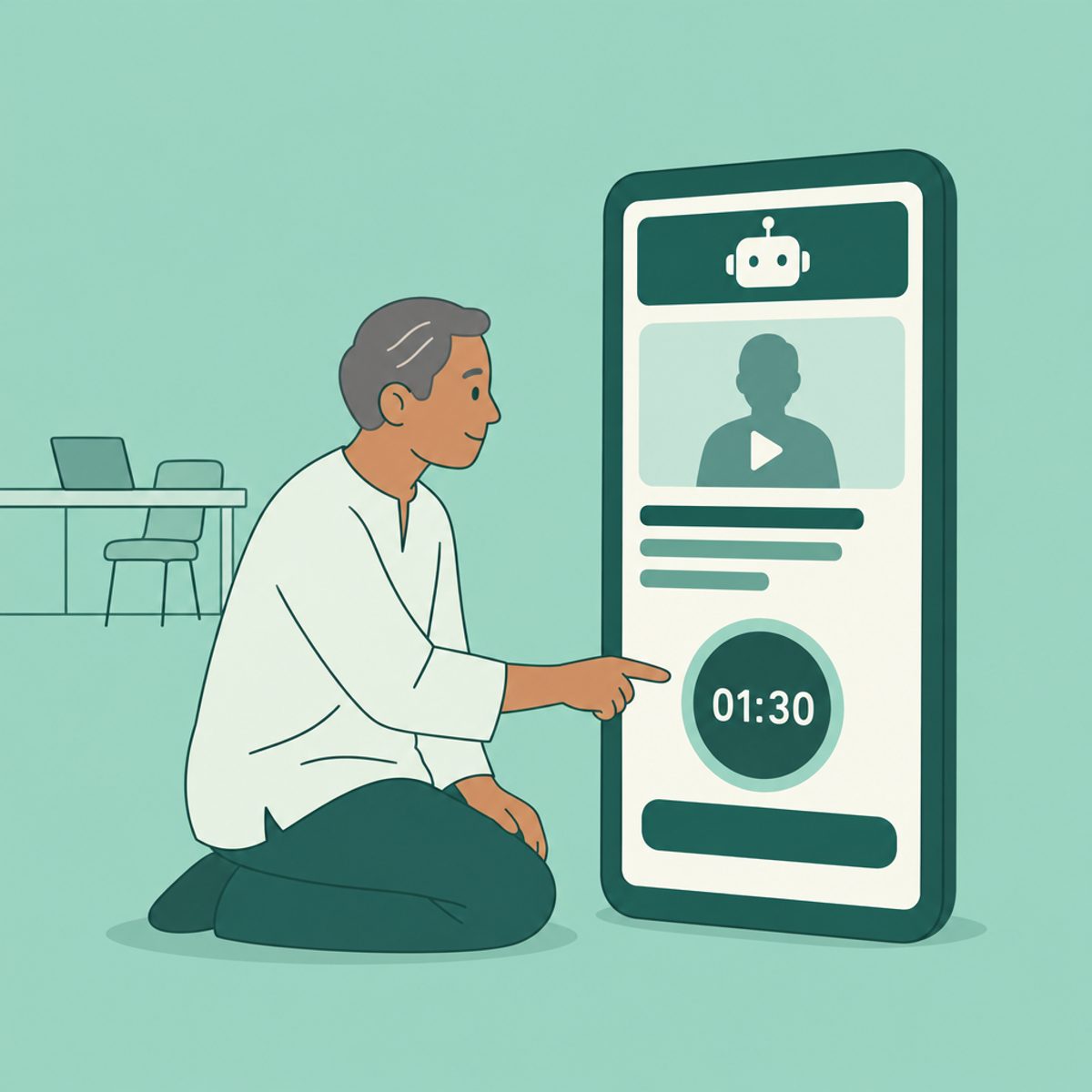
An AI interview can mean an employer's screening process or a practice session you choose yourself. In hiring, software might ask questions, transcribe answers, or help assess responses. A recorded, one-way video interview is a separate format: recording an answer does not by itself mean AI scores it.
Start with the invitation. Identify whether you will speak to a person, record answers to preset questions, or respond to a conversational agent. Then check the time limits, permitted tools, and support contact. This guide walks through those decisions and gives you a practice prompt and two fictional sample answers.
- Check the deadline and time zone, supported device or browser, answer limits, and any rules about notes or AI assistance.
- Test the microphone, camera and connection on the device you will use.
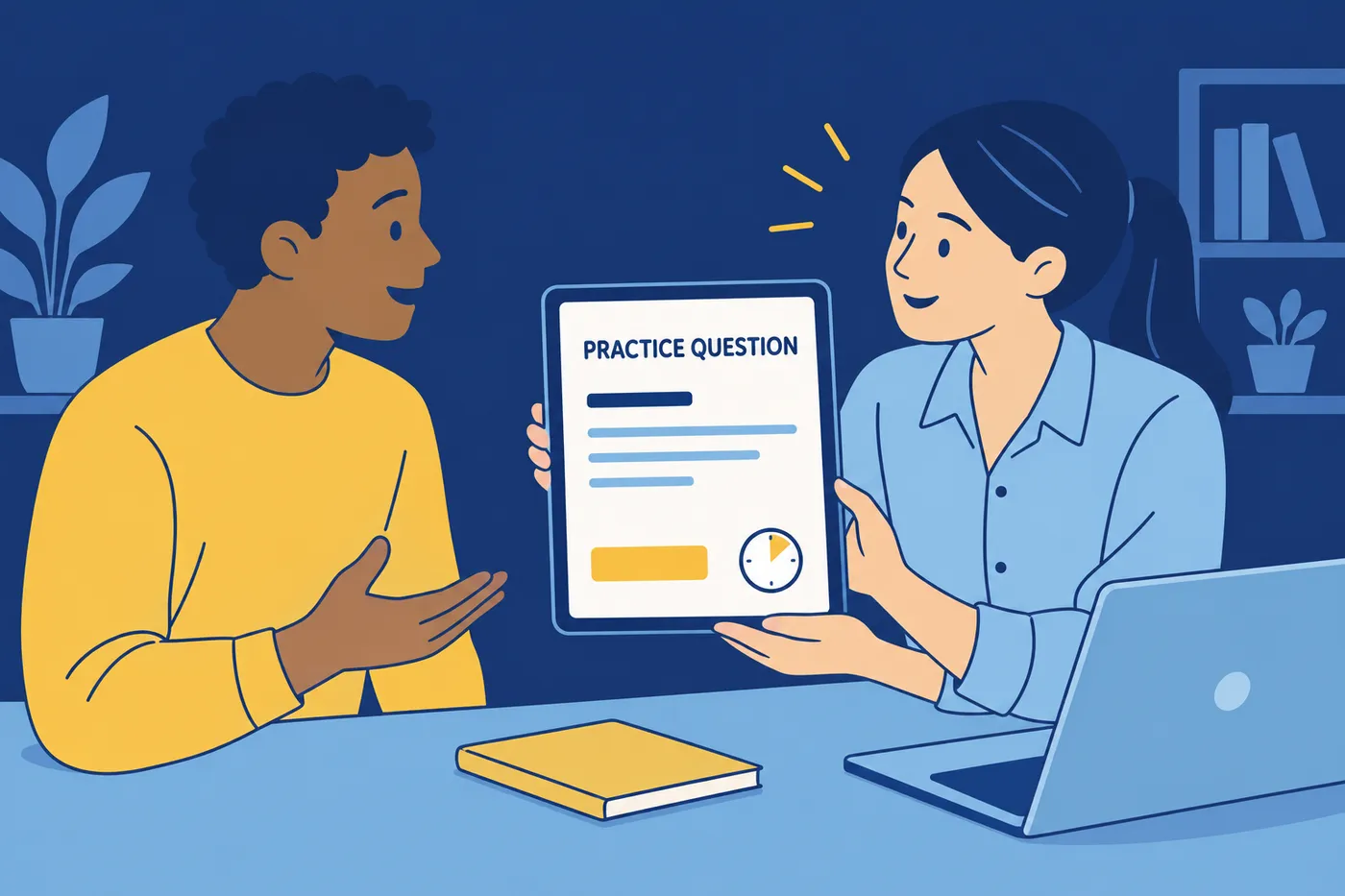
- Try a practice question if offered, and check whether the employer can see practice recordings.
- Prepare true examples from work, study, projects or volunteering that address the job requirements.
- Save the completion confirmation. If a technical error interrupts submission, contact the named support team or recruiter.
How a one-way video interview works, step by step
In a one-way or asynchronous interview, you record responses without a live interviewer present. The invitation or interview interface explains the questions and answer limits. A person may review the recordings; an employer may also use transcription or an assessment. Ask which applies instead of guessing from the camera interface.
- Open the invitation early enough to read the instructions and resolve access problems before the deadline. Do not begin a timed assessment just to inspect it.
- Complete the equipment check if one is available. Confirm that your recording has understandable audio.
- Use the practice area, if provided. Check its instructions so you know which answers are practice and which are submitted.
- Read the preparation time, answer limit and retake policy before recording. These settings may differ by question or employer.
- Give your answer, keeping your main action and result within the time available. Re-record only when allowed and useful.
- Submit using the platform's instructions and save its confirmation. If confirmation is missing, check with support before assuming the interview arrived.
For example, HireVue's candidate practice guide describes an equipment test and a practice option for OnDemand interviews. Use your actual invitation for the rules of your assessment.
HireVue's candidate FAQ also explains that not every interview has an assessment added. That is a useful distinction to ask about on any platform: “Will a person review my answers, and is an automated assessment part of this stage?” Neither a rehearsal tool nor a general article can predict an employer's decision.
Live AI interviewers: what happens in real time
A conversational interviewer can ask questions through voice or chat and may follow up on your responses. Its behavior depends on the employer's setup. Before starting, check how to request clarification, how much time is available, and what to do if the agent stops responding.
Use the same evidence you would use with a person. Adapt the delivery to the interface:
- Answer the question you received. If it is ambiguous and the interface allows questions, ask for clarification.
- Describe your own contribution, then the outcome. Do not wait for a facial expression or nod to know when to finish.
- Speak clearly at a comfortable pace; check any visible transcript for obvious errors if the interface permits correction.
- If the conversation fails, note what happened and contact the employer. Do not repeatedly restart a limited-attempt assessment without instructions.
| Format | What happens | What is timed | Your main job |
|---|---|---|---|
| One-way video | You record responses for later review; AI assessment is optional, not implied | The invitation or each question | Read attempt and timing rules; record complete examples |
| Conversational AI screen | Software asks questions through voice or chat | The employer's configured process | Answer directly and use the supported clarification route |
| AI practice session | A tool helps you rehearse before the employer's assessment | Your chosen practice limits | Improve your real answers and check the feedback |
Are AI interviews a red flag?
The format alone does not tell you whether a role is right for you. Check whether the employer explains the process, identifies a support contact, and answers reasonable questions. You can ask who sees the recording, whether software assesses it, how long it is retained, and what the next hiring stage involves. Read the privacy notice before submitting sensitive information.
If a disability affects access to the interview, contact the employer before the timed stage where possible. In the United States, the EEOC's guidance for job applicants explains reasonable accommodation in the application process under the ADA. Describe the access barrier and the adjustment you need, such as an accessible format. Applicable rules and appropriate adjustments depend on the situation and jurisdiction.
There is no useful reason to rehearse facial expressions to satisfy an imagined scoring formula. Prepare evidence you can explain, and follow the actual assessment instructions. Do not treat a practice score as a hiring prediction.
How to prepare for an AI interview
1. Turn the posting into practice questions. For “manage vendor relationships,” try “Tell me about a vendor problem you helped resolve.” For an analyst vacancy, try “Describe a time you checked a result before presenting it.” These are practice suggestions, not a prediction of the employer's question list.
2. Choose real examples. Use the STAR structure when it helps: situation, task, action, result. Spend enough time on your own actions that a listener can tell what you actually did. A result can be a completed handover, a corrected error or a lesson applied later; it does not need an invented percentage. Our behavioral interview questions guide offers more practice topics.
3. Rehearse to the stated time limit. If you do not yet know the limit, a 90-second timer is one practice exercise, not an employer standard. Record an answer, listen for missing context, and remove details that do not help answer the question. Adapt to the real limit when the invitation provides it.
Before recording, check the setup:
- Light in front of you, not behind you. A window at your back turns you into a silhouette.
- Camera at eye level. Stack books under the laptop if needed.
- A plain background and a quiet room.
- A charged device on a stable connection. Wired or strong wifi, not a weak signal.
- Notifications off: phone, desktop, everything that pings.
For everything that is not specific to AI formats, the research step, the questions to ask, the week-out schedule, use the full interview preparation plan.
How to practice with AI (the second meaning)
An AI practice tool can supply new questions and point out unclear passages, but its feedback can be mistaken or overly flattering. Use it to identify something specific to revise. A person who understands your field can provide a different kind of feedback, particularly on technical accuracy.
- Provide the role requirements and a short summary of your relevant experience. Remove contact details and confidential information you do not need to share.
- Ask for one question at a time, with follow-ups about your own contribution.
- For a spoken interview, answer aloud and use a recording or transcript to review what you actually said. For a written assessment, rehearse in writing.
- Request feedback on relevance, clarity, evidence and missing detail. Treat unsupported claims about employer scoring as guesses.
- Revise one weak answer and try it again without reading a script. Check that every fact still matches your experience.
Copy this prompt and replace the brackets with information you are comfortable sharing:
Help me rehearse for [role]. The relevant requirements are [requirements]. My real experience is [summary]. Ask one question at a time and wait for my answer. Then identify what answered the question, what was vague, and one useful follow-up. Do not invent experience, results or hiring criteria. If I omit evidence, ask me for it. Do not predict my chance of getting hired.
For each answer, check four things yourself: Did I answer the actual question? Is my contribution clear? Can I explain the result? Is anything exaggerated? These questions are more actionable than chasing a perfect practice score.
If you use a free tool, check its current usage limits and recording or data settings. You can also rehearse with a friend or record yourself. Our mock interview questions guide gives you additional prompts.
Should you use AI during a live interview?
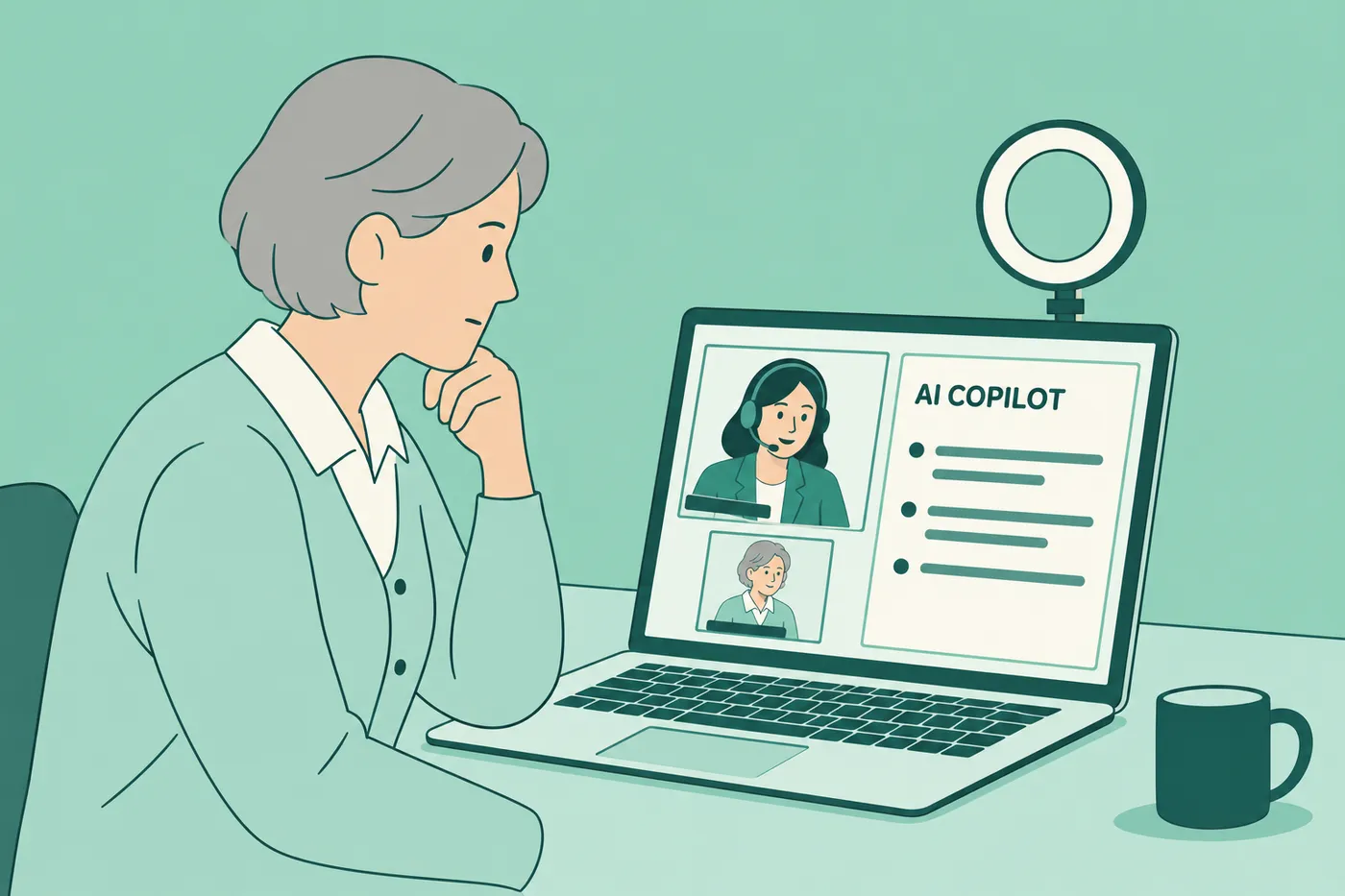
Check the employer's rules before using a real-time assistant, transcription tool or generated answers during an assessment. Permission to use AI for preparation does not automatically permit it during the interview. If the rules are unclear, ask the recruiter. If you need an assistive tool as an accommodation, discuss that separately.
For an exercise that explicitly permits AI, be ready to explain your reasoning, verify the output and describe what you changed. In any format, do not present invented experience as your own. Reading an answer you cannot explain leaves you unprepared for follow-up questions, whether or not a detection tool is involved.
Two example timed answers for a one-way video interview
The two candidates below are fictional. These scripts demonstrate structure rather than successful interview outcomes. Time your own delivery; the same text takes different people different lengths of time. Adapt the detail to your real experience and the limit shown in your invitation.
Retail shift lead: "Tell us about a time you handled an upset customer"
Context, one line: "Last December, a customer came in angry because her online order showed ready for pickup and we couldn't find it."
What you did, most of the time: "I apologized once and didn't argue the point. I pulled the order in our system, saw it had been shelved under a misspelled last name, and found it in about two minutes. While I searched, I asked an associate to ring up the rest of her items so she wasn't waiting twice. Then I checked the last ten pickup orders on the shelf and found two more filed wrong the same way."
Result, one line: "She left with her order, and I added a name check to our pickup shelving routine, which ended that type of complaint on my shifts."
The answer gives the listener a problem, specific actions and a result. Replace each detail with something you can honestly explain; do not borrow the fictional outcome.
Recent graduate: "Why do you want this role?"
The role, one line: "I want this analyst role because it's the work I already chose to do before anyone paid me for it."
Proof, most of the time: "My capstone project was a churn analysis for a local gym chain. I cleaned two years of membership data in SQL, built the dashboard in Tableau, and presented three retention recommendations to the owner, who used one of them to change the intro-offer pricing. It was the first time I saw my analysis change a real decision, and I rebuilt the dashboard twice based on his feedback until he could use it without me in the room."
The fit, one line: "Your posting asks for SQL, Tableau and someone who can present to non-technical stakeholders, and that project was all three, so this role is where I want to do it at real scale."
The answer connects a project to the stated duties. In your version, be clear about whether the project was academic, voluntary or paid, and about which work was yours.
After you submit
Save the submission confirmation and note any promised response date. If you have a recruiter contact, a short message can confirm completion and restate your interest. Our thank-you email guide has examples you can adapt.
Prepare for the next stage the employer describes, which could be a live interview, an assessment or another review step. Keep notes on your examples so you can explain them in more detail if asked. Avoid sharing confidential assessment questions publicly. Continue other applications while you wait for a decision.
Frequently asked questions
- Is every recorded interview assessed by AI?
No. A one-way video describes how answers are recorded, not how they are assessed. A person may review the recording, and an automated assessment may or may not be included. Check the invitation or ask the employer which applies.
- How do I find out what software does with my answers?
Read the assessment instructions and privacy notice. Ask the recruiter who reviews the recording or transcript, whether an automated assessment is used, how long the information is retained, and where to direct access or support questions. Do not assume every vendor or employer uses the same process.
- Can I request a different interview format?
You can ask the recruiter about an accessible alternative or an adjustment to an assessment barrier. In the United States, EEOC guidance describes reasonable accommodation during the application process under the ADA. The appropriate response depends on your circumstances and applicable rules.
- Should I aim for a particular AI interview score?
A score from a rehearsal app does not establish how an employer will assess you. Use feedback to improve an observable issue, such as an unclear example or an answer that exceeds the stated time. Check technical feedback against reliable sources or someone with relevant experience.
- How long should a recorded answer be?
Use the time limit in the invitation or on the question. Practice answering fully within that limit, with enough room to finish the result. There is no universal 60-, 90- or 120-second requirement across employers.
- Can I use AI while completing the actual interview?
Only use assistance permitted by the assessment rules or agreed with the employer. Ask before starting if the rules are unclear. Preparation with a tool and real-time help during an assessment are different uses.
- What should I do if the interview fails to submit?
Save the error message and time, without sharing confidential question content. Follow the platform support instructions and contact the recruiter before the deadline where possible. Explain the problem and ask whether the submission arrived or another attempt is needed.


Ready to start your new resume?
Writing a resume takes time, and even a polished one can miss what a hiring manager is looking for. Roleframe helps you build a clear, ATS-safe resume in minutes and tailor it to the job you want.


