ATS-Friendly Resume Builders: Compare the Export, Then Check the File
Compare Roleframe, Novorésumé, and Zety using practical file checks. Learn what copy-paste tests reveal, how to review parsed fields, and what ATS scores cannot prove.

On this page
An “ATS-friendly” label is not enough to choose a resume builder. You need a file the employer accepts, text that remains readable after export, and an application that accurately represents your experience. A polished preview cannot establish all three.
This guide compares Roleframe, Novorésumé, and Zety using those criteria, then gives you checks to run on your own document. Roleframe publishes this article and is one of the products discussed. We have not run a controlled compatibility benchmark across every builder or employer system.
What resume parsing means in practice
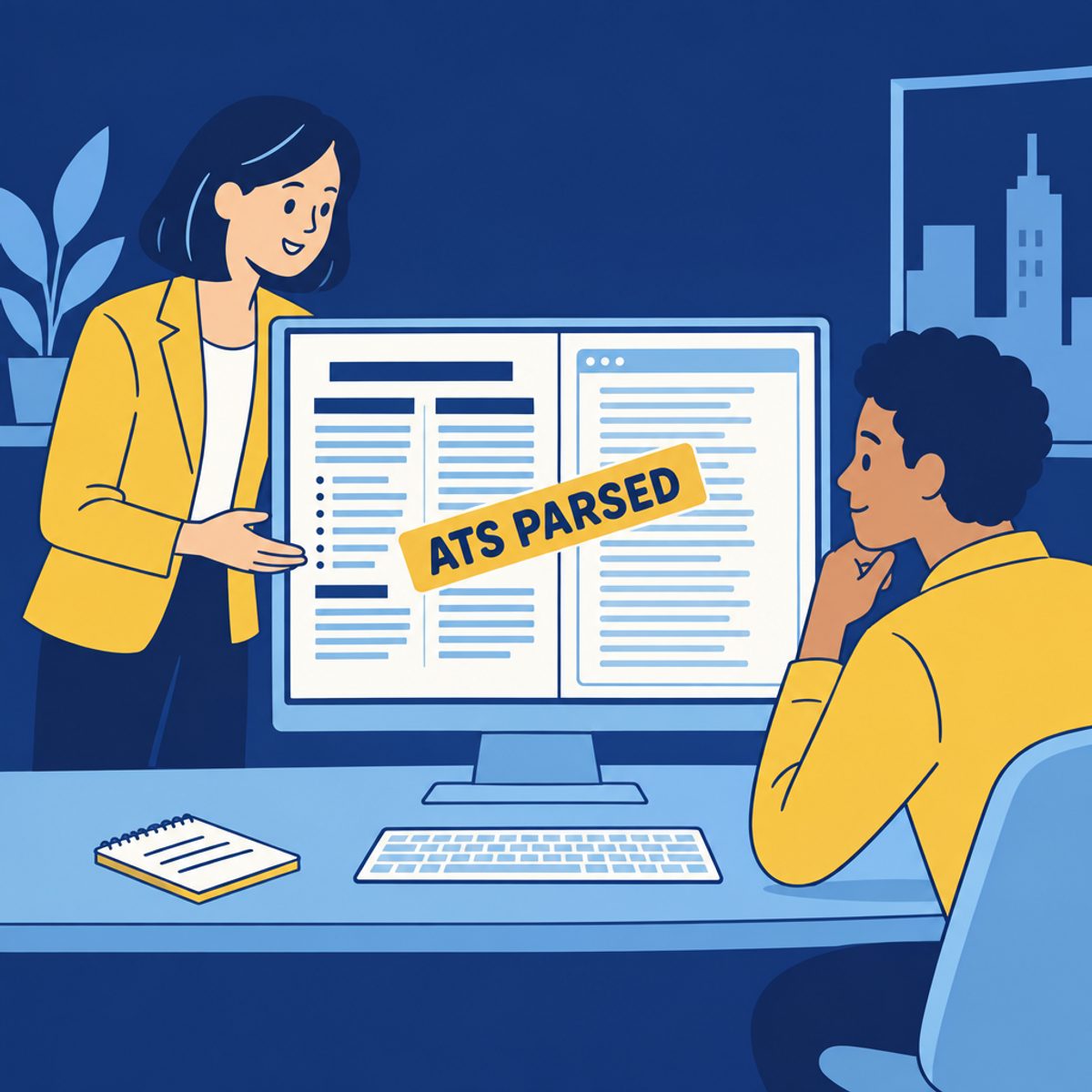
An applicant tracking system can extract information from an uploaded resume and place it into fields such as contact details or employment history. Greenhouse’s documentation describes this process and explains that an unsuccessful parse may leave the file attached while requiring manual entry of details.
That is different from a hiring decision. A well-extracted file can describe an unsuitable candidate, and an extraction problem does not by itself prove that an application was rejected.
For a practical starting layout, use clear headings, readable text, and an obvious relationship between each job, employer, and date. Styling can support those goals. A plain appearance alone does not prove that an exported file is readable by software.
Check the output without guessing the builder’s architecture
You cannot tell which export technology a builder uses just by looking at its form fields or preview. Nor does an interface style establish whether the final file will parse correctly. Check the artifact you will actually submit.
These are useful issues to look for, regardless of which product created the document:
- Text order: copied content should keep jobs, dates, and descriptions understandable rather than mixing unrelated sections.
- Contact information: names, email addresses, and phone numbers should remain readable as text, not depend on an icon alone.
- Characters: check technical terms, accented names, punctuation, and words with letters that appear missing or substituted.
- Section boundaries: headings and entries should be easy to distinguish in the file and any extracted text.
- Visual output: inspect clipped lines, missing content, awkward page breaks, and links in the downloaded document.
A visual check and a text check answer different questions. A PDF may look clear while copying awkwardly, or copy acceptably while its page layout is hard to read. An unusual copy-paste result is a reason to investigate the file, not proof that every ATS will interpret it the same way.
Roleframe, our product: test the public editor and PDF
Roleframe’s public builder provides resume editing and a free PDF without an account or card. Test the section and typography controls with your own content, then inspect the download using the checklist below.
The account app is a separate workflow for saved documents and job-specific features. Check its plan allowances before assuming that public editing includes every AI or application feature. The tailoring guide explains how to maintain a source resume while preparing relevant versions.
Evaluate: whether the editor makes your changes easy, whether the public PDF meets the application’s format requirements, and whether the final file retains your content. The same checks apply to Roleframe as to the other builders here.
Novorésumé: check document length and selected features
Novorésumé’s plan page lists a Basic tier with one version, a one-page resume limit, and predefined layouts. Premium offers additional customization and longer documents. Its help text notes that Premium features can be tried in Basic, but a document using them cannot be downloaded on that tier.
Test a long work entry and a relevant project before committing to a design. A student may find a one-page limit workable, while a professional with substantial relevant experience may need another route. Do not shrink readable text merely to fit a plan limit.
Evaluate: the layout and export available under your selected access. Avoid assuming that all templates from a vendor share the same parsing behavior, or that a visually distinctive design is automatically unsuitable.
Zety: check customization and the required export format
Zety’s builder describes guided creation, writing suggestions, and controls for fonts, spacing, colors, and section order. Its plan page includes free TXT downloads, with formatted PDF and Word access in paid plans.
A TXT file is useful source material, but it does not retain the template layout. If you need the builder’s formatted document, check access and renewal terms before entering all your content. If you already have the text, you can also format it in another editor.
Evaluate: the settings and file format you need. Describe a skill in words rather than using a proficiency graphic as its only explanation. Our Kickresume vs Enhancv comparison covers two further choices for templates and writing assistance.
Three builders: what to check before committing
| Builder | Document workflow | Check before choosing |
|---|---|---|
| Roleframe | Public editing and free PDF without an account | Your required format, long entries, page breaks, and optional account access |
| Novorésumé | Basic and Premium template-based editing | Basic page/version limits and any selected Premium features |
| Zety | Guided creation with customization and writing help | Free TXT versus paid formatted PDF/Word, plus renewal terms |
Five checks for the exported resume
Use these checks on a sample before moving your full resume, then repeat them on the final file. They can reveal problems worth correcting; they do not reproduce every employer’s parser or certify the document as universally compatible.
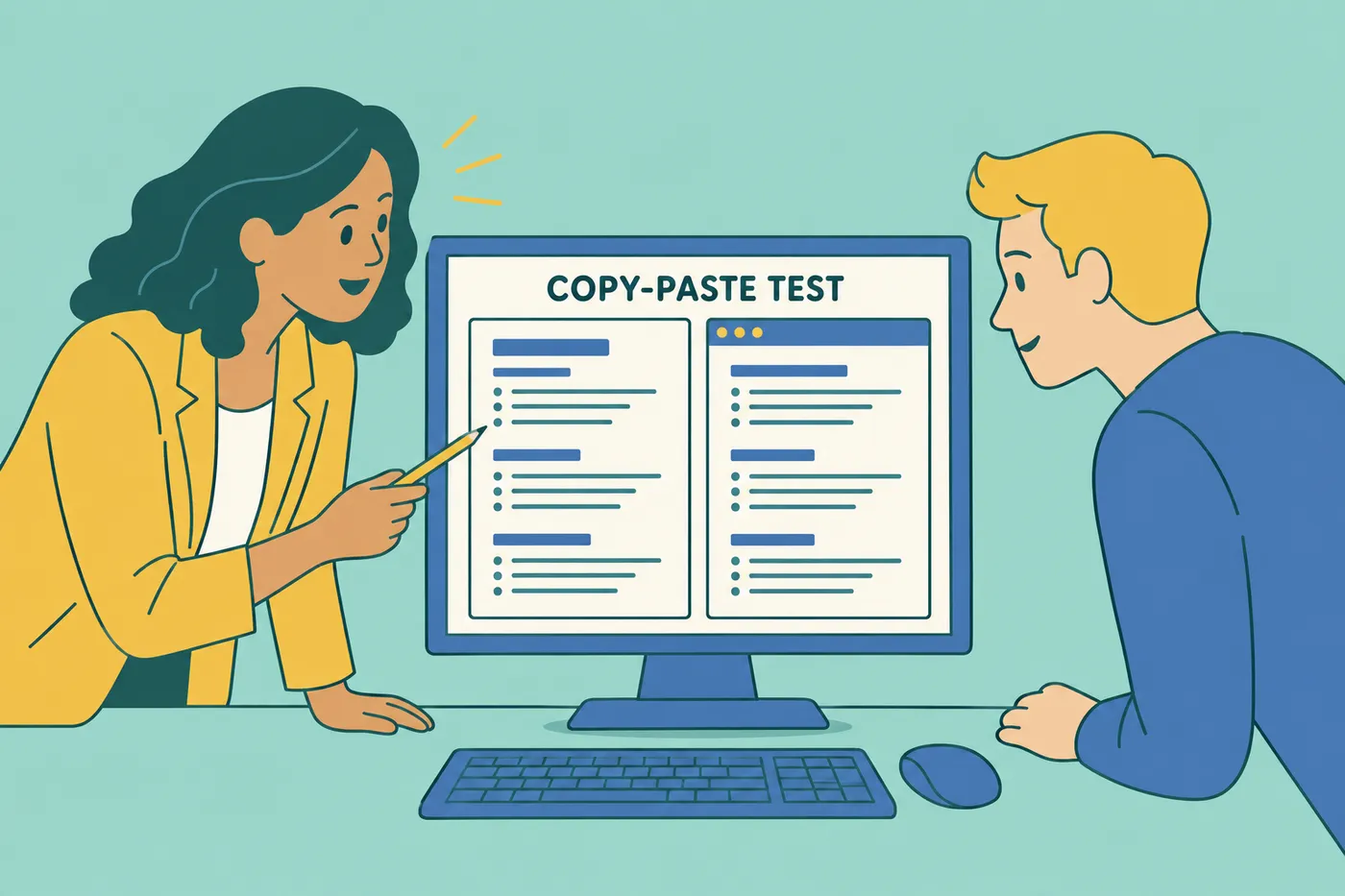
- Copy and read: select text in the exported PDF and paste it into a plain text editor. Check that contact details, employers, dates, and descriptions remain understandable. If selection is unavailable, investigate whether the file contains text or only an image.
- Inspect characters: compare names, technical terms, punctuation, and numbers with the original. Missing letters or stray symbols warrant another export or a simpler layout; they do not identify a particular export technology.
- Search known terms: use the PDF viewer’s search for your name, a skill, and a technical term such as C++. A failed search is a useful clue, but another parser may tokenize or extract the text differently.
- Review parsed fields: when applying to a role you intend to pursue, inspect any fields populated from your upload and correct errors. A successful extraction in one form does not establish compatibility with every system.
- Compare the pages: open the downloaded file beside the editor. Check page breaks, clipped lines, headings, links, and missing content. Fix visible differences without assuming a particular internal cause.
If you find a problem, keep the source, simplify the affected formatting, and export again. If the employer accepts another format, compare that version too. Keep the exact file you submitted so you can discuss the same content later.
Use relevant terminology with evidence
Resume extraction and candidate search are separate capabilities. For example, Greenhouse supports Boolean searches that combine words and phrases. That does not tell you which search, filters, or review process an individual employer uses.
Use terminology that accurately describes your experience and is clear to the reader. If the posting refers to search engine optimization and you have that experience, “search engine optimization (SEO)” can make the meaning explicit. You do not need to repeat every variation throughout the document.
A fictional example illustrates useful context: “Facilitated weekly project reviews with product and support teams to resolve launch blockers.” That explains the work more clearly than a bare “stakeholder management” label. Keep the audience and purpose true to your own experience; do not copy the example as an achievement.
Our keyword guide shows how to map a posting’s requirements to evidence without adding skills you do not possess.
Keep complex layout elements purposeful
Greenhouse identifies columns, complex tables, headers, footers, and some graphics among possible parsing difficulties. A single-column layout is a practical default when you do not know the receiving system, but it does not remove every possible error.
Use headings, whitespace, and consistent formatting to distinguish sections. Put essential contact information and qualifications in readable text. If you use columns or a table, check whether related information remains together in the exported and extracted content.
Choose section order according to the evidence the role needs. Our section-order guide discusses when education, projects, or experience should lead.
Choose PDF or Word from the application instructions
Follow the employer’s requested format and file-size limit. When PDF is accepted, it is useful for preserving a page layout; an editable Word document may be requested for another workflow. Neither extension alone establishes parsing quality.
For PDF, inspect both the visible pages and the selectable text. For Word, reopen the saved file and check fonts, page breaks, and content. Avoid submitting a scan or image when a text document is required. If an upload populates application fields, review them regardless of format.
Keep an editable source as well as the submitted copy. That makes it easier to correct an entry or provide another accepted format without rebuilding your work.
FAQ: ATS-Friendly Resume Builders
Frequently asked questions
- What is the most ATS-friendly resume template?
Start with clear headings, readable type, consistent entries, and a straightforward reading order. A single-column layout is a practical default. Then inspect the exported file and any parsed application fields. No template can establish compatibility with every receiving system.
- Is a 70% ATS score good?
A percentage only has meaning within the checker’s own method. It does not show that you meet 70% of an employer’s requirements or have a particular chance of selection. Read the reasons, distinguish missing experience from unclear wording, and correct only what your evidence supports.
- Can ChatGPT make an ATS-friendly resume?
An AI assistant can help with wording, but you must verify the facts and inspect the final file. Document-generation capabilities depend on the tools available in the session. Our ChatGPT tailoring guide focuses on a reviewable process rather than a universal compatibility promise.
- Why is the ATS rejecting my resume?
You usually cannot infer the reason from a rejection message alone. Check your qualifications, application answers, and any extracted fields. Greenhouse documents employer-configured auto-rejection rules based on application answers. Parsing, screening rules, and human decisions are distinct; a quick rejection does not prove a formatting problem.
- Are free ATS resume builders good enough?
A free workflow may be sufficient if it provides the required file and editing controls. Test the selected template and download first. Do not infer that every free or paid export behaves identically; inspect the exact file you plan to submit.
- Do freshers or entry-level candidates need a different builder?
Choose a builder that accommodates your evidence, such as education, projects, internships, and relevant paid or volunteer work. A concise first resume is often practical, but there is no universal one-page rule for every application. The same export checks apply at any experience level.


Ready to start your new resume?
Writing a resume takes time, and even a polished one can miss what a hiring manager is looking for. Roleframe helps you build a clear, ATS-safe resume in minutes and tailor it to the job you want.


