Administrative Assistant Cover Letter: Example and Writing Guide
by Larbi SahliLast Updated
Explain scheduling, office systems and communication with specific examples. Includes a fictional administrative assistant letter and a practical final checklist.

Users have landed jobs at
- 1Password
- OpenAI
- Notion
- justworks
On this page
An administrative assistant cover letter can show how you communicate and connect your experience to the work an office needs done. Use it to explain a relevant example: coordinating calendars, preparing meeting materials, maintaining records or handling expense documentation.
Read the application instructions before drafting. A letter may be required, optional or replaced by specific questions. There is no evidence here that administrative employers read letters more often than other employers or reject every candidate for one typo.
The fictional letter below focuses on executive scheduling and expense support. The later sections explain how to adapt it to a different vacancy and describe software experience without overstating your level of responsibility.
What to show in an administrative cover letter
BLS describes administrative work as including scheduling, document preparation and records support, with duties varying by role and specialty. Your letter should therefore answer the actual posting, not assume every office assistant manages executives or bookkeeping.
Choose one or two examples that help the reader understand what you did. For a calendar-management role, explain whose schedules you supported and how you handled a conflict. For a records role, describe the information you maintained and the checks you used.
Keep the tone professional and readable. Harvard’s cover-letter guidance recommends concise, factual writing and relevant examples. A single page is a useful default when the employer provides no other length requirement; it is not a universal application rule.
Fictional example: supporting a corporate office
Marisa Elwood, Cedar House and the work history below are fictional. The sample shows Outlook, Excel and an expense system in the context of actual duties, without made-up savings or perfect-error claims. Replace the applicant, employer, experience and example.com links before using it.
Describe relevant responsibilities and tools
Use the following terms when they accurately describe your experience and are relevant to the vacancy. They are examples, not a required keyword list or a ranking of what all office managers screen for.
| Area | Useful context | Accuracy check |
|---|---|---|
| Outlook or calendar management | Whose calendars you supported and how you handled changes | Do not imply authority to set executive priorities if you confirmed them |
| Excel | The tracker, report or calculation you maintained | Describe functions you used rather than an unsupported “advanced” label |
| Travel coordination | Itineraries, bookings and approval procedures | Separate preparing options from approving expenditure |
| Expense reporting | Documentation, checks and approval routing | Preparing a report is not the same as approving reimbursement |
| Meeting support | Agendas, notes and follow-up actions | Do not disclose sensitive meeting content |
| Google Workspace or Microsoft 365 | Specific documents, shared files or collaboration tasks | Using one application does not establish mastery of the suite |
| Vendor invoices | Entry, matching and exception follow-up | Distinguish processing support from accounting ownership |
| Records management | Filing conventions, access and retrieval | Do not share private records as application samples |
| Reception and correspondence | Calls, visitors and messages you handled | Identify the setting and relevant responsibilities |
| Training or certifications | The exact credential or course actually completed | Do not turn attendance into a certification or imply a universal requirement |
You do not need an outcome metric for every tool. Describing the work and your checks can be enough. A keyword scan can help you notice terminology to review, but it cannot establish an employer’s private criteria. See the keyword guide for more context.
Adapt the letter to a small business or different office
A smaller employer may combine reception, purchasing and administrative tasks, but do not assume the assistant is also the IT, travel and facilities department. Read the scope in the posting and choose the work you can actually support.
If the vacancy includes invoicing, describe whether you entered invoices, matched supporting documents, followed up on discrepancies or performed another specific task. Experience entering information in QuickBooks does not by itself establish responsibility for financial statements or tax filings.
Address a named contact when the application provides one or you can verify the correct person. “Dear hiring team” is a reasonable alternative; do not guess a name or honorific. Refer to the business accurately, using something relevant rather than a generic compliment.
Give the reader evidence to discuss
These four checks can make an example more useful. They are writing suggestions, not a proven formula for callbacks.
- Name the work: calendars for a team, recurring meeting materials or an expense-report queue.
- Explain your action: checked information, proposed alternatives, prepared a document or followed up on a missing item.
- Identify a tool when it adds useful context, without listing every application you have opened.
- Describe the result or completed deliverable accurately. Do not invent a percentage to make routine work sound impressive.
A straightforward opening can work well. The important check is whether the letter adds context to your experience and connects it to this role. Avoid claims about how many seconds an office manager will read it; use clear paragraphs because that helps the reader regardless of their pace.
Explain software experience at the right level
Start with the actual task, then name the software used. “Maintained a supply-order tracker in Excel” is more informative than “excellent computer skills,” but it does not prove expertise with every Excel feature.
The examples below are fictional wording illustrations. Replace them with your own work. They do not establish which tools are most common in current vacancies or imply that every applicant tracking system filters on them automatically.

| Tool | Vague wording | More specific fictional wording |
|---|---|---|
| Outlook | Good with calendars | Updated shared calendars and confirmed revised meeting times with attendees |
| Excel | Advanced Excel | Maintained a supply-order tracker and reviewed missing quantities before purchase requests |
| QuickBooks | Experienced in bookkeeping | Entered approved vendor invoices in QuickBooks and flagged mismatches for the bookkeeper |
| Concur | Expense software experience | Prepared expense reports and followed up on missing receipts before approval routing |
| Google Docs | Google Workspace expert | Prepared shared meeting notes and recorded agreed action owners |
| CRM | CRM proficiency | Updated contact details from approved sources and logged follow-up requests |
The distinction matters when a role involves access to money or confidential information. Name the checks and escalation process you used without overstating approval authority. If you only practiced a tool in a course, label the experience as training.
You can list relevant tools in the resume and use the letter for one example in more depth. The administrative assistant resume guide covers that companion document. Avoid copying confidential schedules, invoices or records into an application to demonstrate your skill.
Map the posting to your evidence
Two vacancies with the same title can emphasize very different work. Separate required qualifications from preferences and general descriptions, then identify the most relevant evidence you have. Repeated wording may draw attention, but it does not prove the employer assigns it more weight.
- List the stated responsibilities and required qualifications. Keep any location, schedule or language requirements in view.
- Choose one or two matching examples from employment, volunteering or other clearly identified experience.
- Use recognizable terms where accurate. Do not rename a different tool or claim responsibilities you did not hold.
- For a gap, decide whether relevant adjacent experience helps explain your fit. Answer required eligibility questions accurately.
There is no universal ATS score or sequence in which every employer reads the resume and letter. Use the keyword guide to clarify relevant terminology, not to treat a checker as an employer’s decision system.
If a career break needs context, a brief factual explanation may help. You do not need to disclose private personal information simply to fill space. Our guide to employment gaps in a cover letter discusses possible approaches.
Check the resume and letter together
Compare names, dates, job titles, tools and responsibilities across both documents. The letter may explain a calendar example in more detail, but it should not turn supporting three leaders into managing an entire department.
Roleframe is our product. You can use its suggestions to review a draft against a posting, but a score does not establish the employer’s hidden priorities or guarantee screening success. Treat any proposed addition as a question to check against your own records.
Use drafting assistance with your own source notes
Give a writing assistant concrete notes: the task, the people supported, the tool, the checks you performed and the result you can substantiate. Ask it to organize those facts into a short letter without adding figures, responsibilities or credentials.
Review the output line by line. “Prepared for approval” must not become “approved”; “helped organize” must not become “led.” Replace wording you would not naturally use and check any employer rules for AI assistance. Our guide to drafting from a resume explains the workflow.
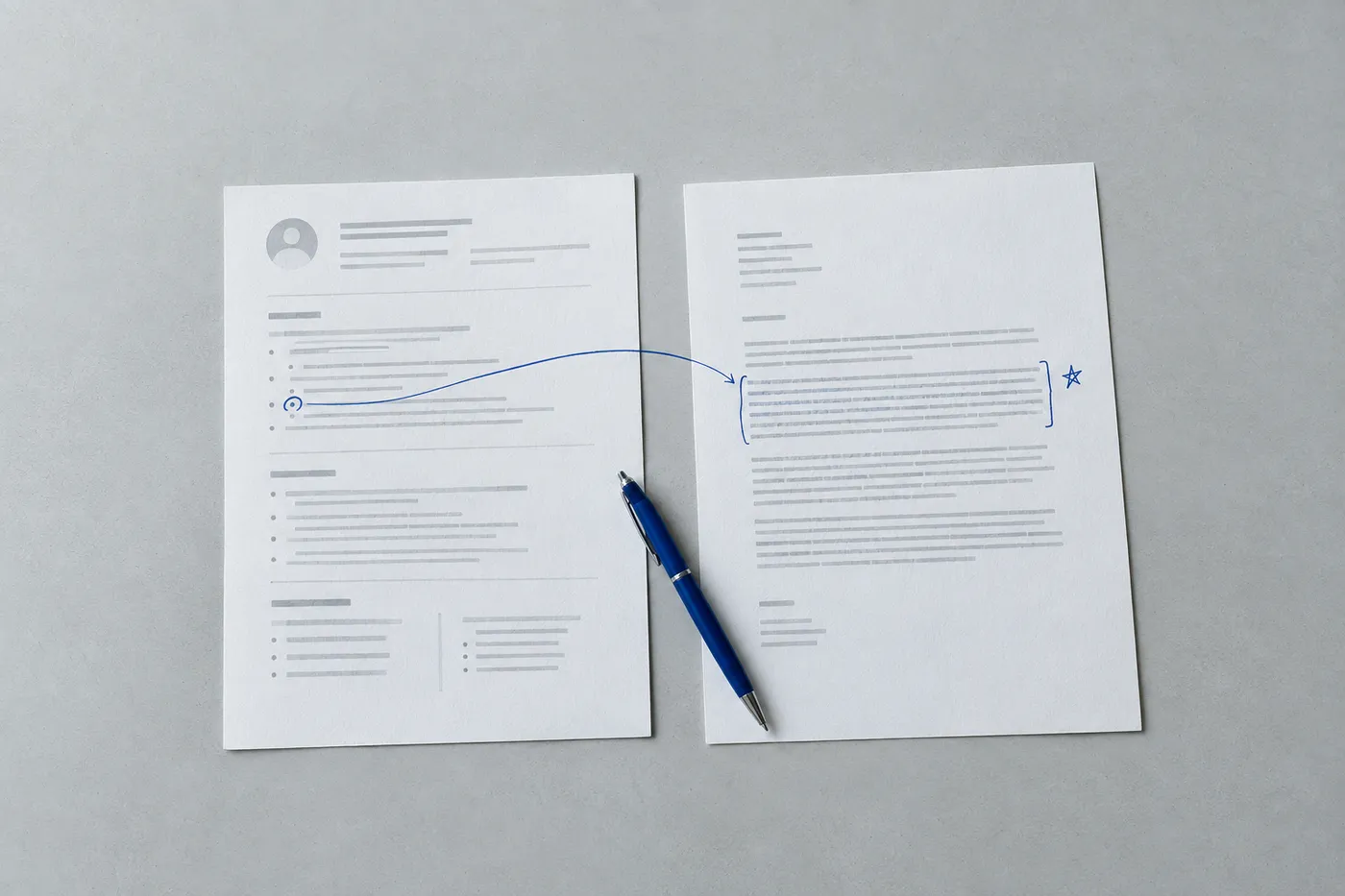
Format for clear business communication
Make the letter easy to read in the form the employer requests. A coordinated header can help the documents look consistent, but the application’s format and length requirements take priority.
- Use a readable font size and margins. Shorten the text before shrinking it to fit.
- Include accurate contact details; a full street address is not needed unless requested.
- Use a verified name or a neutral greeting such as “Dear hiring team.”
- Close with a professional sign-off and your name. Follow any signature requirement in the application.
- Submit the requested file type. If using PDF, open the exported file to check layout and links rather than assuming they survived.
- Choose a descriptive file name, such as Marisa-Elwood-Cover-Letter.pdf, with your own name.
For a plain-text form, follow its prompts and character limit. A separate postal-address block may be unnecessary when the form already collects that information. Check the pasted text for lost paragraph breaks, stray symbols and omitted sentences before submitting.
Final review before submission
Use this final pass to catch inconsistencies and make the example easy to understand. It cannot predict the hiring result.
- Confirm the employer, vacancy and contact details.
- Check that each example reflects work you actually did and the authority you had.
- Verify any numbers and remove unsupported claims of savings, perfect accuracy or faster turnaround.
- Read the letter aloud and simplify unclear sentences.
- Proofread names, dates and ordinary words that spellcheck may not flag.
- Compare the letter with the resume for consistent facts.
- Open the actual attachment or review the form preview, then keep the exact submitted version for your records.
Frequently asked questions
- What should a short administrative assistant letter include?
Name the role, explain a relevant example and close with a clear expression of interest. Include the tool or process when it helps explain your work. Three or four short paragraphs can work, but follow the employer’s instructions.
- Which mistakes should I check for?
Look for the wrong employer name, inconsistent dates, unsupported claims, unclear responsibilities and proofreading errors. These can weaken an application, but there is no universal rule that every typo or conventional opening automatically disqualifies a candidate.
- Which skills should I highlight?
Use the vacancy to choose. Calendar coordination, records, correspondence, meeting support or invoice processing may be relevant, but no single ranking fits every role. Explain a real example instead of relying only on adjectives.
- How does an office assistant letter differ?
Check the duties rather than the title alone. A role focused on reception may call for examples of visitor communication and message handling; one focused on records may need evidence of maintaining accurate information.
- What if I have no administrative job title?
Describe relevant work from retail, volunteering, study or other settings and identify that setting honestly. Coordinating a student event can show planning experience, but should not be relabeled as paid executive support.
- Will the employer read the cover letter?
That depends on the employer and process. Submit it when required. If optional, consider whether it adds useful context; this guide does not establish that administrative employers read letters more frequently than others.
- Can I mention something already on my resume?
Yes. Expand a relevant example with context or explain its connection to this vacancy. Avoid copying the entire work history into paragraphs, and keep all facts consistent between the two documents.


Write yours on the same template.
Every example here is built on a template you can open in the editor. Keep the structure that works and put your own story in it, or let Roleframe draft a first version from your resume and the job posting.


