Free ATS Resume Templates You Can Edit and Download
Most 'free' ATS resume templates hide a paywall at download. Here's where each wall sits, what actually parses, and how to get a free ATS-safe PDF.

On this page
Search for a free ATS resume template and you land on a wall of sites promising exactly that. Most of them are telling a half-truth. The template is free to look at, free to fill in, sometimes free to spend an hour perfecting. The download, the part you actually came for, is where the meter starts.
This guide does two things the ranking pages don't. First, it maps where the paywall sits on each major template site, so you know before you invest an evening whether you'll get a file out the other end. Second, it explains what makes a template pass an applicant tracking system (ATS) in the first place, because a surprising number of templates sold as "ATS-friendly" fail the one test that matters, a clean parse.
What "free" actually means on each template site
The trick almost every builder uses is the same. Free means free to build. You pick a template, type in your work history, tweak the fonts, and only at the export step discover that the formatted file costs money, requires a trial with a card, or arrives with a watermark. By that point you've sunk an hour into their editor, which is precisely the bet the paywall is built on.
Here is the pattern as of this writing. Walls move, so treat this as a map, and always find the download button before you type a single word.
| Site | What you get before the wall | Where the wall sits |
|---|---|---|
| Zety | Full editor access, every template, complete resume built | Downloading the formatted resume requires payment |
| Resume Genius | Full builder flow, guided prompts, finished document on screen | The PDF download sits behind a paid step |
| MyPerfectResume | Templates and a step-by-step builder, free to complete | Payment required to download the file you built |
| Resume.io | Template gallery and editor access | Download generally requires an account and a trial that converts to a subscription |
| Enhancv | A set of genuinely free templates alongside premium ones | Premium templates and advanced features sit behind trial framing |
| TealHQ | Free templates with basic customization | Certain templates and deeper customization require Teal+ |
| Kickresume | A handful of free templates | Most designs and features are premium-only |
| Canva | Free templates and a genuinely free download | No paywall; the catch is parsing, since design-heavy layouts confuse ATS software |
| Microsoft Word ATS gallery | Free ATS-oriented template files with clear standard sections | Editing them needs Word or a Microsoft 365 account |
| Google Docs template sites (e.g. TheGoodocs) | Free editable copies in Docs or Word format | No paywall; you own the formatting risk when you edit and export |
A few sources are honestly free. Monster currently advertises its resume templates as free and built around ATS best practices. Resume Worded offers free Word and Google Docs templates it describes as recruiter-vetted and optimized for recruitment software. Word's own ATS template gallery costs nothing if you already have Word. And Google Docs templates are free by nature, though you inherit every formatting decision when you edit them.
The export paywall pattern is common enough that we've written about it repeatedly, including how to spot the export paywall trap and what to use instead of Zety if you refuse to pay to download. The short version of the test is simple. Before you start editing, look for the download button and read what happens when you click it. If the site won't tell you, assume a wall.
What an ATS actually does with your template
An ATS doesn't look at your resume. It reads it. When you upload a file, a parser converts it into structured, searchable fields, things like your name, your contact details, your current title, your most recent employer. Recruiters then search and filter across those fields. If the parser misreads your file, your ten years of experience can land in the database as a garbled block of text that no search will ever surface.
This is why the template matters more than the visual design. A resume that looks polished to a human can be unreadable to a parser, and the reverse is almost never true. A plain, well-structured document reads fine to both.
One more thing worth knowing before you shop for templates. "ATS-friendly" is not a single technical standard. Workday, Taleo, Greenhouse and iCIMS all parse differently, and a template that sails through one can stumble in another. The practical response is to format conservatively enough that all of them read you correctly, rather than optimizing for any single system.
The template features that decide the parse result
Per Jobscan's guidance, the templates that parse reliably share the same traits, a single-column layout, standard section headings, conventional fonts, and a text-based file rather than an image. Everything that fails tends to fail for one of the reasons below.
| Template feature | What the parser does with it | Verdict |
|---|---|---|
| Single column, standard headings ("Experience", "Education", "Skills") | Reads top to bottom and maps each section to the right field | Safe |
| Contact details in the document body | Extracts name, email and phone into searchable fields | Safe |
| Contact details in a Word header or footer | Some parsing workflows skip header and footer content entirely, so your email may never make it into the database | Avoid |
| Tables used for layout | Cell contents can be read out of order or dropped | Avoid |
| Text boxes, icons and graphics | Often invisible to the parser; anything inside them may vanish | Avoid |
| Skill bars and star ratings | The graphic carries no text, so the skill never registers | Avoid |
| Two-column layouts | Reading order can interleave the columns, scrambling dates against the wrong jobs | Risky |
| Conventional fonts (Calibri, Georgia, Arial, Garamond) | Text extracts cleanly | Safe |
Notice how many "beautiful" templates fail this table. The sidebar with your skills in a colored column is a two-column layout. The circular photo frame is a graphic. The elegant contact strip across the top is usually a Word header. Current template guidance is blunt about this, plain-text section labels and a single reading path win, and tables, text boxes, icons and multi-column layouts are the standard exclusion list.
If you want the fuller treatment of formatting rules, including how to keep a resume ATS-safe without making it ugly, we cover that in how to make your resume ATS-friendly without ugly design.
ATS keywords: the half the template can't do for you
A clean template gets you parsed. It does not get you found. Once your resume is in the database as structured text, recruiters search it, and automated screens score it, against the language of the job posting. That's where ATS keywords come in, and no template on any site handles this part for you.
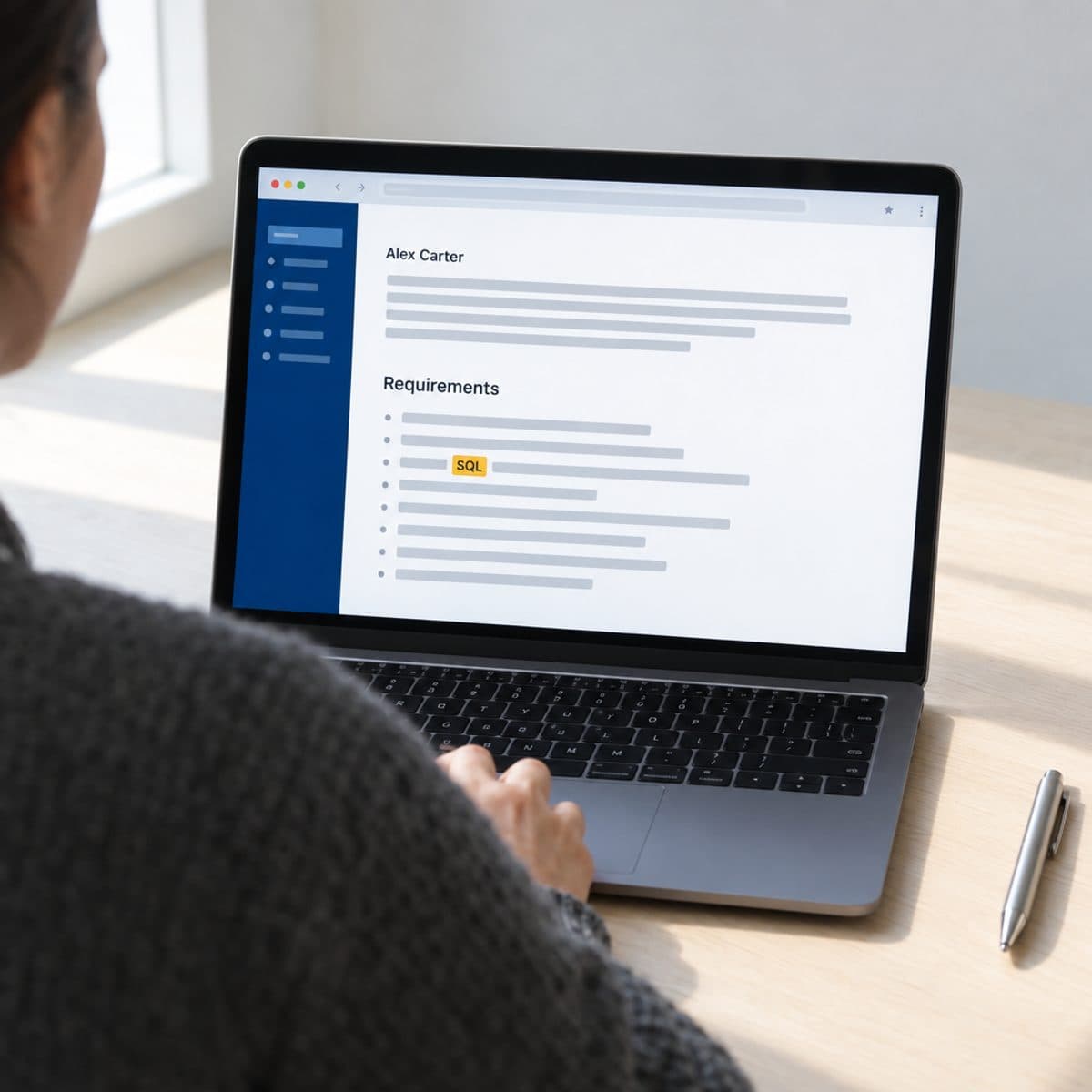
Recent guidance increasingly emphasizes matching the posting's wording for skills and job titles, a shift away from screening on titles alone toward skills-oriented matching. In practice that means if the posting says "stakeholder management" and your resume says "worked with cross-functional partners," you may not surface in the search even though you have the experience. The fix is to mirror the posting's exact terms wherever they are honestly true of your work.
How to beat ATS screening, then, is a two-step answer. Use a template that parses, and load the parsed text with the specific terms this job filters on. We maintain a database of 800+ ATS keywords organized by job title if you want to see what recruiters in your field actually search for, and a guide to running a keyword scan against a specific posting when you're tailoring for one job.
Editing a template without breaking the structure
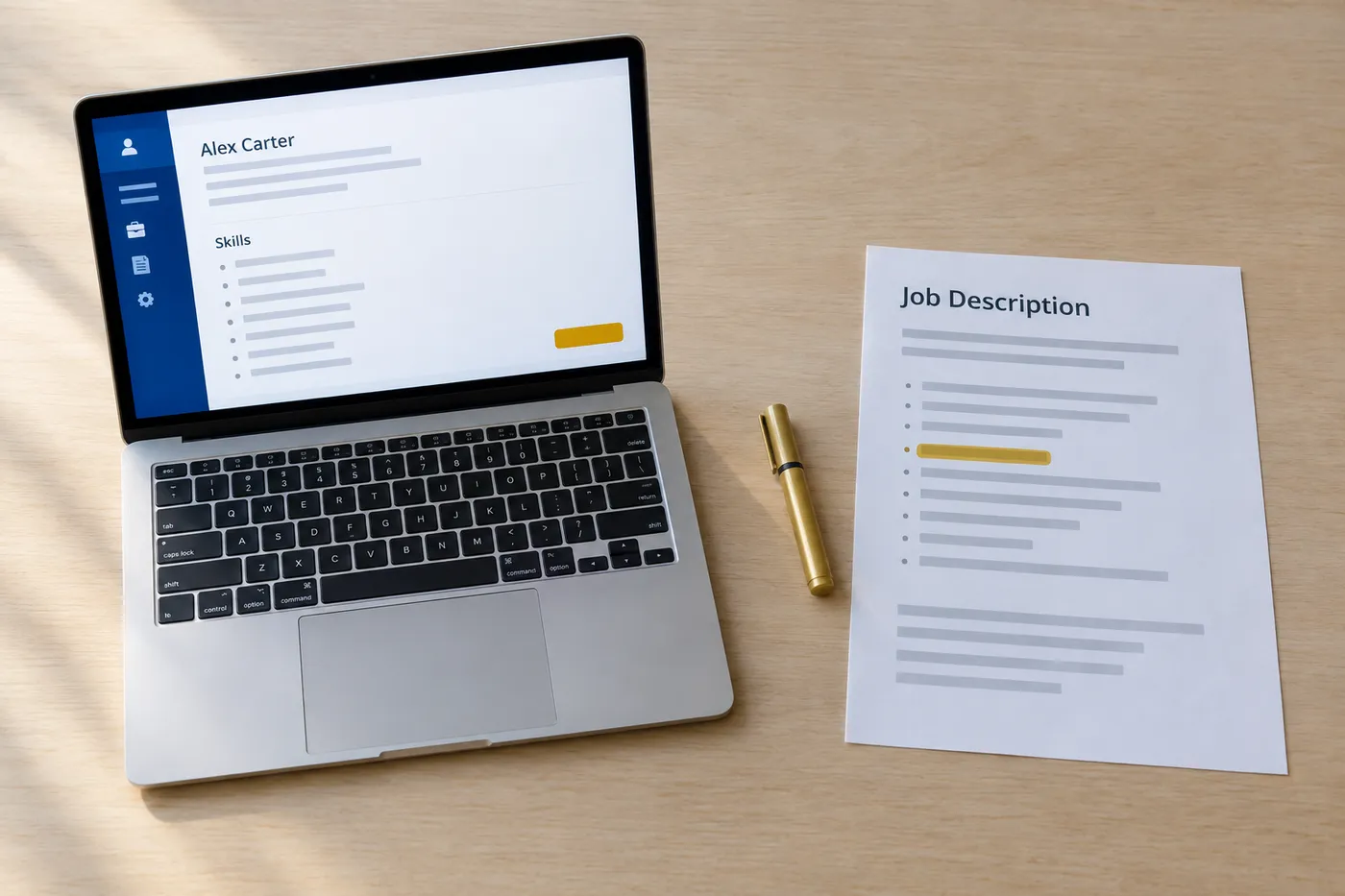
Most templates that fail ATS parsing were fine when downloaded. The damage happens during editing. A template is a set of invisible structural decisions, and casual edits in Word or Google Docs quietly undo them.
The rules that keep a template intact while you work:
- Never move your contact details into the header or footer, even if it looks tidier. Keep name, phone, email and location in the document body.
- Keep the section headings as plain text. Renaming "Experience" to something clever like "Where I've Made an Impact" can break the parser's section mapping.
- Don't insert text boxes, shapes or images to fix spacing problems. Use paragraph spacing instead.
- Use the template's existing bullet style. Exotic bullet characters sometimes extract as junk symbols.
- Keep date formats consistent across every job. Parsers use dates to build your timeline, and "Jan 2022" next to "03/2020" invites misreads.
- When you delete a section you don't need, delete the whole block including its heading, not just the text inside it.
Word adds its own hazards. Templates built on Word styles fall apart when you paste in text from another document carrying different styles, so paste as plain text and reformat. Google Docs is more forgiving during editing but shifts the risk to export, where fonts and spacing can move between what you saw and what the PDF contains. Whichever tool you edit in, the final check is the same, and it happens at export.
Exporting a PDF with selectable text
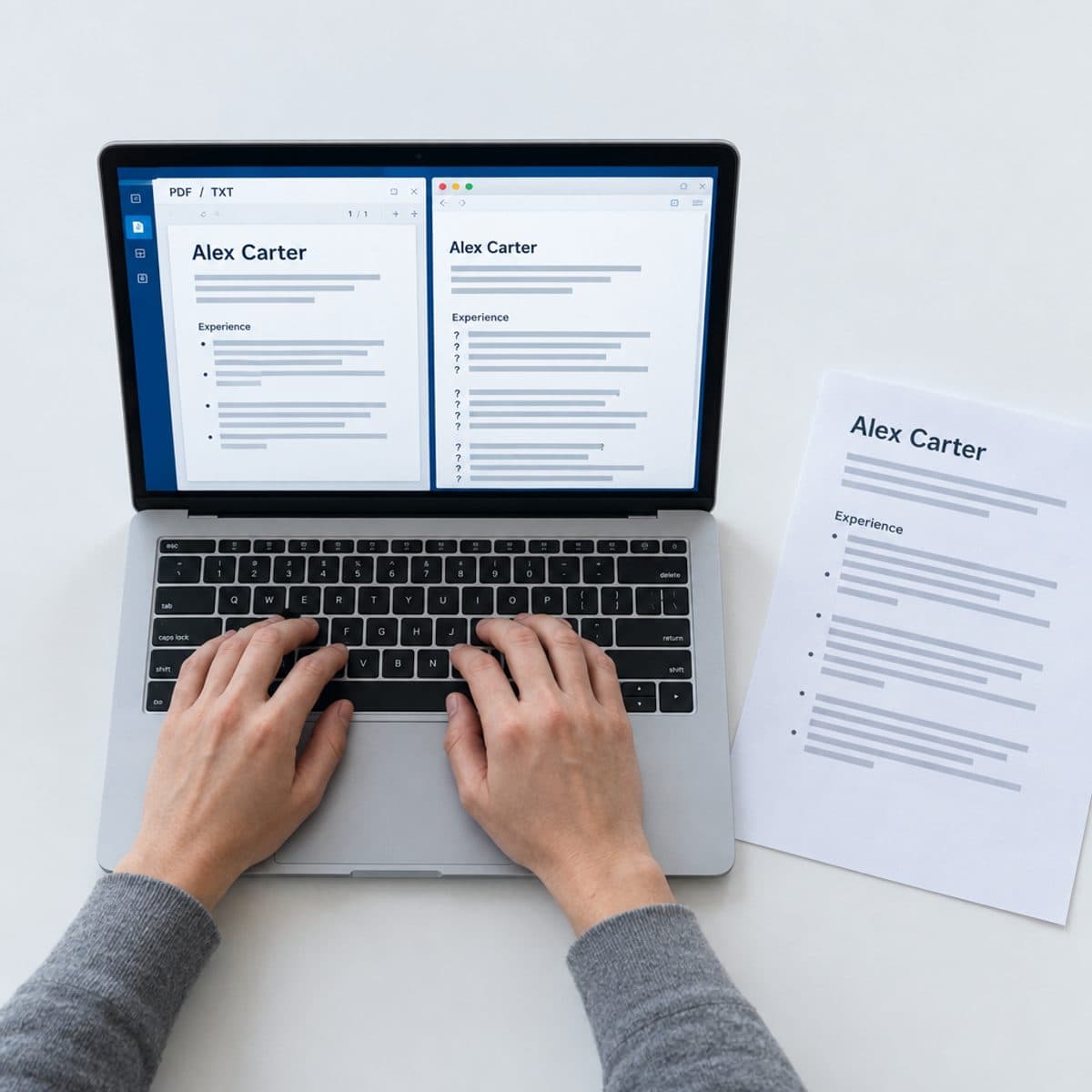
Submit your resume as a PDF. It locks your formatting so the recruiter sees exactly what you built, and modern ATS parsers read text-based PDFs cleanly. The one thing a PDF must have is selectable text. Open your exported file and try to highlight a sentence with your cursor. If you can select and copy the words, a parser can read them. If the page behaves like a photo, your resume is an image, and to the ATS it is a blank sheet.
Image PDFs usually come from two places. Design tools sometimes flatten text into graphics on export, so check any Canva download before you send it. And a scanned or photographed resume is an image by definition. Export directly from your editor rather than printing to PDF where you have the choice, and run the highlight test every time.
The only time DOCX enters the picture is when a specific employer explicitly asks for it. Default to PDF everywhere else.
Roleframe's free resume editor removes the export gamble entirely. Every template in it is built on the parsing rules above, the PDF download is free with no watermark, no trial, no card and no account, and the export is true WYSIWYG, meaning the PDF matches the editor pixel for pixel with fully selectable text. If you've been burned by a builder that walled the download after an hour of editing, this is the honest version of that workflow. There is also a per-job fit report that scores your resume against a posting and names the exact keywords you're missing, which handles the tailoring half of the ATS problem, though you'll need a free account for that part.
Frequently asked questions
- Is there a completely free ATS resume template?
Yes, but check where the download sits before you start editing. Monster and Resume Worded both offer genuinely free ATS-oriented templates, Word's ATS gallery is free if you have Word, and Roleframe's editor gives you every template plus a free unwatermarked PDF with no account. Most big-name builders, including Zety, Resume Genius and MyPerfectResume, let you build free but charge at download.
- Should an ATS resume be a PDF or a Word document?
PDF, in almost every case. Modern ATS parsers read text-based PDFs cleanly, and PDF preserves your formatting so the recruiter sees what you built. The exception is an employer that explicitly requests a Word file. Verify your PDF has selectable text by highlighting a sentence in it; if you can't select the words, the file exported as an image and the ATS can't read it.
- How do I convert my existing resume to ATS format for free?
Strip it back to a single column with standard headings such as "Experience", "Education" and "Skills". Move your contact details out of any header or footer and into the document body, remove tables, text boxes and graphics, and switch to a conventional font. You can rebuild it in a free template, or import your current PDF into Roleframe's editor, which converts it into editable blocks and scores it so you can see what to fix. Our guide on checking whether your resume is ATS-friendly walks through the verification step.
- How do I know if my resume will pass the ATS?
Run two checks. First, the parse test: copy all the text out of your PDF and paste it into a plain text file. If names, dates and bullets appear in the right order, the structure parses. Second, the keyword test: compare your resume's language against the specific posting, since recruiters filter on the posting's exact terms. Roleframe's fit report does the keyword comparison for you, showing your ATS score and the terms the job asks for that your resume is missing.
- Do ATS systems automatically reject resumes?
Mostly no, and this is the biggest myth in the space. The typical ATS is a database and workflow tool, not an auto-rejection machine. What actually happens is quieter: a resume that parses badly or lacks the searched-for keywords simply never surfaces when the recruiter filters candidates. You aren't rejected, you're invisible, which is why parse quality and keyword coverage matter more than any trick for beating the system.
- Are Canva and Google Docs templates ATS-friendly?
Sometimes, and you have to verify each one. Canva downloads are free, but many of its resume designs use multi-column layouts and graphics that scramble parsers, and some exports flatten text into images. Google Docs templates are usually structurally simpler and safer, though you own the formatting when you edit and export. For either tool, apply the same tests: single column, no tables or text boxes, and selectable text in the final PDF.
- What are ATS keywords and where do I find them for my resume?
ATS keywords are the specific terms recruiters search and filter on, usually hard skills, tools, certifications and job titles taken from the posting's own wording. The primary source is always the job description in front of you; mirror its exact phrasing wherever it's honestly true of your experience. For a broader view of what gets searched in your field, our ATS keywords database by job title lists the terms employers actually filter for across hundreds of roles.

Ready when you are
Send the tailored resume, not the generic one.
Paste a job posting and Roleframe scores your resume against it, then helps you close the gaps one approved edit at a time, so you apply while the role is still fresh.