Administrative Assistant Skills for a Resume: List and Examples
Choose administrative assistant skills that fit the role, with concrete resume examples for scheduling, communication, records, software, and credentials.

On this page
Administrative assistant skills connect routine office work with reliable follow-through: scheduling, correspondence, records, and helping people reach the right person or information. O*NET’s U.S. occupation profile describes those functions. The mix differs by office, so select skills from the actual posting rather than copying every item below.
- Calendar and meeting management, often for more than one manager
- Travel booking and itinerary preparation
- Phone and email communication, including screening calls and visitors
- Document preparation and proofreading
- Data entry and records management
- Microsoft Office (Word, Excel, PowerPoint, Outlook) and Google Workspace
- Expense reports and invoice handling
- Discretion with confidential information
A skills list names what you can do; an experience entry explains where and how you did it. Use both when useful, without repeating every phrase or adding a number to every sentence. A clear description of a process, responsibility, or document can be evidence even when you do not have a measured outcome.
The bullets below are fictional wording examples, not results from real applicants. Adapt the structure using your own work, tools, and scope. Keep the job title and level of responsibility accurate, including when the work came from volunteering or a student organization.
Calendar, travel and meeting skills
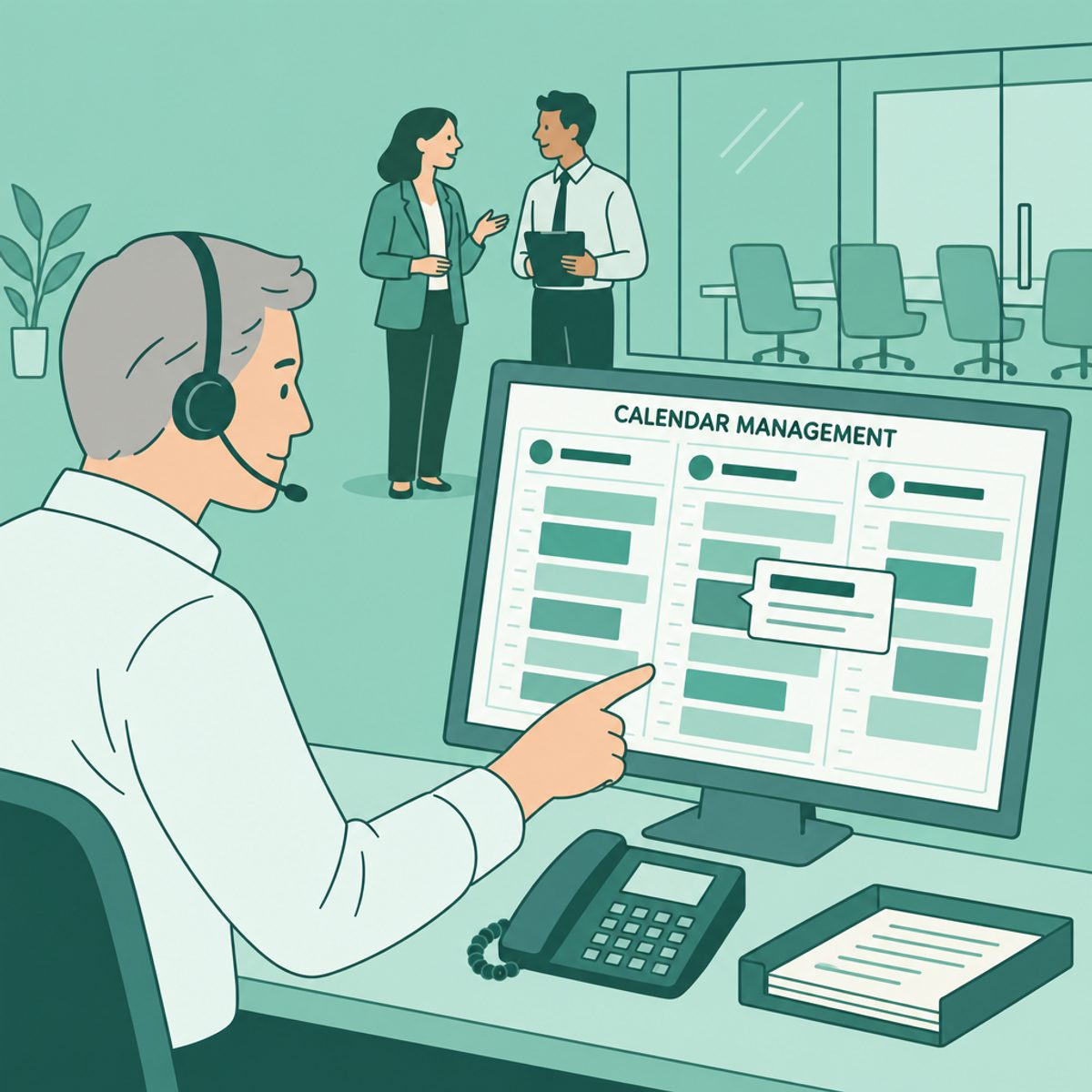
For scheduling work, describe whose calendar you supported, what you coordinated, and how you handled a conflict. Travel and meeting duties may be relevant, but they are not part of every administrative role.
Use recognizable terms such as calendar management, itineraries, agendas, and minutes when they accurately describe your work. Add a specific tool or time-zone complication when it helps explain the task. There is no need to copy a posting word for word or assume that an applicant tracking system cannot understand a synonym.
- Calendar example: Coordinated two directors’ calendars in Outlook, checked time-zone differences, and confirmed changes with meeting participants.
- Travel example: Prepared itineraries and booking records for team travel, updating travelers when arrangements changed.
- Meeting example: Prepared agendas and circulated minutes with action owners and agreed due dates for weekly team meetings.
A useful detail explains your contribution. Do not add a meeting count, a deadline, or international travel experience unless it is true of your work.
Communication and routing requests
Communication can mean greeting visitors, answering calls, drafting a message, or helping a request reach the person authorized to handle it. Explain the audience and the boundaries of your role: drafting a message for approval is different from deciding policy or speaking independently for leadership.
For a service example, describe how you recorded and followed up on a request. Avoid claims such as “nothing ever fell through” unless you have a clear, supportable basis for them.
- Request-routing example: Logged incoming office calls, confirmed the reason for contact, and routed requests to the responsible team.
- Correspondence example: Drafted customer follow-up emails from approved notes and submitted them to the manager for review.
Document preparation and data entry skills
Document and records work benefits from specifics: the type of file, the tool you used, the checks you performed, and who used the result. Formatting a presentation, updating a contact list, and maintaining controlled records are different tasks.
If you mention an audit result or reduction in errors, be ready to explain the measure and your contribution. Otherwise, describe the actual checking process. Follow the organization’s retention and access rules rather than implying that you independently set them.
- Data entry example: Updated customer records in the CRM and checked incomplete entries against the source forms.
- Document example: Formatted monthly meeting packs using the team template and checked names, dates, and page references before circulation.
- Records example: Organized contract files using the approved naming convention and flagged missing documents for follow-up.
Hard and technical skills for an administrative assistant resume
Name the application and the task you can perform. “Excel: filters, pivot tables, and expense tracking” is more informative than a broad proficiency label if you can demonstrate those tasks. If your experience is limited to entering data into an existing workbook, say that instead.
This table gives example capabilities to compare with an opening. It is not a survey of how frequently employers request each tool, and you do not need every tool on it.
| Tool or capability | Example task | Evidence to describe |
|---|---|---|
| Microsoft Word | Format documents and maintain templates | The document type and checks you performed |
| Microsoft Excel | Filter records, use formulas, or summarize data | A tracker or reconciliation you maintained and the functions you actually used |
| PowerPoint | Prepare or format slides | Your contribution to a presentation and its audience |
| Outlook or another calendar tool | Schedule meetings and manage invitations | The calendars, permissions, and coordination tasks you handled |
| Google Workspace | Collaborate in Docs, Sheets, or shared drives | A shared document workflow and your role in maintaining it |
| Video-conference software | Prepare meeting links and check equipment | Setup and troubleshooting tasks within your responsibility |
| Expense or invoice software | Submit or check expense records | The workflow, checks, and approval handoff |
| E-signature software | Route documents for approved signatures | How you tracked completion without claiming legal approval authority |
| Automation or AI tools | Assist with a permitted recurring task | What the workflow did, how you checked it, and what data was allowed |
For automation, explain the workflow instead of promising that one tool makes you stand out from every applicant. A fictional example: “Configured an approved workflow to record completed forms in a tracking sheet and checked the output against the source submissions.” Mention time savings only if you measured them.
Follow employer rules before uploading documents to AI tools or recording meetings. State what you reviewed yourself. A tool name does not demonstrate judgment, data accuracy, or permission to use confidential information.
Show interpersonal skills through decisions and actions
Choose a situation that makes the skill visible. The four areas below are useful prompts for administrative work, not a universal ranking of what every employer values most.
Discretion and confidentiality
If you handled sensitive material, name the category and the process without revealing private details. Do not imply access to payroll, legal files, or personnel records if those were outside your role.
Fictional example: Maintained restricted-access personnel documents and referred information requests to the authorized HR contact.
Prioritizing competing requests
Explain how you sorted competing requests: agreed deadlines, urgency rules, manager confirmation, or a shared tracker. If two priorities conflicted, asking for a decision can be part of responsible work.
Fictional example: Tracked requests from several managers in a shared inbox, confirmed deadlines, and escalated conflicting urgent tasks for prioritization.
Anticipating needs
Preparation can be concrete without suggesting that you predict every need. Describe the recurring problem you noticed and the useful step you took within your authority.
Fictional example: Prepared meeting folders with the previous minutes and open action items so participants could review them before the discussion.
Staying calm under interruption
Describe how you kept work organized when plans changed. A handoff note, a callback list, or a documented escalation can show reliability without claiming that you never made a mistake.
Fictional example: Used a callback log while covering reception and recorded unfinished requests in a handoff note for the next shift.
Certifications and typing speed: what is worth listing
Choose credentials in relation to the role, your existing evidence, and the time and cost involved. Check the issuing body’s current requirements before enrolling. A credential can document a defined achievement; it does not replace an employer’s assessment of your work.
- Microsoft Office Specialist (MOS): use the exact certification name and application or version you earned. Check Microsoft’s requirements rather than treating a course-completion certificate as the same credential.
- IAAP Certified Administrative Professional (CAP): check the current eligibility, exam, and maintenance requirements with IAAP. List it as earned only when you hold the credential.
- Typing speed: if relevant to the posting, give a recent test result with its accuracy measure and conditions. Do not invent a rate or treat speed alone as evidence of accurate records work.
Official references: Microsoft Office Specialist and IAAP CAP certification. Make a required credential easy to find and keep its status accurate. Our certification-placement guide shows possible layouts.
Check which of these skills your resume actually proves
The skills checker can help you compare your wording with the areas covered in this guide. Its feedback is an automated reading aid, not proof that you have a skill or a judgment against a particular employer’s requirements. Interpret the results alongside the actual job posting:
- Evidence identified: check that the cited entry describes work you actually did and supports the interpretation. A tool cannot verify the underlying experience.
- Only listed: if the skill matters for the role, consider adding a relevant example. An action or responsibility can be useful evidence without a numerical result.
- Not identified: first decide whether the skill is relevant and true of your background. Do not add a missing tool or credential simply to improve a score.
Review the strongest relevant examples before adding more keywords. Check dates, tools, responsibilities, and the connection between the entry and the posting. The resume-to-job-description guide gives a structured process you can perform manually or with writing assistance.
For interview preparation, revisit examples you could explain in detail using the administrative assistant interview guide. Follow the employer’s requested file format, inspect the export, and check any application fields populated from your resume.
Frequently asked questions
- What are the top 3 qualities of an administrative assistant?
Accuracy, clear communication, and prioritization are useful starting points, but the role determines which skills matter most. Support them with examples such as checking a meeting pack, routing a request, or resolving a scheduling conflict.
- What are the hard skills needed for an administrative assistant?
Relevant hard skills can include calendar tools, document formatting, spreadsheets, records entry, and expense workflows. Select the applications and tasks named in the posting that you can genuinely perform; there is no universal software list for every administrative role.
- What are the 5 smart goals for an administrative assistant?
Choose goals with your manager that fit your responsibilities and a known baseline. Examples include documenting a recurring procedure by an agreed date, improving a defined data-quality measure, completing relevant training, establishing a request tracker, or testing an approved automation. Set realistic measures and deadlines instead of copying a fixed percentage target.
- What are good admin skills?
Useful administrative skills combine practical office tasks with communication, discretion, and follow-through. Explain how you performed the work, which tools you used, and what decisions or checks were your responsibility.
- What are 5 good skills to have?
Calendar coordination, document preparation, spreadsheet work, written communication, and prioritization can provide a useful starting list. Replace or reorder them based on the actual vacancy and your experience; they are not a ranking based on measured posting frequency.
- How do I list administrative assistant skills with no experience?
Use relevant tasks from volunteering, education, projects, or other jobs, and label that context honestly. Scheduling an event or maintaining a club record can demonstrate coordination without being presented as paid administrative employment. Describe the work and your contribution.
- What is the difference between administrative assistant and executive assistant skills?
The functions overlap, and titles vary. Executive support may include higher-level research, reports, and information handling; O*NET describes those tasks in its executive administrative assistant profile. Compare the particular duties, decision authority, and people supported rather than assuming the title fixes the scope.



Turn your skills into proof.
A skills section helps most when your experience backs it up. In the editor, write each skill into a bullet about real work, then check the page against the posting before you send it.


