Presentation Skills: Examples, Practice and a Delivery Checklist
Presentation skills explained with five workplace examples, a rehearsal rubric, a worked slide rewrite, and how to show the skill on your resume.

On this page
Presentation skills help you explain a recommendation, demonstrate a process or lead an audience toward a decision. They matter in everyday work such as status updates, client calls, demos and training.
This guide gives five workplace examples, a worked slide rewrite, an informal rehearsal rubric and a practice plan. It then shows how to turn presentations you have actually delivered into resume and interview evidence.
What presentation skills actually are, and where they show up
Presentation skills combine planning, structure, clear explanation, useful visuals, delivery and responses to questions. Start with a specific audience and purpose: what should listeners understand or be able to do afterward?
The five parts below give you practical dimensions to work on:
- Structure: ordering your material so the audience's main question gets answered first, with supporting detail behind it.
- Audience adaptation: a technical deep-dive for engineers and a two-minute summary of the same work for a VP are different presentations, and knowing which one you are giving is the skill.
- Visual explanation: slides and charts that carry meaning instead of decoration, and that support what you say rather than duplicate it.
- Delivery: pace, pauses, clear speech and audience-appropriate engagement. Eye contact is one possible technique, not a prerequisite for an effective presentation.
- Handling questions: answering what was asked, admitting what you do not know, and keeping the discussion on the decision at hand.
These skills apply to stakeholder reports, client recommendations, technical briefings, demos and training. A short standup and a conference talk differ in scale, but both need a clear purpose and a structure suited to the audience.
Name the context in your resume. “Presented quarterly results to the client’s finance team” is more informative than an unsupported claim that you are a strong communicator.
Presentation skills examples: five workplace scenarios with proof attached
Adjective lists ("confident, engaging, articulate") prove nothing. What proves the skill is an observable action plus an artifact someone else could inspect. The matrix below, an original framework for this guide, maps five common scenarios to the action a colleague would actually see, the artifact you could share or reference, and the follow-up question an interviewer is likely to ask if you claim it. If you can fill in a full row from your own work, you have a presentation skills example worth putting in front of an employer.
Use work records only with permission. Redact confidential details or describe the example instead of sharing the original artifact.
| Scenario | Observable action | Artifact you can point to | Interview follow-up to expect |
|---|---|---|---|
| Project status update | Opened with the one decision or risk that needed attention, then covered progress in under the time allotted | The recurring slide or one-page summary, plus the meeting series it ran in | "Tell me about a time the update carried bad news. How did you frame it?" |
| Client recommendation | Presented a recommendation with the tradeoffs stated, and answered pushback without getting defensive | The deck or memo, and the decision the client made afterward | "What did the client challenge, and what changed in your proposal?" |
| Technical demo | Walked a mixed audience through a feature, translating jargon as needed, and recovered when something broke live | A recording, sprint review notes, or the feedback that came out of the demo | "How did you explain it differently for non-engineers in the room?" |
| Training session | Designed the session around what attendees needed to do afterward, checked understanding, and adjusted pace mid-session | The training materials and any attendee feedback or completion results | "How did you know it worked? What did you change for the second run?" |
| Leadership decision presentation | Put the ask on the first slide, backed it with two or three pieces of evidence, and stated the risks before being asked | The deck and the decision record, approval email or meeting outcome | "What would you have done if they said no?" |
Read the table backwards, too. If every artifact column is empty for you, that is not a writing problem, it is an experience gap, and the fix is volunteering for the next update, demo or training slot rather than wordsmithing a skills list. Early-career readers can fill rows from coursework and campus work: a capstone defense is a leadership decision presentation, a lab walkthrough is a technical demo, and tutoring is a training session.
A worked example: from a dense status slide to a decision-first story
Everything in this example is fictional, the person, the company and every figure, so treat it as a pattern to copy, not data to cite. Maya is a marketing analyst at Northgate Home, an invented retailer. She has ten minutes with the VP of ecommerce to review the email program.
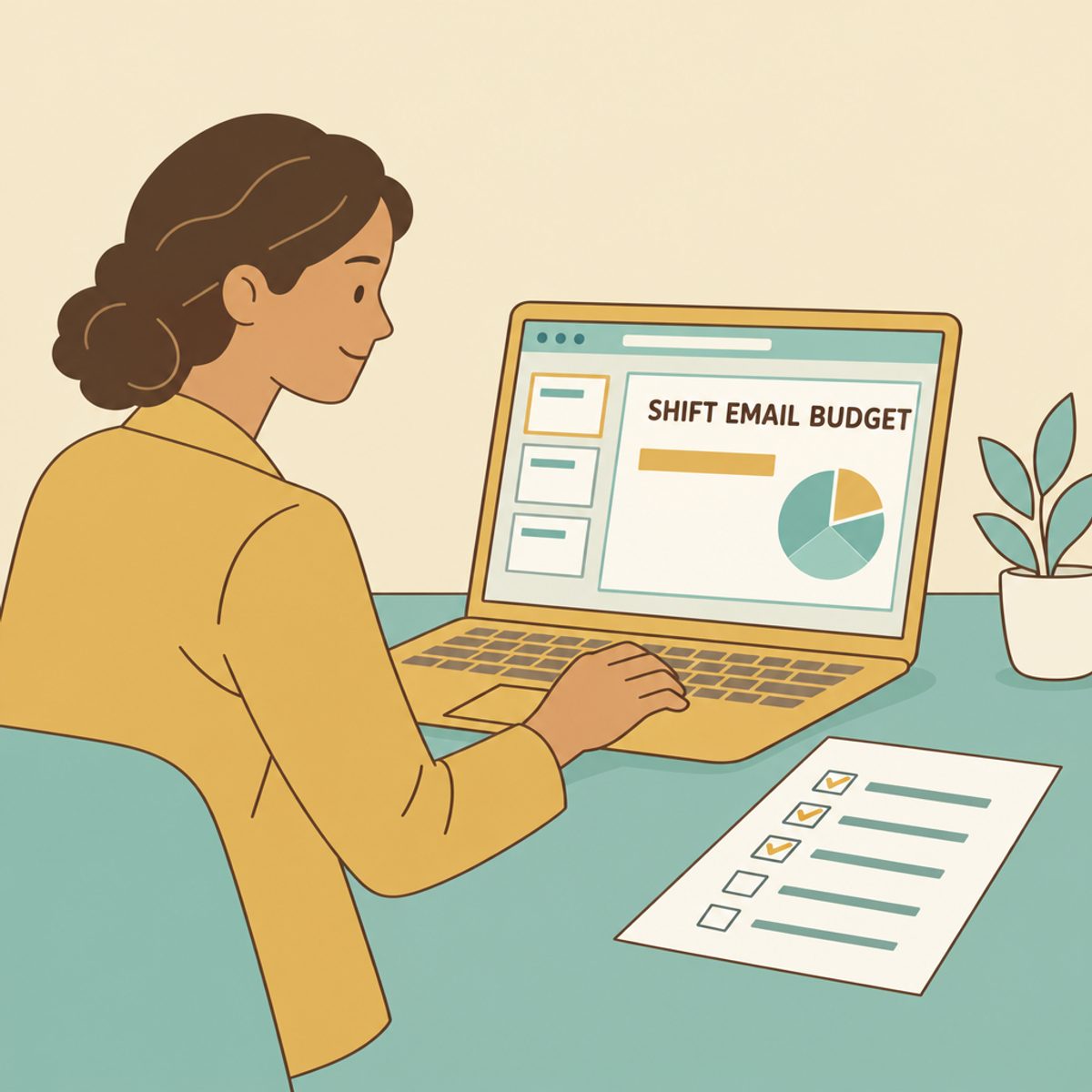
The before version is one slide titled "Q3 Email Program Update." It holds fourteen bullet points, three charts, open rates by segment, a tooling migration note and a hiring update. Everything Maya did in the quarter is on it. The VP's actual question, "what should I do about this?", is answered nowhere. This is the most common failure in workplace presenting: the slide is organized around the presenter's effort instead of the audience's decision.
The after version is three slides, each built to answer one question the VP is silently asking:
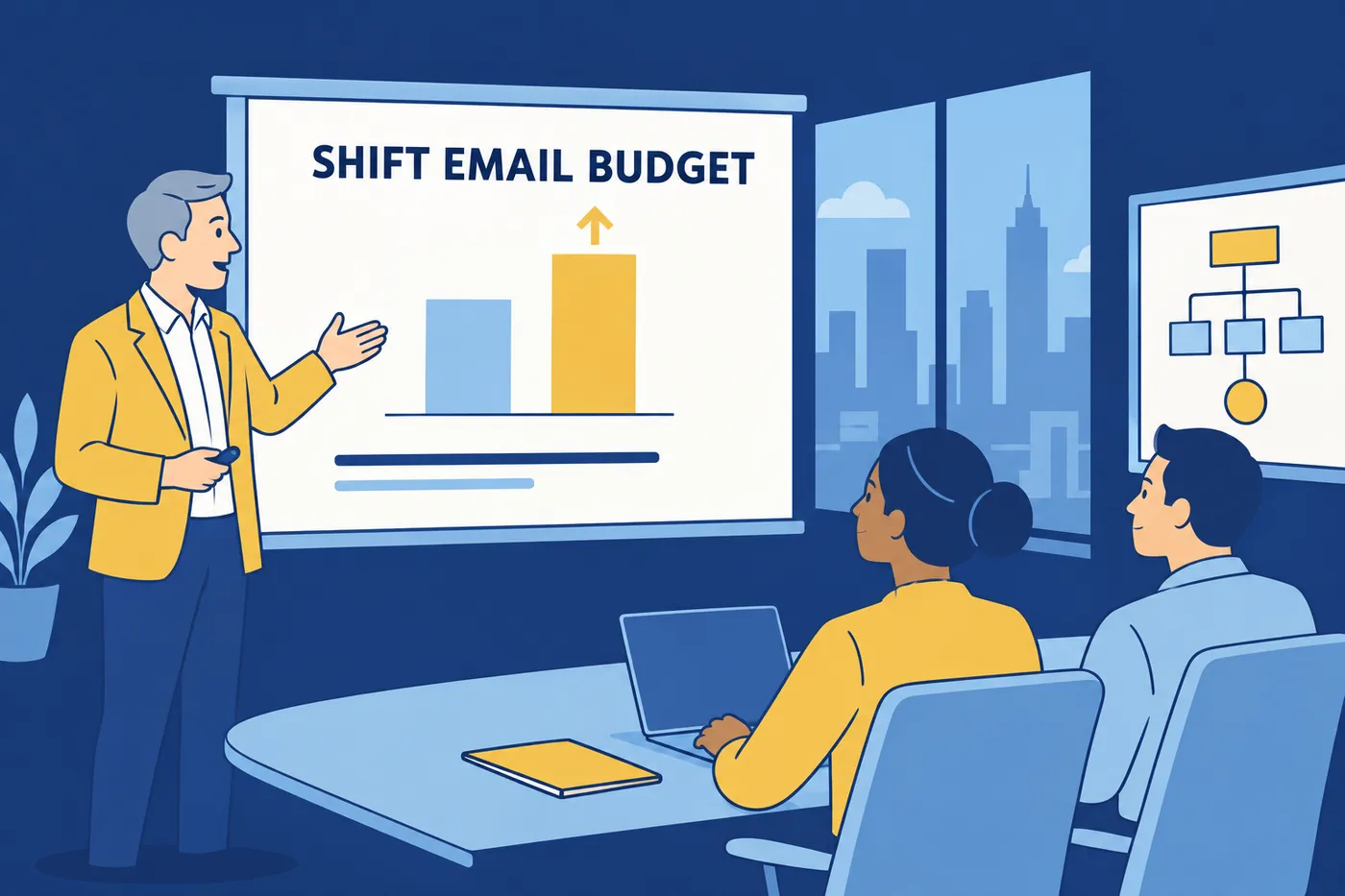
- Slide 1 answers "What do you want from me?" One sentence: "Shift a third of the email budget from the newsletter to the win-back segment." The headline is the recommendation, not the topic. The VP now knows what the next nine minutes are for.
- Slide 2 answers "Why should I believe that?" One chart comparing revenue per send across the two segments (fictional numbers, clearly labeled in the deck), with the two bullets of context that make the chart honest, such as the sample period and what was excluded. Everything else from the fourteen bullets moves to an appendix Maya can pull up if asked.
- Slide 3 answers "What happens if we do it, and what could go wrong?" The expected outcome, the main risk, how Maya would detect early whether it is working, and the specific approval she needs today.
Same work, same quarter, same data. The difference is that the second version is structured around the audience's decision, making it easier to connect the analysis to the requested decision. Notice also what got cut: the tooling migration and hiring update were true but irrelevant to this audience, and cutting true-but-irrelevant material is half of audience adaptation.
A rehearsal rubric: score your next run-through
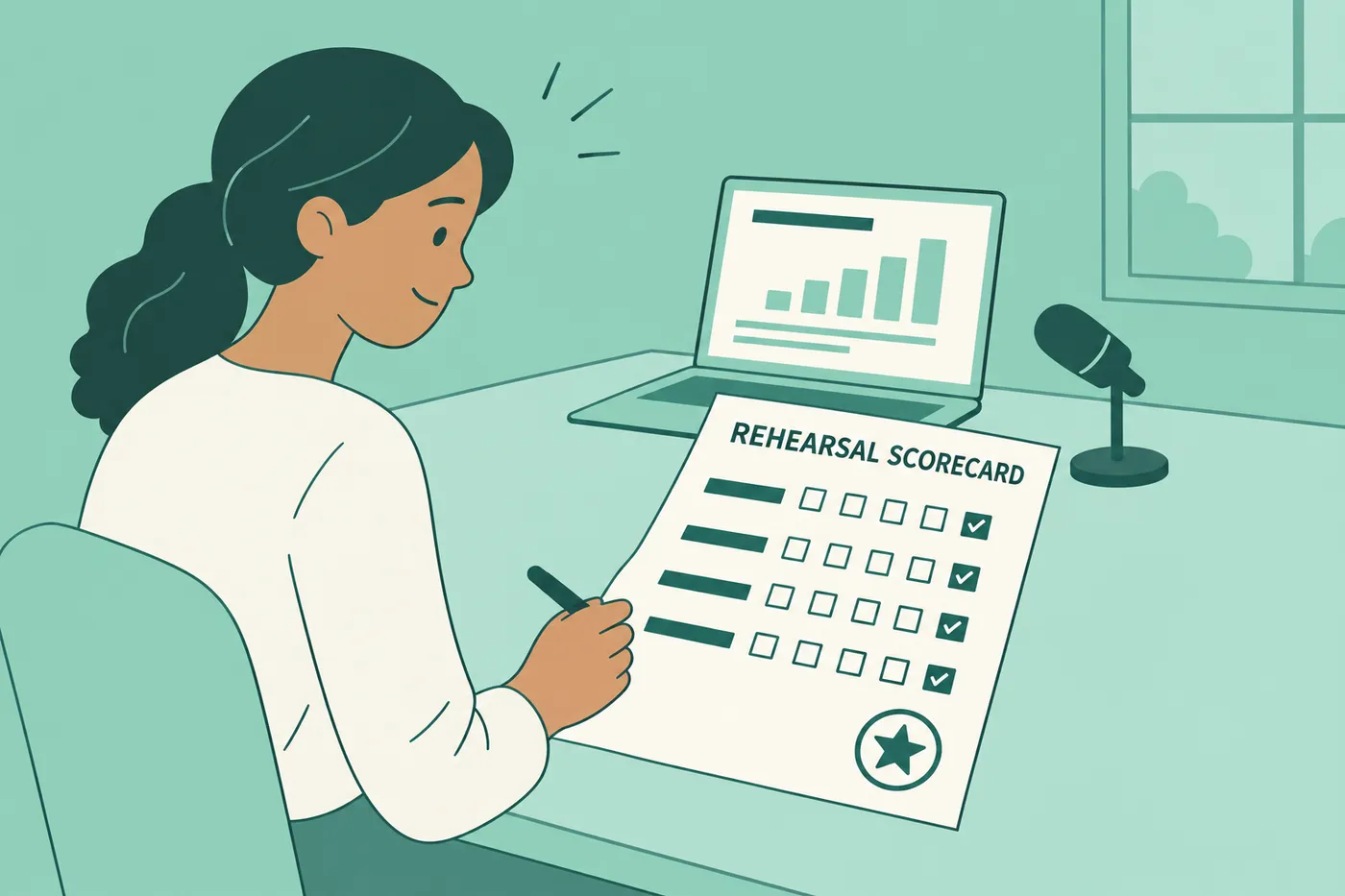
This rubric is an original practice aid, not a validated instrument, so use it to find your weakest dimension, not to produce a score you quote anywhere. Record a rehearsal, watch it back, and check each row honestly. Ask a colleague to review the rehearsal as well; they may notice issues you miss.
| Dimension | Question to ask yourself | What good looks like |
|---|---|---|
| Message clarity | Could a listener repeat my main point in one sentence after slide one? | The recommendation or takeaway is stated in the first minute, in plain words |
| Evidence | Does each claim have one piece of support the audience can inspect? | Every chart or number earns its place; nothing is there to look thorough |
| Slide legibility | Can someone in the back row read every slide without squinting? | Short lines, large type, one idea per slide, details moved to an appendix |
| Timing | Did the run-through finish inside the slot with room for questions? | Finishing at 80% of the allotted time, leaving the rest for discussion |
| Questions | Did I answer the question asked, or the question I prepared for? | Direct answers, an honest "I don't know, I'll follow up" where true |
How to improve presentation skills
Improvement comes from short, repeated cycles with feedback, not from reading more advice. Four exercises do most of the work.
Record a five-minute presentation and watch it once. Any topic from your actual job. You will immediately hear filler words, flat delivery and the point arriving two minutes late. A recording lets you review moments that are hard to notice while speaking; use an accessible feedback method that works for you.
Cut a third of your material. Take your last deck and delete every slide the audience's decision did not need. You can use a rough text limit to challenge dense slides, but adjust it to the content and audience rather than forcing every slide into a numerical rule. The underlying principle is the real rule: slides support the speaker, they do not duplicate the script.
Rehearse one transition until it is clean. The weakest moment in most presentations is the seam between sections, where speakers mumble "so, yeah, moving on." Script the sentence that connects slide two to slide three ("That's the evidence. Here's what I'd do with it.") and say it out loud five times.
Practice answering an uncertain question honestly. Have someone ask you something you half-know. Practice saying "I don't have that number with me; my rough sense is X, and I'll confirm by Friday." The ability to be credibly uncertain is what separates presenters audiences trust from presenters audiences merely watch.
A repeatable weekly plan, about 45 minutes total:
- Monday, 10 minutes: pick one real upcoming moment to treat as practice, a standup summary, a demo, a class presentation.
- Midweek, 20 minutes: record one rehearsal, score it against the rubric above, and fix only your lowest-scoring dimension.
- After the real event, 10 minutes: ask one attendee one specific question, "what was the main point you took away?" If their answer matches your intended message, clarity is working. If not, you know exactly what to fix.
- Friday, 5 minutes: write two lines in a running log, what you changed and what happened. After a month you have a visible trend and, usefully, resume evidence.
That feedback question matters more than it looks. "How did I do?" gets politeness. "What was the main point?" gets data.
How to put presentation skills on a resume
Support the skills label with an experience bullet: what you presented, to whom, why, and what happened afterward. Use the wording of the posting when it fits your real experience. The templates below use brackets for facts only you can supply; remove or replace every bracket before sending.
- Project coordinator: "Ran biweekly status presentations for [number] stakeholders across [teams]; introduced a one-slide risk summary that [specific outcome you observed, e.g. cut follow-up email threads]."
- Data analyst: "Presented quarterly revenue analysis to the leadership team; recommendation to [action] was adopted and [what you can verify happened]."
- Support lead: "Designed and delivered onboarding training for [number] new hires over [period]; attendee feedback averaged [score] and [what you changed between sessions]."
- Software engineer: "Demoed [feature] at sprint reviews to engineers and [non-technical audience]; demo feedback led to [specific change shipped]."
A weak-to-strong rewrite makes the pattern obvious.
Weak: "Excellent presentation and communication skills."
Strong: "Presented monthly performance reviews to [client]'s marketing director; recommendation to [action] was approved and [result you can confirm]."
In Roleframe’s resume editor, live checks can flag wording to review while you edit. Signed-in accounts have a limited free allowance for AI features. If you ask Remi for a rewrite, supply the facts and review the proposed changes before applying them; keep only claims you can support.
Presentation skills in interviews
Expect one behavioral question on this, usually some version of "tell me about a presentation that didn't go to plan" or "how do you explain complex work to a non-expert." Build one answer around a real situation, the action you took, and a verifiable result or an honest learning. The STAR method guide covers the structure; what matters here is the content choice.
Pick a story where something was at stake and you adapted. "My deck was great and everyone clapped" teaches the interviewer nothing. "The VP cut my ten minutes to three, so I skipped to the recommendation slide and offered the detail as a follow-up memo" shows structure, audience adaptation and composure in one story. Keep the boundaries clean: do not share confidential client data or internal numbers to make the story vivid, and do not claim a business result you only witnessed rather than caused. "The client adopted the recommendation" is yours to claim if you built and presented it; the client's annual revenue growth probably is not.
One placement rule ties the resume and interview together. A claim belongs in the skills list only as a label; the proof belongs in an experience bullet, and the story behind that bullet is your interview answer. If all three line up, one real presentation, one bullet, one story, the skill holds up under any follow-up from the matrix above. If they do not line up, the follow-up question is where the application dies.
Frequently asked questions
- What is a professional presentation skill?
It is the ability to structure and explain information for a particular audience and purpose. It includes choosing evidence, designing clear visuals, managing pace and answering questions. A project update, client briefing or training session can demonstrate it as well as a formal talk.
- What is the 5-5-5 rule for presentations?
One version in the University of Maryland School of Nursing’s teaching guidance limits a slide to five lines with five words each, and avoids more than five consecutive text-heavy slides. It is a rough heuristic, not a universal standard. Prioritize legibility and audience needs over the count.
- What are the 7 speaking skills?
A common framing lists clarity, organization, audience awareness, vocal variety, pace and pausing, nonverbal communication, and active listening with effective responses. In a presentation these combine to build a logical argument, hold attention and handle questions well. If you can only practice one, practice organization: putting the main point first fixes more presentations than any delivery technique.
- How can visuals enhance a presentation?
A clear chart can make a comparison easier to inspect, while a diagram can show the steps or relationships you are describing. Use readable labels, suitable chart types and uncluttered layouts. Explain the visual’s main point and provide accessible alternatives where needed.
- Are presentation skills a hard skill or a soft skill?
They sit in between. The delivery side, presence, adaptability, handling questions, behaves like a soft skill, while structure, slide design and data storytelling are teachable, practicable techniques closer to hard skills. On a resume, treat the whole package like a soft skill: it needs evidence in an experience bullet, since the bare phrase in a skills list convinces nobody.
- Should I put "presentation skills" on my resume?
Yes, when you have relevant evidence. Write a bullet naming the presentation, audience and outcome, then optionally list presentation skills or a specific type such as client briefings or technical demos. Use the posting’s wording naturally when it accurately describes your experience.

Turn your skills into proof.
A skills section helps most when your experience backs it up. In the editor, write each skill into a bullet about real work, then check the page against the posting before you send it.


