Free Resume Builder With No Sign Up: Download and Save Your Work
by Larbi SahliPublished
Build and download a resume without registering. Check the free export, understand visitor-draft storage, and protect your work before closing the browser.
On this page
Yes. Roleframe’s public resume builder lets you create and download a PDF without registering an account, entering a card, or adding a watermark. OpenResume also documents a no-sign-up workflow. Try a short sample and download it before entering your full resume.
This guide is published by Roleframe. It explains our public workflow and the difference between no account, free access, and local-only storage. Those are separate questions, especially when you plan to return to a draft later.
What “no sign up” should mean for your task
For a no-sign-up resume workflow, you should be able to reach the file you need without registering a user account. That does not mean the resume contains no personal details: you may still choose to put an email address or phone number in the document so employers can contact you.
Compare these conditions separately:
- Registration: is an account required before editing, saving, or downloading?
- Export: is the format you need free, and does the downloaded file contain branding?
- Payment: is a card required, and are you starting a trial that may renew?
- Storage: what lets you return to the draft, and what happens when you change browsers or devices?
Create a sample using fictional details and one short work entry, then attempt the export. Open the downloaded file and check the format and branding. If registration appears, you can decide whether the account features are worth it before investing more time. A free tool that requires an account is still free; it simply does not meet a no-sign-up requirement.
Why a builder may offer or require an account
Accounts can support saved documents, access across devices, version management, billing, and collaboration. They can also be used for optional communications. The presence of a sign-up form alone does not show that a company sells data or intends to misuse it.
Decide whether the account solves a problem you have. A one-session PDF task may need no registration. An ongoing search with several documents may benefit from a saved workspace, provided its access and data practices suit you.
Price and registration also differ. For example, FlowCV’s free account includes a resume with watermark-free PDF downloads. OpenResume describes a workflow without an account. Compare the exact route instead of assuming that all free builders work alike.
No account does not mean no data processing
Your resume can contain contact details, employment history, education, and other personal information even if you never register. A web editor may process that content on servers and use a browser session to let you return to it. “No sign up” therefore does not mean anonymous, offline, or stored only on your device.
Before using a new service, look for clear answers to these questions:
- What content is uploaded or stored, and which features send it to service providers?
- What does the policy say about advertising, sale or sharing of data, and optional marketing?
- How is content used by AI features, and does the provider describe training or retention conditions?
- How can you delete a document or request deletion, and what information may be retained?
Roleframe’s privacy policy describes the career content and technical information it processes. It states that Roleframe does not sell data or use identifiable career documents to train general-purpose AI models, and it explains service-provider processing. Those statements should be read alongside the full policy rather than interpreted as “nothing leaves your browser.”
For comparison, OpenResume says it stores resume data locally in the browser. Different products can provide no-sign-up editing with different storage designs.
Use placeholder details while evaluating a tool. Avoid putting government identifiers, bank details, confidential customer information, or private credentials in a resume. On a shared computer, also consider who can access browser sessions and downloaded files after you leave.
Use Roleframe’s public builder without registering
The public builder is a separate route from the signed-in account app. You can create a resume and download its PDF through the public route without opening an account. Optional account and AI features are a separate choice.
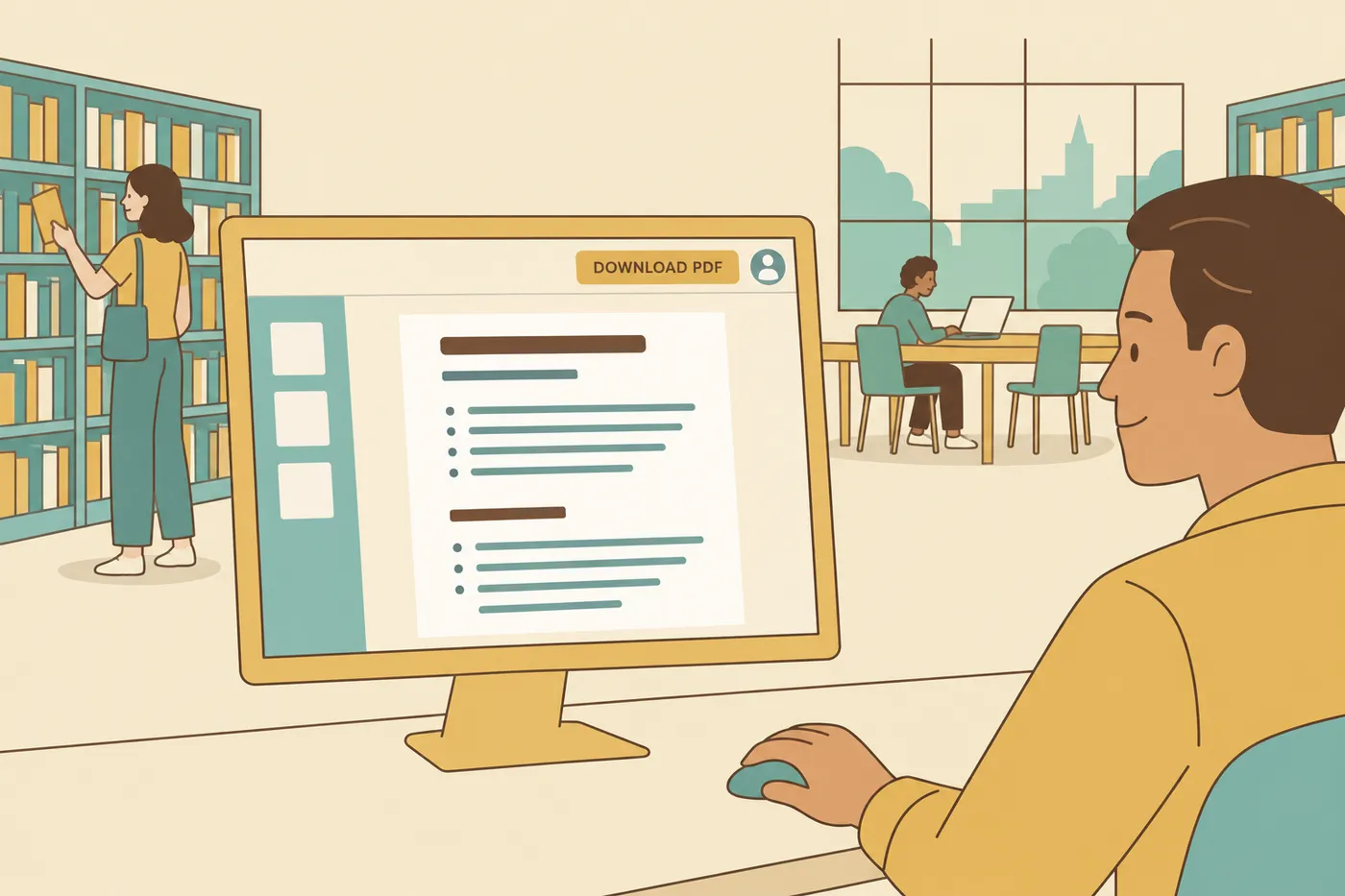
- Open the public resume builder and choose a resume template.
- Create a short sample with fictional details and download the PDF to confirm the route meets your needs.
- Enter your own contact information, experience, education, and relevant skills. Adjust section order and spacing for readability.
- Review the document, download the final PDF, and keep the source text and file somewhere you control.
Visitor drafts depend on browser-session access. Clearing site data, using a private window, or moving to another device can affect your ability to find the same draft. The service may store content on servers even though access is tied to your browser.
Keep backups before closing a session or changing devices. If you choose to move ongoing work into an account, confirm that the expected document appears there. An account is useful for continuity, but it is not a promise of permanent storage.
Download the PDF, then inspect the actual file
Roleframe’s public PDF download does not require an account email, a card, or a watermark. An email address you place inside the resume is contact information for the employer; it is separate from registering with the service.
Open the saved PDF before submitting it. Check every page, contact detail, date, and link. Select or copy a section of text to spot obvious extraction-order problems. If an application populates fields from the upload, inspect and correct those fields.
Follow the employer’s file instructions. PDF is one option when accepted; Word may be required or preferred in a particular application. Do not assume that a clean preview proves universal compatibility. Greenhouse’s parsing guidance describes problems that can arise from complex formatting.
When a saved account workflow may help
An account can be useful when you want to return to documents across sessions, keep application records, or evaluate job-specific assistance. Check the available workflow and current plan allowances before relying on a particular feature. You do not need those features to complete the public PDF task.
For repeated applications, keep a complete master resume, then make clearly named versions that emphasize relevant evidence. Save the employer, role, submission date, and filename with each application. Our tailoring guide provides a repeatable review method.
If you try AI assistance, supply your own factual notes and inspect every addition. In a fictional example, “scheduled appointments for a three-person team” can be clarified without turning it into “managed a department” or adding an invented efficiency percentage. Keep the final wording accurate whether you wrote it yourself or used help.
Frequently asked questions
- Is there a completely free resume builder with no hidden costs?
Roleframe’s public PDF workflow is free and requires no account, card, or trial. Optional account and AI capabilities have separate terms. In any builder, test the selected template and required export before moving your full content.
- Which resume templates are actually free?
Roleframe provides resume templates in its free public builder. Other products have their own access rules; do not assume a visually simple template is free or a decorative one is paid. Choose a readable layout and confirm the download. A template label alone cannot establish compatibility with every application system.
- How can I create a simple resume for free in under an hour?
Gather your source facts first: contact details, job titles and dates, education, relevant skills, and a few specific contributions. Choose a readable template, enter the content, and check the downloaded file. Include a summary only if it adds useful context. Use measured results when you have them; do not invent numbers to finish faster.
- What is the best free app for building resumes?
Choose by the task and device you use. Test text entry, section changes, preview, and downloading on your actual screen. Roleframe and OpenResume offer no-sign-up routes, but an account-based editor may suit an ongoing search. The builder comparison gives criteria for checking the final file rather than relying on a product label.
- Do free resume builders sell your data?
A free price or an account requirement does not establish how a company uses data. Read its policy for processing, sharing, AI use, retention, and deletion. Roleframe’s policy states that it does not sell data; it also describes the information and service providers used to run the product.
- Can I download my resume as a Word file for free?
Word availability depends on the editor, not on whether you register. This article describes Roleframe’s free public PDF route and does not promise a Word export. If an employer requires DOCX, choose a workflow that provides it, check any account or payment requirement in advance, and inspect the saved Word file.



Ready to start your new resume?
Writing a resume takes time, and even a polished one can miss what a hiring manager is looking for. Roleframe helps you build a clear, ATS-safe resume in minutes and tailor it to the job you want.


