Is There a Resume Builder Better Than ChatGPT? (When to Use Which)
Compare resume drafting, layout, job matching and version management. Learn when a dedicated builder helps and how to verify AI suggestions and exported files.

On this page
A dedicated resume builder can be a better fit when you want resume-specific templates and direct layout controls. ChatGPT can be useful for discussing experience, revising wording and working with files. The right choice depends on what you need to do, not a blanket claim that one category produces better resumes.
Disclosure: Roleframe is our product. This is a workflow comparison, not a benchmark of writing quality or interview results. Product capabilities were checked against current documentation and Roleframe’s public workflow on 13 October 2026; availability and limits can vary by account and change over time.
Choose the tool around the task
If you are stuck on wording, start with your evidence and use a conversation to clarify it. If you are arranging sections, adjusting spacing or checking a page break, try the editor controls you will actually use. Both tasks still need your review.
ChatGPT is not limited to plain text in a chat window. Current supported workflows can use uploaded files, organize context in projects, and create or revise downloadable documents. A dedicated builder may still be more convenient for repeated resume editing, but that convenience should be demonstrated through the workflow rather than assumed from the product label.
| Task | What to compare | Useful test |
|---|---|---|
| Find evidence for a bullet | How well the tool asks for missing facts | Give it a vague task and check that it asks questions instead of inventing results. |
| Revise wording | Accuracy and ease of comparing changes | Request a shorter version without changing dates, numbers or responsibility. |
| Adjust layout | Controls for sections, spacing and page breaks | Add a long job title and an extra bullet, then inspect the whole page. |
| Manage applications | How you label, locate and preserve versions | Find the exact file submitted for a particular job. |
| Compare with a posting | Whether findings cite your real evidence | Check a claimed missing requirement against both the posting and your resume. |
| Export a document | Accepted format, readability and current allowance | Open the actual download and inspect every page. |
There is no magic application count at which you must change tools. One complex application may need careful version management; several similar roles may use a well-maintained base document. Choose the smallest workflow that keeps your facts, versions and submitted files clear.
Use conversation to uncover evidence before rewriting
A conversational assistant can help turn rough notes into focused questions. Instead of asking it to invent a resume from a job title, describe what you actually did: who used the work, which tools you used, what decisions you made and what changed afterward.
Try this prompt: “Ask me about one project at a time. Separate my contribution from the team’s contribution. If I cannot support a result or number, leave it out. After I answer, propose two concise resume bullets and list anything I still need to verify.”
Compare the drafts with your notes. A useful revision might replace an abstract phrase such as “supported operational excellence” with a specific action such as “maintained the weekly dispatch schedule.” It should not upgrade “helped test” to “led the launch” unless that is true. See why AI resume wording becomes generic for more examples.
Compare document editing with a real sample
ChatGPT can create and revise files in supported workflows, and some interfaces provide previews and focused revision tools. It would be inaccurate to say every edit must rebuild an entire document or that it has no way to work with saved context. Check the features available in your own plan and interface.
The practical question is whether you can make your routine changes clearly and verify the result. Run the same small test in whichever workflow you are considering:
- Shorten one bullet while preserving its meaning, dates and numbers. Compare the revision with the original.
- Add a longer job title and inspect whether dates, spacing and subsequent sections still fit.
- Move a section and check that the document remains readable from start to finish.
- Save a named version, reopen it and confirm you can distinguish it from the version already submitted.
- Export the required file type and inspect its text, page count and appearance. Do this for both AI-generated files and builder exports.
A resume-specific editor may make these adjustments easier to find because its controls are built around a resume page. An AI file workflow may suit someone who prefers describing changes in language. Neither approach removes the need to inspect the final artifact.
Keep a source of truth for facts
Keep your job titles, employment dates, qualifications and supported results in a reliable reference document. Use that reference when reviewing a rewrite. Your memory of what an earlier draft said is a weaker check than a written record.
This practice works in a builder, an ordinary document editor or an AI-assisted project. Product labels do not ensure that facts stay correct. A targeted manual change can contain a typo; an AI suggestion can add an unsupported responsibility. After a material revision, compare the changed passage and inspect the complete exported resume.
Be particularly careful with ownership: “contributed to a team that processed 500 requests” is not the same claim as “processed 500 requests independently.” A shorter sentence is an improvement only if it preserves the distinction you can explain in an interview.
Preserve submitted versions, whichever tool you use
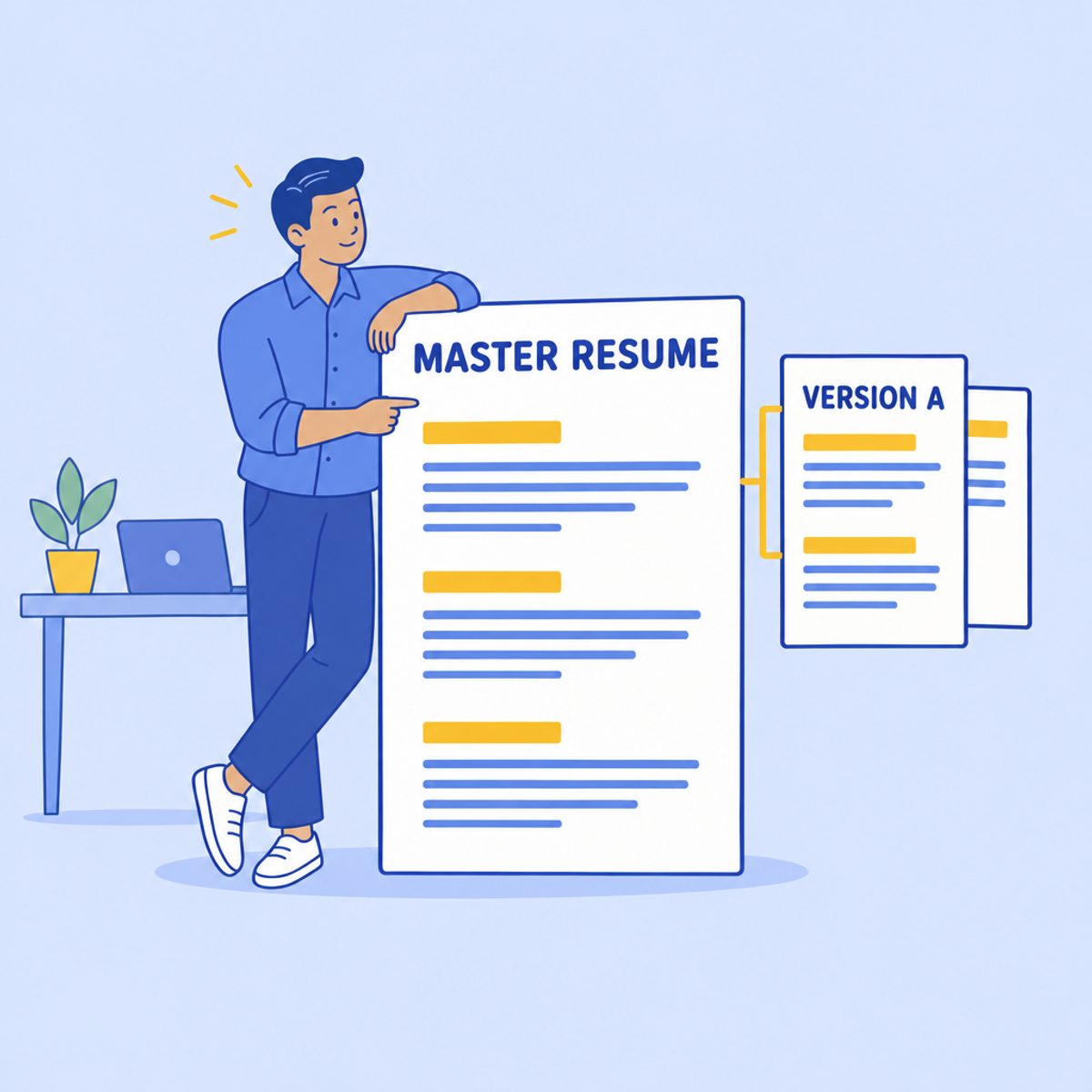
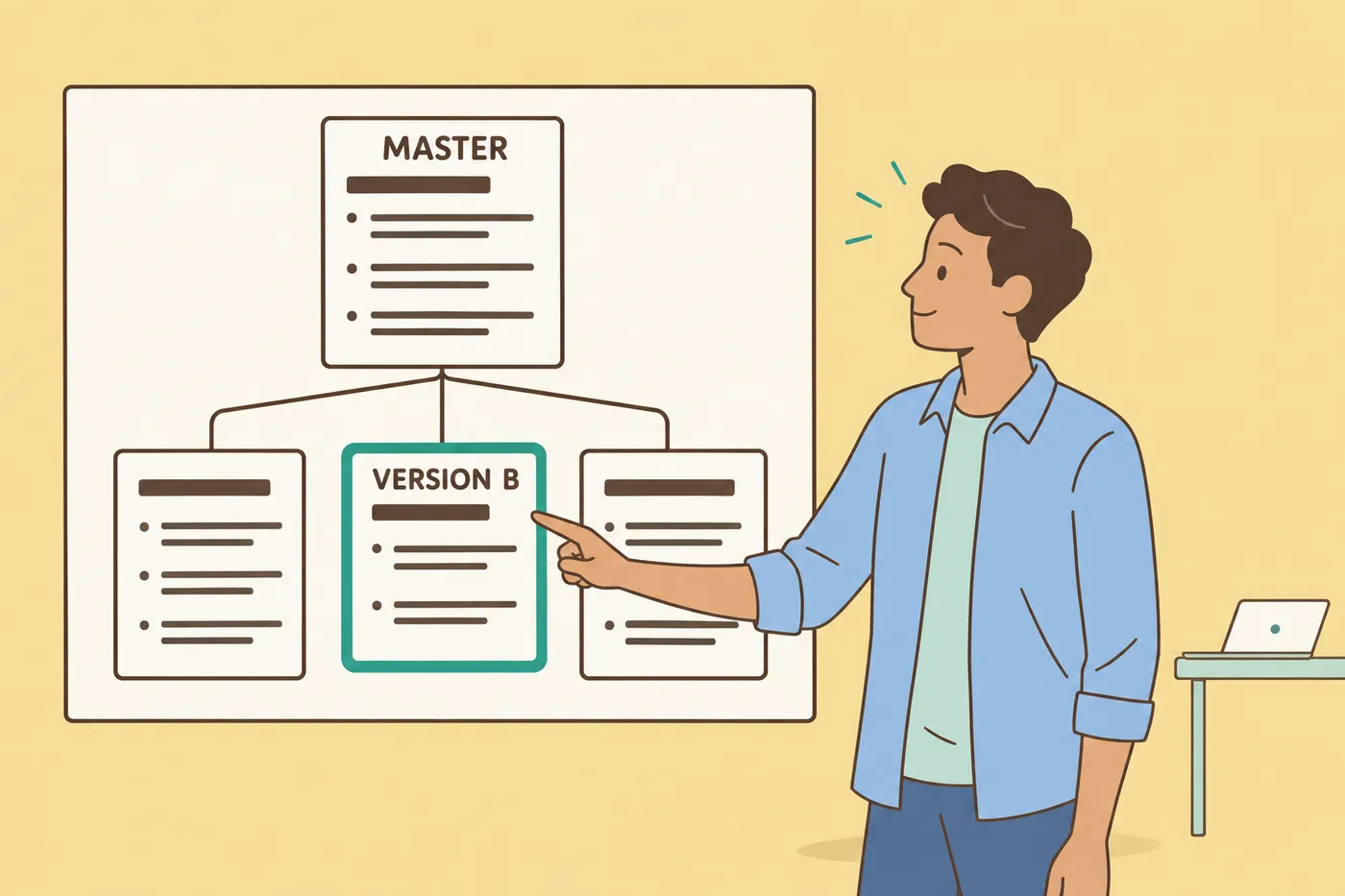
Maintain a master resume or evidence file that contains your verified experience. Create an application version when a role needs a different emphasis, and keep the submitted file unchanged so you know what the employer received.
A folder-and-tracker system can be enough. Record the employer, role, date, file name and a copy of the posting. An editor with document variants may make that process more convenient, but it is not the only way to organize a search. ChatGPT also has supported project and file workflows; it is inaccurate to claim a chat assistant cannot help manage application materials.
In Roleframe, account-based document and job features are separate from the first anonymous resume. Check the current account allowance and verify how a duplicate or branch behaves before relying on it. Do not assume that editing a base document updates every previous version, or that an editable draft is an archive of the exact file already sent.
Our tailoring guide describes the underlying process: choose relevant evidence, revise without inventing qualifications, then save and check the application version.
Job-match feedback is advice, not the employer’s score
ChatGPT can compare supplied documents and discuss requirements when the relevant file tools are available. A dedicated resume scanner can also compare text or extracted content with a posting. Neither category has automatic access to an employer’s private evaluation criteria.
Separate three checks: whether the file’s text can be extracted, whether your evidence addresses the stated requirements, and whether the employer selects you. A keyword comparison may help with the second; it cannot establish the third. A high number on a tool’s report is not a universal ATS pass.
Ask a report to show the requirement, the resume passage it used and what remains unclear. If the posting requires a qualification you lack, adding its name to Skills is not a valid fix. If you do have relevant experience but have not explained it, add a truthful example.
Use our resume-scanner guide to assess feedback quality. Prefer a specific, checkable suggestion over a confident score without an explanation, regardless of which tool produced it.
The Free Export Test: Getting Your PDF Without a Paywall
Check both price and output before committing your full resume to a workflow. Current free allowances, file tools and usage limits vary; a feature available in one account may not be available in another.
For Roleframe’s public workflow, our 13 October 2026 check reopened an existing anonymous test resume and downloaded its PDF without sign-in or payment. The sample contained selectable text. The anonymous workspace allows one resume; additional documents and account-based AI are separate. This is a narrower, verifiable claim than “every feature is free.”
Follow the employer’s required file format. When PDF is accepted, open the downloaded PDF and inspect it. When another format is required, check that export separately. Neither an AI-generated file nor an editor preview guarantees that the final attachment will be correct.
How to Use ChatGPT and a Dedicated Builder Together
You can use one tool or combine them. The following workflow keeps the evidence and submitted file easy to check without depending on a particular brand:
- Collect verified facts: roles, dates, tasks, qualifications and results. Remove confidential details you do not need to share.
- Ask for questions or wording suggestions only where they help. Require the assistant to flag missing information rather than fill it in.
- Put the selected content into a layout you can edit and inspect. Check that the wording still means what your source notes say.
- Compare the resume with the posting. Address relevant experience you have, and keep genuine qualification gaps visible to yourself rather than disguising them with keywords.
- Save a named application version and the final submitted file. Record which employer and role it belongs to.
- Before submitting, inspect the complete file for factual changes, clipping, page breaks and leftover sample text. Follow any employer rules on AI assistance.
The useful result is an accurate, readable resume you can explain, with a clear record of what you sent. No tool choice guarantees callbacks. For prompts that keep revisions grounded in your own experience, see using ChatGPT to tailor a resume.
Frequently asked questions
- Is ChatGPT good for resumes?
It can help ask questions, revise wording, compare supplied information and work with documents in supported workflows. Review its output against your own facts. A dedicated builder may be more convenient for resume-specific layout controls; compare the tasks you actually need.
- Which AI is best for building a resume?
There is no universal winner established by this guide. Test factual accuracy, useful questions, editing controls, file output and current limits with the same sample material. Do not treat a product’s score as evidence of interview success.
- Can AI improve a weak bullet?
It can suggest clearer wording, but you must supply the facts. Ask it to preserve scope, ownership and numbers. If a result is unknown, describe the specific task or deliverable rather than inventing a percentage.
- Do employers check whether a resume is AI-written?
Policies and review practices vary, and this guide does not establish how often employers use detection tools. Follow any stated rules. Regardless of detection, submit only accurate claims that you can explain and evidence that relates to the role.
- Does ChatGPT lack document or application-management features?
No. Current supported workflows include files, projects and document revision. Available tools depend on the account and interface. Compare convenience and controls instead of assuming every task happens only in a plain chat transcript.
- Can ChatGPT create a PDF resume?
Supported file workflows can create and revise downloadable documents, including PDFs. Check your account’s available tools and limits, then inspect the finished file. Roleframe’s first anonymous resume also supports PDF export; neither route removes the need for a final review.

Ready to start your new resume?
Writing a resume takes time, and even a polished one can miss what a hiring manager is looking for. Roleframe helps you build a clear, ATS-safe resume in minutes and tailor it to the job you want.


