ATS Resume Scanners Compared: What Each Check Tells You
Compare Jobscan, Resume Worded, Teal, Kickresume, and Roleframe by their documented checks, editing workflows, and free-tier limits.


On this page
An ATS resume scanner can help you identify missing information, relevant terms, or formatting concerns. It cannot certify that an employer will advance your application: applicant tracking systems, screening rules, and hiring decisions differ.
Choose a scanner by the question you need answered. Can the file’s text be extracted? Does the resume address a particular posting? Are the bullets clear and supported by evidence? Those are related checks, but a percentage does not tell you which one was performed.
This comparison uses official product documentation checked on 13 October 2026. It is a feature guide, not a hands-on accuracy or interview-outcome benchmark. Disclosure: Roleframe is our product.
What to look for in an ATS resume scanner
First, check what the report actually shows. Extracted text and detected sections help you inspect a parsing result. A list of missing terms addresses job relevance. Writing suggestions address how you explain your work. A product may combine these, but its output is still its own analysis.
Second, use a real job description when you want relevance feedback. A general resume review cannot know which responsibilities the employer prioritizes.
Third, look at the next step. Can you edit the affected bullet, save a version for that job, and inspect the exported file? That workflow may matter more than how many checks appear in the marketing description.
- A clear explanation of what is being scored
- Extracted text or detected fields when parsing is assessed
- Comparison with your actual target posting
- Specific formatting or content issues you can inspect
- A way to distinguish missing experience from experience that is merely missing from the resume
- Clear scan, editing, and export limits before you pay
Turn keyword feedback into useful edits
A missing term is a prompt to investigate. If the posting asks for SQL and you used SQL to prepare weekly reports, you may have relevant evidence to add. If you have never used it, inserting the word changes the score without changing your qualifications.
For example, “Prepared weekly reporting” might become “Used SQL to reconcile weekly order data and investigate discrepancies,” if those details are true. That explains the work instead of repeating SQL in several places.
Do not assume every ATS weights term placement or repetition the same way. Use recognizable names and clear examples because they explain your experience. Our ATS resume keywords guide develops that workflow.
Five scanner and editing workflows to compare
The products below overlap. Choose a starting point by the work you want to do, then try your own document before deciding which feedback is useful.
Jobscan: job matching with an editing workflow
Jobscan’s scanner compares a resume with a job description and reports keyword, structure, formatting, and content checks. Its Match Rate summarizes that analysis. The broader platform also includes AI Optimize, a resume editor, and job tracking.
Consider it when: you want to work from a posting-specific report into suggested edits. Check before choosing: which scans and AI editing features your account includes. Review each added skill or rewritten claim rather than accepting a suggestion solely to increase the score.
Resume Worded: general feedback and targeted comparison
Score My Resume reviews writing and resume structure. Resume Worded also offers Targeted Resume for comparing a document with a job description and identifying terms to review.
Consider it when: you want to improve a base resume and then check its fit for a specific role. Check before choosing: which feedback and rewriting functions are included in the free result. Its scores describe its own checks, so compare revisions within the same tool instead of treating different providers’ numbers as equivalent.
Teal: matching, resume versions, and job tracking
Teal documents resume checks covering structure, content, and keyword usage, alongside a builder and job tracker. Its free tier includes basic analysis and matching; expanded analysis and keyword features are part of Teal+.
Consider it when: your main problem is keeping postings and resume versions organized while making edits. Check before choosing: whether the free matching detail is enough for your search, and how the tool handles changes across versions.
Kickresume: feedback connected to its builder
Kickresume’s checker provides resume feedback within a suite that includes building and rewriting tools. Do not assume the complete checker is free for every user: its pricing page lists ATS Resume Checker among Premium features, and it advertises free Premium eligibility for verified students and teachers.
Consider it when: you already want to edit in Kickresume’s builder. Check before choosing: the access offered by your account and any educational eligibility requirements.
Roleframe: for editing and tailoring in one place
Roleframe combines a resume editor, base resumes, tailored versions, job matching, and application tracking. Use a base resume as your starting record, create a version for a target role, and review assistant suggestions before applying changes.
The manual editor and PDF download are free without an account. AI and account document allowances depend on the plan, and eligible paid plans support DOCX export. Check current pricing for those limits.
Consider it when: you want to turn feedback into edits while retaining application-specific versions. Check before choosing: whether the editing controls and plan allowances fit your workflow. Inspect the final file and any fields populated by the employer’s upload form.
Quick comparison
| Tool | Documented checks or workflow | Access point to verify |
|---|---|---|
| Jobscan | Posting-specific report, AI Optimize, editor and tracker | Free scan allowance and AI editing access |
| Resume Worded | General resume feedback and Targeted Resume matching | Free feedback detail and rewriting access |
| Teal | Resume analysis, matching, versions and job tracker | Basic free versus expanded Teal+ analysis |
| Kickresume | Checker connected to resume-building tools | Premium access or verified education eligibility |
| Roleframe | Editing, tailored versions, job matching and tracking | Free manual PDF workflow versus account AI and DOCX allowances |
Separate parsing from screening
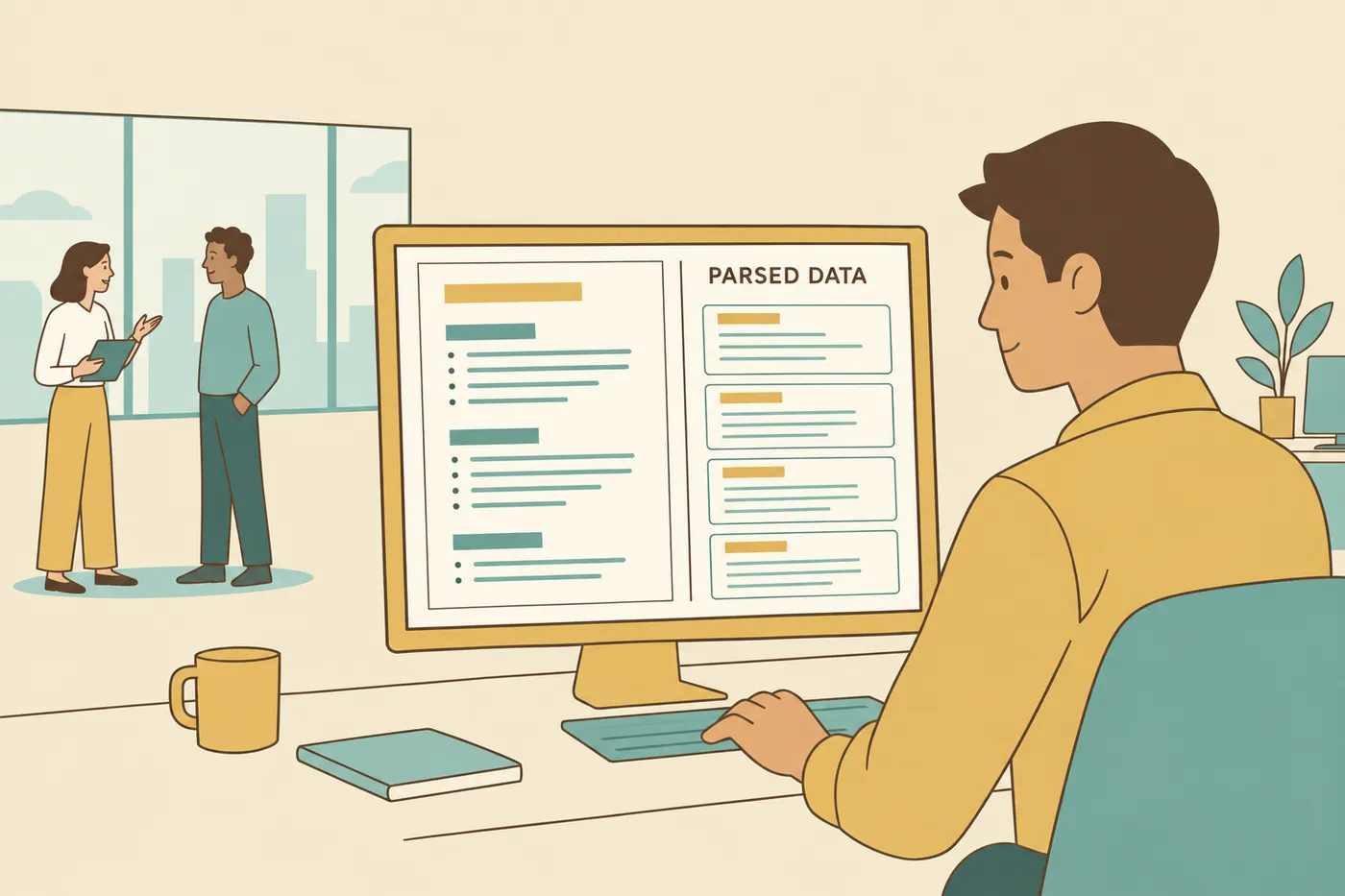
Parsing extracts information from a document. Searching, filtering, application questions, and later review are separate parts of a hiring workflow. A resume can upload successfully while some extracted fields are wrong, so review the fields the application presents.
Greenhouse’s parsing guidance identifies potential problems with complex tables, headers, footers, graphics, and image-based files. A simple text layout with recognizable headings is a practical starting point. See the ATS resume format guide for checks you can perform yourself.
Can an ATS automatically reject an application?
Yes, automatic rejection is a real feature in some systems. For example, Greenhouse documents employer-configured rejection rules based on answers to application questions, such as a required license.
That does not mean a third-party scanner’s match score is the employer’s rejection threshold. Read the eligibility questions carefully, answer truthfully, and verify autofilled information. If a requirement is missing from your experience, keyword changes cannot supply the qualification.
Choosing the right scanner for your job search
For a base-resume review, start with a tool that explains writing and structure feedback. For a specific application, use the posting-matching workflow. For repeated applications, compare the effort of editing and saving versions as well as the scan itself.
Try one correction at a time. Check whether it improves factual accuracy, clarity, or relevance; keep it only if it does. Then follow the employer’s requested format and inspect the exported document. When both PDF and DOCX are accepted, use the format you can check reliably rather than assuming one guarantees parsing.
Frequently asked questions
- What is the best free ATS resume scanner?
Choose by the feedback you need. Jobscan and Resume Worded offer free entry points, and Teal offers basic free analysis and matching. Verify the current allowance and report detail. Kickresume lists its checker among Premium features, with education eligibility offers.
- Does an ATS automatically reject resumes?
It can. Some systems support employer-configured rejection rules based on application answers. A scanner’s score does not reveal those rules. Answer screening questions accurately and review any automatically populated fields.
- What are the best Jobscan alternatives?
Resume Worded offers general and targeted feedback; Teal combines matching with resume organization; Kickresume connects feedback with its builder; Roleframe offers editing, tailored versions, and tracking. Jobscan itself also offers AI editing, so compare the complete workflows.
- Is keyword stuffing still effective for ATS?
Repeating or hiding keywords does not establish that you have the experience. Use relevant terms in truthful skills and work descriptions, and reject suggestions that would add qualifications you do not have.
- What ATS score do I need to pass?
There is no universal passing score. Each scanner defines its own assessment, and an employer may use different criteria or no comparable score. Use the report to identify concrete corrections.
- What resume format is most ATS-friendly?
Use a readable text layout with clear headings, then follow the employer’s file-format instructions. Inspect the exported text and any application fields populated from the upload. Complex formatting can cause problems, but a template label cannot certify every parser’s result.



Ready to start your new resume?
Writing a resume takes time, and even a polished one can miss what a hiring manager is looking for. Roleframe helps you build a clear, ATS-safe resume in minutes and tailor it to the job you want.


