How to Update Your Resume: An Add, Cut, and Check Checklist
Update your resume in three passes: add recent evidence, cut irrelevant detail, and check dates and formatting. Includes examples and a final checklist.

On this page
Update a resume in three passes, in this order: add what is new since the last version, cut what no longer helps, then re-check the details that quietly go stale. The order matters because there is no point polishing a bullet you are about to delete, and no point formatting a section you have not finished writing.
- Add: your current role written as results, new skills and tools, certifications, and a summary aimed at the next job.
- Cut: old roles, filler lines, assumed skills, duplicate bullets, and buzzwords.
- Re-check: contact details, dates and titles, format, length, headings, and the file itself.
Work through the passes in order, using the closing table to track what remains. If you need to recover dates or confirm results, pause and verify them before polishing the wording.
Before you start: find the file and gather the raw material
Start from your newest resume and keep a backup. If only a PDF remains, you can use it as the source for an editable version. Check every imported date, heading, and bullet against the original; importing is not a guarantee of a perfect copy.
Choose the kind of role this update will support. Keep a master record of your experience, then make application copies that emphasize the relevant evidence. A nursing application and an operations application should not devote the same space to every past task.
Gather project notes, performance reviews, certificates, and records of results before editing. Use documents you are permitted to access, and do not put confidential client, patient, or employer information into your resume or an AI tool. If you cannot substantiate a number, describe the work without inventing a measurement.
A useful maintenance routine is to note a new project, credential, or responsibility while you can still recall the details. Choose a review interval that suits your work rather than treating a calendar rule as a hiring requirement.
Pass 1: Add what's new
Your current role, written as results
Check the employer name, location, official title, and employment dates first. Then describe your contribution. A result can add useful evidence, but accurate responsibilities and scope matter too, especially in roles where outcomes are shared or difficult to measure.
The following examples are fictional. Replace all duties, settings, numbers, and claimed results with your own verified experience; changing only the bracketed figures is not enough.
- Nurse. Weak: "Responsible for patient care on a medical-surgical unit." Stronger: "Managed care for [X] patients per shift on a 32-bed med-surg unit and cut medication documentation errors by [X]% after the unit moved to barcode scanning."
- Warehouse lead. Weak: "Oversaw daily warehouse operations and supervised staff." Stronger: "Led [X] pickers and packers across two shifts, raising the on-time shipment rate from [X]% to [X]% by reworking the pick-path layout."
- Marketer. Weak: "Helped with social media and email campaigns." Stronger: "Wrote and scheduled [X] email campaigns per quarter, lifting click-through rate [X]% after segmenting the list by purchase history."
The stronger versions connect an action to its scope or outcome. Do not claim that you caused a team result on your own: use wording such as “contributed to” when that better reflects your role. A clear duty statement is preferable to an invented accomplishment.
New skills and tools, with evidence attached
Add relevant skills you can explain with an example from employment, education, volunteering, or a personal project. Separate familiarity from working proficiency. If a posting asks for Excel, a concrete example such as maintaining a stock-reorder sheet is more informative than an unexplained software list.
The same standard applies to AI tools. Name the task you used them for, how you checked the output, and any result you can support. A claim such as “cut proposal drafting time by [X]%” belongs on the page only if you measured it and can explain the comparison. Group skills so readers can find the relevant tools and languages.
Certifications and training
Add relevant licenses, certifications, and completed training with the issuer and date. Check the issuer’s records before describing a credential as current. Do not imply that an expired license is active; if a renewal is in progress and relevant, state that status accurately. A required credential should be easy to find.
A summary rewritten for the next job
If you use a summary, update it for the role you want now. State your relevant background and one or two supported strengths. Label an aspirational target title clearly rather than presenting it as a job you have held. You can omit a summary when it only repeats nearby information. Our guide to writing a professional summary offers examples by career stage.
Pass 2: Cut what no longer helps
Cut material that makes the relevant evidence harder to find. Use these as editing questions, not automatic deletion rules:
- Older roles: shorten or remove detail that does not support this application. Keep older experience when it supplies a required skill or important context.
- Generic objectives: remove lines such as “seeking a challenging role.” A specific objective can still help explain an entry-level target or career change.
- “References available upon request”: usually omit this unless the application specifically asks for it.
- Routine software: retain it when the job requires it and you can demonstrate the requested proficiency; remove irrelevant padding.
- Repeated bullets: keep different responsibilities where they matter, but use each role to show a distinct contribution or scope.
- Unsupported adjectives: replace “results-driven team player” with an example of the work, or remove the claim.
- Unnecessary personal information: for a typical US professional resume, city and state are usually sufficient. Follow the application’s instructions and field-specific conventions.
Two of those deserve the longer read: the how-far-back question has a real answer that depends on your field, and the buzzword list includes the replacement phrasing, not just the ban. On the references line, there is a full explanation of why it should go.
Pass 3: Re-check what quietly goes stale
These are the details nobody updates on purpose because nobody thinks of them as content. They go stale anyway.

- Contact details and links: test your phone number, email, LinkedIn URL, and portfolio links. Check that linked work is public and appropriate to share.
- Titles and dates: use one consistent style, such as Jan 2023. Keep past titles accurate; add a plain-language explanation if an internal title is unclear.
- Bullets: state your action and relevant scope or result. Keep responsibilities that help establish your fit even when you have no outcome metric.
- Length: keep what supports the application. One or two pages may work for a standard professional resume; academic CVs and specialized applications follow different conventions.
- Structure: use clear section labels, readable text, and straightforward reading order. Check that contact details and job dates remain understandable when the file is parsed.
- File: follow the employer’s requested format. If PDF is accepted, export and inspect the actual download. Use a clear filename such as Alex-Chen-Resume.pdf.
Formatting is a practical check, not a universal pass/fail score. For example, Greenhouse documents partial and unsuccessful parsing for some complex layouts and image-based resumes. Check any fields prefilled by the application portal, and correct mistakes before submitting. A local copy-and-paste test can reveal reading-order problems but cannot certify compatibility with every employer’s system.
Does a resume need to look different this year?
A new year does not by itself require a new format. Revise the parts that are out of date or no longer useful for the applications you plan to send. Look at the employer’s instructions and the conventions of your field before changing the layout.
Do not design around a supposed universal recruiter reading time. Instead, make the relevant facts easy to locate: current contact details, recent experience, required credentials, and evidence for the role. Ask someone unfamiliar with your work to identify those facts without an explanation from you.
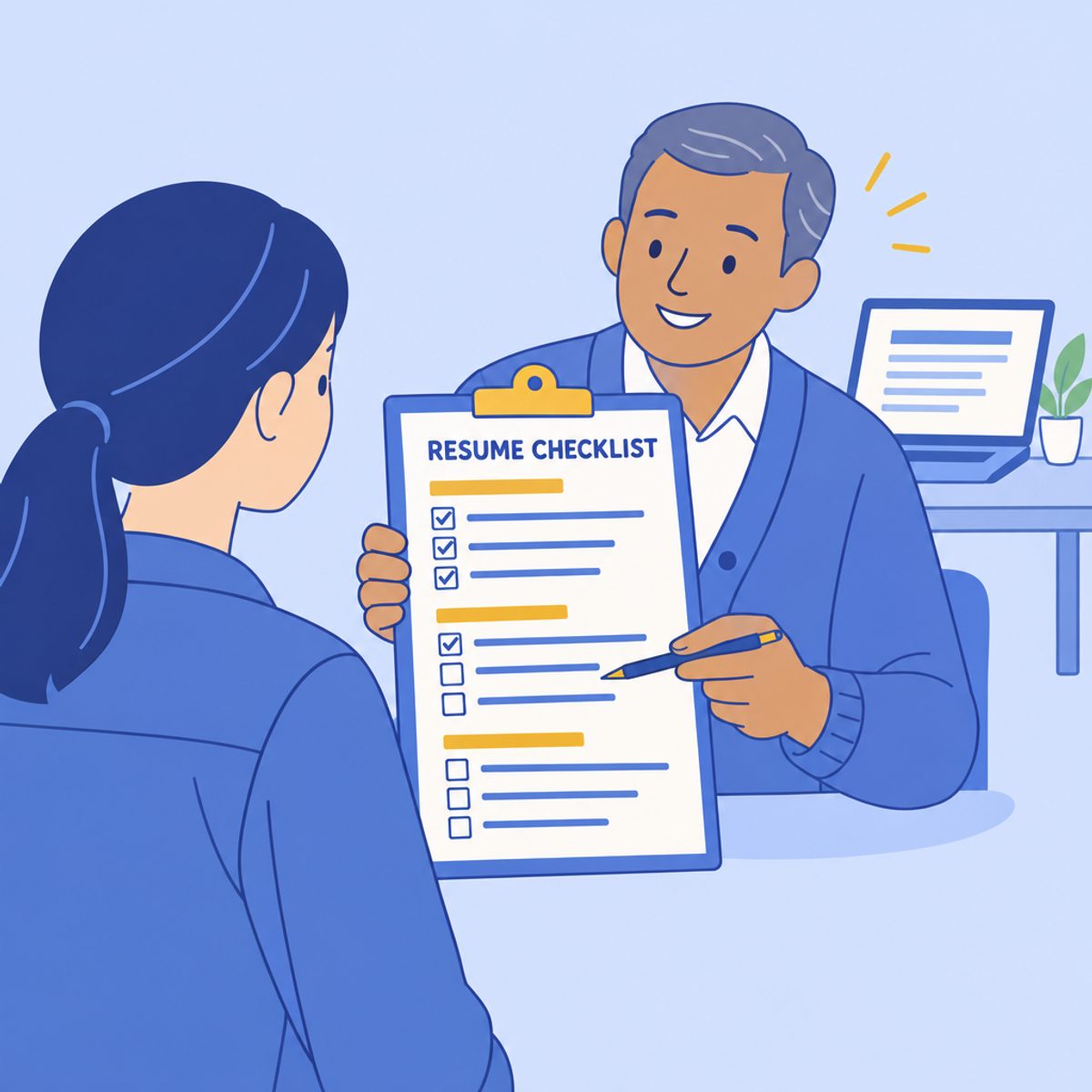
The add, cut, and check checklist
Run down each column against your document. When every box is handled, the update is done.
| Add | Cut | Re-check |
|---|---|---|
| Current role, written as results with your real numbers | Roles that no longer support the target job | Phone, email, LinkedIn and portfolio links all work |
| New skills, each tied to where you used them | A generic objective that adds no useful context | Titles and dates in one consistent format |
| Certifications and training earned since the last version | "References available upon request" | Every bullet leads with what you did |
| A summary rewritten for the next job | Irrelevant skills or unsupported proficiency claims | Length: every line supports the target job |
| AI tools, only with a work result attached | Duplicate and near-duplicate bullets | Standard headings: Experience, Education, Skills |
| — | Buzzwords with no evidence behind them | Reading order, contact details, and dates survive export |
| — | Personal details US employers do not need | Employer-requested format; final download inspected |
You can also use Roleframe to review and edit the document. The signed-in editor supports resume import and writing checks, but an automated check cannot verify your employment history, credentials, or every item in this checklist. Compare the imported content with your source and inspect the final export before submitting it.
Frequently asked questions
- How often should you update your resume?
Update it after a significant new role, project, responsibility, or credential, and review it before applying. A recurring reminder can help, but there is no universal six-month rule. Keeping a small log of dates and results makes the next update easier.
- Should I update my resume even if I'm not looking for a job?
It can be useful to keep a master record current even when you are not applying. Capture facts while they are fresh, then tailor the document when an opportunity appears. You do not need to redesign the resume after every minor task.
- Is it better to update an old resume or start over?
Keep the existing version if its structure is useful and the information is accurate. Rebuild sections that are hard to edit or no longer fit your target role. Preserve the old file as a reference for dates, qualifications, and projects.
- How far back should a resume go?
Far enough to cover the experience that supports the target job, and no further. Older roles that still prove something relevant can be compressed to a single line; roles that prove nothing for this target can go entirely. The full answer, including how it varies by field and seniority, is in our guide on how far back a resume should go.
- What are the three C's of a resume?
Clarity, conciseness, and consistency are a useful editing checklist, not a standardized hiring test. Ask whether each point is understandable, relevant, and presented in the same style as the rest of the document.


Ready to start your new resume?
Writing a resume takes time, and even a polished one can miss what a hiring manager is looking for. Roleframe helps you build a clear, ATS-safe resume in minutes and tailor it to the job you want.


