Cover Letter Format: The Layout to Copy for PDF, Email or Print
The standard cover letter format as a copyable skeleton, the layout settings in one table, and how the format changes for PDF, email, forms and print.

On this page
The standard cover letter format has not changed much in decades. It is a block business letter, left aligned and one page long, with three or four short paragraphs. What has changed is how the letter gets delivered. A PDF attachment, an email body, an application form text box and a printed page each want a slightly different version, and most guides only show you one.
This page gives you the skeleton to copy, the layout settings in a single table, the paragraph-by-paragraph structure, and then the exact version for each of the four ways a letter gets sent now. Copy the skeleton, swap in your details, and pick the channel section that matches your application.
The standard cover letter format (copy this skeleton)
[Your Name]
[City, State] | [Phone] | [Email] | [LinkedIn URL]
[Date]
[Hiring Manager's Name]
[Their Title]
[Company Name]
[Company Street Address]
[City, State ZIP]
Dear [Hiring Manager's Name],
[Opening paragraph. Name the exact job title from the posting, say where you found it, and give the one credential or result that makes you a fit.]
[Body paragraph one. Your strongest, most relevant proof, with a number where you have one, matched to what the posting asks for.]
[Body paragraph two, optional. A second proof point, or a specific reason this company rather than any company.]
[Closing paragraph. Restate the fit in one line and ask for the conversation.]
Sincerely,
[Your Name]
This is the business letter block format. Everything starts at the left margin, nothing is indented, and one blank line separates each element. The whole letter fits on a single page, and in practice runs about 250 to 400 words.
Cover letter layout settings, in one table
These are conventions, not laws. Recruiters will not reject you over a 0.9 inch margin. They exist because a letter that follows them reads fast and parses cleanly in an applicant tracking system (ATS), the software that stores and scans applications before a human sees them.
| Setting | Usual choice | Why |
|---|---|---|
| Margins | About 1 inch on all sides | Enough white space to read fast; shrinking margins to cram in more text is the tell of a letter that ran long. |
| Font | The same font as your resume, 10.5 to 12 points | Standard fonts like Arial, Calibri, Georgia and Times New Roman render the same everywhere and parse reliably. |
| Spacing | Single spacing inside paragraphs, one blank line between blocks | The blank lines do the visual separating, so you never need indents or extra formatting. |
| Alignment | Left aligned, ragged right edge | Justified text creates uneven word gaps that make short paragraphs harder to scan. |
| Layout | One column, no tables, text boxes or graphics | ATS parsers read a single column top to bottom and can misread or drop content placed in anything else. |
| Length | Three or four paragraphs on one page, roughly 250 to 400 words | Past one page, the recruiter stops reading. Past 400 words, you are usually repeating the resume. |
Cover letter structure, paragraph by paragraph
The format tells you where things go. The structure tells you what each paragraph has to accomplish. A working modern structure is four short paragraphs, and each one has a single job.
The opening paragraph: name the job and your strongest claim
State the exact job title from the posting, because the person reading may be hiring for six roles at once, and give the one fact that earns the next paragraph. Skip the throat-clearing about being excited to apply. An example of the shape:
"I'm applying for the Senior Accountant position at Meridian Health. Four years of month-end close for a 200-bed hospital system map directly onto the revenue-cycle ownership in your posting."
The body paragraphs: proof matched to the posting
One or two paragraphs, each built around a specific result the posting cares about. Mirror the terminology the job description uses, particularly named tools, methodologies and certifications, but write it the way you would say it. Repeating keywords mechanically reads as stuffing to a human even when it satisfies a filter. The shape of a good body sentence:
"At Lakeview Clinic I cut invoice processing from six days to two by rebuilding the approval workflow in NetSuite, which freed our AP team from about 30 hours of manual matching a month."
The body is also where context lives if you need it, such as a career pivot or a gap. Keep it to one neutral line and move back to proof; there is a full walkthrough in how to explain an employment gap in your cover letter.
The closing paragraph: restate fit and ask for the next step
One or two sentences. Tie your proof back to their problem and ask for the conversation directly. No begging, no "I hope to hear from you at your earliest convenience." More like this:
"I'd welcome the chance to talk about bringing that same close discipline to Meridian's finance team, and I'm available any weekday afternoon."
How the format changes with how you send it
This is where most guides stop and most applicants get tripped up. The skeleton above is the full format, and only one of the four delivery channels uses all of it.
PDF attachment: the full format
When the application asks you to upload or attach a cover letter, use the complete skeleton with both address blocks and the date. Export it as a PDF so the layout holds on whatever screen opens it. Name the file so a recruiter can find it in a folder of two hundred: Jane-Rivera-Cover-Letter-Meridian.pdf, not coverletter_final(2).pdf. Follow the posting if it explicitly demands another file type, but PDF is the default because what you sent is exactly what they see.
Email body: strip the address blocks
When the letter is the email, the address blocks and the date go. The email header already carries the date and both parties, so repeating them looks like you pasted a template without thinking. The subject line does the work your header would have done. Name the role and yourself, and include a requisition number if the posting has one, along the lines of "Application: Senior Accountant (Job 4417), Jane Rivera."
Start with the greeting, run the same three or four paragraphs, sign off, and put your phone number and LinkedIn under your typed name where the header contact line would have been. Attach the resume as a PDF and say so in the closing paragraph.
Application form text box: plain text only
The text box in a Workday or Greenhouse application accepts characters, not formatting. Bold, italics and custom fonts get stripped or, worse, turn into stray symbols. Write the greeting, the paragraphs separated by blank lines, and the sign-off with your name. Nothing else. Draft it in the full document first, then paste the middle of the letter, and read the preview if the form offers one before you submit.
Printed letter: leave room to sign
Career fairs, some government and academic applications, and the occasional old-school firm still take paper. Use the full skeleton, and after "Sincerely," leave three or four blank lines above your typed name. That gap is for a handwritten signature in pen, which is the one element no digital version needs. Print on plain white paper; heavy cream stock signals effort in exactly the wrong direction.
Make the letter and resume look like a set
A recruiter opens both files within seconds of each other. When the letter and resume share the same name treatment, font and accent color, they read as one deliberate application. When they don't, the letter looks recycled from the last job you applied to, because it usually was.
| Element | Matched pair | Mismatched pair |
|---|---|---|
| Name at the top | "Jane Rivera" in the same size and weight on both documents | "Jane Rivera" on the resume, "J. Rivera" in a different font on the letter |
| Font | Calibri 11pt body text on both | Calibri resume, Times New Roman letter |
| Accent color | The same single accent on headings and the name | A blue resume header next to an all-black letter |
| File names | Jane-Rivera-Resume-Meridian.pdf and Jane-Rivera-Cover-Letter-Meridian.pdf, sorting together in any folder | Resume_2026_v3.pdf and coverletter(2).pdf, scattered across the recruiter's downloads |
Send both as PDFs for the same reason. A document that reflows on the recruiter's machine can push your closing paragraph onto a second page you never saw. In Roleframe, a cover letter inherits the theme of the resume it belongs to, so the pair matches without you copying font settings by hand; the free cover letter builder comparison covers what to expect from the no-signup route.
Professional cover letter format: traditional vs. modern
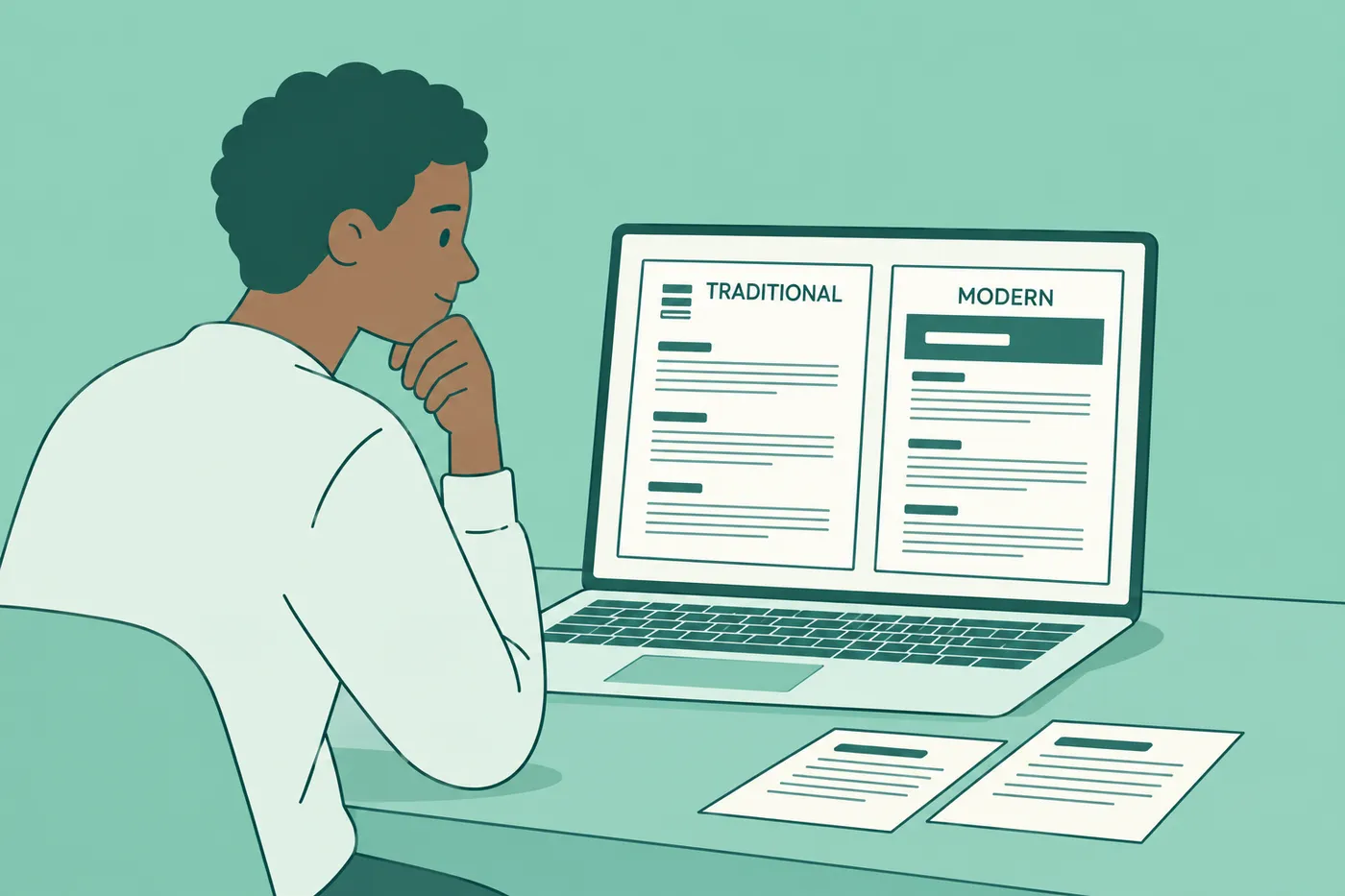
Two legitimate versions of the professional format exist, and the right one depends on the field and the channel. Neither is wrong. Sending the modern one to a federal agency just looks casual, and sending the traditional one to a startup looks like 1987.
| Element | Traditional block letter | Modern format |
|---|---|---|
| Your details | Typed address block at the top left, or after your signature | A designed header matching your resume, with name and contact line |
| Employer's address | Full block with name, title, company and street address | Omitted; the greeting carries the recipient |
| Date | Always included | Included on attachments, dropped in email bodies |
| Signature | Space for a handwritten signature when printed | Typed name only |
| Where it fits | Law, government, academia and other formal fields | Most email and online applications |
When in doubt, follow two signals. The posting itself, first; if it asks for a formal letter of application, go traditional. Then the norms of the field, which you can read from how the company presents itself. A firm whose careers page says "submit a letter of interest to the Office of the Registrar" is telling you which column to use.
Five formatting mistakes and the fix for each
1. Running past one page
The second page does not get read. Cut the second body paragraph before you cut anything else. If both proof points feel essential, the weaker one belongs on the resume, where it probably already is.
2. A different font or header than the resume
The mismatch reads as a template letter grabbed from somewhere else, because that is what it usually is. Set the letter in the resume's font and copy its name treatment before you write a word.
3. A wall of text
One 300-word paragraph and four 75-word paragraphs contain the same letter, and only one of them gets read. Break at every change of idea and keep paragraphs to four or five lines. A recruiter decides whether to read the letter from its shape before reading a single sentence.
4. Leftover brackets and placeholder lines
"Dear [Hiring Manager]" ends the application on the first line. This mistake has become far more common with AI drafts, because a chat tool produces the skeleton with generic connective tissue, and applicants send it half-edited. If you draft with AI, treat the output as a template with invisible brackets. Every generic line needs replacing with your own detail, and every name and title needs checking. There is a working prompt and an editing checklist in the Claude cover letter prompt guide.
5. A layout that shifts on another computer
A letter written in a word processor and sent as an editable file reflows with the reader's fonts and margins, so your one tidy page can arrive as a page and three orphan lines. Export to PDF, then open the PDF yourself before attaching it. What you see is what they get.
The five things every cover letter needs
Hold your draft against this list before sending. A letter can be beautifully formatted and still fail on content.
- Your contact details, in the header on an attachment or under your name in an email
- A greeting to a named person where you can find one, or a specific role-based fallback like "Dear Nursing Recruitment Team"
- The exact job title from the posting, in the opening paragraph
- Proof matched to the posting, with at least one specific result the job description would care about
- A closing that asks for the next step instead of trailing off
Item four is where most letters fail. A letter that could be sent to any company with a find-and-replace on the name adds nothing, and in high-volume hiring a letter earns its place only by carrying evidence or motivation the resume does not already show.
Next step: write it beside the resume it belongs to
The fastest way to get the matched-pair look is to not create it manually. In Roleframe, you write the cover letter with the resume open beside it, the letter inherits the resume's theme automatically, and Remi drafts a job-specific letter for you to edit, with you approving every line before it lands. Both export as PDFs that match what you see in the editor.
If you want to see finished letters for a specific situation first, the examples library covers cases like a career change cover letter and a cover letter after a layoff, each with the format applied to a real scenario.
Frequently asked questions
- How do I structure a cover letter?
Four short paragraphs on one page. An opening that names the exact job title and your strongest qualification, one or two body paragraphs with specific results matched to the posting, and a closing that restates the fit and asks for the next step. Above the greeting sits your header and, in the traditional format, the date and the employer's address block.
- How long should a cover letter be?
One page, which in practice means roughly 250 to 400 words across three or four paragraphs. Shorter is fine if every sentence carries proof. Longer almost never survives the read; recruiters skim, and a second page signals that you could not decide what mattered.
- Should a cover letter be a PDF or a Word document?
PDF by default, because the layout holds exactly as you built it on any machine that opens it. The exception is a posting that explicitly requests another file type, in which case follow the posting. When the letter goes in an email body or a form text box, there is no file at all, just plain text.
- Can I use ChatGPT to write a cover letter?
To draft, yes. To send as-is, no. The main ATS platforms parse skills, keywords and experience rather than screening for AI-written prose, so the real risk is a human one: generic lines, wrong details, and leftover placeholders that a recruiter spots instantly. Treat any AI draft as a skeleton and replace every generic sentence with your own specifics. This breakdown of AI cover letter generators covers what the tools get wrong and how to fix the output.
- Does a cover letter need the employer's address?
Only in the traditional block format, which suits formal fields such as law, government and academia, and any posting that asks for a formal letter of application. The modern format drops the employer's address entirely and uses a header matched to your resume, which is the right call for most email and online applications.
- What font should a cover letter use?
The same font as your resume, at 10.5 to 12 points. Standard choices such as Calibri, Arial, Georgia and Times New Roman render consistently and parse cleanly. Matching the resume matters more than the specific pick, because the two documents are read side by side and should look like a set.
- Do I still need a cover letter at all?
Not for every application. High-volume, skills-based hiring often skips them, and an optional letter that just restates the resume adds nothing. Write one when it can carry something the resume cannot, such as motivation for a specific company, context for a career change or gap, or a proof point aimed directly at the posting's biggest requirement.


Ready to write your cover letter?
Writing a cover letter takes time, and a generic one is easy to spot. Pick a letter template that matches your resume, or let Roleframe draft a first version from the job posting using only what your resume backs up.


