Best AI Resume Builder for Software Engineers Compared
How to choose the best AI resume builder for software engineers: tech stacks, GitHub links, ATS parsing, and the trade-offs of each tool.


On this page
The best AI resume builder for a software engineer depends on the work you need to do: describe technical projects, maintain versions for different roles, compare your experience with a posting, or organize applications. A useful builder should let you present a stack such as Go, Rust, Kubernetes, and PostgreSQL clearly and keep project evidence easy to find.
This guide compares documented features and gives you a practical export checklist. It is not a measured ranking of parsing accuracy or interview outcomes. Competitor documentation was checked on 12 October 2026. Disclosure: Roleframe is our product.
Why software engineers need a different kind of resume builder
An engineering resume often combines languages, frameworks, databases, cloud services, and projects. Organize that detail around three tasks:
- Keep technical detail readable. A backend bullet might mention Java, Spring Boot, Kafka, Redis, and AWS, but it still needs to explain what you built.
- Make evidence accessible. Include a relevant GitHub repository or portfolio link and check it in the downloaded file.
- Tailor emphasis by role. A frontend application may lead with accessibility and interface work; a platform application may lead with infrastructure and deployment work.
Use AI to organize your notes and improve wording. Keep responsibility, tools, and results grounded in work you can explain in an interview.
What to look for: tech stacks, GitHub links, and ATS parsing
Try these checks with your own resume before choosing a tool. A sample template alone will not show how your project descriptions and links fit.
- Tech stack rendering: Can it hold a dense, multi-category skills section (Languages, Frameworks, Databases, DevOps, Cloud) without collapsing spacing or wrapping into unreadable lines?
- Link handling: Do GitHub, LinkedIn, and portfolio links stay clickable and correctly parsed in the exported PDF?
- ATS parsing: When the exported file is run back through a parser, do the skills, job titles, and dates come out in the right fields?
- Per-job tailoring: How fast can you produce a backend-focused version and a frontend-focused version from the same base resume?
- Export fidelity: Does the downloaded PDF match what you saw in the editor, or does it shift once it leaves the tool?
Follow the employer’s requested file format. When PDF is accepted, open the exported file to check layout, text selection, and links. When DOCX is requested, submit and inspect that format. Neither extension alone establishes that an application system will extract every field correctly.
Roleframe: built for technical tailoring and editor control
Roleframe supports base resumes and tailored versions for individual applications, alongside a job tracker. For an engineer applying across several roles, this lets you reuse career history while changing which projects and achievements you emphasize.
The editor offers control over document content and layout. Resume checks and job matching can help identify wording or coverage to review, but their scores are Roleframe assessments, not an employer’s selection criteria.
What it does for engineers
Start with a job description and compare its requirements with your actual experience. If a posting names Kubernetes and your relevant deployment project is missing, add that project with a concrete account of your contribution. If you have not used the tool, do not add it simply to raise a score.
Review assistant suggestions before applying them. Then inspect the downloaded resume: technical names should remain readable, project links should open the intended repository, and text should copy in a sensible order.
Trade-offs to know
The free resume editor supports manual editing and PDF downloads without an account. Account features, document limits, and AI allowances depend on the plan; DOCX export is available on eligible paid plans. Check current pricing before choosing a workflow. A simple one-off resume can start in the free editor without using the full application workspace.
Rezi: AI drafting and keyword targeting
Rezi’s product documentation describes an AI Resume Agent, bullet and summary generation, a resume checker, and job-description keyword targeting. Those features are relevant when you want assistance developing a technical resume from existing career information.
Before choosing it, try a project with a long stack and a repository link. Check how its suggestions describe your contribution and whether the export keeps the project readable. The documented feature list does not establish better parsing or hiring outcomes than another builder.
Teal: shared work history and application tracking
Teal’s resume guide describes a shared work-history library, selecting bullets for individual resumes, job matching, and resume syncing. Edits can be saved to a single resume or shared across resumes. Teal also offers a Job Tracker.
For an engineer maintaining backend and platform versions, check which edits should stay local and which should update shared history. Try exporting your own projects before deciding whether the layout controls suit you.
Jobscan: comparing a resume with a posting
Jobscan’s resume scanner compares a resume with a job description and reports areas to review. For example, it can help you notice that a posting names Kubernetes or gRPC while your resume does not mention relevant experience you actually have.
Use that comparison to guide an edit, not to add every suggested term. A match score is a tool’s assessment; a useful technical bullet still explains your work. Our guide to ATS resume keywords covers how to connect relevant terms with evidence.
Quick comparison
| Tool | Documented capability | Check with your own resume |
|---|---|---|
| Roleframe | Base resumes, tailored versions, editing and job tracking | Version workflow, plan allowances, exported layout |
| Rezi | AI Resume Agent, drafting and keyword targeting | Accuracy of generated project descriptions |
| Teal | Shared work history, resume syncing and job tracking | Which changes sync across your variants |
| Jobscan | Resume-to-job-description comparison | Whether suggested terms reflect real experience |
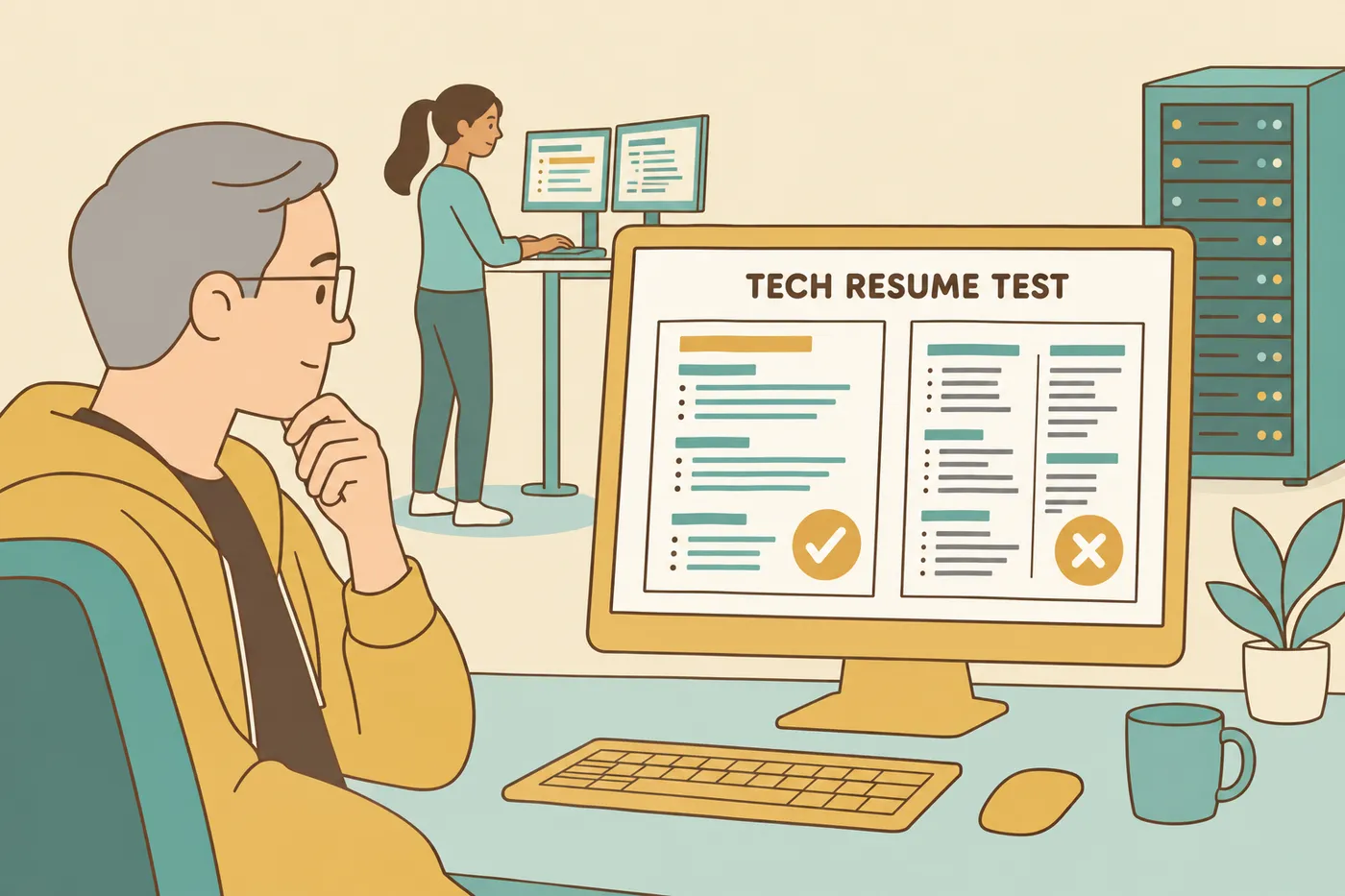
How ATS actually reads technical skills (languages vs frameworks)
Applicant tracking systems differ: they can extract fields, support recruiter searches, and offer matching features. Avoid treating them as one universal keyword test. Make your technical experience clear to both software and people:
- Use recognizable names. If a posting says JavaScript and you have used it, write JavaScript rather than relying only on JS.
- Group related skills. Languages, Frameworks, Databases, and Cloud are useful categories for a reader. Keep the names as selectable text.
- Show context. An illustrative bullet is: “Migrated a payments service to Go and investigated p99 latency using load tests.” Add a measured improvement only if you have records to support it.
For layout checks, see our ATS resume format guide.
Don't let formatting sabotage the parse
Keep essential skills, job titles, and contact details in the main text flow. Greenhouse documents parsing problems with elements including complex tables, headers, footers, and image-based resumes. A clean visual preview is only one check: also inspect extracted text and any fields the application portal fills from your upload.
Why role workspaces matter for tech (frontend vs fullstack)
Use the posting to choose the emphasis. A frontend position might prioritize React, TypeScript, accessibility, and design systems. A fullstack posting might add API design and databases; a platform role might prioritize Kubernetes and CI/CD. These are examples, not a fixed checklist for every employer.
Keep a comprehensive base record and make a tailored copy for each application. Name the version with the company and role, and retain the file you submitted. In Roleframe, base resumes, tailored versions, and the job tracker support this workflow. See how to tailor a resume to a job description for deciding what to change.
Where projects and GitHub fit in
A relevant project can show technical work that a skills list leaves unexplained. Make the evidence easy to reach:
- Use readable GitHub or portfolio links near your contact details or project entry, then test them in the export.
- Name the problem, your contribution, and the stack. For a team project, distinguish your work from the team’s overall result.
- Include impact when you can substantiate it. If you did not measure an outcome, describe scope or implementation instead of inventing a percentage.
AI can help tighten those notes, but verify names, links, metrics, and ownership before using a suggestion.
Choose based on the workflow you need
Consider Roleframe if you want document editing, tailored versions, and job tracking in one workspace. Consider Rezi for its documented AI drafting and keyword tools, Teal for shared work history and application organization, and Jobscan for comparing an existing resume with a posting.
Choose after trying the same project entry and job description in your shortlist. Compare the accuracy of suggestions, the effort needed to maintain versions, the available export formats, and the actual downloaded file. That is more useful than choosing by an unsupported “best ATS score” claim.
Frequently asked questions
- What is the best AI resume builder for software engineers?
Choose by workflow: Roleframe offers editing, tailored versions and job tracking; Rezi documents AI drafting and keyword tools; Teal provides shared history and resume syncing; Jobscan compares a resume with a posting. Test your own content before selecting one.
- Is there a free AI resume builder for tech jobs?
Roleframe’s manual resume editor and PDF downloads are free without an account. AI assistance is an account feature with plan allowances. Other providers set their own free-tier limits; check the export and usage terms before investing time.
- Do AI resume builders actually pass ATS?
A builder cannot guarantee an ATS pass. Use readable text, relevant and truthful skills, and the requested file format. Check the uploaded application fields as well as the exported document.
- Should I use PDF or Word for a software engineer resume?
Follow the employer’s instructions. If both formats are accepted, choose the one you can inspect reliably. Check PDF links and text selection, and inspect DOCX layout in a compatible viewer.
- How do I list my tech stack so ATS reads it correctly?
Use a plain-text skills section with categories such as Languages, Frameworks, Databases, and Cloud. Use the names from the posting when they accurately describe your experience, and show important tools in project or work bullets.
- Will recruiters know my resume was written by AI?
AI can help organize and rewrite technical notes, but it can also introduce errors. Review each tool name, responsibility, metric, and project claim before adding it to your resume.


Ready to start your new resume?
Writing a resume takes time, and even a polished one can miss what a hiring manager is looking for. Roleframe helps you build a clear, ATS-safe resume in minutes and tailor it to the job you want.


