Is Jobscan Premium Worth It? Features, Limits, and Alternatives
Compare Jobscan Premium’s reports, AI tailoring, and profile tools with its free editor. Decide using your actual workflow, plan terms, and a sample application.


On this page
Jobscan Premium may be worth paying for if its fuller reports, repeated scans, or AI tailoring solve a problem you encounter often. If you only need to create and download a resume, first examine the free builder. Jobscan now offers editing and document management as well as scanning, so a comparison that treats it as a text-only checker is incomplete.
This guide is published by Roleframe, a competing resume product. We compare documented features and practical decision criteria, not measured hiring outcomes or an independent hands-on test of every tool.
The quick decision: identify the feature you need
The official Premium overview describes a fuller Match Report, unlimited resume scans and scan history, LinkedIn optimization, and cover-letter tools. The value depends on which of these you will use and whether their suggestions improve the work you can actually submit.
- Consider Premium if you repeatedly use job-description comparisons and need the fuller report or AI tailoring beyond free access.
- Start with free features if you need an occasional check or a builder and download; confirm the available allowance in your account.
- If document editing or application organization is the problem, evaluate Jobscan’s builder, Resume Manager, and Job Tracker before assuming a paid scan alone will solve it.
Separate three tasks: diagnosing a possible omission, revising the content accurately, and retaining the correct file for an application. A tool may help with all three, but a higher match rate alone does not prove that the final document is accurate, readable, or suitable for that employer.
How to judge the current price
Check Jobscan’s current plan page and the actual checkout for the amount, billing period, trial conditions, renewal date, cancellation route, and any promotional eligibility. We do not quote a price here because offers and regions can differ.
Build the decision around a concrete task. For example, list the job comparisons you expect to make during the next billing period and the editing or profile features you would use. Test an available free workflow and note where a paid feature would remove a specific obstacle.
There is no established number of applications at which Premium automatically becomes worthwhile. One difficult application may justify paid assistance for one person; another may prefer a free editor and careful manual comparison for many applications. Consider the cost you can afford and the quality of the output, not just scan volume.
What is free, and what Premium adds
Jobscan’s free scan allowance and report access are limited; check the current allowance in your account. Revising and checking the same application may use more than one scan, so estimate your likely iterations as well as the number of jobs.
The AI Resume Builder page separately states that creating, editing, and downloading a resume is free. Its advanced AI features have trial or Premium conditions. Free document creation and paid analysis are different access questions.
- Fuller resume analysis: compare the free report with the complete Premium report and decide whether the additional findings are useful.
- AI tailoring: AI Optimize proposes edits using the resume and job description, with controls to accept or reject suggestions.
- Profile review: LinkedIn optimization reviews profile information against target jobs; it is a separate task from editing a resume.
- Application organization: the Job Tracker connects applications with resumes and reports. Check access in the current plan instead of assuming every listed feature requires Premium.
A bundle is useful when its included tasks fit your search. If you already have a tracker or do not plan to update LinkedIn, give those features little weight in your own comparison. Do not pay merely because a feature list is long.
Where the paid workflow may be useful
A job-specific report can help you notice a relevant skill or qualification that you have but did not explain. Suppose a posting asks for SQL and stakeholder reporting. If you performed both tasks, a useful revision explains the actual analysis and audience. It should not insert an unsupported technology or promotion just to improve a score.
Profile feedback may be useful if you also want to revise how your experience is described on LinkedIn. Jobscan documents that workflow, but the feature’s existence does not establish that it will produce more recruiter messages for you.
The strongest reason to pay is a recurring, observable benefit: clearer findings, easier review of proposed edits, or a workflow you can maintain. The employer’s size or ATS brand alone does not show that a particular subscription is necessary.
Jobscan also edits and manages documents
Jobscan’s current AI Resume Builder supports starting from scratch or existing information, editing sections and design, and downloading PDF or DOCX. It also documents a Resume Manager for multiple versions. AI Optimize provides proposed job-specific changes, comparison and editing controls, and a download workflow.
The distinction to check is the input. Jobscan’s tutorial says formatting checks require an uploaded file; pasted text does not provide those checks. Even with file feedback, inspect the actual export for missing content, broken links, and awkward page breaks.
AI suggestions still need factual review. Reject any added skill, result, date, or ownership claim that you cannot support. Our ATS scanner comparison explains how to assess findings alongside the final document.
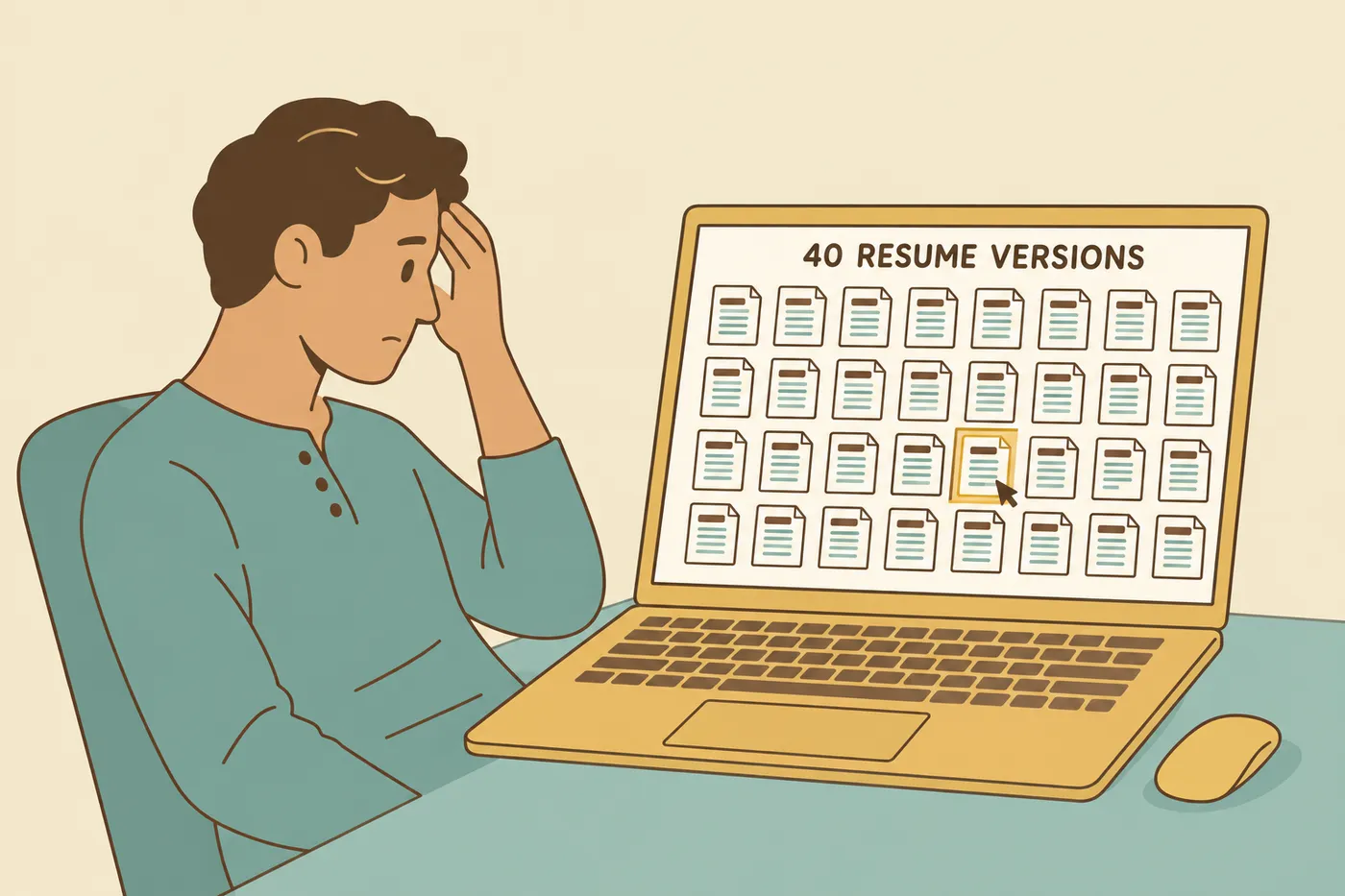
Keep a source resume and a record of each submission
Version management matters whether you use Jobscan, Roleframe, or ordinary files. Jobscan’s Job Tracker explicitly supports tracking resumes against jobs; it is inaccurate to describe version management as outside the product’s scope.
Consider a hypothetical two-application example. You improve a project description in your source resume after submitting the first application. Use the corrected evidence when preparing the second, but keep a copy of what you actually sent for the first so you can prepare for its interview.
Before choosing a tool, check how it names versions, links them to postings, and distinguishes editable documents from submitted copies. Do not assume that updating one version changes every other one. A master resume and a clear tailoring process make these decisions easier to maintain.
Where Roleframe fits the comparison
Roleframe is our product. Its public resume builder offers editing and a free PDF without an account, card, or trial. Try a short sample and inspect the download to see whether the editor fits your needs.
The separate account app provides saved-document and job-search workflows, including job-specific feedback and optional AI assistance. Check the current plan conditions for access and usage limits. The free public PDF does not mean every account feature is unlimited.
Compare the same task in each tool: make a relevant correction, review any suggested wording, locate the version for that application, and inspect the resulting file. Roleframe feedback, like another vendor’s match report, cannot reveal an employer’s hidden selection rules or guarantee an interview.
A practical decision before subscribing
Start with one real posting and a factual resume. Review an available free report, make only supportable changes, and inspect the download. Identify any specific paid feature you still need. If you choose a trial, read its renewal conditions before starting it.
Premium is a reasonable candidate when its fuller analysis, AI editing, or profile tools address that identified need at a cost you accept. Free access or another editor may be sufficient when you mainly need a document and occasional feedback. Our Jobscan alternatives guide compares other workflows.
Judge the result by whether it is accurate, relevant, easy to revise, and ready to submit. Do not treat a tool’s score as an employer’s pass mark.
Frequently asked questions
- Is Jobscan worth paying for?
It may be worthwhile if fuller reports, repeated scans, AI tailoring, or profile feedback solve a recurring problem for you. Test the available free workflow and identify the feature you need before paying. There is no universal application-volume threshold or verified guarantee of more interviews.
- Is Jobscan free?
Jobscan offers free access with limits on some analysis and AI features. Its current AI Resume Builder page states that creating, editing, and downloading a resume is free. Check your account and the plan page for the current scan allowance and paid feature conditions.
- Is Jobscan better than ChatGPT?
Choose by task. Jobscan provides a defined resume-and-job report plus editing and tracking workflows. A general writing assistant can help compare supplied text or draft revisions, but the response depends on the input and instructions. In either case, verify facts and the final file; our ChatGPT tailoring guide explains a review process.
- Which is better, Teal or Jobscan?
Both document resume-building and application-organization features. Compare the specific report, editing task, tracking workflow, and plan access you need rather than assuming one has a universally better score. See the Teal feature comparison and our alternatives guide.
- What is better than Jobscan?
There is no single better option for every task. Roleframe is an option for a no-account public PDF and separate account workflows; Jobscan itself includes a builder and document management. Compare a sample application, available features, and costs using the same criteria.
- What Jobscan match rate should I aim for?
Jobscan’s tutorial recommends at least 75%. That is Jobscan’s guidance for its own metric, not a known threshold used by your employer. Address relevant omissions you can substantiate and preserve readable, accurate experience; do not add qualifications you lack to reach a number.
- Does Jobscan offer a student discount or a free Premium trial?
Check Jobscan’s current offers for trial or discount availability, eligibility, renewal terms, and cancellation conditions. Do not assume an older promotion still applies. The free route can help you evaluate the workflow before choosing paid access.

Ready to start your new resume?
Writing a resume takes time, and even a polished one can miss what a hiring manager is looking for. Roleframe helps you build a clear, ATS-safe resume in minutes and tailor it to the job you want.


