Free Resume Templates (No Sign Up or Email Required)
Get free resume templates with no sign up, no email, and no watermark. Edit in the browser and download a clean, ATS-friendly PDF in minutes.

On this page
Most "free resume templates" stop being free at the download button. You pick a design and spend forty minutes typing in your work history. Then a modal appears asking for your email address, sometimes your card too. The pattern is so common that resume forums are full of people asking where the real free templates are.
This page answers that in two parts. First, why so many free templates fail the software that reads resumes, the applicant tracking system (ATS), before a person ever sees your name. Second, how to build and download a clean, ATS-safe resume as a PDF with no account or email address and no watermark on the file.
Why Truly Free Templates Are So Hard to Find
The economics explain it. Resume builders pay real money to rank pages and ads for "free resume builder," and the only place to recoup that spend is the moment you have finished your resume and want the file. That is why the gate almost never appears up front. Making you invest an hour first raises the odds you will pay rather than start over.
The gates take a few standard shapes. Some builders watermark the free PDF so you can't send it anywhere without upgrading. Others release the download only after you create an account, which feeds a marketing email sequence. A growing number have shifted to trial models, where "free" means a short trial that wants card details and quietly converts into a subscription.
None of this is illegal, but it wastes the one thing a job seeker can't get back. If a posting is a week old, the strongest candidates are already in the recruiter's pipeline. An hour lost to a surprise paywall is an hour you weren't applying.
The Problem With Free Word and Google Docs Templates
Word and Google Docs templates are genuinely free, which is why they're the standard fallback. Microsoft and Google both ship built-in resume galleries, and plenty of sites offer downloadable templates with no registration at all. The catch isn't the price. It's what those files do inside an ATS.
Word templates lean heavily on layout tables and text boxes, because that's how Word positions elements on a page. A resume that looks like two tidy columns on screen is, underneath, a grid of cells, and parsers read those cells in an order the template author never tested. Your dates can end up attached to the wrong job. Contact details placed in a text box sometimes don't get read at all.
Google Docs' built-in resume layouts have the opposite problem. They parse reasonably well because they're simple, but they're rigid. Adding a second role under one employer or squeezing in a certifications section means fighting the template's alignment, and one wrong keystroke shifts every line below it. People end up spending more time fixing indentation than writing bullets.
Then there's the design-heavy category, templates built in graphic tools with sidebars, icons, photo circles and skill bars. Those were made for printing and portfolios, not parsing. A skill bar is a drawing, so the skill level it shows literally does not exist as text. Over the past few years the industry has swung hard back toward minimalist single-column designs precisely because the decorative ones kept failing ATS parsing.
How ATS Software Actually Reads Your Template
An ATS doesn't look at your resume. It extracts the text layer from your file and tries to map it into database fields, your name, your contact info, each job as a title-company-dates record, your education, and a skills list. Recruiters then search and filter those fields. Keyword matching, the part everyone worries about, happens after parsing. When parsing breaks, your keywords never enter the system, no matter how well-chosen they are.
Parsers read top to bottom and left to right through the text layer, and they anchor on conventional section headings. "Work Experience" maps cleanly. "Where I've Made an Impact" may not map at all, which can leave your entire employment history unfiled. Dates follow the same logic. A parser expects something like "Jan 2022 to Present" next to a title and company, and a creative date format breaks the record.
Here's how the common template elements fare when parsed:
| Template element | What the parser does with it | Verdict |
|---|---|---|
| Single column, standard headings | Reads top to bottom in order and maps sections to fields | Safe |
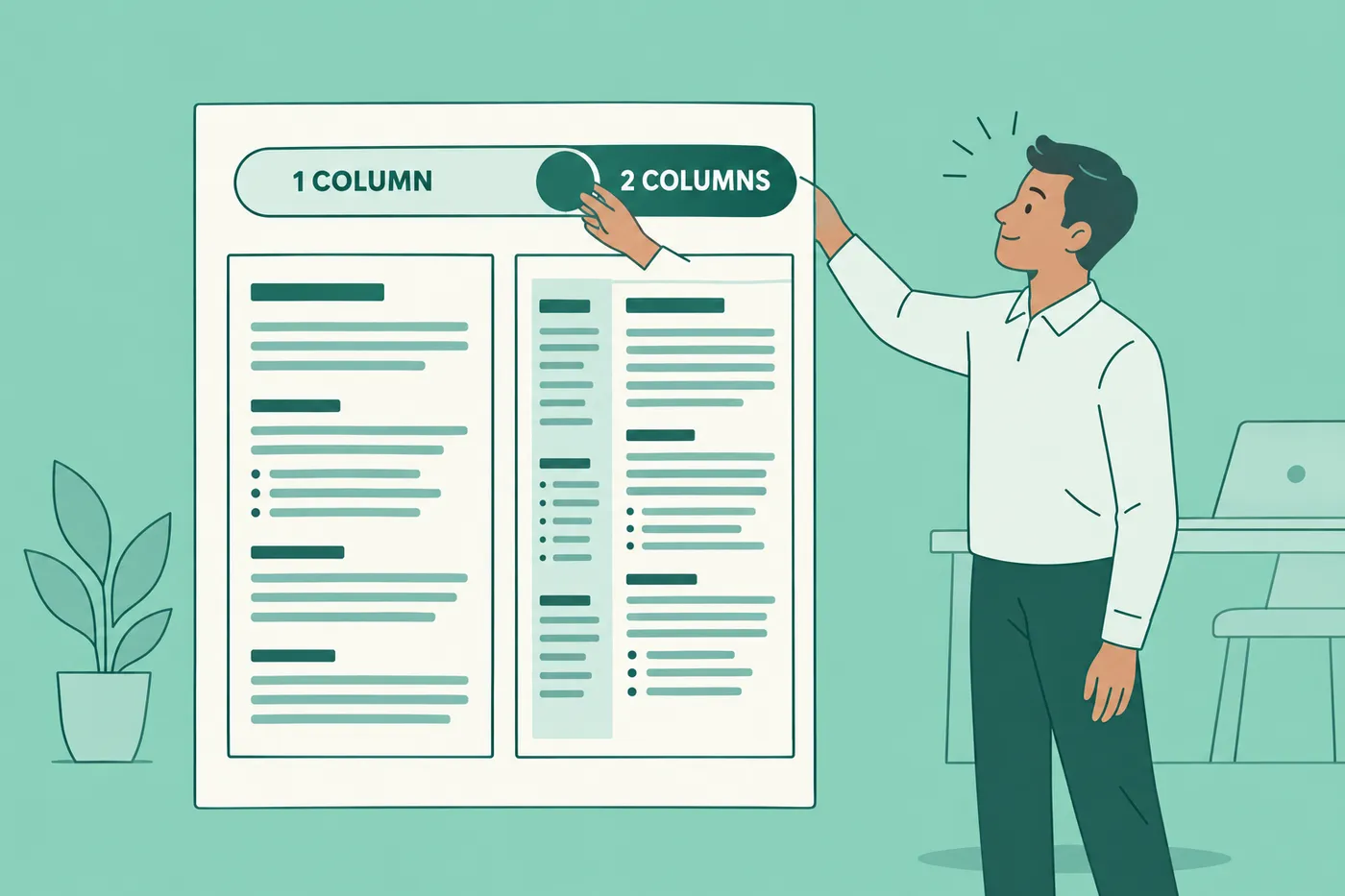
| Two-column sidebar | Merges columns unpredictably; contact info can land mid-job-history | Risky |
| Tables used for layout | Reads cells in an untested order; dates detach from jobs | Avoid |
| Text boxes (common in Word templates) | Often skipped entirely | Avoid |
| Contact info in the header or footer | Many parsers ignore headers and footers | Put contact details in the body |
| Skill bars, icons, charts | Graphics contain no text, so the information vanishes | Avoid |
| Photos | Ignored by the parser; discouraged by US recruiters anyway | Skip for US applications |
| Uncommon decorative fonts | Can export as shapes instead of readable text | Use standard fonts |
Notice the pattern. Everything that makes a template look designed is exactly what a parser can't read. The safe template is a single column with clear headings and real text, and a well-set single-column page also happens to scan faster for humans. There's a full walkthrough in our guide to making your resume ATS-friendly without ugly design.
How to Use Roleframe's Templates Without an Account
Roleframe ships its full resume editor as a free public builder with no signup screen in front of it. This isn't a stripped demo. It's the same document-grade editor paying users get, with every template available and a free PDF download at the end. There's no watermark on the file and no card involved anywhere.
Here's the whole flow:
- Open the free builder on Roleframe. You land directly in the editor, with no account creation step in the way.
- Pick any template. There are no locked "premium" designs; every layout is available to everyone.
- Add your details, or edit the sample content in place to see how the layout behaves with real text.
- Download your finished resume as a PDF. The button works the first time, without an email form.
Your work autosaves to a private draft tied to your browser, so you can close the tab and come back later. A free account is optional. It keeps the draft permanently, opens it on any device, and lets you try the AI without handing over a card. The download never depends on it.
Customizing Your Template in the WYSIWYG Editor
The editor is WYSIWYG, what you see is what you get, and that matters more than it sounds. Many builders show an approximate preview and then generate the PDF on their server with different line breaks, so your carefully fitted one-pager comes out with an orphaned bullet on page two. In Roleframe's editor, the page you're looking at is the page you export. Nothing reflows.
You also get real document control rather than a rigid form. Drag sections into a different order. Adjust margins and line spacing to fit a stubborn resume onto one page, or change the typography without anything breaking. If you're unsure where to start, keep body text around 10 to 11 points (our guide on resume font size covers the ranges) and order your sections by what a recruiter at your level needs to see first, which we break down in the best resume section order for your experience level.
AI help sits inside the same editor. Ask the inline assistant to tighten a sentence or rework a single bullet, and you approve the wording before it lands in the document. That everyday help is unlimited on a paid plan, with no per-use cost. We'll get to the per-job work below.
Exporting Your Finished PDF, No Email Attached
Download as PDF, and submit as PDF. It locks your formatting exactly and parses reliably in modern ATS. It also looks identical on the recruiter's screen and yours, which a Word file can't promise. Save a .docx only when an application form explicitly demands one, which is rare and usually a sign of an old system. Roleframe can export DOCX too, but that sits on the paid side; the PDF is the free path and the format you should be sending anyway.
The export is anonymous in the plain sense. No email form guards the button, no account gets created behind your back, and the PDF carries no watermark or branding. Do rename the file professionally before you send it, something like "Jane-Rivera-Resume.pdf" rather than "resume-final-v3.pdf". Recruiters see file names.
On privacy, since anonymous exports invite the question. Roleframe is an EU company and GDPR-compliant. It never sells your data, and it doesn't train general AI models on your content. The browser draft is yours to keep or clear.
When One Template Isn't Enough: Role Workspaces
A clean template solves parsing. It doesn't solve matching. Recruiters filter parsed resumes by keywords pulled from their job description, and a resume written once and sent everywhere rarely matches any single posting well. That's the real reason generic resumes stall, and it's why using one resume for different jobs underperforms even when the formatting is flawless.
The fix is one base resume per target role plus a tailored version per application, what we call resume variants. Doing that by hand takes an hour per job, which is exactly the friction that pushes people back to generic resumes. Roleframe's role workspaces take the guesswork out of it. You keep a master resume for each role target, duplicate it for a specific posting, and paste the job description in. What comes back is a fit report: an ATS score, the keywords the posting leans on that your resume is missing, a concrete plan for what to change, and prep for the interview questions it implies. You then make the edits yourself, with the inline assistant helping bullet by bullet.
Roleframe won't rewrite your resume for a job on its own, and that's deliberate. You shouldn't send a document you didn't write, and an invented claim on a resume is the kind of thing that ends an interview. The report tells you what's missing, the assistant helps you say the true thing better, and nothing changes until you approve it. If you built your resume in the free editor, upgrading later means your document comes with you. Same editor, same templates, no rebuild.
Frequently asked questions
- Is there a completely free resume template?
Yes. Word and Google Docs both include free built-in templates, and Roleframe's free editor gives you every template with a free, unwatermarked PDF download and no account. The distinction that matters isn't free versus paid. It's whether the template parses cleanly in an ATS, because a free template that scrambles your work history costs you more than a paid one that doesn't.
- Is there a free resume builder that doesn't require sign-up?
Yes. Roleframe's editor works without an account: you land straight in the editor, build your resume, and download the PDF. Your draft autosaves to your browser, and an optional free account keeps it permanently and opens it on other devices. Most large builders still gate the download behind an account or a trial, so test the exit before you invest time anywhere.
- What is the 7-second rule in resumes?
It's shorthand for how quickly recruiters make a first-pass decision, roughly seven seconds of scanning before a resume goes into the "read properly" pile or the "skip" pile. Treat it as a rule of thumb rather than a law, but design for it anyway. Put your target title and your strongest, most relevant results in the top third of the page so the fast scan lands on them.
- Where can I find free resume templates without paying at the end?
Test the download before you write anything. Open the builder, type one line, and try to export. If an email form or a paywall appears, leave before you've invested an hour. Roleframe's free editor passes that test, as do the built-in galleries in Word and Google Docs, though those two carry the formatting risks covered above.
- Should I download my resume as a PDF or a Word file?
PDF, in nearly every case. It locks your formatting and parses reliably in modern applicant tracking systems, so what you designed is what the recruiter sees. Choose .docx only when an application system explicitly asks for it, which is increasingly rare.
- Are Google Docs resume templates ATS-friendly?
The simple built-in ones mostly parse fine, because they're single-column with standard headings. Their weakness is editability. The layouts break easily when you add extra roles or new sections. Third-party Docs templates vary widely, and anything with a sidebar or a table-based layout carries the parsing risks described in this article.
- Why do "free" resume builders ask for my email before the download?
Because your email is the product. The download gate feeds an upsell sequence, and the sunk cost of a finished resume makes people far more likely to convert. A builder that's confident in its paid features doesn't need to hold your document hostage to sell them.
Ready to start your new resume?
Writing a resume takes time, and even a polished one can miss what a hiring manager is looking for. Roleframe helps you build a clear, ATS-safe resume in minutes and tailor it to the job you want.


