Free Resume Builder With No Watermark: Check the Final PDF
by Larbi SahliPublished
Find a free resume PDF without branding. Check download conditions, inspect the actual file, and move your content safely if a builder adds a watermark.
On this page
Yes, you can create and download a resume without paying for watermark removal. Roleframe’s public resume builder provides a free, unwatermarked PDF without an account, card, or trial. This article is published by Roleframe, so it also explains a simple way to check any builder before committing your content.
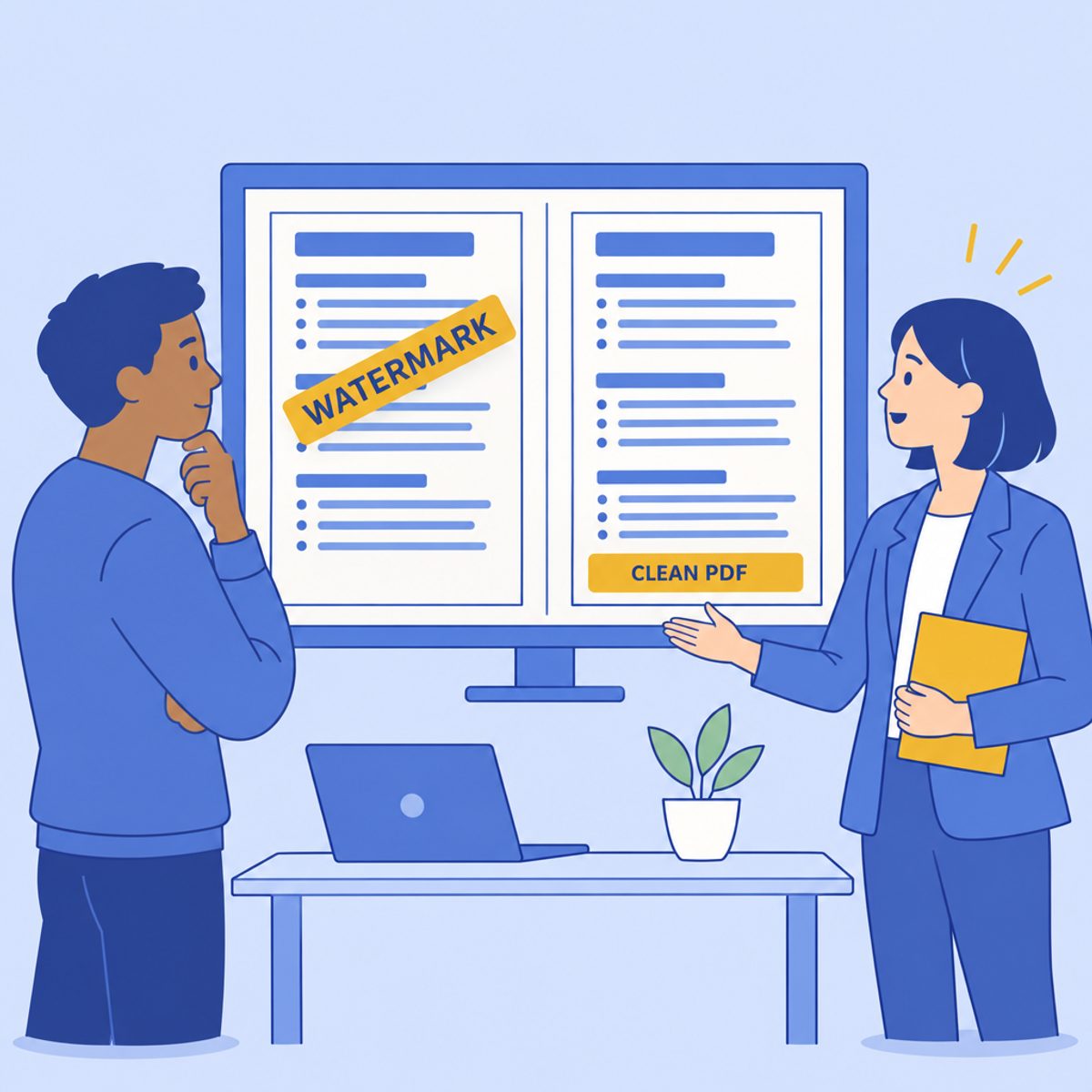
Look at the actual download, not just a template preview. Free editing, free export, no branding, and no registration are separate conditions. A product can meet one without meeting the others.
Check what the free offer includes
Some services reserve an unbranded export or a particular file format for a paid plan. Others include a free PDF and charge for additional versions, writing assistance, or other features. Read the selected plan’s conditions before assuming that “free” describes the entire workflow.
There are documented free options beyond Roleframe. FlowCV’s free account includes one resume with unlimited PDF downloads and no watermark or branding. OpenResume offers a free, open-source builder with a hosted no-sign-up workflow. You do not need to self-host it to try the public editor.
Compare the requirement you care about: the final file, the number of editable versions, registration, or optional AI assistance. A product’s limits do not by themselves establish why the company chose them.
Check readability rather than assuming a watermark means rejection
A visible logo, promotional footer, or stamp can occupy space you intended for your information. If it overlaps a job title or bullet, the immediate issue is legibility. If branding appears in copied text, it is extra content to inspect. Its effect depends on the file and the system reading it.
Do not treat the presence or absence of a watermark as an ATS test. Greenhouse’s documentation distinguishes a parsing failure from the resume file remaining attached to a candidate. It does not establish a general watermark rejection rule.
Review your name, contact details, dates, and experience in the downloaded document. Try selecting and copying ordinary text, and correct any fields a job application fills incorrectly. The ATS format guide explains the difference between these manual checks and an employer’s parsing or screening process.
Keep the document focused on your information
You do not need to predict a recruiter’s reaction to decide that an unobstructed resume is preferable. Remove unnecessary visual distractions where the editor or plan allows it. Keep headings, job details, and contact information easy to find.
A small footer and a large stamp across a paragraph are different presentation problems. Inspect the file at a normal reading size and check every page. Avoid claiming that a particular mark proves carelessness or automatically affects a hiring decision; that cannot be inferred from the document alone.
What to do when the download contains a watermark
First check whether the watermark comes from a selected template, paid element, trial, or export setting. Then choose a route that preserves your content and fits the service’s terms.
- Check the editor and plan details for an included unbranded export or a free template you can switch to. Export a short sample again after changing the relevant option.
- Ask the provider’s support team to clarify access if the downloaded file differs from the offer shown. Keep the offer and file available when explaining the issue.
- Do not assume that Print to PDF will remove a visible mark. Open any new file and inspect both appearance and text.
- Avoid using a screenshot as a replacement for a text resume. It keeps whatever is visible in the screenshot and turns the page into an image.
- If the available export does not meet your needs, move your own resume text into another editor and create a new file. Check the service’s terms before modifying provider branding in an existing PDF.
Keep a plain-text or editable copy of your own content before migrating. Move one section at a time, compare the dates and bullets with the original, and inspect the new export. Rebuilding can be straightforward, but the time required depends on the length and complexity of the document.
Run a small export test before building the full resume
A short sample reveals basic download conditions before you invest substantial effort. It is a check of the current workflow, not a test of all templates or a future promise about pricing.
- Enter a short sample containing a name, an experience heading, a job title, a date range, and one bullet. Use fictional data if you are only evaluating the tool.
- Try downloading the required format. Note any registration, payment, trial, or premium-element message.
- Open the downloaded file and inspect every page for branding, missing content, overlaps, and readable text.
- Copy the sample text into a plain-text editor and look for unexpected promotional text or missing words. Repeat the visual check with the completed resume, including its final page.
If the sample meets your needs, continue with your real content. A successful sample confirms only what you observed in that export. It does not show how every employer’s ATS will interpret the finished resume, and adding more content can create new page-break or spacing issues.
Using Roleframe’s public PDF workflow
Roleframe’s public builder lets you edit a resume and download an unwatermarked PDF without registering or providing a card. Use the available section and typography controls to fit your own content, then inspect the downloaded document rather than assuming it will exactly match every preview.
Public visitor access and the account app are separate workflows. No-account access does not mean that the draft is stored only on your device: the public builder uses a browser session to access saved draft data. Keep your own source text and downloaded files, and review the privacy policy before adding sensitive information.
If an employer requests DOCX or another format, use a workflow that provides the requested file. This public route is described here for PDF, not as a promise of every export format.
Separate free export from optional account features
The public editing and PDF workflow described above is free. Optional account features, including AI assistance and job-specific workflows, have their own access conditions and usage limits. Check the current pricing page for those details instead of assuming that a free PDF includes unrestricted AI use.
If you use assistance to tailor a resume, give it accurate source notes and a relevant job description. Review suggested wording for changes to responsibility, seniority, tools, dates, and results. For example, a student who helped organize a local event should not accept a rewrite claiming national campaign leadership.
The tailoring-tool guide gives criteria for evaluating suggestions. A useful editing workflow makes the claims easier to understand while keeping them true.
Frequently asked questions
- What should I check in a watermark-free resume download?
Check that the file contains all your content, has no unwanted branding or overlaps, and uses the employer’s accepted format. Inspect every page, try selecting and copying text, and review any application fields filled from the file. No watermark is one condition, not a complete quality check.
- Which resume builder is completely free for a basic resume?
Several products offer a usable free route, with different limits. Roleframe’s public PDF requires no account. FlowCV documents a free account with one resume and unwatermarked PDF downloads. OpenResume offers a hosted free, open-source editor without sign-up. Compare the workflow you need, including format and saved versions.
- Is there a free resume builder with no sign-up?
Yes. Roleframe’s public builder supports editing and a free PDF without an account, card, or trial. Keep local backups of your source content and downloads. Do not assume visitor-session access provides permanent storage or access from another browser.
- Will an ATS reject my resume because of a watermark?
A watermark alone does not establish a rejection rule. It may be a visual distraction or appear in extracted content, so inspect the file. Parsing, employer-defined screening rules, and human review are different processes. See the ATS format guide for the checks you can make.
- Should I download my resume as PDF or Word?
Follow the employer’s instructions. If both are accepted, use the format that preserves your content and inspect it before submission. A PDF should contain readable text rather than only a scanned image; DOCX also needs a layout check. Neither format guarantees a particular parsing or hiring result.
- Can recruiters tell which resume builder I used?
Branding, metadata, or a familiar template may suggest the tool used, but an unbranded file does not prove anonymity. The practical goal is a clear, accurate resume. There is no need to hide the fact that you used an editor to prepare it.


Ready to start your new resume?
Writing a resume takes time, and even a polished one can miss what a hiring manager is looking for. Roleframe helps you build a clear, ATS-safe resume in minutes and tailor it to the job you want.


