Reverse Chronological Resume Format: Rules and Examples
The reverse chronological resume format explained: ordering rules, date formats that parse, and one career written three ways with parser output for each.


On this page
A reverse chronological resume lists your most recent job first and works backward from there, and it applies the same newest-first rule inside every section, from work history down to certifications. Recruiters prefer it because career progression is visible in one pass down the page, and applicant tracking systems (ATS) reconstruct its timeline more reliably than any other layout.
That second claim is the one every guide asserts and almost none of them show. So this article shows it. One twelve-year marketing career is written three ways below, in reverse chronological, functional and combination formats, and next to each version you can see the work history a resume parser actually rebuilds from it. The functional version loses its timeline entirely. The combination version risks filing a 2016 achievement under a 2024 employer. Watching that happen teaches the format faster than any rule list, though you get the rule list too.
The rules at a glance
| Rule | What it means in practice |
|---|---|
| Newest first, everywhere | Your most recent role sits at the top of Work Experience, and the same ordering applies to Education, certifications and projects. |
| Sort by start date | Roles run in descending order of when they began. Your current role leads the page. |
| One employer, stacked titles | Promotions stay under a single employer heading, each title with its own date range. |
| MM/YYYY dates | Write 05/2023 - Present, months included, in the same format on every line. |
| Standard headings | Use Work Experience, Education and Skills as labels; parsers key on those exact words. |
| Single column, no text boxes | Multi-column layouts and text boxes can scramble the reading order a parser follows. |
| Compress old roles | Anything older than about ten years gets a line or two, not a full bullet set. |
What reverse chronological order actually means, section by section
The format's name describes the work history, but the rule governs the whole document. Every dated section runs newest to oldest, and a parser expects exactly that. Concretely, a role held from 2023 to the present comes first, then one from 2019 to 2023, then 2017 to 2019, and so on until the oldest entry you choose to keep.
- Work experience. Your current or most recent role goes first, with every earlier role below it, sorted by start date.
- Education. The newest credential leads. A finished master's sits above the bachelor's even if the bachelor's came from a more prestigious school.
- Certifications and licenses. Newest first, each with the year earned, so a recruiter can see at a glance what is still current.
- Projects and volunteer work. Same rule. If an entry has dates, it sorts by them.
The section order that follows, and the one case where you break it
For anyone with a few years of experience, the ordering rule implies a page order. Experience is your newest, strongest material, so it goes high.
- Header: name, phone, email, city, LinkedIn URL
- Professional summary, two to four lines
- Work experience
- Education
- Skills
Break this order in one situation. When your dated history is not your strongest argument, something else leads. A recent graduate puts education first, because a degree finished last spring outranks a part-time job. A career changer moves a targeted skills section above the experience block while keeping every role below it dated and intact. The dated history never disappears; it moves down one slot. There's a fuller treatment of this decision in the best resume section order for your experience level.
Date formats that parse cleanly, and the ones that come back wrong
Dates are where otherwise good resumes quietly fail. A parser needs to read each range as a structured start field and end field, and several popular formats break that conversion.
| Format | Example | What happens in the parse |
|---|---|---|
| MM/YYYY | 05/2023 - Present | Cleanest option. Month precision, unambiguous, recognized by every major system. |
| Month YYYY | May 2023 - Present | Parses cleanly. Takes more horizontal space on the line. |
| Year only | 2019 - 2023 | Parses, but recruiters often read year-only ranges as smoothing over short stints or gaps. |
| Present or Current | 09/2019 - Present | Both are read as an open end date. Present is the convention. |
| Seasons and quarters | Summer 2021, Q3 2022 | Unreliable. Many parsers cannot map a season to a month and return an empty field. |
| Dots or day-first numerics | 03.05.2023, 3/5/23 | Ambiguous between day and month conventions, so some parsers guess wrong. |
| Dates in a text box or table cell | any | Frequently dropped entirely, because the text sits outside the main reading order. |
Placement matters as much as format. Keep the range on the same line as the title, or in a consistent position at the right edge of it, and never put dates in the file's header or footer band, which many parsers skip. Save the finished document as a text-based PDF rather than a scan or a flattened image export, since a parser needs selectable text to read anything at all. The full structural checklist is in the ATS resume format guide.
Ordering inside a single employer
Promotions and stacked titles

A promotion is one of the strongest signals a resume can carry, and splitting it into two disconnected entries wastes it. Stack the titles under one employer heading, newest first, each with its own date range.
- Corville Health, Chicago, IL
- Director of Growth Marketing, 05/2023 - Present
- Senior Marketing Manager, 09/2019 - 04/2023
Parsers handle stacked titles well when each title line carries its own dates. What trips them up is one shared date range covering two titles; that usually collapses into a single role, and your promotion vanishes from the record.
Two roles held at once
Concurrent roles, say a full-time job alongside a fractional consultancy, sort by relevance first and recency second. If both are current, the primary role goes on top. Give each its own complete date range, and where the overlap could look like a typo, add a plain note such as "held concurrently with the role above." Never nudge the dates to make them look sequential. A background check reads that as dishonesty, not tidiness.
One twelve-year career, written three ways
Here is the raw material: a twelve-year marketing career with a promotion at each of two employers. Every claim in the rest of this article refers back to it.
| Employer | Title | Dates |
|---|---|---|
| Corville Health | Director of Growth Marketing | 05/2023 - Present |
| Corville Health | Senior Marketing Manager | 09/2019 - 04/2023 |
| Brightline Media | Marketing Manager | 03/2017 - 08/2019 |
| Brightline Media | Marketing Coordinator | 06/2014 - 02/2017 |
The reverse chronological version
A short summary up top, then the experience section exactly as tabled: Corville Health with two stacked titles, Brightline Media with two stacked titles below it. The newest role carries the most bullets and the biggest numbers, which is where quantified results belong, and older roles taper to two or three lines. Education and skills close the page.
The functional version
This one reorganizes the same material under skill headings such as Campaign Strategy, Team Leadership and Marketing Analytics, with the best achievements grouped under each. Employers shrink to a bare list at the bottom of the page, often with no dates at all. On paper it reads as a skills showcase. Structurally, it deletes the one thing recruiters and parsers both anchor on, which is when each thing happened.
The combination version
The combination format opens with a Career Highlights block containing the strongest bullets pulled from all four roles, then follows with a compressed reverse chronological history. The intent is sound, lead with your best material while keeping the timeline. The execution risk is duplication: the same win appearing twice, once undated in the highlights and once under its original role.
| Format | Leads with | Timeline on the page | Best for |
|---|---|---|---|
| Reverse chronological | Most recent role | Complete and dated | Almost everyone with a continuous history |
| Functional | Skill groups | Missing or undated | Almost no one; recruiters distrust the format itself |
| Combination | A highlights or skills block, then dated history | Complete but compressed | Career changers, if nothing is duplicated |
What a parser reconstructs from each version
An ATS does not read a resume the way a person does. It converts the file into structured fields, an employer, a title, a start date, an end date and the bullets under each, then stores that record for recruiters to search and filter. Systems like Workday and Greenhouse work this way. To make the three formats concrete, we ran each version of the career above through the same import parser Roleframe uses when you upload a PDF. The tables below show the work history each version came back with.
From the reverse chronological version
| Employer | Title | Start | End | Bullets |
|---|---|---|---|---|
| Corville Health | Director of Growth Marketing | 05/2023 | Present | Attached to the correct role |
| Corville Health | Senior Marketing Manager | 09/2019 | 04/2023 | Attached to the correct role |
| Brightline Media | Marketing Manager | 03/2017 | 08/2019 | Attached to the correct role |
| Brightline Media | Marketing Coordinator | 06/2014 | 02/2017 | Attached to the correct role |
A complete record. Every filter a recruiter might run on recency, tenure or title seniority has real data to evaluate, and the promotion at each employer is visible in the record itself.
From the functional version
| Employer | Title | Start | End | Bullets |
|---|---|---|---|---|
| Corville Health | (empty) | (empty) | (empty) | (none) |
| Brightline Media | (empty) | (empty) | (empty) | (none) |
| Campaign Strategy, Team Leadership, Marketing Analytics | Read as section labels, not roles | - | - | Achievement bullets land in an unstructured text field, tied to no employer |
The candidate's strongest material now belongs to nobody. No title history survives, no tenure at either employer, and no way to tell whether the leadership experience happened last year or last decade. A recruiter filtering for director-level candidates with current experience gets blanks. That is the quiet cost of the functional format, and it lands before a human ever reads the page.
From the combination version
| Employer | Title | Start | End | Bullets |
|---|---|---|---|---|
| Corville Health | Director of Growth Marketing | 05/2023 | Present | Its own bullets, plus the undated Career Highlights bullets from all four roles |
| Corville Health | Senior Marketing Manager | 09/2019 | 04/2023 | Attached to the correct role |
| Brightline Media | Marketing Manager | 03/2017 | 08/2019 | Attached to the correct role |
| Brightline Media | Marketing Coordinator | 06/2014 | 02/2017 | Attached to the correct role |
The timeline survives, which is why combination is the acceptable compromise when you need one. The failure mode is subtler. An undated highlights block tends to get appended to the nearest dated entry, so a coordinator-level win from 2016 now reads as something the candidate did as a director at Corville Health in the current role. And when a highlight repeats a line that also appears under its original role, the record contains it twice. A recruiter who notices the duplication starts wondering what else on the page is padded.
When reverse chronological works against you
An employment gap
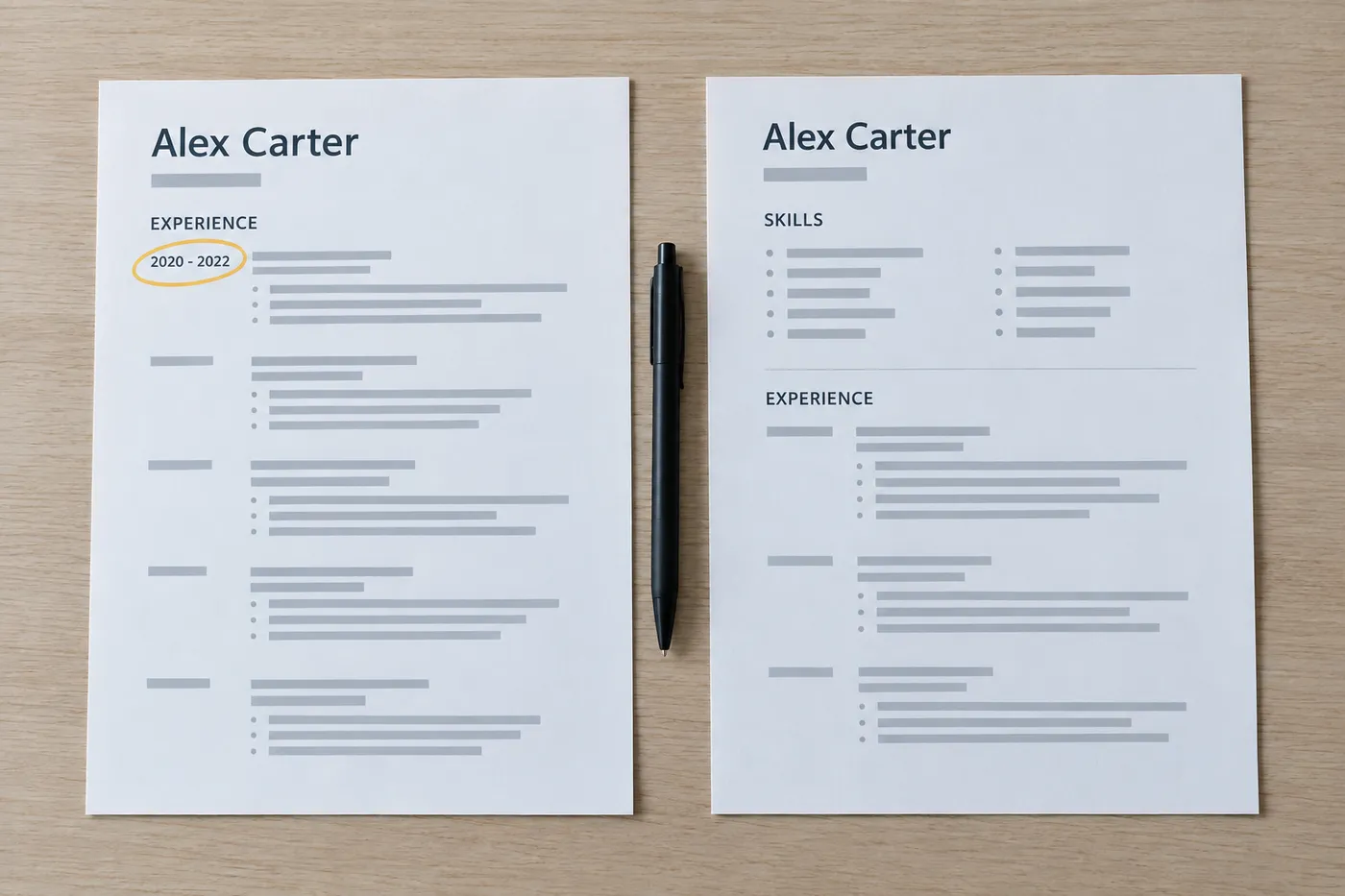
Keep the format and own the gap. A gap hidden by a format switch does more damage than the gap itself, because recruiters have watched candidates reach for the functional resume for exactly this reason for decades; the format has become the tell. Use honest MM/YYYY dates, and if the gap ran long, give it one factual line, such as a dated entry for caregiving or retraining. The explanation, if one is needed, belongs in the cover letter, not in date evasions.
A career pivot
A pure reverse chronological page tells the story of the career you are leaving. Don't abandon the dated history to fix that. Sit a targeted summary and a skills section on top of it instead, so the first screenful argues for the new direction while the timeline below stays complete and verifiable. That is the honest version of the combination format, and it works as long as nothing appears twice. The full playbook is in how to write a career change resume.
Twenty-two years of history
Reverse chronological does not mean exhaustive. Give the last decade full treatment with quantified bullets, then shrink everything older; a line or two per role is enough, or fold the early years into a short Earlier Career entry listing titles and years. Work older than about fifteen years usually earns a mention only when it explains a credential or a notable employer. How far back a resume should go covers the cutoffs case by case.
The anatomy of a clean reverse chronological resume
Put the rules together and the finished page has a predictable shape. Each element below exists because of a specific ordering or parsing rule, not because of taste.
| Where on the page | The rule at work |
|---|---|
| Header with name, phone, email, city and LinkedIn URL | Typed in the document body, never in the file's header band, which many parsers skip. |
| Three-line summary | States your current scope first, so the newest fact on the resume is the first sentence anyone reads. |
| First experience entry | The current role, dated 05/2023 - Present, carrying the most bullets and the strongest numbers. |
| Stacked titles under one employer | The promotion reads as one story of growth instead of two unrelated jobs. |
| Oldest role | Two bullets, not five. Recent work earns the space. |
| Education below experience | Newest credential first, with the degree and graduation year. No high school once you hold a degree. |
| Skills near the end | A plain list using the wording of your target postings, with no graphics or rating bars. |
Converting your current resume: reorder, re-date, merge
Most people don't need a rewrite to get to this format. They need an hour of restructuring. Work through these steps in order.
- Pull every role into a flat list: employer, title, start month, end month. Dig up offer letters or your LinkedIn history if a month is fuzzy, because guessed dates that contradict a background check cost offers.
- Sort the list by start date, newest at the top. Your current role leads the page.
- Stack promotions. Where two titles share an employer, put them under one employer heading, each title with its own date range.
- Rewrite every date as MM/YYYY, with the current role ending in Present, and make every line match its neighbors.
- Merge duplicates. If an achievement appears in a highlights block and again under its role, keep it once, under the role, where the parser can date it.
- Compress roles older than about ten years to a line or two each, or fold them into a short Earlier Career entry listing titles and years.
- Reorder sections so experience sits above education, unless you graduated within the last couple of years.
- Work the target posting's wording into your skills section and recent bullets where it honestly describes what you did. Ordering gets you parsed; keywords get you found.
- Export a text-based PDF and run it through a parse check before you send it anywhere.
For that last step, there are three free checks described in how to test your resume against an ATS. If the parsed output shows your promotion as two employers, or drops a date, fix the source document rather than hoping the next system reads it differently.
Frequently asked questions
- What is the reverse chronological resume format?
It is a resume that lists your work history from the most recent role backward, with the same newest-first ordering applied to education, certifications and every other dated section. It is the default format in US hiring because recruiters can read progression in one pass and applicant tracking systems reconstruct the timeline reliably.
- What are examples of reverse chronological order?
A role held from 2023 to the present comes first, then one from 2019 to 2023, then 2017 to 2019, and so on down the page. The same logic orders degrees, so a 2021 master's sits above a 2016 bachelor's, and certifications, so a 2025 renewal sits above the 2020 original.
- Is a chronological resume the same as a reverse chronological resume?
In practice, yes. When career sites and university career centers say "chronological resume format," they almost always mean newest first. A literal oldest-first resume would bury your current role at the bottom of the page, and nobody recommends that.
- What is the 7 second rule on a resume?
It is shorthand for the widely repeated claim that a recruiter's first pass over a resume lasts only a few seconds. Whatever the true number, the practical lesson holds, and it favors this format. The top third of the page has to carry your current title, employer and strongest result, which is exactly where reverse chronological ordering puts them.
- What is a red flag on a resume?
The common ones are timeline evasions. Year-only dates that could hide short stints, a functional format that lists no dates at all, overlapping roles with no explanation, and titles that won't match what a background check returns. A visible gap with a plain one-line explanation does far less damage than any attempt to disguise it.
- Should I save a reverse chronological resume as PDF or Word?
A text-based PDF. It locks your formatting, and modern parsers read selectable PDF text without trouble. What fails is a scanned page or a flattened image export with no selectable text. Send a Word file only when a specific employer explicitly asks for one, and treat PDF as the default everywhere else.
- Does the reverse chronological format work for freshers?
Yes, with one adjustment. With little work history, education leads the page and the newest-first rule applies within it, followed by internships and projects in the same order. The format is about ordering, not about how much experience you have, so a fresher's resume is still reverse chronological, just led by a different section.



Ready to start your new resume?
Writing a resume takes time, and even a polished one can miss what a hiring manager is looking for. Roleframe helps you build a clear, ATS-safe resume in minutes and tailor it to the job you want.


