How to Cancel Resume Genius: Account Steps and Refund Requests
How to cancel Resume Genius from your account, what to download first, a copyable refund request, and a free way to keep editing your resume as a PDF.


On this page
Resume Genius keeps its cancel control inside your account settings. Per the company's own help center article on cancelling, checked in late September 2026, the route runs from the profile menu to "My Account" and then into your subscription settings, where a cancel button stops the next renewal.
The exact steps are below. Before you click through them, two other jobs deserve ten minutes each. Download every document while your access is guaranteed, and confirm that the charge on your statement belongs to Resume Genius and was billed on the web rather than through an app store. Both change what you do next, and skipping either is how people end up locked out of their own resume or arguing with the wrong company.
The account route to the cancel button
These steps follow Resume Genius's help center article on cancelling a subscription, as it read in late September 2026. Menu labels can shift, so if a name below doesn't match your screen, look for the subscription area of your account settings.
- Log in at resumegenius.com with the email address you signed up with. If the login fails, try any other address the signup receipt might have gone to.
- Click the profile icon.
- Select "My Account."
- Open "My Subscription" at the top of the account window.
- Click the cancel option and follow the prompts. Expect at least one retention screen before the cancellation is final.
- Screenshot the final confirmation screen and keep the confirmation email.
Per Resume Genius's Terms of Use, the cancellation takes effect at the end of your current billing period. There is no cancellation charge, and your access continues until the period runs out, but unused time is generally nonrefundable. Cancelling today stops the next renewal; it does not by itself return money already charged. If a fresh renewal hit your card and you want it back, the refund section below covers that request separately.
Make sure this is the subscription you think it is
Pull up the charge on your card statement and note the exact descriptor, then search your inbox for the matching receipt. Job seekers commonly trial two or three builders in the same month, and the charges look alike on a statement. If your receipt turns out to be from resume.io, this guide won't help you; follow the resume.io cancellation guide instead. If the receipt says CV Genius rather than Resume Genius, cancel through the account on that site, using the same shape of route through its account and subscription settings.
Check the receipt's sender before anything else. A receipt from Apple or from Google means the subscription lives in your phone's app store account and cancels in its subscription settings, and any refund request goes to that store as well, which is where third-party guidance on app purchases points too. A receipt from Resume Genius itself means the web route above is yours.
Download everything before you touch the cancel button
Do this first, while paid access is not in question. Export in this order:
- Every resume as a PDF, including drafts you might want to revive later.
- Every cover letter as a PDF.
- A plain-text copy of your summary and your work-history bullets, pasted into a document you own, so the words themselves are never trapped in a layout.
- The signup receipt and any renewal emails, which you will need if you request a refund.
Treat today as your last reliable export window. Subscription builders commonly keep an account alive after cancellation while gating editing or downloading behind the paid plan, and you don't want to find out which camp you're in the night before an application deadline. Keep the PDF as your master copy. A PDF is also a version you can keep working on after the subscription ends, and editing a PDF resume without breaking the layout is a solved problem.
Started on a trial? Read the terms off your own receipt
Third-party pricing pages, including at least one that ranks for this very search, go stale the day the company changes its checkout. Your receipt and Resume Genius's live terms are the record that governs your charge, so read those instead of a blog post. Three things to pull off the receipt or the checkout confirmation:
- The trial length and its end date, counted from the day you paid. Put that end date in your calendar now, with a reminder two days ahead.
- The plan the trial converts into, and the renewal amount.
- The renewal cadence. A plan billed every four weeks renews on a date that drifts across the calendar, while a monthly plan lands on the same day each month. Your own receipt states which one you bought.
No figure from any article, this one included, should decide when you act. Open Resume Genius's terms on the day you cancel and read the renewal and refund language as it stands that day. That habit costs two minutes and beats every out-of-date pricing roundup on the internet.
If the cancel button isn't where the help article says
One poster in the Reddit thread ranking for this search describes following the official directions to "My Account" and finding no cancel option there, by their own account. Whatever happened on their screen, the fallback is the same for everyone. Resume Genius lists direct support by phone and email on its contact page, plus a live chat available on weekdays. Ask for the cancellation and the written confirmation in a single message so nothing needs a second round.
Copy this, fill in the brackets, and send it to support:
Subject: Cancel my subscription and confirm in writing
Please cancel the subscription on the account registered to [your email], effective now, with no further renewals. The most recent charge was [amount] on [date], appearing on my statement as [statement descriptor]. Please reply with written confirmation of the cancellation and the date my paid access ends.
Send it by email even if you also call, because a phone cancellation leaves you nothing to show a bank later. If you use the live chat, ask for a transcript or screenshot the conversation before closing the window.
Requesting a refund after a renewal you didn't expect
Resume Genius's Terms of Use say the company may provide a full refund when a customer contacts support before the end of the subscription term the terms define. The policy does not promise a refund for every post-trial charge, and unused time after a cancellation is generally nonrefundable, so the variable you control is speed. Send the request the day you notice the charge, and check the live terms that same day so you know the window you're inside.
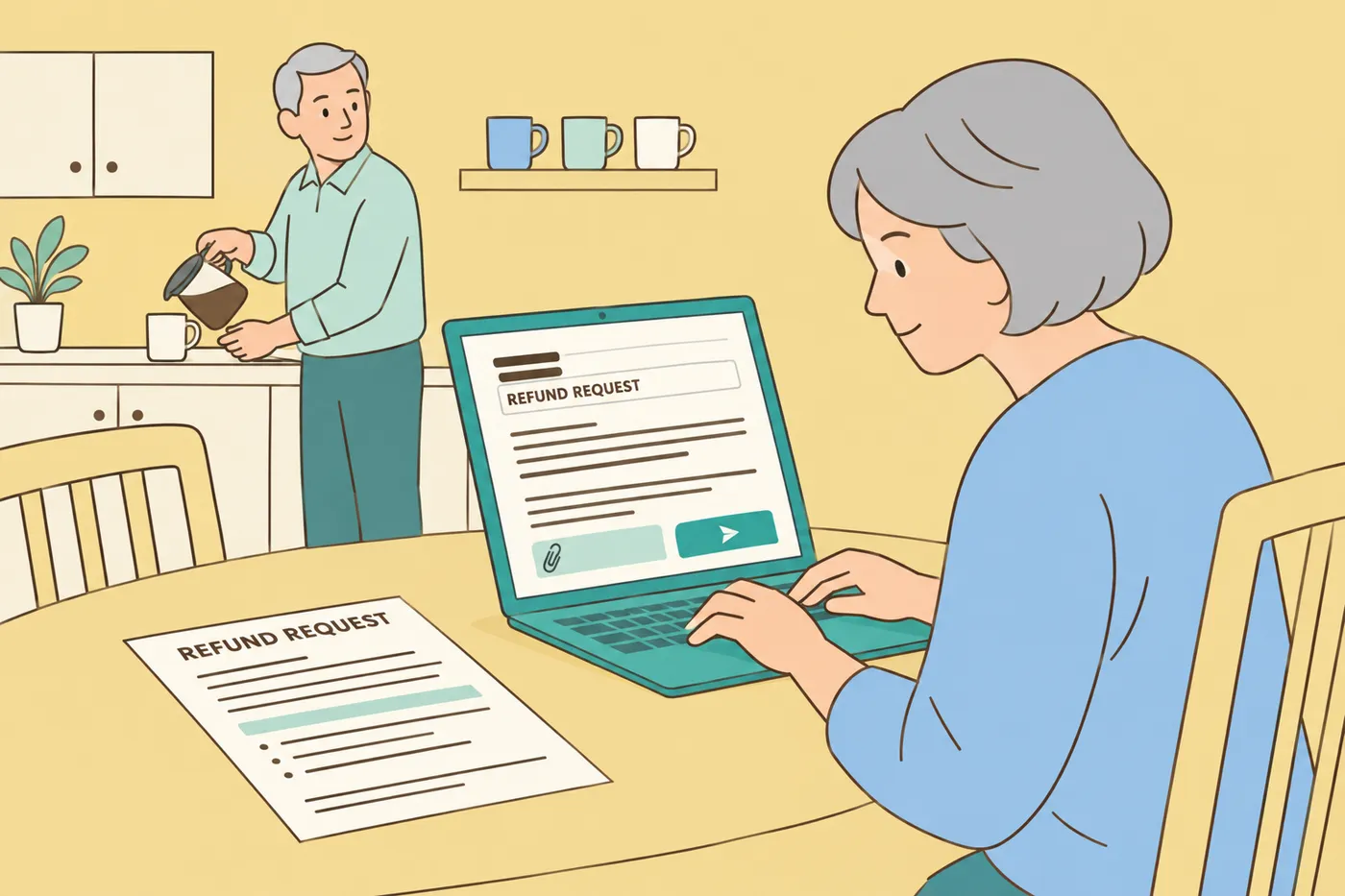
Subject: Refund request for the charge on [date]
My card was charged [amount] on [date] for a renewal I did not intend. I am requesting a refund of that charge and cancellation of the subscription. Please reply with written confirmation of both. The account is registered to [your email].
A card dispute, the chargeback, is reasonable in two situations. You cancelled, you hold a confirmation dated before the charge, and you were billed anyway. Or you asked support for a refund in writing and heard nothing after a documented follow-up. Open the dispute with your bank and attach the confirmation and the email thread. Don't lead with a dispute, though; a dated, polite request to support usually resolves faster, and merchants typically close the account of a customer who charges back.
What Reddit and Trustpilot posters actually report
The threads and review pages ranking for this search carry a consistent pair of complaints. Posters describe trials converting into renewals they didn't expect, and cancel controls they couldn't find when they went looking. A smaller number report charges arriving after they believed they had cancelled. These are individual accounts of individual experiences, reported by the posters themselves, and consumer-review aggregators present them the same way; none of it establishes a fact about how Resume Genius treats every customer. Read them as a reason to keep records at every step, which is what this guide has you doing.
The habit that prevents the surprise with any builder takes one minute at checkout. Open the receipt the moment it arrives, find the renewal date and the renewal amount, and put the date in your calendar with a two-day head start. Every unexpected-renewal story starts with a receipt nobody read.
After you cancel
- Keep the confirmation email and your screenshot somewhere you'll find them in two months, since that is when a billing error would surface.
- Note the date your current billing period ends and check the next card statement that covers it. A clean statement closes the loop.
- If you're done with the account, ask for deletion. Look for a delete option in account settings or send a written request to support, and if you live in a region with data-deletion rights, say so in the message.
Keep working on the resume for free
Cancelling the subscription shouldn't cost you the resume. The PDF you downloaded imports straight into Roleframe, where it comes back as editable blocks with your roles and dates in the right places, so nothing gets retyped. The editor is a real document editor with drag-and-drop layout control, and the PDF it exports matches the screen exactly, with no watermark and no trial clock. The editor itself needs no account; a free account, with no card required, covers the import and keeps the draft available on any device. When your next application comes up, Roleframe can also score that resume against the job posting and list the exact keywords you're missing, which is work a static builder never did for you.
If you'd rather compare tools before committing to anything, the Resume Genius alternative guide walks through the options builder by builder, and the short answer to whether a genuinely free one exists is yes, with caveats worth knowing.
Frequently asked questions
- How do I cancel my Resume Genius subscription?
Log in, click the profile icon, select "My Account," open the subscription section, and click the cancel option, per Resume Genius's help center as of late September 2026. Under the Terms of Use the cancellation takes effect at the end of your current billing period, so you keep access until then. Save the confirmation email and a screenshot of the final screen.
- How can I get a refund for Resume Genius?
Email support the day you notice the charge, naming the date and amount and asking for a refund plus written confirmation. The company's terms say a full refund may be provided when you contact support before the end of the subscription term the terms define, so acting fast is the single biggest lever you have. If you cancelled before the charge and hold dated proof, a card dispute through your bank is a reasonable backstop.
- How do I cancel a CV Genius subscription?
Start from your receipt. If the billing name is CV Genius, log in to your account on that site and follow the same shape of route through account and subscription settings, or reply to the receipt email asking for cancellation with written confirmation. Match the descriptor on your card statement to the receipt before you send anything, so you're cancelling the subscription that is actually charging you.
- Is Resume Genius a legit company?
It is an established resume builder with a real product, and cancelling it is routine. The complaints in the Reddit threads and Trustpilot reviews around this search are about billing friction, mainly trial renewals and trouble finding the cancel control, and they are reported by the posters as their own experiences rather than verified facts. That pattern shows up across subscription builders. Reading your receipt at checkout and putting the renewal date in your calendar avoids most of it.
- Can I cancel Resume Genius by email or phone?
Yes. Resume Genius's contact page lists phone and email support plus a live chat on weekdays, and cancellation is a request they handle through those channels. Put the cancellation and the request for written confirmation in the same message, and keep the reply. If you cancel by phone, follow up with an email so a record exists.
- Will I lose my resumes after cancelling?
Your access runs to the end of the paid period, so download every resume and cover letter as a PDF before you cancel rather than testing what the free tier allows afterward. A downloaded PDF is portable; you can re-import it into a free editor and keep it alive indefinitely. Keep a plain-text copy of your bullets too, so the words are never tied to any one tool.

Ready to start your new resume?
Writing a resume takes time, and even a polished one can miss what a hiring manager is looking for. Roleframe helps you build a clear, ATS-safe resume in minutes and tailor it to the job you want.


