Edit a PDF Resume Online for Free: Rebuild and Check It
Update a PDF resume with text edits or rebuild it in a free resume editor. Compare the methods, handle scans, and check the exported file.

On this page
If you still have the editable source of your resume, update that file and export a new PDF. If you only have the PDF, choose between editing its text directly and reconstructing it in a document editor.
This guide focuses on a free online route: rebuild the content in a resume editor and download a fresh PDF. It also explains PDF text editing, Google Docs, and Word conversion so you can choose the right method for the change.
The truth about "free" PDF resume editors
A PDF describes a page layout rather than a word processor’s flowing document. Editing support depends on how the file was created, the available fonts, and the editor. A small correction may work well in a PDF editor; extensive rewriting is often easier in an editable source document.
Annotation and text editing are different
An annotation tool can add comments or text boxes without replacing the original text. Covering an old line with a white rectangle and adding a new line may leave the old text underneath. Use a true text-editing function or rebuild the document, then copy the finished PDF’s text to check for duplicates.
Real PDF text editors, and their limits
Direct PDF editors can make substantial changes, but results depend on the file and product. For a phone number correction, try a small edit and inspect the font and spacing. For a new role, reordered sections, or longer bullets, compare that effort with rebuilding the resume in a document editor.
Check the free tier before editing
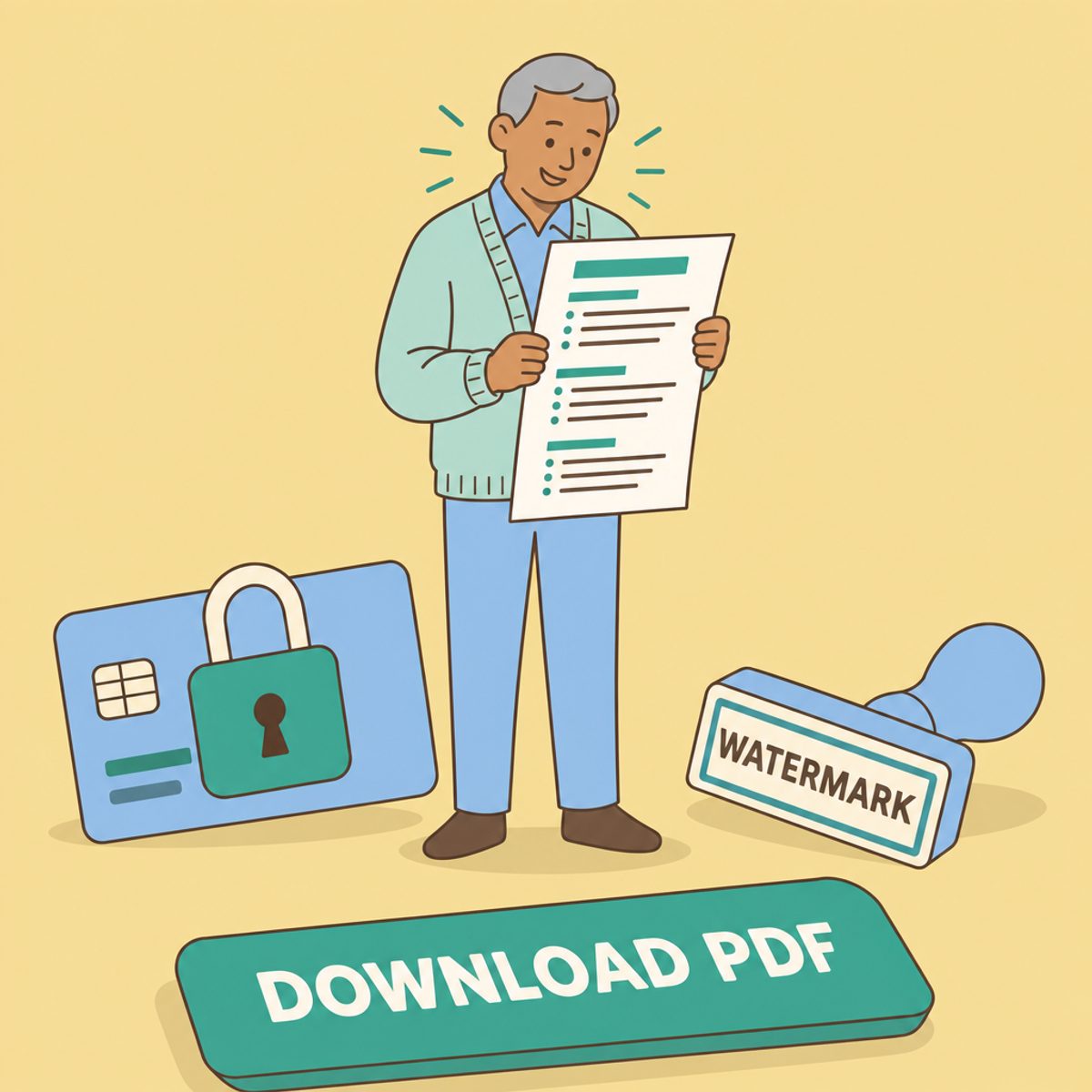
Check the tool’s export conditions using a short sample. Possible restrictions include:
- A watermark on free exports
- A trial that requires a card and later renews
- An account required to download
- Daily task or file-size limits
- Export formats or quality levels reserved for paid plans
Download the sample before investing time. If the conditions do not suit you, choose another workflow. Our guide to an actually free resume builder explains the distinction between free editing, free export, and account features.
Three ways to recover an editable resume
The options below have different requirements. Google Docs uses a Google account; desktop Word may require a paid license. Roleframe’s manual free editor and PDF download do not require an account. None of these workflows removes the need to compare the reconstructed content with the source.
Option 1: paste into Google Docs
If your PDF has selectable text, copy it into Google Docs and rebuild the headings, dates, and bullets. Check the reading order before formatting: a two-column PDF can paste in an unexpected sequence. This route is useful when you want to rewrite the document and can recreate its layout manually. Download the result as a PDF and inspect it.
Option 2: convert to Word, then edit
Microsoft explains that Word can open a PDF and convert a copy into an editable document. It works best with mostly text; page breaks and other formatting can change. The original PDF remains unchanged. Use this option if you already have a suitable Word license, then compare the converted document carefully before exporting.
Option 3: import into a resume editor
Roleframe supports PDF import into editable resume content. Start from the free resume editor, inspect the imported content, and correct omissions or misplaced fields before rewriting it. You can also rebuild manually from copied text.
Manual editing and PDF download are free. Account-based AI and document limits follow the selected plan; an import is not proof that all details were extracted correctly or that an employer will accept the resume.
- Keep an untouched copy of your most recent PDF.
- Import it or copy its text into the editor, then compare names, dates, employers, skills, and links with the original.
- Rewrite the relevant bullets, add your latest role, and remove outdated material.
- Reorder sections to fit the target role and check page breaks.
- Download a new PDF and inspect both its appearance and selectable text.
Using a document-grade editor in your browser
Choose an editor that makes repeated updates manageable. Try adding a longer bullet, moving a section, and changing spacing. Those actions reveal more about the workflow than a blank template. Keep an editable copy as well as the PDF you submit, so the next application does not require reconstructing the same file.
Check text extraction after the edit
If text cannot be selected, the PDF may be scanned or have another extraction problem. Optical character recognition (OCR) can recover text from scans; for example, Adobe documents OCR when editing scanned PDFs in Acrobat. This is a recovery option, not a claim that Acrobat’s editing tools are free. Proofread OCR output, especially names, dates, and technical terms.
After editing, copy the PDF text into a plain-text editor to spot missing or duplicated content. That check is useful but does not reproduce every ATS parser. Review any application fields populated from your upload too.
Downloading your updated PDF without a paywall
Review the download screen and the actual file. A service can legitimately charge for features; the practical question is whether its free output meets your needs. Decide before entering the full resume.
| The catch | How it shows up | What to do |
|---|---|---|
| Watermark | Branding appears in the downloaded file | Choose an acceptable free export or review the paid terms |
| Card-based trial | Payment details are requested | Read renewal and cancellation terms before agreeing |
| Account required | Download requires registration | Decide whether you want an account before rebuilding |
| Usage limits | Task count or file-size restrictions | Check whether the allowance fits this update |
| Limited export | Only some formats or quality levels are free | Inspect a sample and confirm the employer accepts it |
Use a clear filename such as Alex-Morgan-Resume.pdf. Open the file in a second viewer, inspect every page, test links, and look for clipped lines or unexpected blank pages. Follow the employer’s requested format if it differs from PDF.
Frequently asked questions
- How do I edit an existing PDF resume?
If the editable source is available, update it and export again. Otherwise, use a PDF text editor or reconstruct the content in a resume editor. Choose based on the extent of the changes and inspect the resulting file.
- Is there a 100% free PDF editor?
Free tools have different export and usage conditions. This guide’s free route is to rebuild the resume in Roleframe’s manual editor and download a PDF. It does not claim that every direct PDF-editing or conversion tool is free.
- Can I edit an already-made PDF if I lost the original file?
Yes, you can often recover the content. Selectable text can be copied or imported. Scans may need OCR or manual transcription; proofread the recovered text before rebuilding the layout.
- Where can I edit my PDF resume for free online?
You can import or manually rebuild the content in Roleframe’s free resume editor, or copy selectable text into Google Docs with a Google account. Check the exported PDF before submitting it.
- Why does my edited text show up in a different font?
The editor may substitute a font it cannot access or reproduce, or the PDF may store text in a way that is difficult to edit. Check font choices and spacing, or rebuild the text in a document editor for consistent formatting.
- Should I submit my resume as a PDF or a Word document?
Use the employer’s requested format. When PDF is accepted, inspect the downloaded layout and selectable text. When DOCX is requested, export that format using a tool that supports it and check the result.
- Will editing my PDF break ATS parsing?
The editing method can affect text extraction: overlays, duplicated text, scans, and complex layouts can introduce problems. Check copied text and the fields populated by the application portal; neither check guarantees every system will parse identically.
Ready to start your new resume?
Writing a resume takes time, and even a polished one can miss what a hiring manager is looking for. Roleframe helps you build a clear, ATS-safe resume in minutes and tailor it to the job you want.


