
How to List Technical Skills on Your Resume
A strong technical skills section is not a toolbox dump. It is a map that helps recruiters and AI resume parsers understand your role fit in seconds.
The best skills sections are categorized, consistent with the job description, and backed by proof in Experience or Projects. If you list a skill, you should be able to explain how you used it and what changed because of it.
This guide covers a modern recruiter taxonomy, examples for junior to staff levels, ATS optimization, and formatting patterns that parse cleanly.
Rule of thumb: list 10 to 18 high-signal skills in categories, then prove the most important ones in bullet points.
The Skills Taxonomy (5 Clusters Recruiters Actually Scan)
Recruiters do not scan skills randomly. They look for clusters that answer five questions: What do you build with? How do you ship? How do you design systems? How do you operate at scale? How do you maintain quality and security?
Use these five clusters across most engineering roles. Tailor the contents to the job posting and your real experience.
- Core Languages and Frameworks (bread and butter): Shows your primary execution stack and how you build product surfaces. Recruiters often filter by language and framework because it correlates with onboarding speed.
- Tools and DevOps (efficiency stack): Shows how you ship reliably. Signals include build tooling, CI, containers, and deployment workflows. This cluster matters because strong engineers reduce delivery friction and prevent regressions.
- Architecture and Design Patterns (seniority indicators): Shows how you think. Patterns like modularization, state machines, domain boundaries, caching, and event-driven design signal systems thinking and long-term maintainability.
- Data and Cloud Infrastructure (scale markers): Shows your ability to operate across data stores, performance constraints, and production environments. Recruiters look for cloud primitives, data modeling, and reliability patterns.
- Testing and Security (quality markers): Shows how you prevent failures and protect users. Testing strategy and secure defaults signal production readiness and maturity.
If you want to look senior, do not only list tools. Include architecture patterns and quality signals that explain how you ship safely.
Example Technical Skills Categories (Copy and Adapt)
These examples are intentionally broad. Replace items with what the job description asks for and what you can prove.
Keep each category short. The goal is scan speed and relevance, not completeness.
- Languages: TypeScript, JavaScript, Python, Go
- Frameworks: React, Next.js, Vue, Angular
- API and Data: REST, GraphQL, TanStack Query, SQL, Postgres
- Tooling: Git, Vite/Webpack, Turborepo, ESLint, Prettier
- Testing: Vitest/Jest, React Testing Library, Playwright
- Cloud: AWS (S3, Lambda), GCP, Azure
- DevOps: Docker, CI (GitHub Actions), IaC (Terraform)
- Observability: Sentry, OpenTelemetry basics
Hierarchical Skill Listing by Career Stage
Your skills section should match your seniority. Juniors signal foundations and projects. Mid-level engineers signal stack ownership and integration. Seniors and staff signal architecture, governance, and measurable system outcomes.
Use the examples below as templates. Keep the wording concrete and avoid subjective labels like advanced or expert unless you back them up with evidence.
Entry-Level Example (Foundations plus Projects)
Entry-level skills should show fundamentals, one primary framework, and concrete project work. Prioritize what you used in coursework, internships, or portfolio projects.
- Languages: JavaScript, TypeScript (basic), Python
- Frontend: React, HTML5, CSS3
- Data: REST APIs, SQL (Postgres fundamentals)
- Tools: Git, Vite, npm
- Testing: Jest basics
- Projects: Built a Next.js portfolio with server rendering and accessible components
Entry-level tip: attach skills to a project. The project line is your proof.
Mid-Level Example (Stack Proficiency plus Integration)
Mid-level skills should show you can ship production features, integrate systems, and maintain quality. Group by stack and include one or two integration or delivery tools that demonstrate real-world engineering.
- Core: TypeScript, React, Next.js App Router
- State and Data: TanStack Query, GraphQL (Apollo or urql), caching and pagination
- Styling: Tailwind CSS, CSS Modules
- Testing: React Testing Library, Playwright
- Tooling: Vite/Webpack, CI (GitHub Actions)
- Cloud: AWS (S3, CloudFront)
Mid-level tip: show integration maturity. Mention retries, error typing, observability hooks, and performance budgets when you can prove them.
Senior and Staff Example (Governance plus System Design)
Senior and staff skills should be framework-aware but not framework-limited. Recruiters look for architecture indicators, platform leverage, and quality systems: design system governance, monorepo boundaries, contract-driven APIs, performance and observability.
Do not list every tool. List the systems you can design, scale, and operate.
- Architecture: monorepo boundaries, micro-frontends (Module Federation), state machines, caching strategies, API contracts
- Modern Web: React Server Components, streaming SSR, Edge functions, performance budgets
- Platform and DX: design system governance, shared tooling, codemods, review and release standards
- Quality: E2E strategy (Playwright), visual regression, frontend observability (Sentry), incident triage workflows
- Infra: Docker, IaC basics (Terraform), CI optimization and build caching
Senior tip: list skills that imply decision-making, not just implementation.
The Skills vs Achievements Rule
ATS can match keywords in a skills list, but hiring managers trust proof. The best resumes place a skill in the Skills section once, then prove it in a bullet point with scope and outcome.
Use the before and after examples below to turn keywords into evidence.
Before and After (3 Examples)
- Before: React. After: Architected a modular React component library with shared tokens and accessibility primitives, adopted by 40+ developers and reducing duplicated UI code across teams.
- Before: TypeScript. After: Reduced runtime UI errors by introducing strict TypeScript boundaries, typed API clients, and safer data validation at the edges of critical flows.
- Before: AWS. After: Improved asset delivery latency by moving images to a CDN-backed S3 pipeline, tightening cache headers, and validating real-user performance improvements in Core Web Vitals dashboards.
If you cannot write one proof bullet for a skill, it probably does not belong in your skills list.
ATS Optimization Strategy (How AI Parsers Interpret Skills)
Modern ATS platforms store your resume as structured data and allow recruiters to search resumes by keywords. In practice, keyword presence still matters because recruiters use search and filters to find candidates.
AI resume parsers use patterns and context to extract a skills section, but they still rely heavily on exact terms, where they appear, and how often they show up. Keyword frequency can help, but contextual relevance is what prevents your resume from reading like keyword stuffing.
A simple strategy works well: mirror the job description language in your Skills section, then reinforce the most important keywords in Experience bullets where you can prove them.
- Keyword presence: Include the exact tool or framework name if it is required and you have used it.
- Keyword frequency: Mention the most important skills more than once across Skills and Experience, but do not repeat them in every bullet.
- Contextual relevance: Place skills near related evidence. Example: mention Playwright in Skills and also in a testing bullet for a real flow.
- Section clarity: Use a clear Skills heading and simple formatting so the parser extracts skills accurately.
- Consistency: Use one spelling. Example: TypeScript, not Type Script. React Testing Library, not RTL only.
ATS finds you by keywords. Humans decide by proof. Optimize for both.
Top 15 Universal Technical Skills (Useful Across Most Software Roles)
These skills show up across many software roles in 2026. Do not list all 15 if they are not relevant. Pick the ones that match your role and the job description.
- TypeScript or JavaScript
- Python or another backend language
- Git
- CI basics (GitHub Actions or similar)
- REST APIs
- SQL
- React or another modern UI framework
- Testing (unit and E2E)
- Docker
- Cloud fundamentals (AWS, GCP, or Azure)
- Caching basics
- Observability basics (logging, error tracking)
- Security basics (auth flows, least privilege)
- Performance basics (Core Web Vitals awareness)
- System design fundamentals
Formatting Best Practices (3 Layout Options)
The best layout is the one that is readable and parses cleanly. Avoid tables and complex multi-column structures inside the skills section if you are applying through strict ATS portals.
Choose one of these three layouts based on space and seniority.
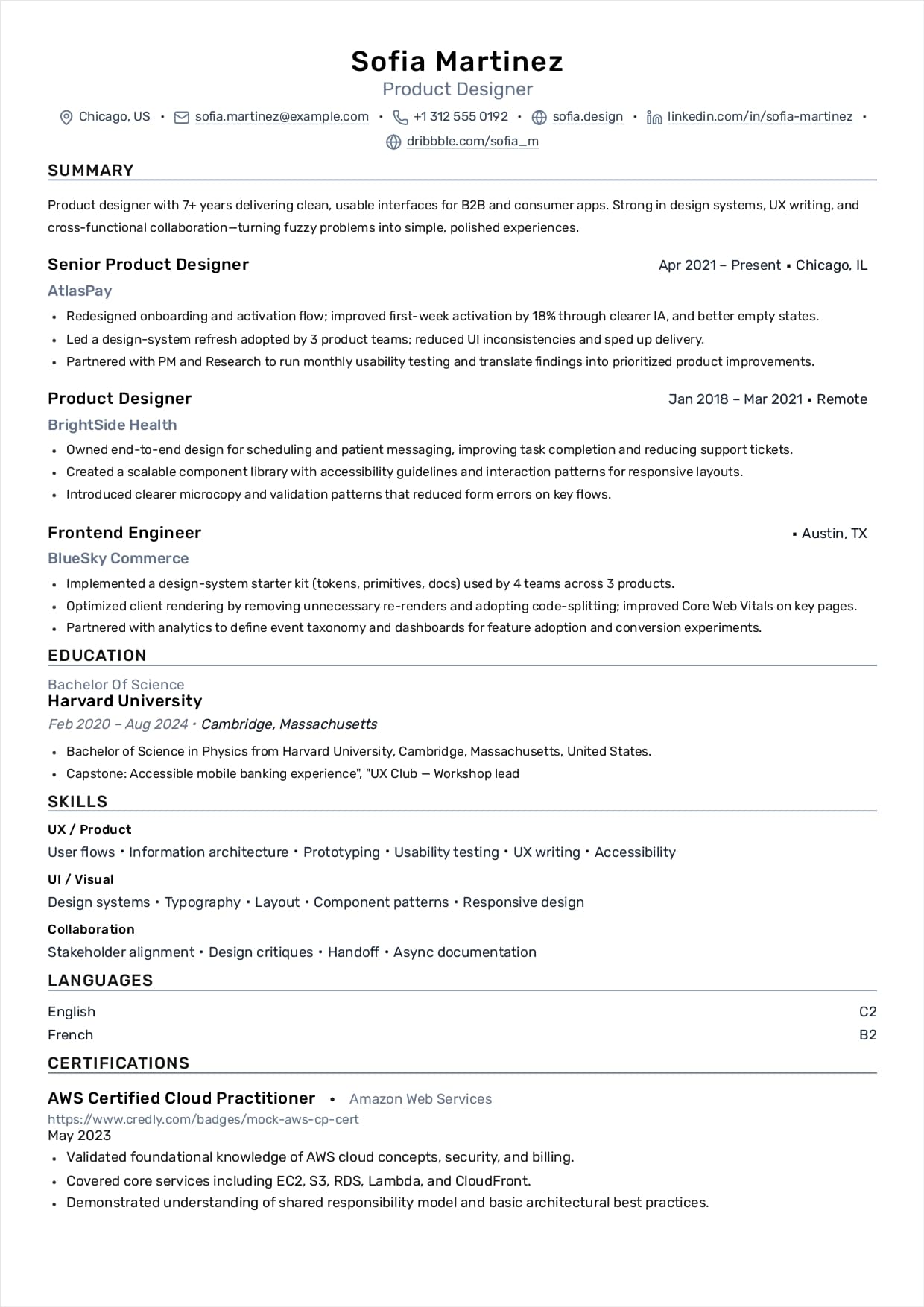
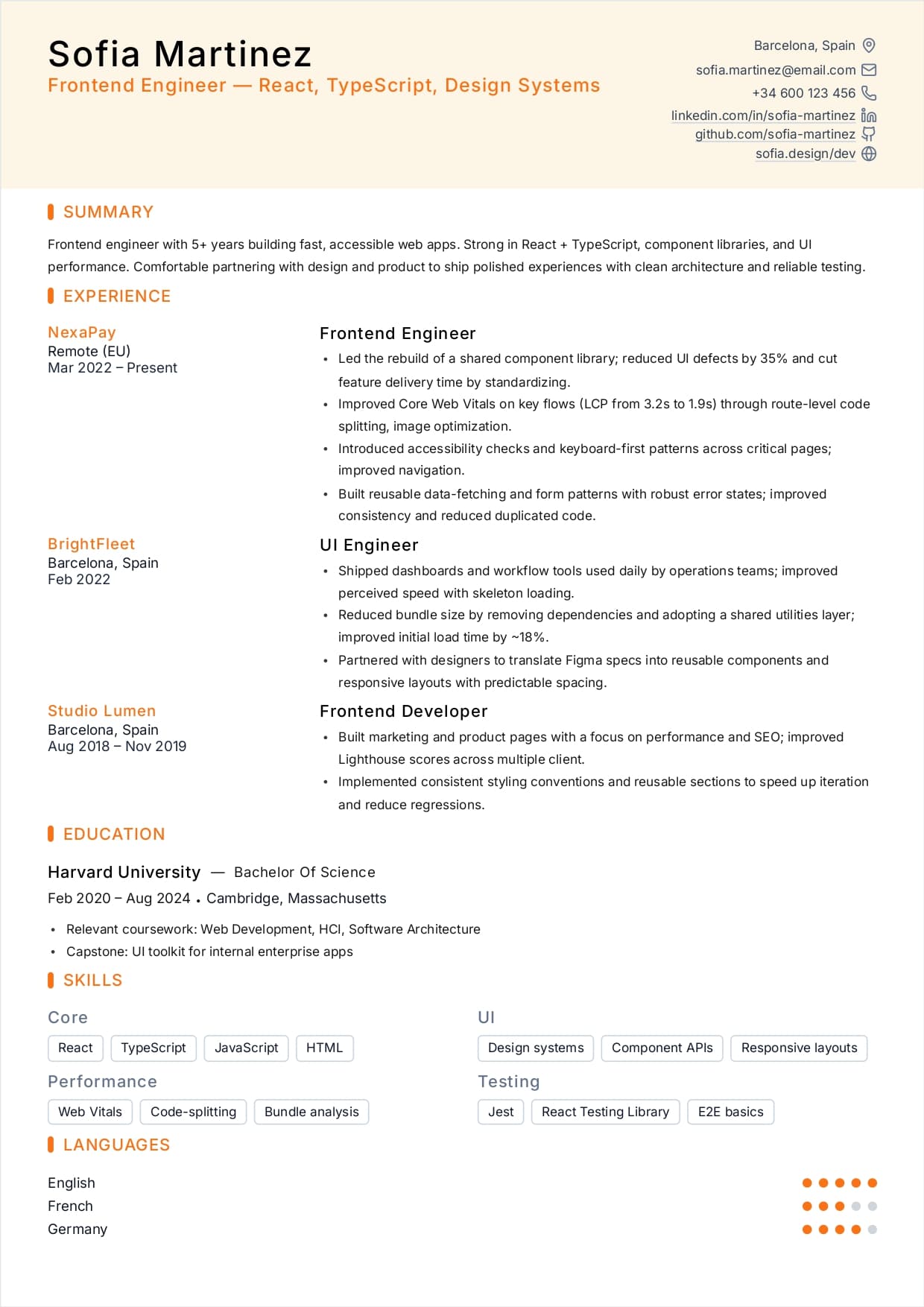
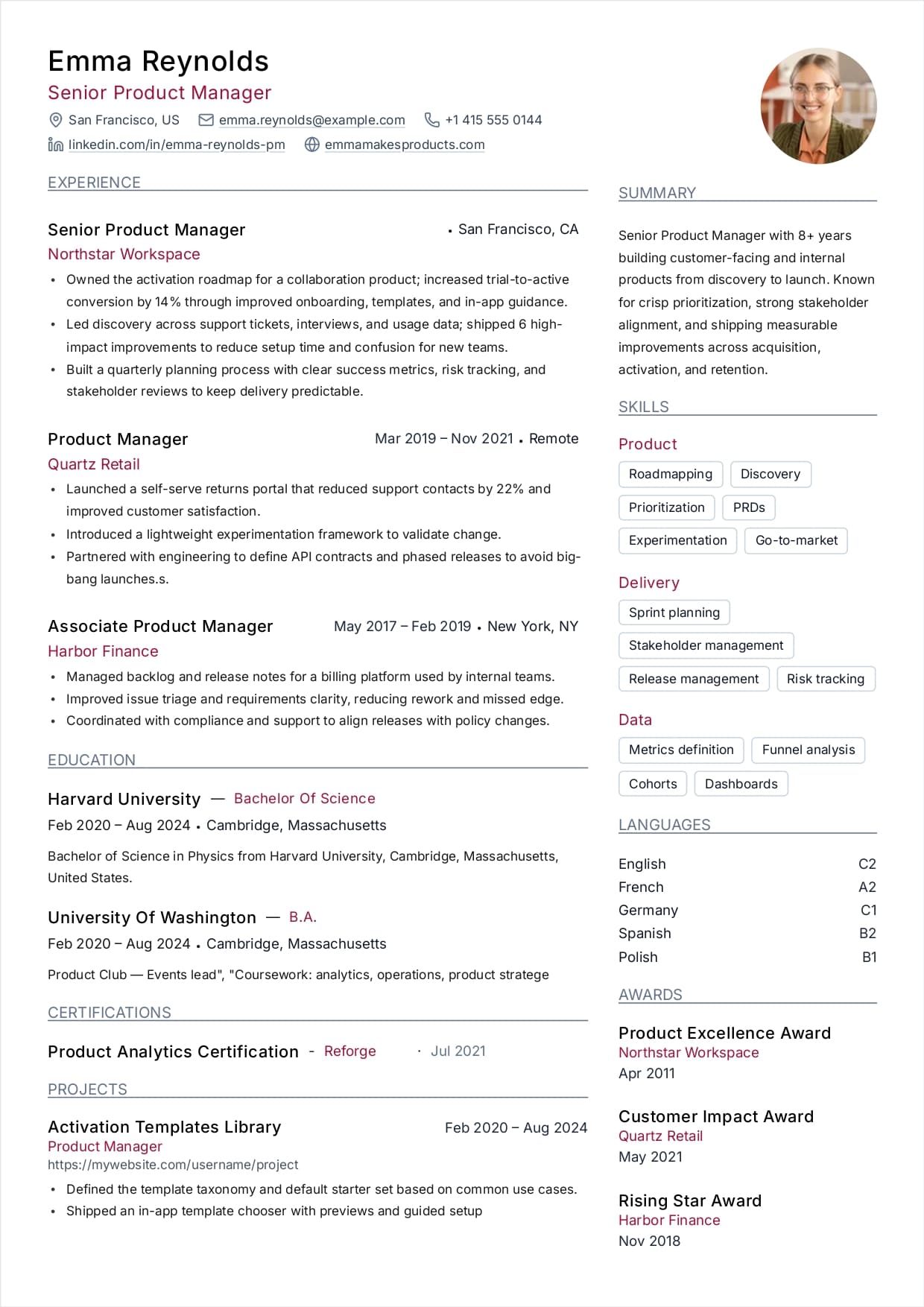
- Cloud or Tag layout (space-saving): Short grouped tags per line. Example: Languages: TypeScript, Python. Frontend: React, Next.js. Testing: Playwright, Vitest.
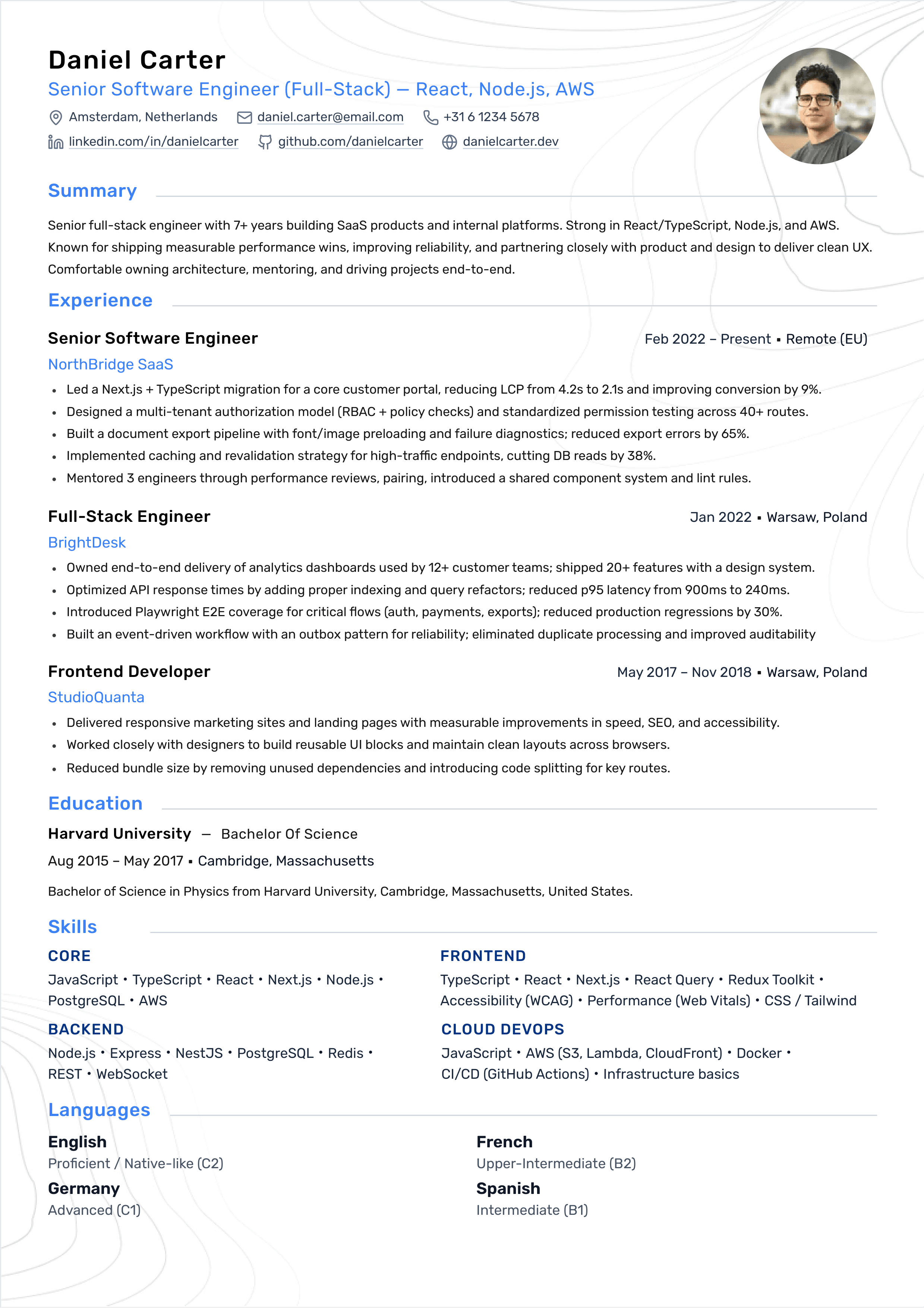
- Categorized list (most readable): 5 to 8 categories with 3 to 6 skills each. This is the safest format for ATS parsing.
- Proficiency matrix (specialists only): Use sparingly. If used, keep it textual and avoid star bars. Example: React (advanced), TypeScript (advanced), WebAssembly (intermediate).
Avoid graphical skill bars. They are hard to parse and rarely improve hiring outcomes.
Final Checklist
Use this checklist before you submit your resume.
- Skills are grouped into 5 logical clusters
- Skills match the job description wording
- Skills list is short (10 to 18) and high signal
- At least 2 to 4 bullets prove the most important skills
- Formatting is plain text and ATS-friendly