
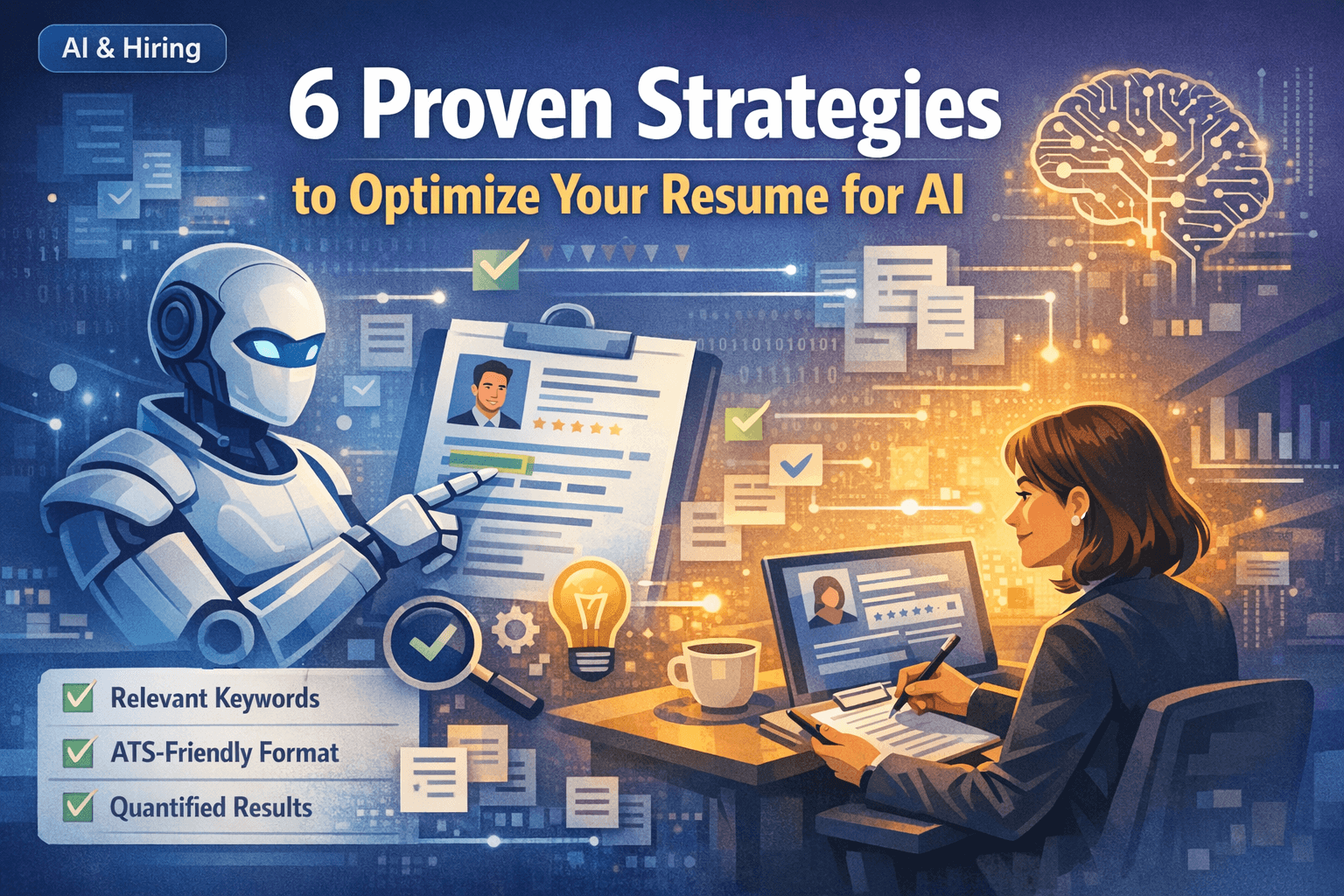

How AI Has Changed the Hiring Process
AI-driven hiring tools can analyze resumes for structure, relevance, and skills. In many pipelines, this happens before a recruiter opens your file.
Applicant Tracking Systems (ATS) are widely used as resume databases. Jobscan has reported detecting an ATS on 97.8% of Fortune 500 career sites, which means parsing and search visibility often come first.
Recruiters frequently rely on keyword search and filters. LinkedIn Recruiter documentation describes the Keywords filter and Boolean search, which reflects how many teams search for titles, skills, and terms.
The goal is not to game a robot. The goal is clarity. Your resume should be easy to parse, easy to search, and easy to trust when a human reads it.
The strategies below help you do that. They work for both ATS parsing and AI-style summarization because they focus on evidence, not buzzwords.
ATS vs. AI Resume Scanners: What’s the Difference?
ATS systems and AI resume scanners play different roles but frequently work together.
Understanding the distinction helps you optimize for both systems without sacrificing readability.
- ATS: stores resumes as records and extracts fields like job titles, companies, dates, and skills.
- ATS: enables recruiter search and filters, often driven by keyword queries.
- AI scanners: summarize experience, infer related skills, and assess relevance to a job description.
- AI scanners: can flag unclear phrasing, missing context, or weak evidence in bullets.
- Humans: still decide who moves forward. Tools mainly control what gets seen and how fast it is understood.
If your resume is not searchable and parsable, it may never reach a human. If it is not clear and evidence-based, it may not pass human review.
The 6 Strategies in One Line Each
These strategies improve parsing, keyword visibility, and credibility. They also reduce the risk of sounding generic when you use AI to help tailor content.
- Use an ATS-safe structure that parses cleanly
- Mirror job keywords, then prove them with one strong bullet each
- Write evidence-based bullets using action, scope, and outcome
- Make skills scannable by grouping them the way recruiters search
- Tailor by swapping a few high-signal bullets instead of rewriting everything
- Use AI as an editor, not as a ghostwriter
If you implement only two things, do these first: clean structure and proof bullets that match the job description language.
Strategy 1: Use a Structure That AI and ATS Can Parse
Most scanning failures come from layout, not from your experience. Complex templates can scramble reading order or hide contact info.
A simple one-column layout with standard headings is still the safest choice for parsing and for fast recruiter scanning.
If you want a more designed look, test the exported file by copying the text into a plain text editor. If the reading order is wrong there, it may be wrong in an ATS too.
- Use standard headings: Summary, Experience, Projects, Skills, Education
- Keep contact info in the document body, not headers or footers
- Avoid tables, text boxes, and icons as labels
- Use consistent dates (for example, Apr 2024 or 2024-04)
- Keep bullets to 1–2 lines when possible
Strategy 2: Mirror Keywords the Way Recruiters Search
Many recruiting workflows use keyword search and filters. If your resume does not include the same terms as the job description, you can miss searches even when you are qualified.
Keyword matching works best when it is backed by proof. Put the keyword in Skills, then show it in one real bullet under Experience or Projects.
Avoid stuffing. Repeating a keyword everywhere looks suspicious and does not add evidence.
- Copy 10–15 keywords from the job description (titles, tools, responsibilities)
- Add the real ones to Skills using the exact wording
- Add 2–4 of the most important keywords into bullets where you actually used them
- Use the target job title once in your Summary when it is accurate
- Do not repeat the same keyword in every bullet. One proof bullet is enough
Example: if the posting says 'React Testing Library', do not write only 'unit tests'. Use the exact phrase if it is true.
Strategy 3: Write Bullets That Contain Evidence
AI summaries and recruiter skims both rely on the same thing: clear evidence. Vague bullets like 'worked on features' do not help.
A strong bullet includes action, scope, and outcome. Harvard career guidance recommends starting bullets with action verbs and including details that show accomplishments.
If you do not have metrics, use concrete outcomes such as fewer bugs, faster delivery, reduced manual work, improved UX, or better reliability.
- Template: Action + scope + tech + outcome
- Weak: Built UI components in React
- Strong: Built a reusable form system in React + TypeScript with validation and error states, reducing duplication and speeding up new page delivery
- Weak: Improved performance
- Strong: Optimized images and reduced unnecessary re-renders, making key pages feel faster and improving Core Web Vitals
Strategy 4: Group Skills the Way Recruiters Think
A long unstructured skills list is hard to scan. Grouping skills improves readability and makes keyword search more effective.
Use categories that match your role. For example, frontend resumes often group by languages, frameworks, styling, testing, accessibility, and performance.
- Languages: JavaScript, TypeScript, HTML, CSS
- Frameworks: React, Next.js
- Testing: Jest/Vitest, React Testing Library, Cypress/Playwright
- Accessibility: semantic HTML, keyboard navigation, ARIA basics
- Performance: Core Web Vitals, image optimization, code splitting
- Tooling: Git, CI basics, Vercel/Netlify
Keep Skills short. Prove the most important terms in one project or experience bullet.
Strategy 5: Tailor With Small, High-Signal Changes
Tailoring works, but rewriting your whole resume for every role is slow and often makes the document worse.
A faster approach is to keep one baseline resume and create role-specific variants by adjusting only the highest-signal parts.
This also plays well with AI tools. You can ask an assistant to suggest which bullets to swap, then you edit for accuracy and voice.
- Update the target job title in your summary when accurate
- Move the most relevant project or role higher
- Swap 3–6 bullets to match the job keywords and responsibilities
- Keep formatting stable so exports remain ATS-safe
- Use a consistent file naming system so you upload the right version
A few targeted bullet changes often improves keyword match more than rewriting the whole resume.
Strategy 6: Use AI as an Editor, Not a Ghostwriter
AI can help you tailor faster, but it can also produce generic language that recruiters recognize instantly.
Use AI for analysis and editing: extract keywords, point out missing evidence, suggest clearer wording, and check consistency.
Keep your voice. Use the same verbs you would use in real conversation. Do not add claims you cannot defend in an interview.
- Good uses: keyword extraction, bullet tightening, clarity edits, formatting checks
- Risky uses: fully generated experience, inflated metrics, buzzword-heavy summaries
- Best practice: draft yourself, then ask AI to improve clarity without changing meaning
If you cannot explain a bullet in 30 seconds, rewrite it. That rule prevents most AI-generated fluff.
How to Test Your Resume for AI and ATS
You do not need a special tool to catch most parsing problems. A few quick tests reveal whether your resume is likely to be readable.
These checks take five minutes and prevent the most common failures.
- Plain-text paste test: copy text from your exported file and paste into a plain text editor
- PDF selection test: confirm you can select text, not just an image
- Portal preview test: if the application portal shows a preview, verify headings, dates, and order
- Link check: ensure LinkedIn and GitHub appear as plain text URLs
- Keyword check: confirm your top 5 role keywords appear in Skills and in proof bullets
Quick Checklist Before You Submit
Use this checklist before every application. It catches the mistakes that hide resumes from search and parsing.
- Standard headings and one-column structure
- Contact info in the body with text labels
- Skills contain the exact keywords from the posting that you truly used
- At least 2–4 bullets contain proof for the most important keywords
- Projects include links when possible
- Plain-text paste test passes with correct reading order
- File name is clear and role-specific
FAQ: Optimizing for AI Resume Scanners
Quick answers to common questions about AI resume scanning and ATS systems.
- Will AI reject my resume automatically? Tools often filter by requirements, parse content into fields, and help recruiters search. A human still decides who moves forward.
- Should I add keywords everywhere? No. Put them in Skills and prove them in one bullet. Avoid repetition.
- Do I need a fancy template? No. Clarity and evidence matter more than design. Fancy layouts can increase parsing risk.
- Can AI detect AI-written resumes? Some recruiters notice generic phrasing. The safest approach is to keep your voice and only use AI to tighten and clarify.
- What is the fastest improvement? Rewrite your top 3 bullets to include action, scope, and outcome.